Account Security
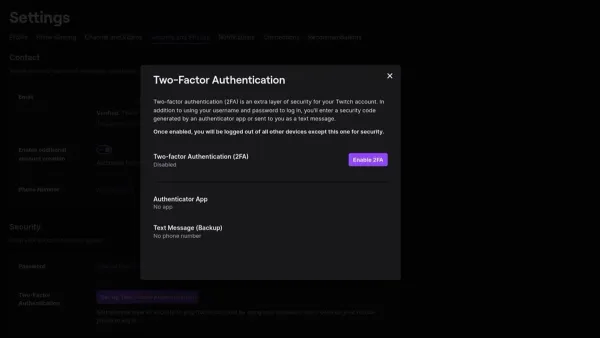
How to Turn On Two-Factor Authentication on Twitch: A Clear Step-by-Step Guide
Learn how to turn on two-factor authentication on Twitch to add an extra layer of security and protect your account from unauthorized access.

Account Security
Learn how to turn on two-factor authentication on Twitch to add an extra layer of security and protect your account from unauthorized access.
Account Security
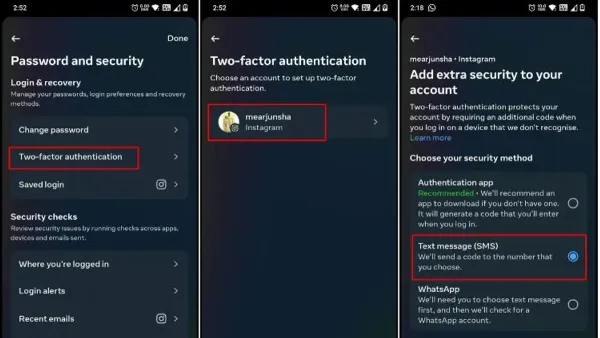
This guide provides clear steps to turn on two-factor authentication on Threads, improving your account security with platform-specific instructions.
Account Security
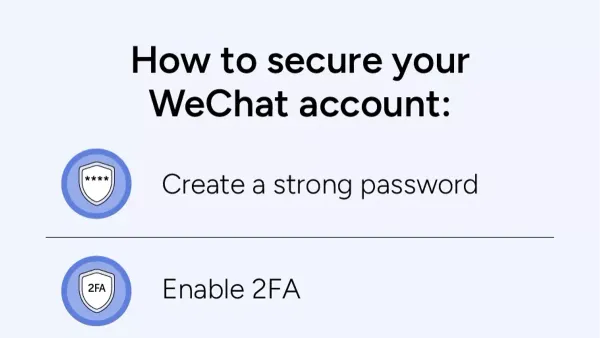
This guide covers essential steps to secure your WeChat account, including registration, verification, payment protection, and account management.
Account Security
This guide provides practical steps to secure your Kik account, covering device access, privacy settings, and recovery options.
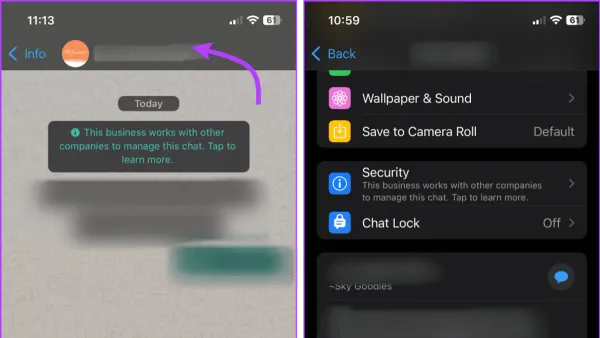
This guide explains how to report impersonation on WhatsApp clearly and efficiently to protect your privacy and stop fake accounts.
Social Media
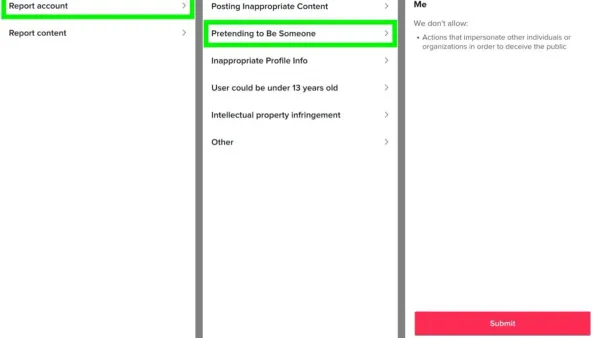
This guide provides clear, step-by-step instructions on how to report impersonation on TikTok and protect your identity effectively.
Social Media
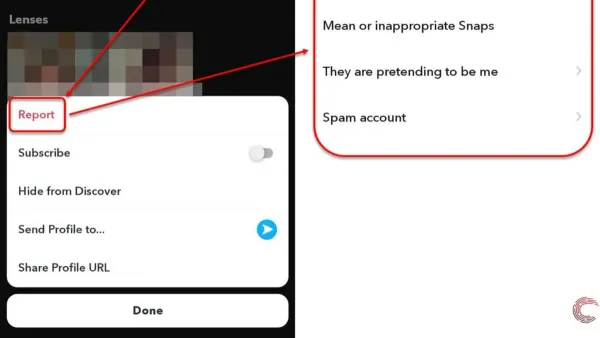
This guide provides clear, step-by-step instructions on how to report impersonation on Snapchat and related platforms to protect your identity.
Social Media
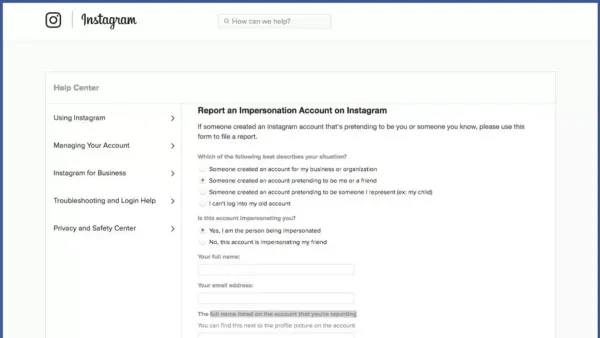
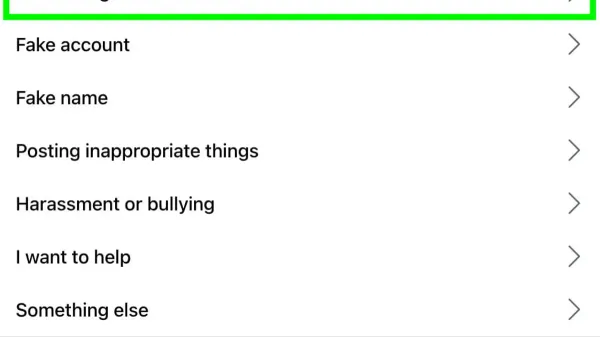
This guide provides clear steps to report impersonation on Instagram and protect your identity effectively.
Social Media
This guide explains how to report impersonation on Facebook with clear steps to protect your identity and remove fake accounts.
Account Security
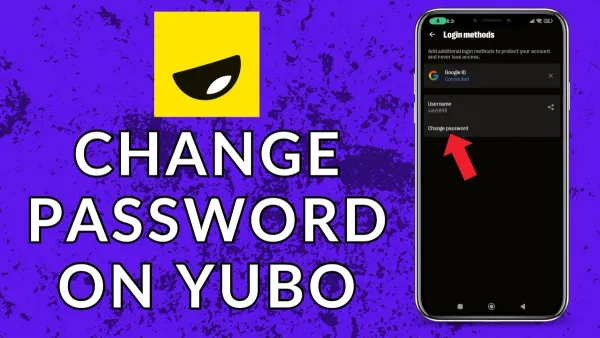
Clear steps to change your Yubo password on mobile or PC, with solutions for common issues and no phone number access.
Twitch
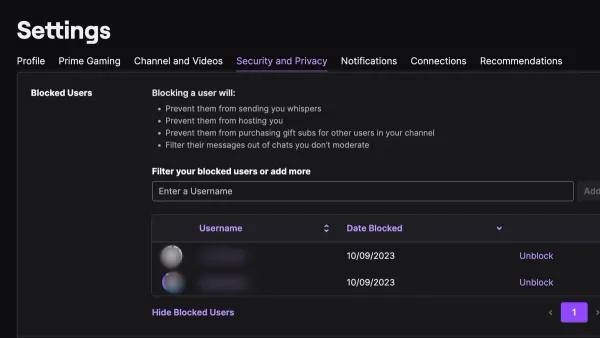
This guide shows how to block someone on Twitch across all devices to manage interactions and prevent unwanted messages or chat.
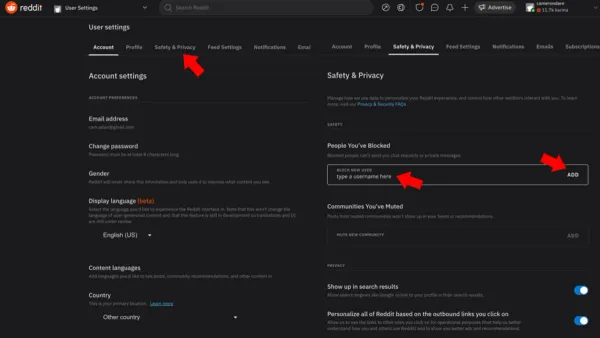
This guide explains how to block users and communities on Reddit to manage unwanted interactions effectively.