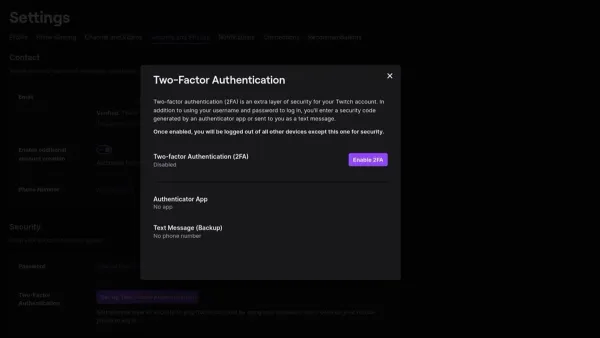
Account Security
How to Turn On Two-Factor Authentication on Twitch: A Clear Step-by-Step Guide
Learn how to turn on two-factor authentication on Twitch to add an extra layer of security and protect your account from unauthorized access.

Account Security
Learn how to turn on two-factor authentication on Twitch to add an extra layer of security and protect your account from unauthorized access.
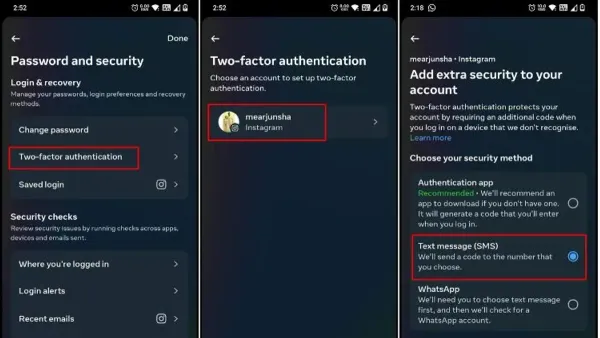
Account Security
This guide provides clear steps to turn on two-factor authentication on Threads, improving your account security with platform-specific instructions.
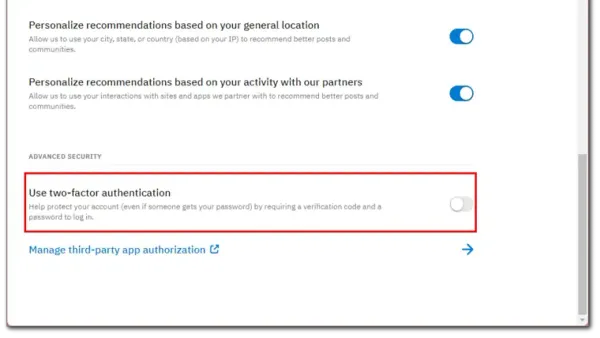
Cybersecurity
This guide explains how to enable and manage two-factor authentication on Reddit to enhance your account security easily.
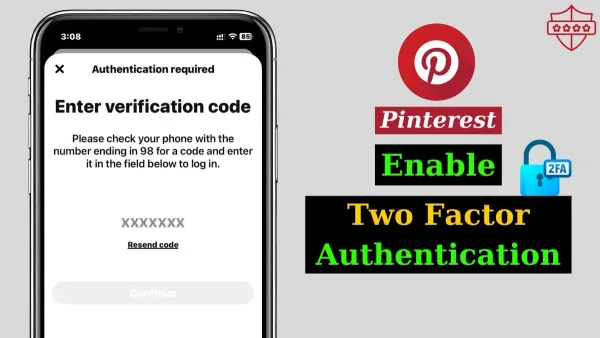
Cybersecurity
Learn how to enable two-factor authentication on Pinterest with clear steps to enhance your account security and prevent unauthorized access.
Signal
This guide explains how to see where you're logged into Signal and manage active sessions to keep your account secure.
This guide explains how to check where you're logged into Reddit, review sessions, and manage account security through simple steps.
Account Security
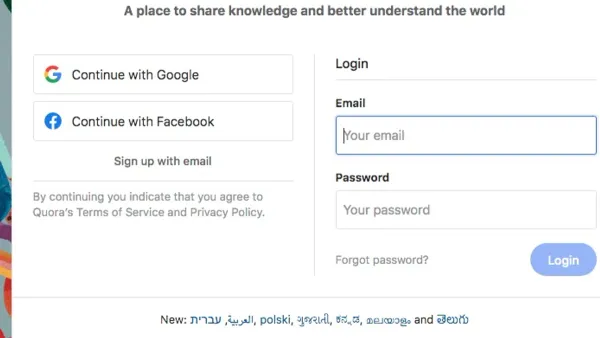
This guide explains how to see where you're logged into Quora, helping you monitor active sessions and maintain account security.
Cybersecurity
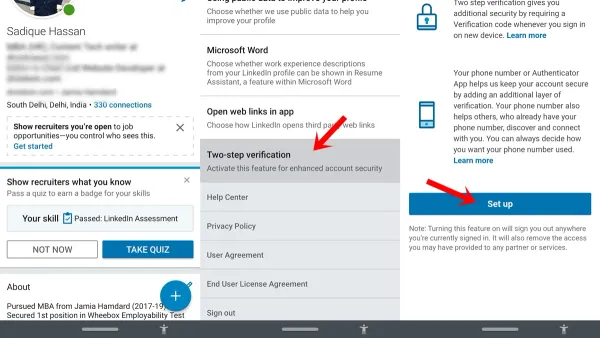
This article explains how to enable and disable two-factor authentication on LinkedIn to secure your account effectively.
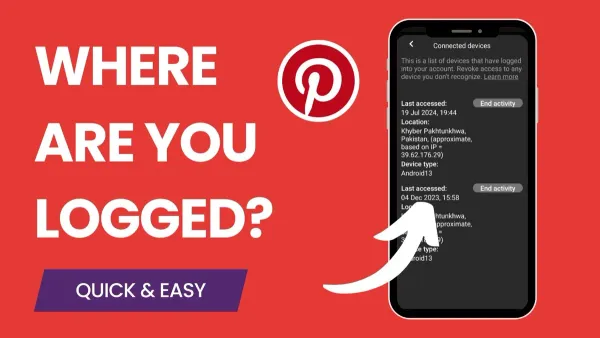
This guide explains how to check where you're logged into Pinterest and manage active sessions to keep your account secure.
Cybersecurity
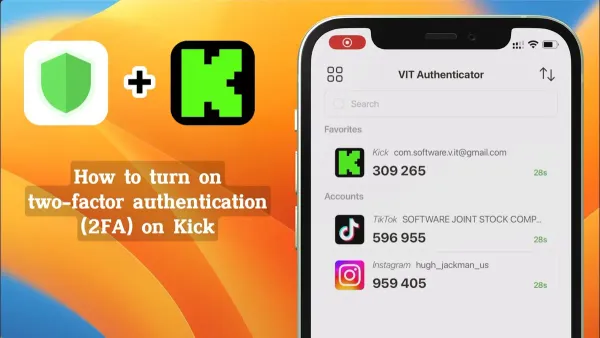
Learn how to enable two-factor authentication on Kik with simple steps for enhanced account security and to avoid common setup errors.
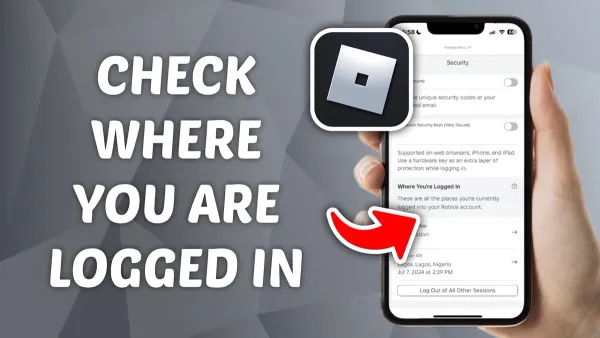
Social Media
This guide explains how to see where you're logged into Mastodon and manage active sessions to keep your account secure.
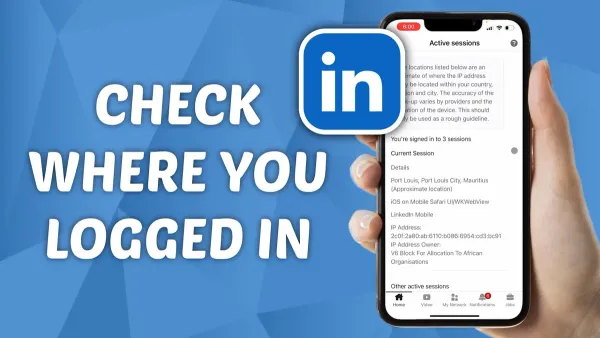
This guide shows you how to see where you're logged into LinkedIn and manage your account security by reviewing active sessions and recent activity.