How to Recover a YouTube Account Without a Phone Number
Discover effective steps to recover your YouTube account without a phone number by using alternative verification and recovery methods.

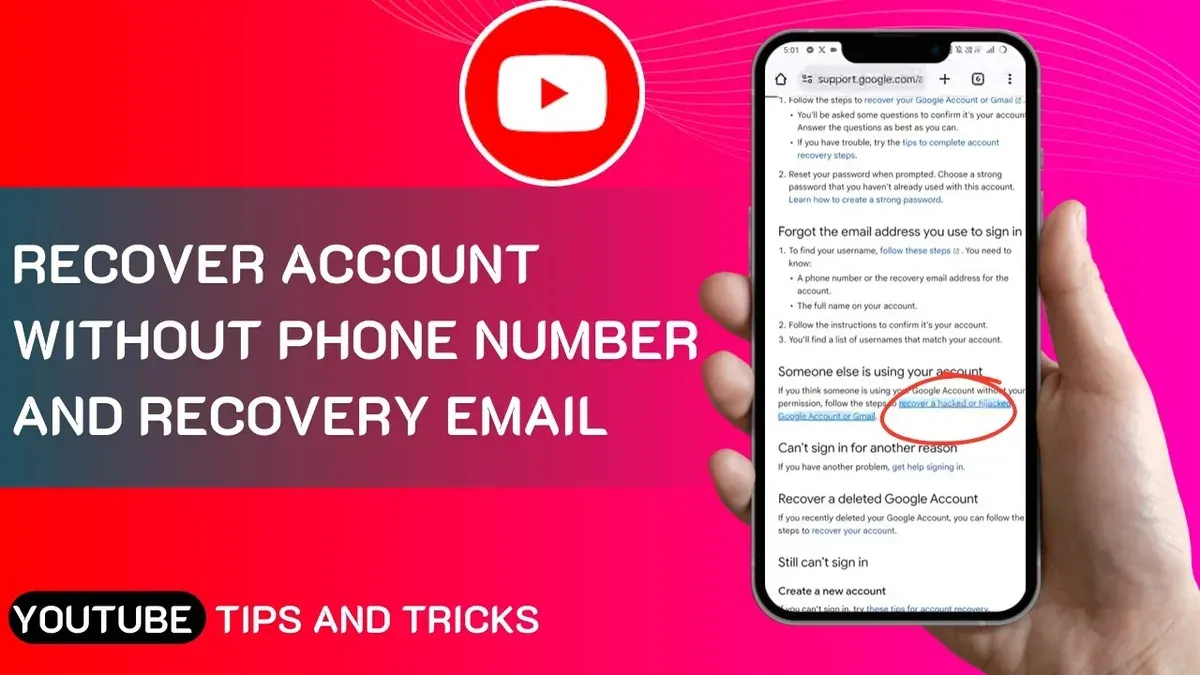
This article explains how to recover YouTube account without phone number by outlining alternative verification methods and practical steps when standard recovery options are unavailable. Losing access to a YouTube account or channel can be frustrating, especially if the linked phone number or email is no longer accessible. Google’s recovery system typically relies on these for verification, but there are other paths to regain control.
These methods include using recovery forms, confirming account details, and leveraging connected devices or browsers where the account was previously signed in. Users should prepare specific information about their account and recent activity to improve the chances of successful recovery.
The guide sets realistic expectations, emphasizing that recovery without phone or email is possible but may require patience and precise details. Follow the steps carefully to maximize recovery options.
Before you start: What is needed to recover a YouTube account without a phone number
Recovering a YouTube account without access to the linked phone number requires preparation and specific information. Having access to any recovery email, alternate email addresses associated with the account, or devices previously used to sign in greatly increases the chances of success. Google’s recovery system often relies on these to verify identity.
Key details to have ready include the date when the account was created, the last password remembered, frequently used devices, and any previous passwords. These pieces of information help confirm ownership during the recovery process. For example, users who accurately provide the account creation month and year and recall a recent password typically see better recovery outcomes.
Some methods require a recovery email or a linked Google Account that can be accessed. Without any recovery information—no phone number, no email, no device access—the likelihood of successful recovery drops significantly. Users should set realistic expectations: recovery success depends heavily on the amount and accuracy of information provided.
- Gather all known recovery emails or alternate emails linked to the account. Successful recognition of these addresses will trigger a verification prompt.
- Note down the approximate account creation date. When entered correctly, it confirms account ownership in the recovery form.
- Prepare a list of previously used passwords. Entering even one matching password can unlock further recovery options.
- Access any device previously logged into the account. Google sometimes sends verification prompts to these devices.
- Start the recovery process on Google's Account Recovery page. If all information is verified, the system will present reset or access options.
Tip: Collecting as many accurate details as possible before starting increases the chance of successfully verifying ownership through Google’s automated system.
How to recover YouTube account without phone number and email
When neither the linked phone number nor recovery email is accessible, the primary option is to use Google's Account Recovery page with alternative verification methods. Begin by visiting the Google Account Recovery page and entering the YouTube account's email address or username.
- Enter the account identifier and click Next. Google will attempt to send a verification code to the phone or email on file. When these are unavailable, select the Try another way option.
- Repeatedly selecting Try another way prompts alternative verification methods such as answering security questions or providing the month and year when the account was created. Upon success, a prompt to enter the account creation date will appear; accurate input moves the process forward.
- If the user previously set up backup codes or recovery keys, the system will offer an option to enter these. Inputting a valid backup code grants access to reset credentials.
- In some cases, Google requests verification by recognizing frequently used devices or locations. Approving access on a known device can help verify identity.
- Following successful verification, the system allows password reset and account recovery. If automated methods fail, the account may undergo manual review, which can take several days.
Tip: Keep a record of approximate account creation dates and backup codes to improve recovery chances without phone or email access.
How to recover YouTube channel without phone number
Recovering a YouTube channel without access to the phone number requires focusing on the Google account that controls the channel. A YouTube channel is tied directly to a Google account or a Brand Account managed through Google. Channel recovery is impossible without regaining access to the associated Google account first.
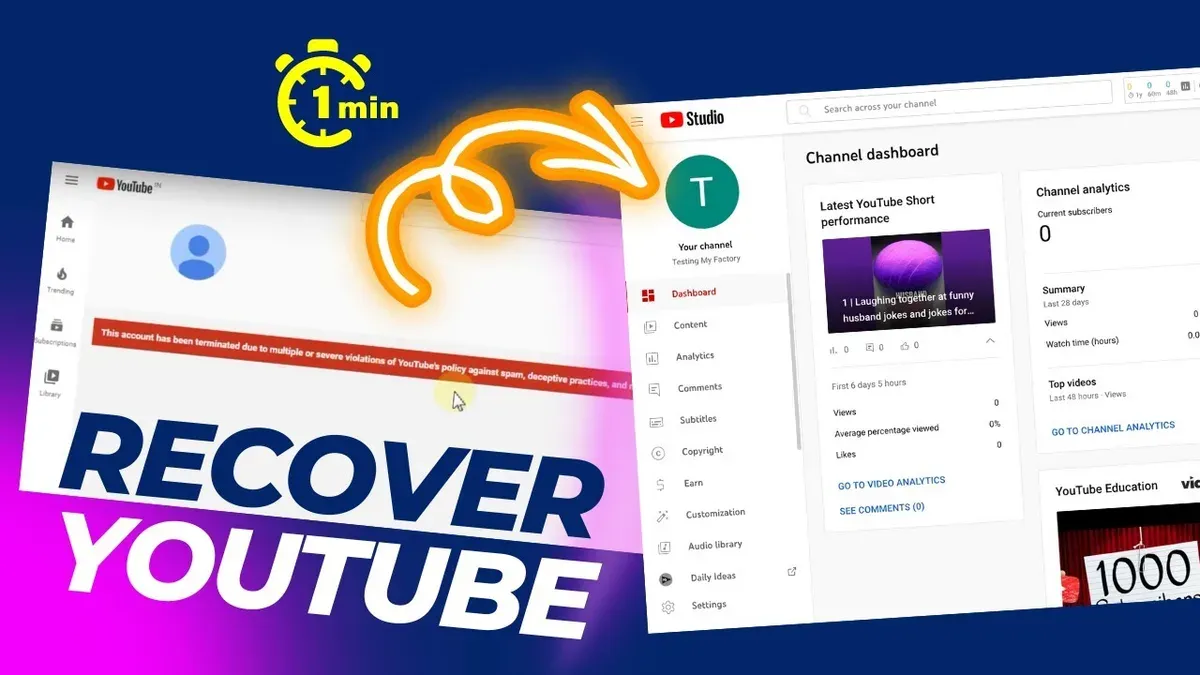
If the channel is linked to a Google Brand Account, recovery involves accessing the Brand Account settings. Sign in to the Google Account managing the Brand Account, navigate to https://myaccount.google.com/brandaccounts, and select the Brand Account. From there, use the account recovery options or add authorized managers if possible, which can help regain control.
YouTube’s support and contact forms can assist with channel verification and recovery requests. Channels eligible for monetization or part of the YouTube Partner Program can provide proof of ownership such as billing information, AdSense details, or video copyright claims. These documents increase the chance of successful recovery when submitting a request through https://support.google.com/youtube/contact/authorized_recovery.
If the standard recovery steps fail, escalate the issue through YouTube’s official support channels. Provide detailed information such as channel URL, last login date, associated email addresses, and any proof of ownership. Cases have shown that supplying comprehensive data improves recovery success even without phone number access.
- Access the Google Account linked to the channel or Brand Account via myaccount.google.com. Successful sign-in confirms control.
- If Brand Account, go to myaccount.google.com/brandaccounts and select the channel’s Brand Account. Verify access to manage users or settings.
- If account access is unavailable, submit a recovery request using YouTube’s official support form for channel ownership verification.
- Attach proof such as billing info, AdSense account details, or copyright claims related to the channel if the channel is monetized or verified.
- Follow up with YouTube support if initial requests fail, providing detailed channel information and any correspondence history.
Tip: Branding and monetization records often serve as critical proof of ownership in recovery cases without phone verification.
How to recover old YouTube account without phone number
Older YouTube accounts often lack modern recovery options like phone number verification or updated recovery emails, making recovery more challenging. Since these accounts may not have been linked to current recovery methods, users must rely on other details such as known passwords, approximate account creation dates, and device history to verify ownership.
- Go to the Google Account Recovery page and enter the YouTube account's email address. After failing phone and email verification options, select Try another way until prompted for additional details.
- Enter the last remembered password for the account. If accepted, this confirms partial ownership and advances the process.
- Provide the approximate account creation date when requested. Even an estimate helps Google's system verify identity.
- Use a device and browser previously used to access the account. Google’s device recognition increases recovery success.
- Attempt to retrieve any old recovery email accounts linked to the YouTube account. Accessing an outdated recovery email can facilitate reset links.
- Complete any security questions or verification steps presented. These vary depending on account history.
Google Account recovery applies directly to YouTube, as YouTube accounts are Google accounts. Recovery success rates are generally lower for accounts created before widespread adoption of phone verification and modern recovery tools, but persistence with the above steps can yield results.
Tip: Checking browser history or saved passwords on devices used years ago can uncover forgotten login details that improve recovery chances.
How to recover YouTube password without phone number and email
Resetting a YouTube (Google) password without access to the linked phone number or recovery email requires relying on Google’s identity verification process. Begin by visiting the Google Account Recovery page and entering the account’s email address. When prompted for verification, select the option to answer security questions or verify other personal details.
- Enter the Google Account email and click Next. The system will ask for the last password remembered; provide the most recent one available.
- If the password is unknown, select Try another way until presented with security questions or options to verify recent activity and account creation date.
- Answer the security questions accurately, such as the date the account was created or specific services used, to confirm ownership.
- Use a device and location previously used to sign in; Google recognizes trusted devices and may approve recovery attempts from these automatically.
- If all automated steps fail, submit a recovery request form with as much detailed account information as possible, including previous passwords, account creation date, frequently contacted email addresses, and any payment information associated with the account.
Recovery success rates drop significantly without phone or email access, especially if the account lacks sufficient verification details. If access is regained, immediately add updated recovery options: a phone number and secondary email to prevent future lockouts.
Tip: Attempt recovery from a familiar device and location to improve verification chances.
How to recover deleted YouTube channel without email and phone number
Recovering a deleted YouTube channel without access to the associated email or phone number is difficult and only possible under specific conditions. Google allows recovery of deleted channels typically within 30 days of deletion. After this period, recovery becomes unlikely as data is permanently removed.
Start by attempting Google Account recovery, even without email or phone access, using alternate verification methods like previously used passwords or device recognition. If this does not restore channel access, contact YouTube Support with clear proof of ownership. Proof may include linked AdSense account details, billing information connected to the channel, or any verified brand account documents.
Google’s official policy states that deleted channels can be restored only within a limited timeframe and require account ownership verification. If recovery fails after this window, creating a new channel is the only option. To avoid accidental deletion, regularly update recovery options and link multiple recovery methods in Google Account settings.
- Go to the Google Account Recovery page and enter the channel’s Google account username. Success shows prompts for alternate verification methods.
- If prompted, select “Try another way” to use device recognition or answer security questions. Success leads to account access.
- If unable to regain access, visit the YouTube Help Center and submit a request to YouTube Support with proof of ownership. A successful submission is acknowledged with a case number.
- Provide documentation such as AdSense details or billing statements linked to the channel. Verification success results in restoration confirmation or further instructions.
- If no recovery is possible, create a new YouTube channel and set up multiple recovery methods to prevent future lockouts.
Tip: Regularly verify and update Google Account recovery options to reduce the risk of permanent loss.
How to recover Google account without phone number
Google offers several recovery methods beyond phone number verification to regain account access. Backup email addresses linked during setup serve as a primary alternative, allowing users to receive verification codes. Security questions, if set previously, also help confirm identity. The Google Account Recovery form adapts to available information, prompting for details like last password used, account creation date, and frequently used locations.
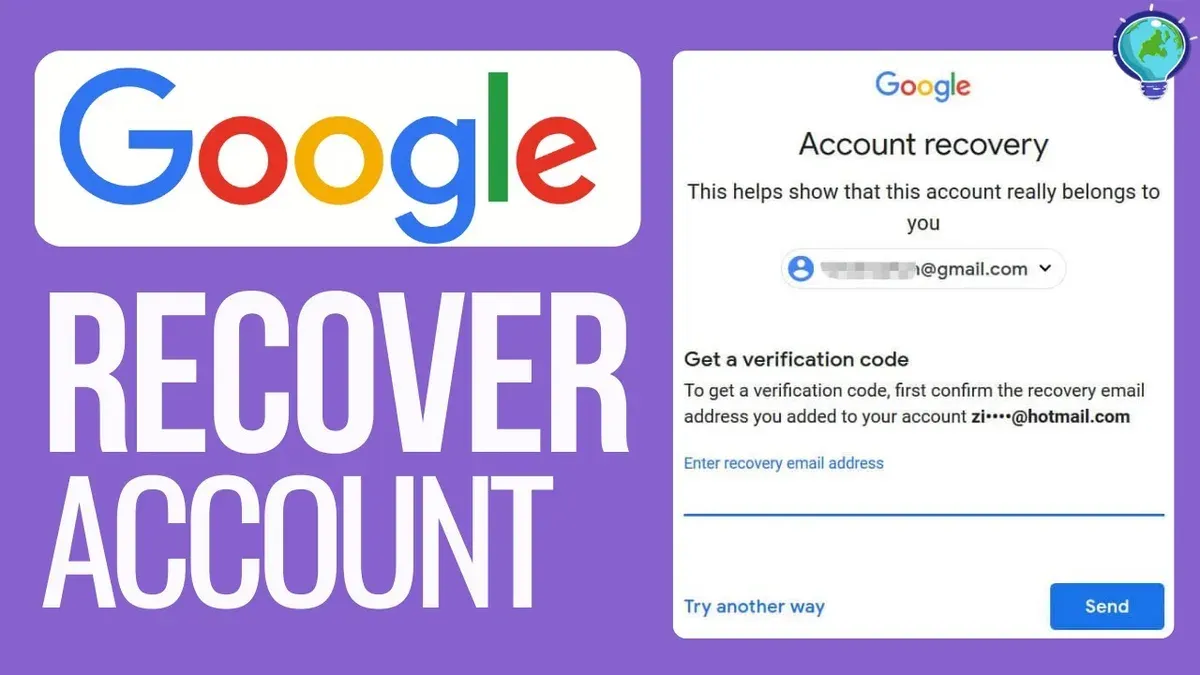
To use the Google Account Recovery form effectively, enter precise and consistent information. Provide the last passwords remembered, approximate account creation month and year, and accurate recovery email addresses. These details increase the likelihood of successful recovery by matching the account's stored data. Trusted devices and locations play a crucial role; initiating recovery from a recognized device or usual location enhances verification chances.
When these automated methods fail, contacting Google support is an option, especially for Brand Accounts or business users. Support may require proof of ownership such as billing records or identification. However, typical users might find limited direct assistance, as Google prioritizes automated recovery for security. Patience and multiple attempts with varied details can improve outcomes.
- Go to the Google Account Recovery page and enter the account email address; the system will prompt for verification options.
- Choose "Try another way" if phone number verification is unavailable; the form will request backup email or security question responses.
- Input the last password remembered or an approximate account creation date when prompted; successful input advances recovery steps.
- Complete any CAPTCHA or device recognition prompts; accessing from a familiar device/location may trigger additional verification options.
- If automated recovery fails, use the "Contact us" or "Get help" links to explore support options and submit proof of ownership if applicable.
Tip: Initiate recovery from devices and locations previously used to sign in to increase the success rate.
Troubleshooting common failure points during YouTube account recovery
Recovery attempts often fail due to insufficient account information, incorrect answers to verification questions, or the absence of linked recovery options like phone numbers or emails. Without key details such as the exact account creation date or previously used passwords, Google's system may deny access. Gathering any available account data—old emails, device usage history, or backup codes—can improve chances when retrying recovery.
Repeated failures may indicate the need to create a new account if regaining access is impossible. Users should be cautious of phishing scams posing as official recovery services; these often ask for passwords or payment information and may use fake websites or emails. Verifying the URL of Google's official recovery page and avoiding unsolicited recovery offers is critical.
Once an account is recovered, immediate steps include updating recovery information under Google Account settings by adding or confirming phone numbers and backup emails. Enabling Two-Factor Authentication (2FA) through Settings > Security > 2-Step Verification significantly enhances security against future lockouts or unauthorized access.
- Review all known account details: When successful, the recovery form will proceed to the next verification step.
- Verify the URL is https://accounts.google.com/signin/recovery: A secure Google page must load.
- Enter accurate answers to security questions or provide backup codes: Acceptance indicates recognition of ownership.
- Check email or device notifications for verification prompts: Receiving these confirms a recovery step is in process.
- Update recovery options and enable 2-Step Verification: Confirmation messages will appear within account security settings.
Frequently asked questions
How to recover account without phone number?
Account recovery without a phone number requires using alternative verification methods. These include answering security questions, providing the exact date the account was created, or using a recovery email address if available. If none of these are accessible, submitting a detailed account recovery form to Google with as much accurate information as possible is necessary.
How to recover YouTube account without phone number and email?
Recovering a YouTube account without phone or email is challenging but can be attempted by visiting Google's Account Recovery page and selecting the option indicating no access to these. The user will need to provide details such as previous passwords, account creation date, and other identifying information. Success depends on the accuracy and completeness of the information provided.
How to recover YouTube password without phone number?
Without a phone number, password recovery relies on other verification options like a recovery email or answering security questions. If these are unavailable, use the “Try another way” prompts on the recovery page to provide alternate account details. If all else fails, submitting a recovery request with detailed information about the account’s history is the next step.
How to recover old YouTube account without email or phone number?
For old YouTube accounts without linked recovery options, the key is to provide as much original account information as possible during the recovery process. This includes previous passwords, creation date, frequently used devices, and locations. Google uses these details to verify identity when standard recovery methods are inaccessible.
How to recover deleted YouTube channel without email and phone number?
Recovering a deleted YouTube channel without email or phone number is difficult and often not possible if the deletion was permanent. If the deletion was recent and the Google account still exists, contacting Google support with proof of ownership may help. Otherwise, recovery options are extremely limited without standard verification methods.
What This Guide Does Not Cover and When to Seek Other Help
This guide does not cover situations where an account was compromised and the recovery information was changed by an attacker. It also does not guarantee success if there are no linked recovery options such as a phone number, recovery email, or verified devices. Users who cannot provide any verification details or who have had their account information altered maliciously may be unable to regain access using these methods.
In such cases, contacting Google Support directly or submitting an account recovery request through Google's official channels is the recommended next step. Be prepared to provide any proof of account ownership, such as billing information for paid Google services or details about the account creation date. Without recovery options or verifiable proof, regaining access is unlikely.
Tip: Keep recovery options updated regularly to avoid permanent lockout situations.
The single most useful step after exhausting these methods is to use the Google Account Recovery form at https://accounts.google.com/signin/recovery. This form guides users through alternative verification questions and options that may still be available, improving chances of successful recovery.
See also: How to Recover an X (Twitter) Account Without a Phone Number · How to Recover a TikTok Account Without a Phone Number · How to Recover a WhatsApp Account Without a Phone Number · How to Recover a Threads Account Without a Phone Number