How to Recover and Secure a Hacked Yubo Account
This guide explains how to recover a Yubo account hacked by unauthorized users and secure it against future threats effectively.

This guide explains how to recover a Yubo account hacked by unauthorized users and secure it against future threats. It also covers using Yubo on a PC, addressing common concerns around friend requests and account legitimacy. Understanding the app's security features and recovery steps helps users maintain control over their profiles and personal data.
Yubo is a social platform designed for live streaming and meeting new people, making account security critical to prevent misuse. Users often worry about suspicious friend requests and how to identify genuine connections. This article provides clear instructions on account recovery, PC access, and spotting potential scams.
Tip: Regularly check login notifications and change passwords immediately if any unusual activity appears.
What is Yubo app and why does account security matter?
Yubo is a social networking app designed primarily for live streaming and meeting new people, with a user base heavily skewed towards teenagers and young adults. It encourages real-time interaction, allowing users to join live video sessions and expand their social circles quickly. The platform’s emphasis on social connection means accounts hold personal data, including chat histories, friend lists, and potentially sensitive profile information.
Because Yubo accounts store this personal social data and maintain active connections, they are attractive targets for hackers. Unauthorized access can lead to privacy breaches, such as exposure of private conversations or photos. It can also enable scammers to impersonate users, potentially leading to fraud or identity misuse.
For example, a hacked account might send fake friend requests or messages to contacts, attempting to extract money or personal details. Users may not immediately recognize the breach, increasing the risk of damage. Reports from various online forums and help centers indicate that account hacking and misuse are recurring issues among Yubo users.
Can you get Yubo on a computer and how to use Yubo on PC?
Yubo is primarily designed as a mobile app, but it can be accessed on a computer through the official web login or by using an Android emulator. The web version allows basic login and profile viewing but lacks full functionality such as live streams and certain interactive features.
For a fuller experience on a Windows PC, downloading an Android emulator like BlueStacks is the most common solution. BlueStacks lets users run the Yubo mobile app within a Windows environment, providing access to all app features as on a smartphone. To do this, download BlueStacks from its official site, install it, then open the Google Play Store within BlueStacks to search for and install Yubo.
After installation, launch Yubo through BlueStacks and log in with the usual credentials. The interface mirrors the mobile experience, including swiping through profiles and joining live streams. However, performance depends on the PC’s hardware, and some touch gestures may require mouse clicks or keyboard shortcuts instead. Notifications and background activity may not work as seamlessly as on mobile.
For example, a user running Yubo on a mid-range PC with BlueStacks can fully participate in chats and streams but must adjust to mouse navigation instead of touchscreen taps. The PC setup suits those who prefer a larger screen or cannot use their phone for extended sessions.
Tip: Ensure BlueStacks is updated regularly to avoid compatibility issues with Yubo updates.
How to make a Yubo account and sign up without a phone number?
Yubo offers two main sign-up methods: using a phone number or an email address. For users who prefer not to provide a phone number, signing up with an email is a viable alternative. On the registration screen, selecting the email option will prompt entry of a valid email address and a password. After submitting these details, Yubo sends a verification link to the provided email, which must be confirmed to activate the account.
Choosing email-only sign-up may limit some features that rely on phone verification. For example, it can affect the speed of friend suggestions or certain security checks, as phone numbers help verify user identity more robustly. Additionally, Yubo may occasionally request a phone number later for additional verification if suspicious activity is detected.
Picture a new user creating an account by opening the Yubo app, tapping “Sign Up,” then “Continue with Email.” After entering an email like [email protected] and a chosen password, the user checks their inbox, clicks the verification link, and completes the setup without needing a phone number. This process avoids sharing a phone number but requires careful monitoring of email access and spam folders.
Tip: Use a secure, regularly accessed email account during sign-up to ensure timely receipt of Yubo verification messages and reduce login issues.
How to recover a hacked Yubo account safely?
Signs of a hacked Yubo account include unexpected friend requests, messages not sent by the user, or login alerts from unfamiliar devices. Immediately check for any unusual activity in the app or email notifications indicating a login from a new location.
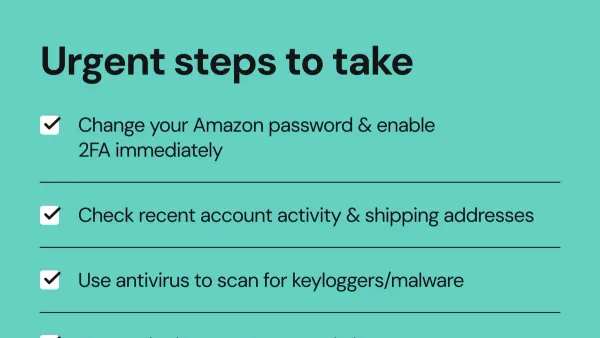
Begin recovery by resetting the password. On the Yubo login screen, select "Forgot Password?" and enter the registered email. Follow the link in the password reset email promptly to set a new, strong password. If the linked email or phone number has been changed by the hacker, proceed to contact Yubo support directly through their official help center or support email, providing proof of identity such as linked email, phone number, and previous account activity.
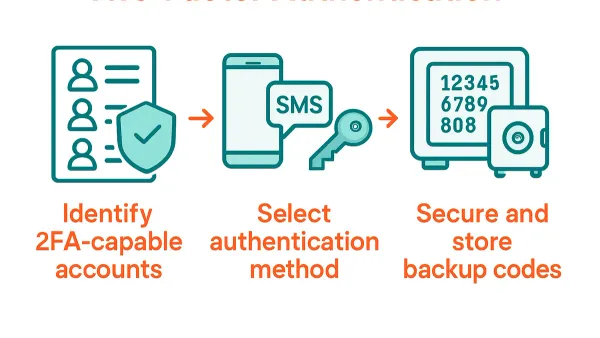
Once access is regained, enable two-factor authentication (2FA) from the account settings under "Security" to add an extra layer of protection. If the linked email or phone number was compromised or altered, update them immediately in the "Account" section to secure communication channels.
For example, a user noticing suspicious friend requests and receiving unfamiliar login alerts reset their password using the official email link within minutes, then contacted Yubo support when the hacker had changed their phone number. Support responded within a few days, verifying identity and restoring full control. Enabling 2FA prevented further breaches.
Tip: Act quickly on login alerts and password reset emails to minimize damage and speed up recovery.
Are the added 'you' from Yubo legit and how to identify suspicious friend requests?
On Yubo, friend requests often appear as notifications that someone "added you." These come from friend suggestions based on mutual connections, location, or shared interests. While many of these requests are genuine, some originate from fake or scam accounts aiming to harvest personal information or spread malicious links.
Scam profiles typically exhibit generic or stolen photos, minimal profile information, and aggressive messaging immediately after adding. For example, a suspicious account might send a friend request followed by a prompt to click an unknown link or share personal data. Legitimate users usually have detailed profiles, consistent activity, and conversations that develop naturally.
Best practices include reviewing the profile thoroughly before accepting requests. Check for verified badges if available, mutual friends, and avoid engaging with accounts that ask for sensitive information or push external links. Users are encouraged to report suspicious profiles via the menu option "Report" to help maintain community safety.
Tip: Use the "Block" feature on any contact that raises doubts to prevent further interaction and secure the account.
Can YubiKey be hacked and what does that mean for Yubo security?
YubiKey is a physical two-factor authentication (2FA) device designed to secure online accounts by requiring a hardware key in addition to a password. It is unrelated to the Yubo app, which currently does not support hardware 2FA methods like YubiKey. This distinction is important because concerns about YubiKey vulnerabilities do not directly affect Yubo account security.
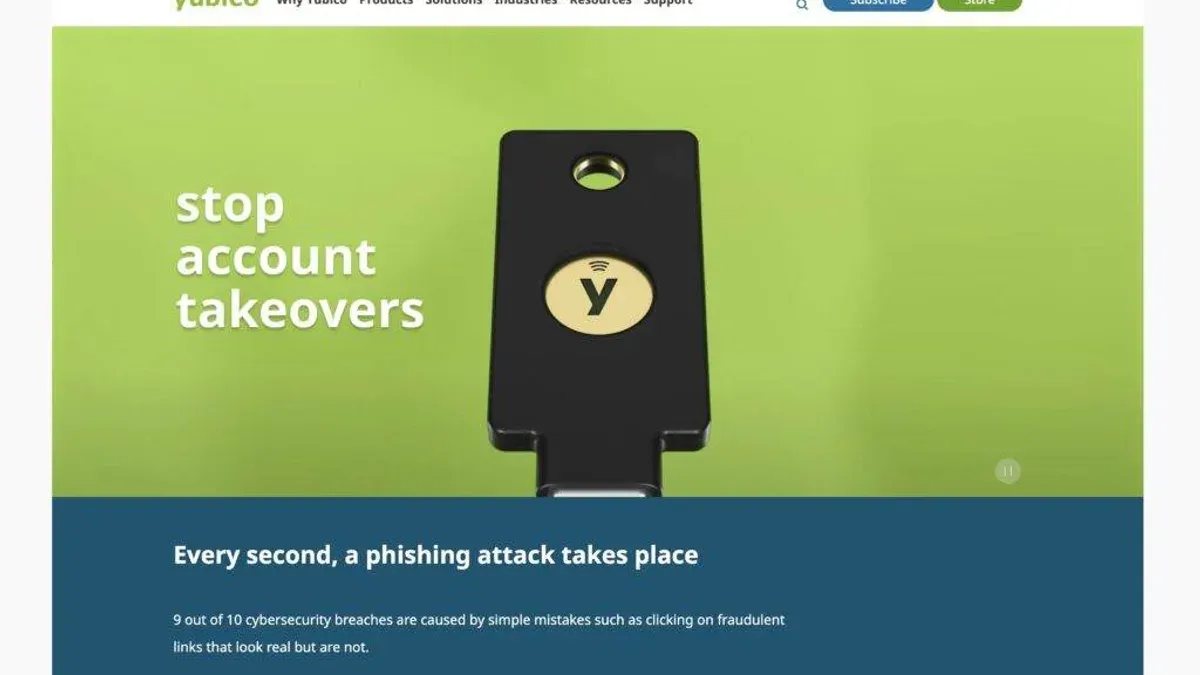
Security research has shown that while YubiKey devices are highly resistant to common attacks, they are not completely impervious. Theoretical attacks, such as side-channel attacks or physical tampering, exist but require sophisticated resources and proximity to the device. For example, an attacker would need physical access to the YubiKey and advanced equipment to extract secrets, which is far more difficult than typical phishing or credential theft.
Since Yubo does not integrate YubiKey for authentication, users must rely on other security measures like strong passwords, email verification, and enabling two-factor authentication via SMS or authenticator apps. This means that YubiKey-specific vulnerabilities have no direct impact on Yubo account safety. Understanding this helps users focus on the app’s available protections rather than unrelated hardware security concerns.
Frequently asked questions
How to get yubo on pc?
Yubo does not have a dedicated desktop application. To access Yubo on a PC, users can visit the Yubo website through a modern browser or use an Android emulator like BlueStacks to run the mobile app. Using an emulator requires downloading and installing the software, then signing into Yubo as on a mobile device.
Are the added you from yubo legit?
Friend requests from accounts labeled as "you" or similar can sometimes be fake or automated bots. It is best to scrutinize profiles for little activity, generic photos, or suspicious behavior before accepting. Report and block any account that appears fraudulent to maintain security.
How to download yubo on pc?
Since Yubo is primarily a mobile app, downloading it directly on PC is not possible. The common approach is to install an Android emulator on the computer, then download Yubo within that environment via the Google Play Store. This method simulates a mobile device on the PC.
Can you get Yubo on a computer?
Yubo is designed for mobile platforms and does not offer a native computer version. However, it can be accessed on a computer using an Android emulator or by using the web interface where limited features may be available. Full functionality typically requires the mobile app.
How to download Yubo on PC?
To download Yubo on a PC, first install an Android emulator such as BlueStacks or Nox Player. After launching the emulator, open the Google Play Store within it, search for Yubo, and install the app. Then sign in with existing credentials or create a new account as usual.
What this advice does not cover
This advice does not cover advanced hacking scenarios involving deep account infiltration or data breaches beyond user control. Users experiencing theft of personal data or facing legal issues should seek professional assistance rather than relying solely on this guide. Yubo’s platform updates may also alter security features, recovery methods, or interface elements over time, so users should verify current options directly within the app or official support channels.
For those recovering a hacked Yubo account, the most useful next step is to immediately reset the password through the app’s 'Forgot Password' option and enable two-factor authentication under Settings > Account > Security. This combination typically stops unauthorized access and strengthens account protection against future breaches.
See also: How to Identify, Recover, and Protect a Hacked Yahoo Mail Account · What to Do When a Valorant Account Is Hacked: A Complete Recovery Guide · How to Recover and Secure a Hacked Ubisoft Connect Account · How to Recover and Secure a Steam Account Hacked