What to Do When a Valorant Account Is Hacked: A Complete Recovery Guide
This guide explains how to quickly recover a Valorant account hacked and secure it against further threats with clear, actionable steps.

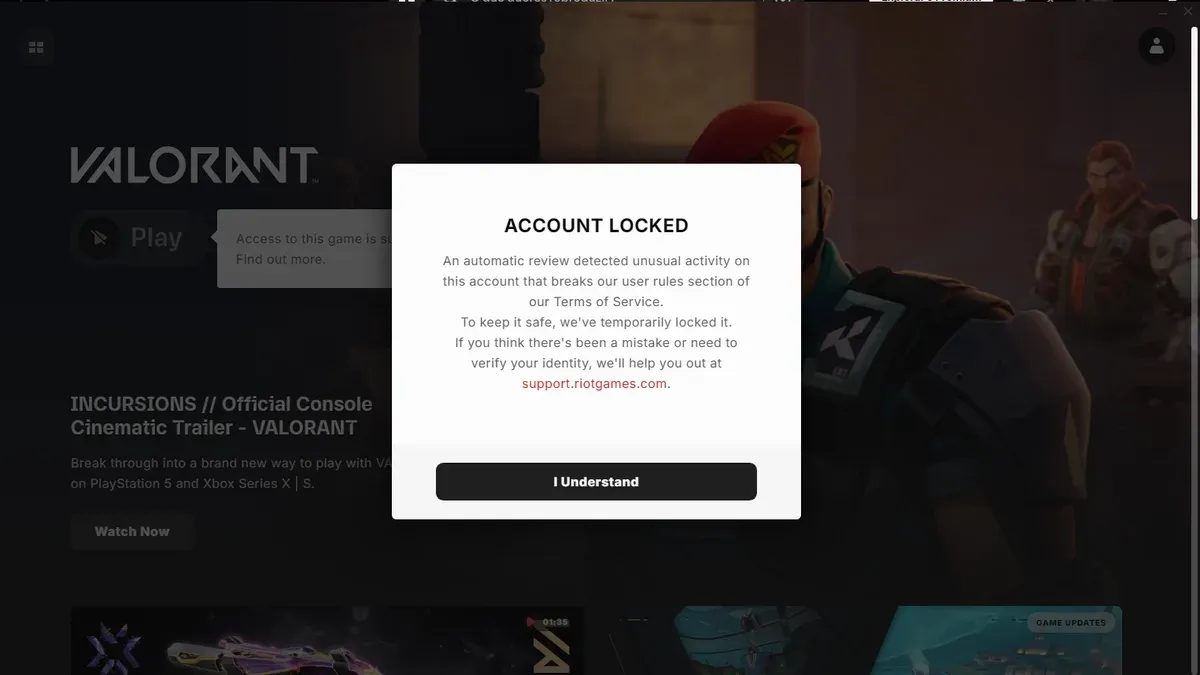
This guide explains exactly what to do when a Valorant account hacked situation arises, focusing on swift recovery and securing the account against further threats. Valorant accounts are prime targets due to linked payment methods and competitive rankings, making quick and precise action essential.
Players often face complications like changed email addresses or unexpected login errors, which generic advice fails to address. Steps include contacting Riot Games support with detailed proof of ownership, resetting linked accounts, and enabling two-factor authentication through Riot’s settings. This article covers these practical measures alongside common pitfalls.
Understanding how hackers operate within the Valorant ecosystem also helps prevent future breaches. The guide prioritizes clear, actionable instructions tailored specifically for Valorant players dealing with compromised accounts.
Can Valorant account be hacked?
Valorant accounts are protected by Riot Games' security infrastructure, but vulnerabilities still exist that can lead to account compromise. Common threats include phishing attacks, where users are tricked into submitting login credentials on fake websites resembling Riot's official login page. Credential stuffing is another widespread method, leveraging leaked username-password pairs from unrelated breaches to gain unauthorized access if users reuse passwords. Malware such as keyloggers can silently capture passwords and two-factor authentication codes.
Contrary to some myths, there are no legitimate hacking tools that grant unfair advantages directly within Valorant gameplay. Reports of “instant hacks” or “cheat programs” are often scams or attempts to steal information. The real hacker interest lies in accessing accounts because of their linked payment methods, valuable in-game skins, and progression that can be sold or exploited.
Phishing campaigns targeting Riot Games users have been observed on social media and gaming forums, often using convincing emails or messages that urge immediate action to reset passwords or verify accounts. For example, a player might receive a message claiming their account is suspended and be directed to a counterfeit login page that captures credentials. This demonstrates why vigilance against such deception is critical.
Gaming platforms similar to Valorant report frequent account breaches resulting from weak or reused passwords and phishing. These incidents highlight the necessity of strong, unique passwords and enabling two-factor authentication. A compromised account disrupts gameplay and can lead to financial loss through unauthorized purchases.
What to do if Valorant account hacked and email changed
Losing access to a Valorant account because the registered email was changed by a hacker requires immediate action. First, visit Riot Support’s account recovery page and submit a ticket specifically for compromised accounts. Provide as much proof of ownership as possible, including original account creation date, last known login location, linked payment methods, and any purchase receipts.
Riot’s recovery tools guide users through identity verification. This process often involves answering security questions and confirming details only the legitimate owner would know. If the registered email has been altered, Riot Support will rely heavily on this submitted evidence to validate the claim before restoring access.
Tip: Attach screenshots of any previous account-related emails or transaction confirmations, as these can speed up verification.
A typical successful case involves a player who noticed unusual activity, found their email changed, and promptly contacted Riot Support with purchase history and IP logs. Riot responded within a few days, reversing the email change and securing the account. Response times vary but generally take a few business days depending on ticket volume.
During this period, avoid creating a new account to prevent confusion. Follow Riot’s instructions carefully and maintain communication through their official support channels. This structured approach maximizes chances of recovering the account quickly and securely.
Why can't I log into Valorant?
Login failure in Valorant can stem from several causes beyond hacking. Common errors include "Authentication Failed," which may indicate incorrect credentials or temporary server issues. Riot’s server status page often reports maintenance or outages affecting login functionality, so checking https://status.riotgames.com/ before troubleshooting helps.
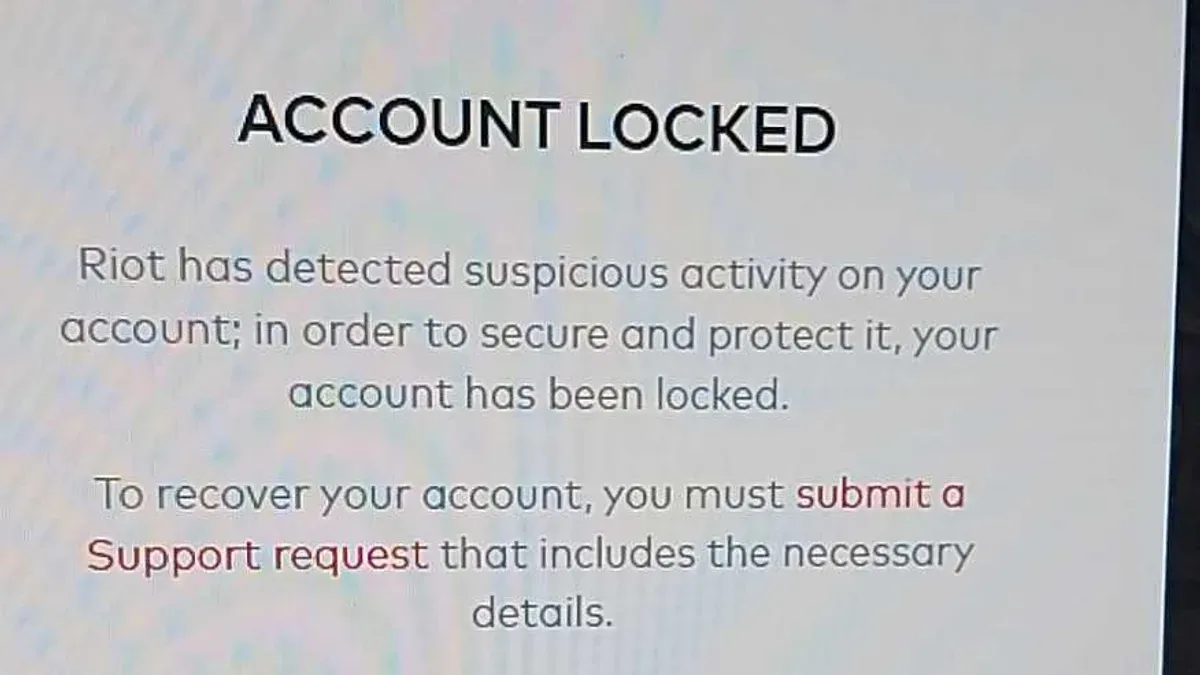
Account bans or suspensions also prevent login but appear as errors like "Account Suspended" rather than generic failures. These actions result from violations of Riot’s Terms of Service and require resolution through Riot Support, not password resets.
Network or client-side issues frequently cause login problems. For example, unstable internet connections or firewall blocking Riot’s servers can trigger timeouts and error messages. Restarting routers, checking firewall settings to allow Riot Client and Valorant, or switching networks can resolve these problems.
Distinguishing hacking from technical glitches relies on error message specificity. A hacked account often shows unexpected password changes, email updates, or security alerts. Conversely, generic login errors without such signs usually indicate server or connection issues.
For instance, a player receiving "Unable to connect to servers" during login should verify Riot’s server status and network integrity before assuming a hack. This step avoids unnecessary panic and directs focus to the actual cause.
Tip: Always check Riot’s official server status page when login fails to differentiate between server outages and account-related problems.
Why can't I make a Valorant account?
Creating a Valorant account can be blocked by several common restrictions. Riot enforces a minimum age requirement, typically 13 or older depending on the region, to comply with legal standards. Attempting to register with a birthdate indicating otherwise will trigger an error preventing account creation. Additionally, some regions may have restrictions or are unsupported, resulting in a "Region Not Allowed" error during signup.
Duplicate information is another frequent cause. Valorant requires a unique username and email address. Trying to register with an email already linked to an existing Riot account or a username that is taken will produce messages like "Email already in use" or "Username unavailable." These errors help maintain account integrity but can confuse new users if not anticipated.
Server issues or maintenance can also block new registrations temporarily. For example, during scheduled maintenance, the signup form might accept input but return a generic "Service Unavailable" or "Signup Failed" message without further details. Checking Riot’s official server status page before attempting to create an account can avoid frustration.
To ensure successful registration, use a valid email not associated with any Riot account, choose a unique username, and verify the age and region information carefully. Completing email verification promptly after signup is essential to activate the account and prevent security flags. Missing these steps can cause delays or lockouts later, complicating account recovery if needed.
Tip: Prepare all required information before starting signup and avoid repeating attempts during server downtime to reduce errors.
How to unprivate Valorant account
In Valorant and Riot Games accounts, "private" typically refers to restricted visibility of profile details such as match history, rankings, and friend lists. These privacy settings control who can view personal gameplay data and profile information. Adjusting them affects the balance between maintaining security and allowing social interaction or visibility within the Valorant community.
To change privacy settings, log into the Riot Games account management portal at "https://account.riotgames.com/". Navigate to Settings and then Privacy. Here, options like "Profile Visibility" or "Show Match History" can be toggled between Public, Friends Only, or Private. For example, switching "Profile Visibility" from Private to Public will make gameplay stats and rankings visible to all players. Changes save automatically, but a page refresh confirms the update.
Within the Valorant client itself, privacy controls are limited. Most visibility settings are handled through the Riot account platform. However, in-game social settings, such as friend requests and party invites, can also be adjusted under Settings > Social. These control interaction but not profile data visibility.
Making an account public increases visibility but may expose profile data to unwanted attention. Private settings reduce this exposure but can limit social engagement or opportunities to showcase progress. Importantly, privacy settings do not directly affect account security or prevent hacking; strong passwords and two-factor authentication are necessary for security.
A common misconception is that setting a profile to private prevents hacking; it only limits data visibility. Account compromise usually stems from weak credentials or phishing, not from public profile data. For example, a player who switched their profile to public to join community events remained secure by maintaining a strong password and 2FA.
Tip: Regularly review Riot account privacy settings after updates, as new options or defaults may change visibility unexpectedly.
What to do when Valorant account is hacked
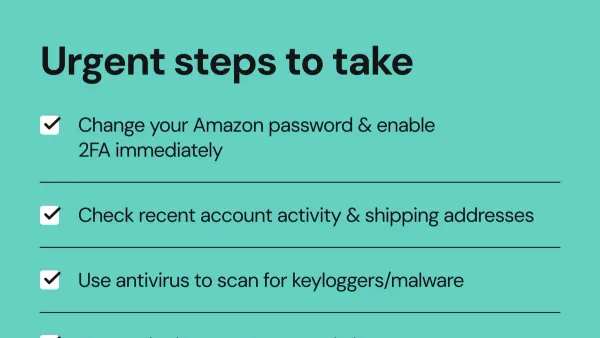
The first step after detecting a Valorant account hack is to secure all devices used for gaming and related activities. Run comprehensive antivirus and malware scans on computers and mobile devices to eliminate any lingering threats. Immediately change passwords on all linked accounts, especially the Riot Games account and associated email addresses, using strong, unique passwords.
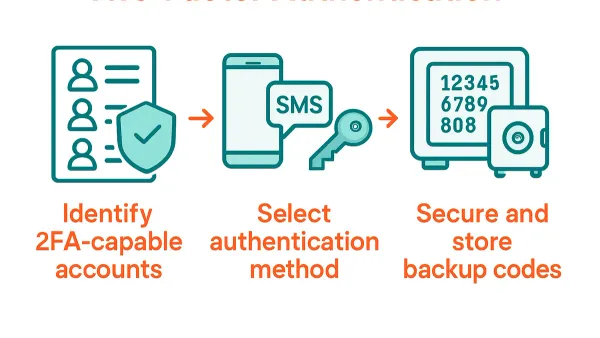
Next, enable two-factor authentication (2FA) within the Riot Games account settings under Account Management > Security. This step significantly reduces recovery time and risk of re-hacking; accounts without 2FA can take days longer to recover due to more extensive identity verification. Activating 2FA also helps prevent unauthorized access even if passwords are compromised again.
Continuously monitor account activity for suspicious logins or unauthorized changes via the Riot account dashboard. Check transaction histories if payment methods are linked, and immediately report any unauthorized charges to both Riot Support and the payment provider. Disable saved payment options temporarily if possible.
Step-by-step checklist:
- Run malware scans on all devices.
- Change passwords on Riot and linked email accounts.
- Enable two-factor authentication in Riot account settings.
- Review recent account activity for unfamiliar logins or purchases.
- Contact Riot Support with proof of ownership if unauthorized changes persist.
- Temporarily remove or block payment methods linked to the account.
For example, a player noticing strange friend requests and lost access to their Valorant account should first clean their PC of malware, reset their Riot password using a device confirmed clean, then enable 2FA. This sequence helps stop ongoing intrusions and shortens recovery, contrasting with accounts lacking 2FA where recovery involves longer, more complex support interactions.
Tip: Use a dedicated password manager to create and store complex passwords, reducing reuse and risk across gaming and email accounts.
Are there hackers in Valorant and how do they operate?
Hackers in Valorant appear in two main forms: in-game cheaters and account hijackers. In-game cheaters use unauthorized software to gain unfair advantages like perfect aim or wallhacks, disrupting gameplay but not necessarily compromising accounts. Account hijackers, on the other hand, target player credentials through social engineering, phishing, or malware, aiming to take over accounts for resale or fraud.
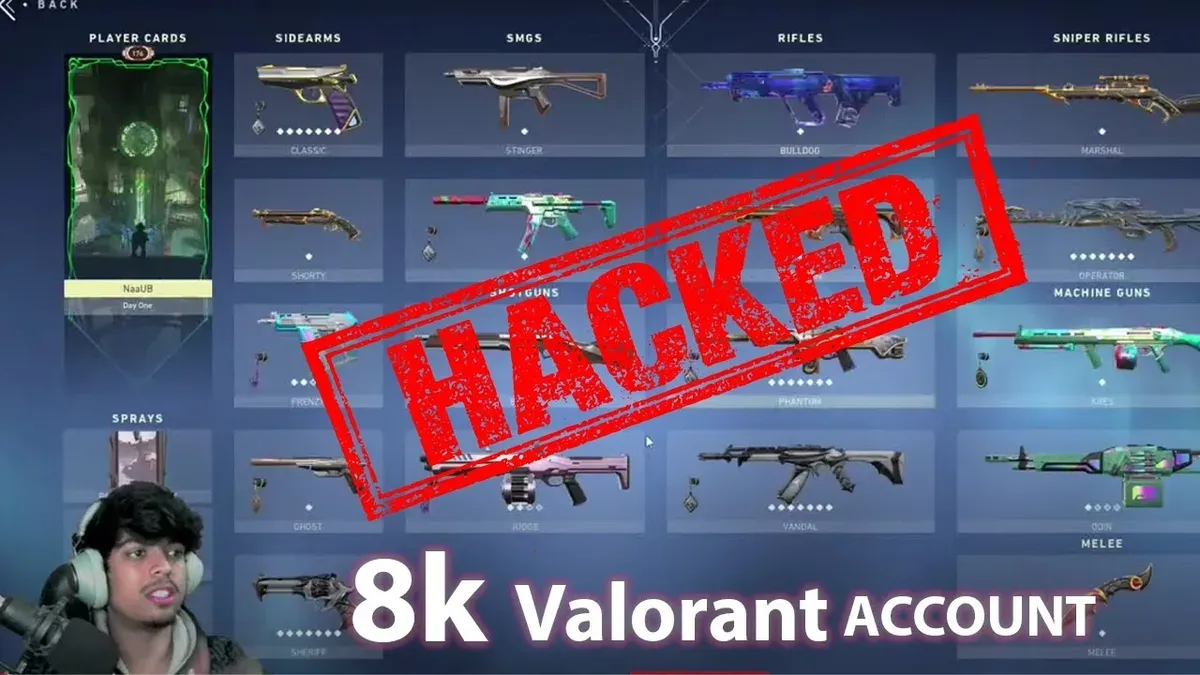
Cheating software often exploits vulnerabilities in the game client or injects code to manipulate gameplay mechanics. These tools are typically third-party programs that run alongside Valorant, detectable by Riot’s anti-cheat system, Vanguard. Riot regularly bans tens of thousands of accounts for cheating each year, demonstrating active enforcement. However, account hacking is less common but more serious, as it affects personal data and digital assets.
Account hackers often use phishing scams disguised as official Riot communications or fake Valorant-related websites to trick players into revealing login information. Another vector is keyloggers or malware installed unknowingly on players’ devices. For example, a player might receive an email claiming their Valorant account was flagged, prompting them to enter credentials on a fake site, resulting in stolen access.
The Valorant community and Riot respond by reporting cheating incidents via the in-game reporting tool and maintaining active anti-cheat updates. Riot’s support also handles account recovery requests swiftly when hacking is reported. Players are warned against downloading unauthorized software or sharing credentials to minimize risk.
Frequently asked questions
How to get hacks on valorant tutorial?
Distributing or using hacks in Valorant violates the game's terms of service and risks account bans. There are no legitimate tutorials for hacks because they involve unauthorized software that compromises fair play and security. Players should avoid sites or videos claiming to offer hacks, as these often contain malware or scams.
What if my valorant account got hacked?
If a Valorant account is hacked, immediately contact Riot Games support with account details and proof of ownership. Attempt to regain control by using any linked email or phone recovery options. Change passwords on all related accounts, enable two-factor authentication, and monitor for suspicious activity.
What's wrong with valorant servers?
Server issues in Valorant can stem from maintenance, regional outages, or unexpected spikes in player traffic. Riot Games posts status updates on their official server status page and social media channels. Checking these sources can confirm if problems are widespread or related to individual network connectivity.
How to get hacks on Valorant tutorial
Seeking hacks for Valorant is strongly discouraged and against the rules. Such tutorials promote cheating, which results in permanent bans and risks exposing devices to harmful software. Focus on legitimate strategies and practice to improve gameplay instead.
What if my Valorant account got hacked
Immediately secure the account by resetting passwords and contacting Riot support with verification details. If the email linked to the account was changed, provide as much proof as possible, such as purchase receipts or linked payment methods. Enabling two-factor authentication after recovery is essential to prevent future breaches.
What this advice does not cover
This advice does not cover recovery of accounts hacked through third-party services outside Riot’s ecosystem, such as compromised email providers or linked social media accounts. It also does not guarantee recovery if proof of ownership cannot be established through Riot’s official support channels. Players facing phishing scams involving non-Riot platforms or hardware-level security breaches should seek specialized assistance beyond this guide.
Tip: Keep all original purchase receipts, linked payment method details, and any correspondence with Riot handy to improve chances of account recovery.
For immediate action after a suspected hack, submitting a detailed ticket via Riot Games Support remains the most effective next step. Include all relevant account information, changes noticed, and any suspicious activity logs. Prompt, clear communication with Riot’s support team is crucial for regaining control and securing the account against further unauthorized access.
See also: How to Recover and Secure a Steam Account Hacked · How to Identify, Recover, and Secure a Hacked PlayStation Account · How to Secure and Recover a Slack Account Hacked