How to Recover a Plenty of Fish Account Without a Phone Number
Discover the fastest methods to recover your Plenty of Fish account without a phone number, including email reset and contacting support.

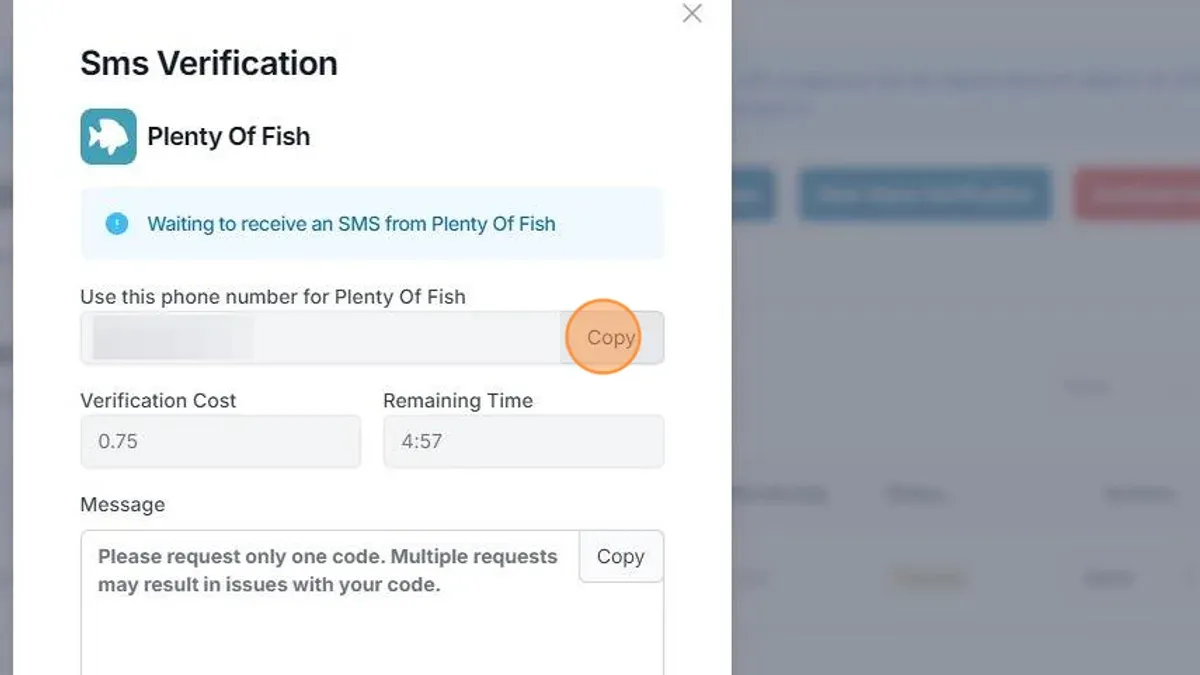
This article outlines the fastest recovery methods first, then details additional official options for users who cannot use their phone number, including less common scenarios and strict limits on what cannot be done.
What is the fastest way to regain access without a phone number?
The quickest method to recover a Plenty of Fish account without a phone number is to use the registered email address linked to the account. Initiate this by navigating to the Plenty of Fish login page and selecting the "Forgot Password?" link. This directs to a password reset form where the registered email must be entered. Once submitted, an email containing a password reset link will be sent.
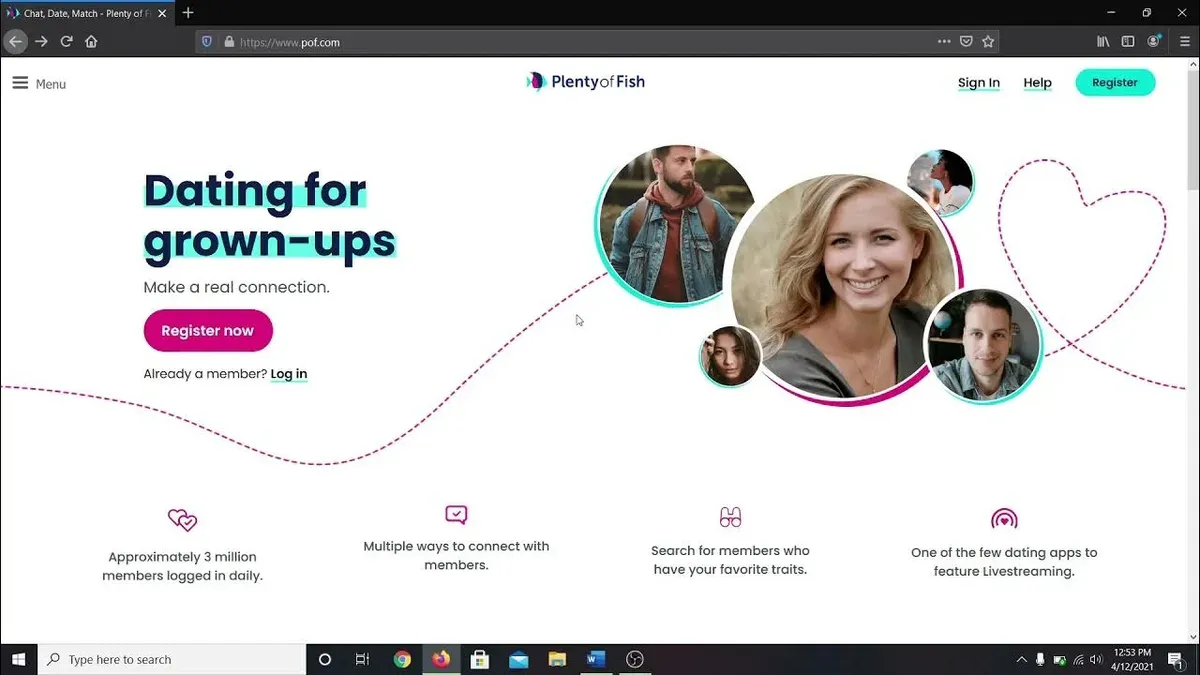
- Go to the Plenty of Fish login page and click "Forgot Password?". The page will prompt for the email address associated with the account.
- Enter the registered email address and submit the form. A confirmation message indicates the reset email has been sent.
- Check the email inbox for the reset email. If it is not visible, verify the spam or junk folder.
- Click the link inside the email to open the password reset page, create a new password, and confirm it. A success message confirms the password change.
- Return to the login page and sign in with the new password.
Tip: Always verify the spam folder if the reset email does not appear within a few minutes.
What alternative verification methods can be used if email reset isn’t possible?
Users must contact POF support directly, submitting identity verification documents such as a government-issued ID or screenshots showing recent account activity. These proofs help confirm ownership beyond the usual email or phone verification.
Logging in via that social account can bypass the need for email or phone verification.
- Locate the POF customer support contact form or email address.
- Attach a clear government ID or screenshots of account activity as proof of ownership.
- Include the account username, join date, and recent activity details in the message.
- Submit the request and await confirmation or additional instructions from support.
- If a social media login was linked, attempt login through that account instead.
Tip: Gather all relevant account information before contacting support to streamline the verification process.
How do shared devices or multiple users affect account recovery?
This can trigger error messages such as "Incorrect password" or "Account not found," even when the correct details are entered. To avoid these issues, logging out from all other users on the device is essential before attempting recovery.

The person initiating recovery must confirm ownership through verifiable information, including screenshots of account activity or government ID, when contacting POF support. Manual verification is necessary because automated recovery methods assume sole control of the account.
To confirm ownership in shared or managed contexts, follow these steps:
- Log out of Plenty of Fish on all devices to prevent credential conflicts. Success is indicated by the login screen prompting for account details.
- Clear browser or app cache to remove stored data that might interfere with login attempts.
- Attempt to log in using the registered email and password. If unsuccessful, note any error messages for support reference.
- If password reset is needed, use the email recovery method first. Avoid using phone number recovery if the number is not accessible.
- If automated methods fail, gather identity verification documents and contact POF support for manual recovery. Expect requests for proof of account ownership.
Tip: Avoid simultaneous logins from multiple users on the same device during recovery to prevent session conflicts.
What to do if both phone number and email are lost or compromised?
When both the phone number and email linked to a Plenty of Fish account are inaccessible, recovery options narrow significantly. The platform’s automated reset tools rely on these contacts, so manual intervention becomes the only alternative. Prepare to gather identity verification documents such as a government-issued ID or screenshots showing recent account activity to prove ownership.
Contact Plenty of Fish customer support directly through their official help channels. Submit the prepared documents as requested. If the identity can be verified, support may assist in resetting the account credentials. However, account recovery is not guaranteed without verifiable proof, and many requests without sufficient evidence are declined.
If support cannot restore access, the account is effectively irretrievable due to security policies designed to protect user data. In this case, creating a new account is the most practical solution. When setting up a new account, use current and accessible contact details to avoid similar issues in the future.
- Collect government ID or recent account screenshots for proof of ownership.
- Submit a detailed support request including these documents via Plenty of Fish’s official support portal.
- Wait for confirmation from support regarding account access restoration.
- If denied, proceed to register a new account with valid contact information.
Tip: Keep backup copies of all account-related emails and screenshots in a secure location to simplify future recovery efforts.
How does the sequence of recovery steps affect success?
- Start by requesting a password reset via the registered email on the Plenty of Fish password recovery page. Success is confirmed when a reset email arrives promptly in the inbox.
- If no email appears, check spam, junk, and filtered folders before proceeding. Missing this step often leads to unnecessary delays.
- Only after verifying email access fails, consider using a social media login linked to the POF account. Attempting this step first can cause confusion if the social account wasn’t previously connected.
- Contact Plenty of Fish customer support only after all self-service options are exhausted, providing identity verification documents as requested. Premature support requests without prior attempts slow down resolution due to verification backlogs.
- Throughout the process, avoid switching steps or repeating failed attempts out of order, as this can trigger temporary lockouts or confusion in account status.
Tip: Following the exact order—email reset, checking all inbox folders, social login, then support—maximizes recovery speed and minimizes complications.
What this process does not cover and when to seek alternative help
This recovery process focuses solely on regaining access to Plenty of Fish accounts when phone numbers are unavailable. It does not address account hacking or unauthorized access incidents, which require specialized security measures beyond password recovery. Users seeking to delete or permanently close their accounts must use Plenty of Fish’s account settings or official support channels, as this guide does not cover account termination procedures.
Accounts suspended or banned for violating Plenty of Fish’s terms of service cannot be restored through password or identity verification steps described here. Such users must contact Plenty of Fish customer support directly to appeal or inquire about reinstatement options. The terms of service clearly separate recovery processes from disciplinary actions.
In cases of compromised accounts involving fraud, identity theft, or other legal concerns, professional assistance or legal counsel may be necessary. Plenty of Fish support handles account access issues but cannot provide legal remedies or investigate security breaches beyond verification steps. Seeking outside expertise ensures proper resolution of these complex issues.
Key Steps to Regain Access Without a Phone Number
Limits of This Process and When to Seek Other Help
Account recovery without access to both phone number and email is difficult and may not always succeed. In cases where no recovery method works, contacting Plenty of Fish customer support with proper identity verification is the final option. However, manual recovery depends on providing official documents and evidence of account ownership, which not all users can supply. Users locked out without any linked social login or verifiable contact details may face permanent loss of access. Alternative help outside the official channels is generally unavailable due to privacy and security policies.
See also: How to Recover a YouTube Account Without a Phone Number · How to Recover a WhatsApp Account Without a Phone Number · How to Recover an X (Twitter) Account Without a Phone Number