How to Log Out of Call of Duty on All Devices Quickly and Securely
Follow clear steps to log out of Call of Duty on all devices quickly and securely, ensuring all active sessions are properly closed.

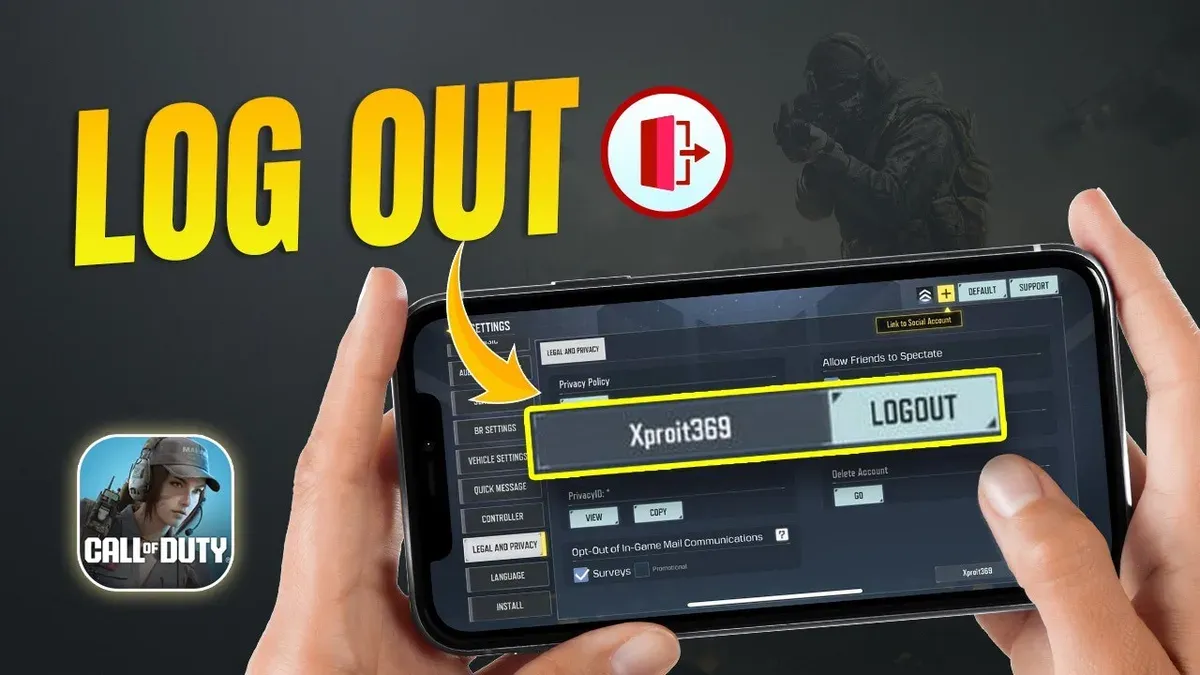
The process must follow a precise order: signing out through the account portal first, then confirming logout requests to ensure all active sessions end properly. Skipping steps or attempting to log out directly from game clients or consoles will not disconnect all devices simultaneously.
It also clarifies how to resolve common login issues, manage sessions on PC, and handle special scenarios like shared devices, lost access, and managed accounts. Readers will find clear, actionable instructions to secure their accounts efficiently.
How to log out of Call of Duty on all devices quickly
This approach is the only official method to remotely terminate all active Call of Duty sessions across consoles, PC, and mobile platforms. The key option to look for is labeled either "Sign Out of All Devices" or "Deauthorize Devices." Selecting this triggers a system-wide logout that forces every active session to close.
First, log into the Activision account dashboard. Navigating to the "Security" or "Account Management" tab reveals the logout controls. Selecting the "Sign Out of All Devices" button will prompt a confirmation dialog. Confirming this action is essential; skipping confirmation or attempting to log out from individual devices before using this option can leave some sessions active.
The user will see a success message once the logout completes. Following this, manually logging back into the desired devices will be necessary, as all previous sessions are closed.
- Open a web browser and go to the official Activision account management site.
- Log in with the account credentials associated with Call of Duty.
- Locate and click on the "Security" or "Account Management" section.
- Find and select the "Sign Out of All Devices" or "Deauthorize Devices" option.
- Confirm the logout action in the popup dialog to force log out from all devices.
- Wait for the confirmation message indicating the process is complete.
Tip: Confirming the logout action is mandatory; without it, some device sessions stay active despite clicking the option.
How to login to Call of Duty if unable to log in
Incorrect credentials cause the most common login failures and must be corrected on the Activision login page. For PC and mobile, use the Activision account credentials directly; console users must ensure their console account is properly linked to their Activision account.
Server outages or poor internet connectivity prevent successful login and require waiting or troubleshooting network issues.
Complete these prompts by entering the security code sent via the chosen MFA method to proceed. Failure to complete MFA will block access.
Without this link, login attempts on consoles will fail with an account mismatch or no access message.
- Enter the Activision username and password on the official login page and submit. A successful entry leads to a prompt for MFA if enabled.
- Complete the multi-factor authentication step by inputting the received code when requested. Successful verification grants access to the game lobby.
- If login fails, confirm the internet connection and check official server status pages. Retry login after resolving any connectivity or server issues.