How to Recover Your League of Legends Account Without a Phone Number
This guide helps you recover your League of Legends account without a phone number by using email access or submitting a support ticket.

This guide on how to recover League of Legends account without phone number will help you find the right path based on your current situation.
If you still have access to the email linked to your account, resetting your password or retrieving your username can be done quickly via Riot’s recovery page. However, losing access to that email means you must submit a detailed support ticket with proof of ownership, a process that can take days or longer.
Last verified November 2026 against AgataSmurf.
Choosing the right recovery method based on your situation
Start by determining whether you still have access to the email linked to your League of Legends account. If you do, automated recovery is the fastest and most reliable option.
- Go to Riot's account recovery page and select either the 'Forgot Password' or 'Forgot Username' option.
Successful completion will show a confirmation message that a recovery email has been sent. - If you no longer have access to your linked email or suspect your account has been hacked and the email changed, you must submit a support ticket to Riot.
This ticket should be filed under the 'Account' category and include as much proof of ownership as possible.
The key factor is your email access and account status.
| Your Situation | Recommended Recovery Method | Reason |
|---|---|---|
| Email access available, account uncompromised | Use automated 'Forgot Password' or 'Forgot Username' tools | These allow quick reset via linked email |
| No email access or account compromised with email changed | Submit support ticket with proof of ownership | Automated tools can’t verify ownership without email access |
Tip: Keep your email account secure and updated to simplify any future recoveries.
Recovering your account using the linked email
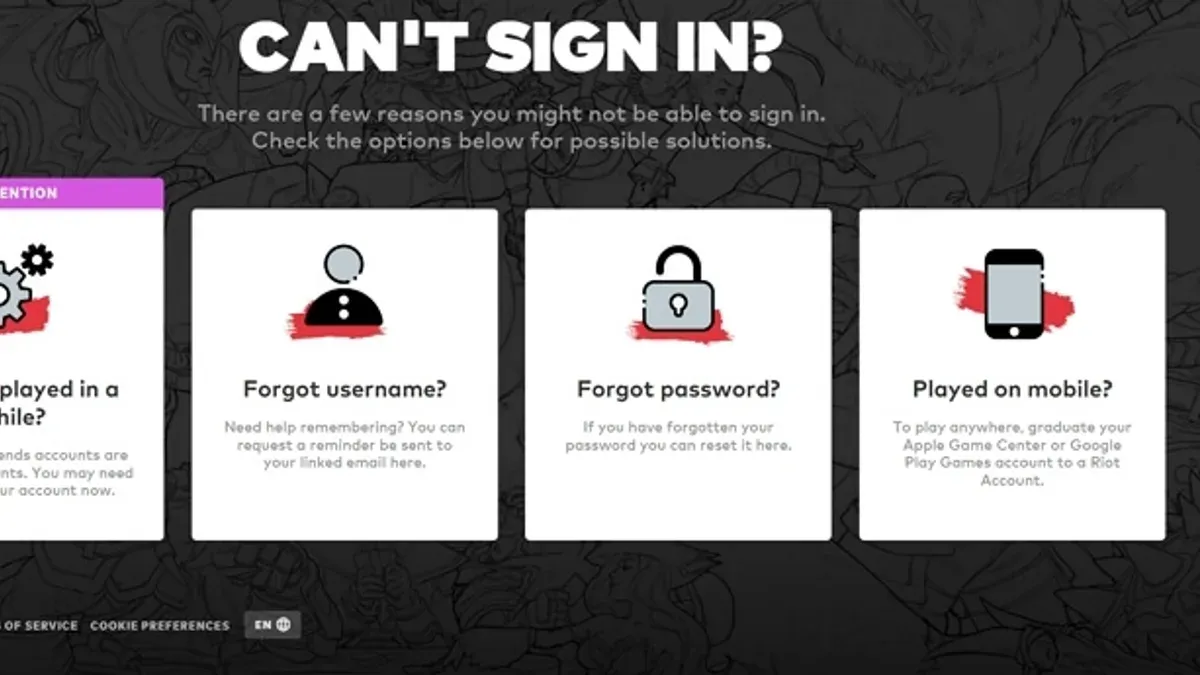
If you still control the email linked to your League of Legends account, you can quickly reset your password or retrieve your username using Riot’s automated recovery tool.
- Go to recovery.riotgames.com and select either Forgot Password or Forgot Username.
- Enter your linked email address or username as prompted. You will then receive an email with either a password reset link or a username reminder.
- Open the email and follow the instructions. For password resets, click the reset link to set a new password.
If the link does not work, request a new one immediately instead of retrying the expired link.
Submitting a support ticket when email access is lost or account is compromised
If you cannot access the email linked to your League of Legends account, automated recovery is not an option. Instead, you must submit a support ticket through Riot Support under the 'Account' category. Clearly explain that you lack email access and provide detailed proof of ownership to verify your identity.
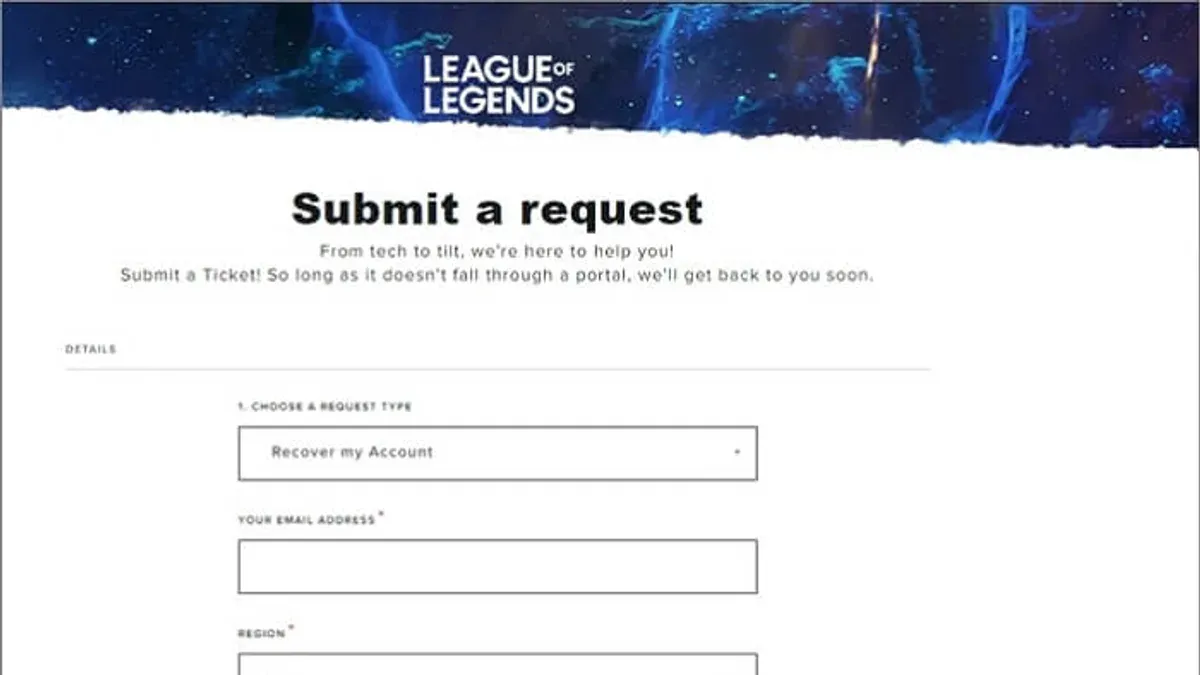
Proof should include your sign-in username, Riot ID, the original email address used, your account's region, an approximate account creation date, and purchase details such as transaction dates, amounts, payment methods, and transaction IDs. Also include your usual play location to help confirm your identity.
If your account was hacked and the linked email was changed, mark the ticket as 'compromised' to alert Riot Support of the situation. This helps prioritize your case appropriately.
Instead, reply to your existing ticket if you need to add information or ask for updates.
- Go to support.riotgames.com and select 'Submit a ticket' under the 'Account' category. You will see a form to fill out.
- Explain you no longer have access to your linked email and provide your detailed proof of ownership as requested.
- If your account was compromised and the email changed, mark the ticket as 'compromised' to flag the issue.
- Submit the ticket and wait for a response. Check your email regularly for updates from Riot Support.
Common pitfalls that slow or block account recovery
Attempting to reset your password using an outdated or incorrect email address linked to your account will prevent you from receiving recovery emails. Many players registered with old or school emails they no longer control, causing reset attempts to fail silently.
Submitting multiple support tickets for the same issue fragments the information and response effort. This duplication delays recovery as agents must consolidate scattered details and avoid processing redundant requests.
If you lose access to your linked email, failing to provide comprehensive proof of ownership severely hinders support’s ability to verify your identity. Incomplete or vague information leads to lengthy delays or outright denial of recovery.
Riot Support never requests your password or authentication codes. Sharing such details with anyone claiming to assist your recovery risks account theft and permanent loss.
- Confirm your linked email address is current before requesting a password reset. You should receive a reset email promptly if correct.
- Open only one support ticket per recovery issue. Wait for a response to avoid splitting your case.
- When submitting a ticket without email access, include detailed account information and proof of ownership as requested.
- Never provide passwords or authentication codes to anyone during recovery; Riot will not ask for them.
Tip: Check your spam folder for reset emails before concluding they never arrived.
How to verify your account recovery was successful
Successful login confirms the immediate recovery of your credentials.
Next, check and update your linked email address and security settings. Navigate to your account settings to verify the email on file is current and accessible. Update your password again if you suspect it was compromised during the recovery process.
Look for unfamiliar match histories, changes in your Riot ID, or unrecognized in-game purchases.
- Log into your League of Legends account using your recovered credentials; you should reach the game client dashboard without errors.
- Check your linked email and security settings in your account profile; confirm that all contact information is correct and update your password if needed.
- Review recent account activity for unauthorized changes; absence of suspicious activity indicates your account is secure.
- Set up additional recovery options like two-factor authentication to protect your account against future access issues.
When this guide does not apply and what to do instead
If you lack access to your linked email and cannot provide proof of ownership, account recovery is extremely unlikely. Riot’s recovery process strictly requires verifiable evidence to confirm the original owner’s identity.
Shared or resold accounts present significant risks. Riot prioritizes the original owner’s claims and does not support buyers who cannot prove ownership. Attempting recovery without this proof generally fails and may lead to permanent loss of access.
Legitimate recovery never involves sharing these details. Such requests are scams designed to steal your account.
In these cases, your options are limited. You can try to regain email access through your email provider or retrieve any purchase receipts or linked payment details as proof. Without these, recovery chances are minimal.
- Attempt to regain access to your linked email account through your email provider’s recovery tools.
- Gather any proof of original ownership, such as purchase receipts or linked payment methods.
- Avoid responding to any requests for passwords or authentication codes from unverified sources.
Key steps to recover your League of Legends account without a phone number
Sources
- Account Recovery in League of Legends: Every Case — AgataSmurf