How to Recover Your Call of Duty Account Without a Phone Number
Discover a simple method to recover your Call of Duty account without needing a phone number by using email and purchase verification.

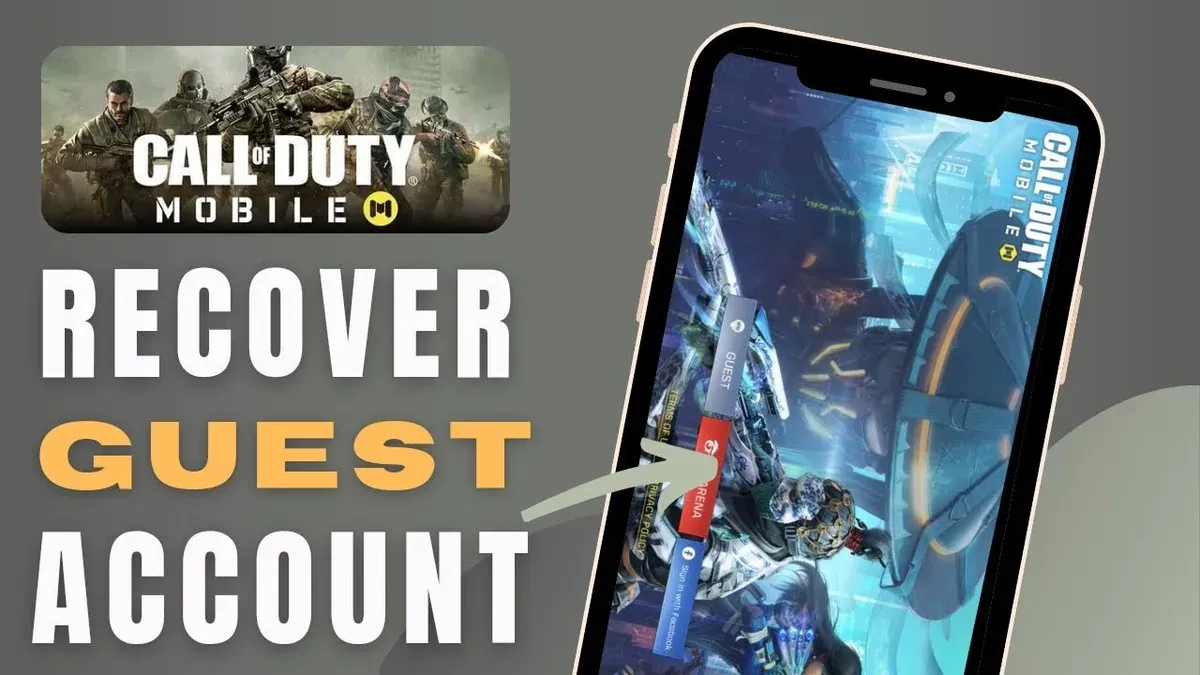
This approach bypasses the need for phone-based verification, which many guides overlook.
What you need before starting account recovery
You will need to receive verification codes or recovery instructions sent there. Without control over this email, recovery becomes significantly more difficult.
These details can serve as proof of ownership during the recovery process and increase your chances of successful verification.
Knowing this upfront helps streamline the process.
- Locate and confirm your registered email address or username associated with your Call of Duty account. Successful confirmation means you can access the email inbox for the next steps.
- Collect any purchase records or receipts related to your account. Having these on hand prepares you for verification inquiries.
- Identify your gaming platform (PC, Xbox, or PlayStation) to follow the correct recovery path tailored for your account type.
How to use Activision’s account recovery form without a phone number
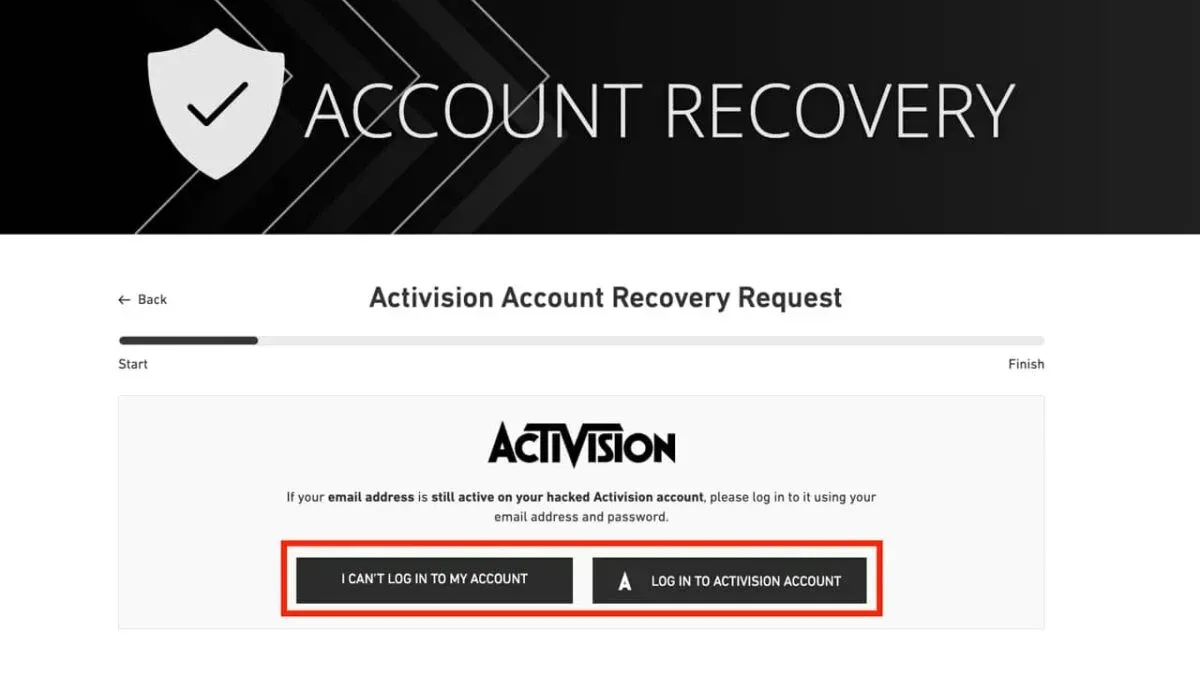
To recover your Call of Duty account without access to your registered phone number, begin by visiting Activision’s official account support page. Select the Forgot Password link to start the reset process. Instead of entering a phone number, choose the option to reset your password via email, which Activision explicitly supports as an alternative verification method.
Next, you will be prompted to enter your account details, such as your username or the email address linked to your Activision account. Activision’s recovery form may also request additional proof of ownership, like past purchase details or platform information, to verify your identity securely.
After submitting the required information, monitor your registered email inbox carefully for a message from Activision. This email contains a secure link or instructions to complete the password reset. Follow these instructions precisely to regain access to your account.
- Go to Activision’s account support page and click Forgot Password.
- Select the option to reset your password via email instead of phone verification.
- Provide your account details and any requested proof of ownership in the recovery form.
- Check your email inbox and follow the password reset instructions sent by Activision.
Differences in recovery options across platforms
Recovering your Call of Duty account without a phone number varies depending on the platform you use. On PC, recovery primarily occurs through Activision’s account recovery form, which relies on email verification. Console players, such as those on Xbox or PlayStation, may need to follow different steps depending on whether their Activision account is linked to their console account.

When your Activision account is linked to Xbox or PlayStation, recovery may require addressing the console account first. This is because your login credentials and verification methods for these consoles are managed by Microsoft or Sony respectively. Hence, you might have to use their account recovery processes if you cannot verify via Activision directly.
Console account recovery involves separate verification steps, including security questions, backup email confirmation, or contacting official support if automated methods fail. The need to contact support often arises when no email or phone number is accessible on the console account.
The linking status of your accounts affects the information required. If linked, you generally start recovery through the console’s account system, then regain access to Activision. If unlinked, you proceed directly via Activision’s recovery form, using email verification as an alternative to phone number input.
| Platform | Primary Recovery Path | Verification Method | Additional Notes |
|---|---|---|---|
| PC | Activision account recovery form | Email verification | Direct recovery via Activision website |
| Xbox | Microsoft account recovery → Activision | Microsoft verification (email, security questions) | Linked accounts require Xbox account recovery first |
| PlayStation | Sony account recovery → Activision | Sony verification (email, backup email) | Linked accounts require PlayStation account recovery first |
- Identify whether your Activision account is linked to a console account by checking account settings on Activision’s website.
- If linked, start recovery on Microsoft or Sony account portals using email-based verification or security questions.
- Once console account access is recovered, proceed to reset your Call of Duty password via Activision’s recovery form if required.
- Check if your Activision account is linked to a console account
- Use console account recovery methods if linked
- Use Activision recovery form directly if unlinked
Common failure messages during recovery and how to respond
When recovering your Call of Duty account without a phone number, certain error messages may appear. Understanding their meaning helps you take the right corrective steps.
| Error message | Cause | How to fix it |
|---|---|---|
| Account not found | Incorrect username or email address entered | Double-check the spelling and formatting of your username and registered email. Try variations if you may have used a different email. |
| Verification code not received | Email delivery delay or email filtered to spam/junk folder | Check your spam or junk folder. Wait a few minutes and request the code again if needed. |
| Unable to verify identity | Missing or insufficient account verification details such as purchase info or account creation data | Gather proof of account ownership, such as purchase receipts or platform account details, and retry recovery with this information. |
If you repeatedly encounter failures, contacting Activision support directly is advisable for personalized assistance.
- Confirm your username and email spelling exactly as registered; the system should recognize your account.
- Check all email folders including spam for the verification code; you should receive it shortly after request.
- Prepare relevant account proof if identity verification fails; submit it when prompted to prove ownership.
After recovery: confirming access and securing your account
Once you regain access to your Call of Duty account, immediately log in and verify that your account details, such as your username, linked email, and platform information, are accurate and unchanged. This confirmation ensures that your account has not been tampered with during the recovery process.
Next, update your security settings to strengthen your account’s protection. Add a backup email address if you haven’t done so, and set up an authenticator app like Google Authenticator or Microsoft Authenticator for two-factor authentication (2FA). These measures provide additional verification options beyond your phone number.
Avoid removing your registered phone number without first adding an alternative verification method. Removing phone verification without a backup can lead to future lockouts and complicate account recovery.
Finally, monitor your account activity regularly, especially during the first few days after recovery. Check for unusual login attempts or changes to your profile. Many platforms offer a login history or security log; review it and log out all other sessions if you detect suspicious activity.
- Log in to your Call of Duty account and check your profile information for accuracy.
- Navigate to the security or account settings and add a backup email address and an authenticator app.
- Ensure your phone number remains linked unless you have a verified alternative method.
- Review recent login activity and log out from all other devices if anything looks unfamiliar.