How to Spot and Avoid Amazon Scam Emails
Learn to identify and protect yourself from Amazon scam email tactics designed to steal your personal data or money.

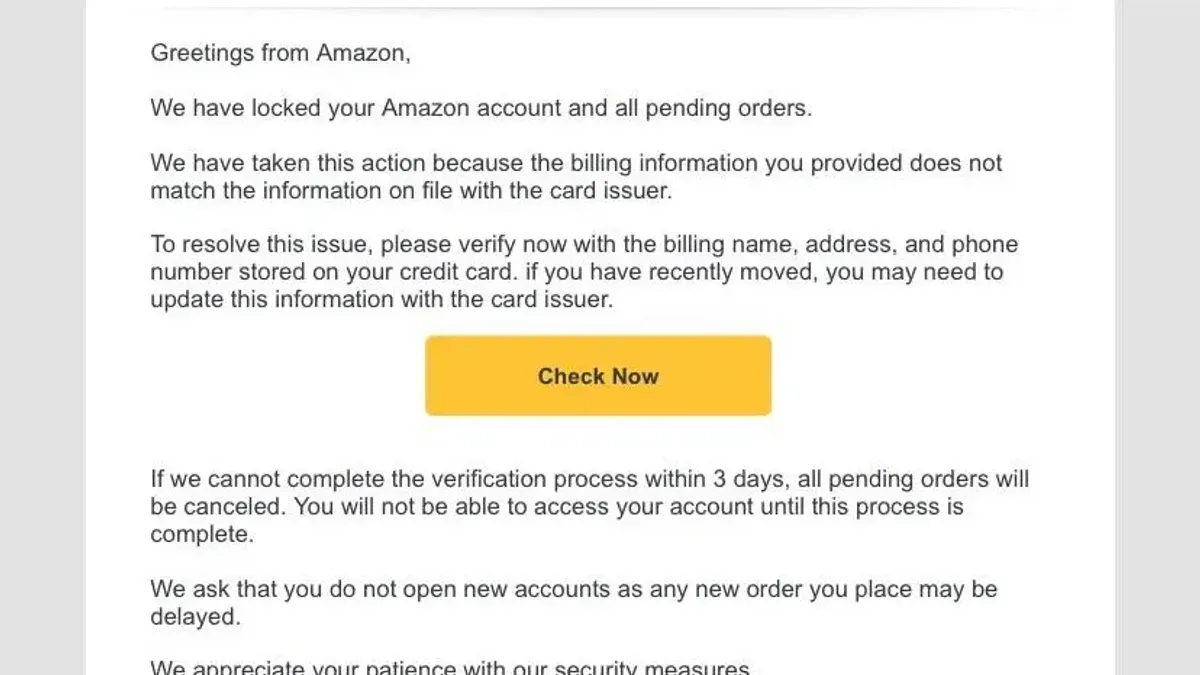
Amazon scam email messages are a frequent threat targeting online shoppers. These fraudulent emails imitate Amazon to steal personal data or money. Understanding their tactics and verifying authenticity can protect you from falling victim.
Understanding the Anatomy of an Amazon Scam Email
Amazon scam emails often follow recognizable patterns designed to trick recipients. Scammers use specific language and email structures that mimic official Amazon communications but include subtle red flags.
- Phishing email structures and language: Scammers tend to use urgent language demanding immediate action, such as "Your account will be suspended" or "Confirm your payment details now." The messages often contain grammatical errors or awkward phrasing not typical of Amazon’s professional tone.
- Spoofed email addresses and domain tricks: Fake sender addresses can look very similar to Amazon’s real domains. For example, an email from "[email protected]" uses the number zero instead of the letter "o" or adds extra words before or after "amazon.com" to mislead. A common mistake people make is not carefully checking the domain part after the @ symbol, which scammers exploit by using visually similar characters.
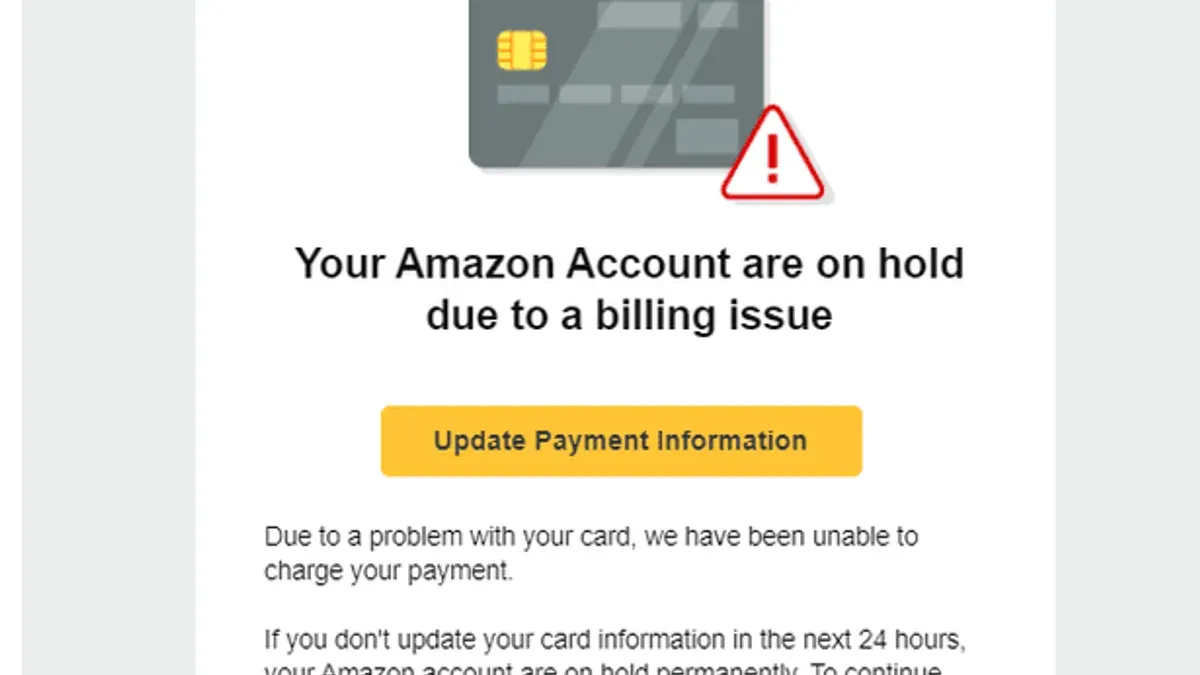
- Psychological tactics: Scammers exploit fear, urgency, or the promise of rewards. Emails may warn of unauthorized purchases or offer fake refunds to prompt hasty clicks without careful checking.
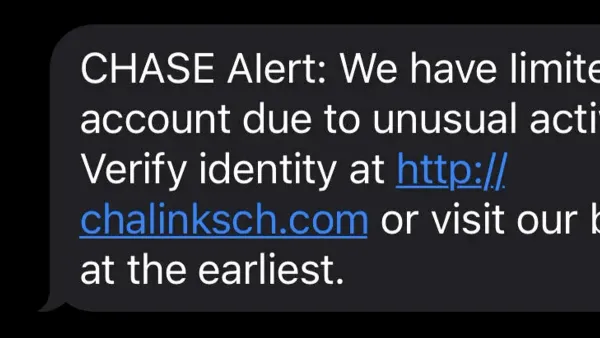
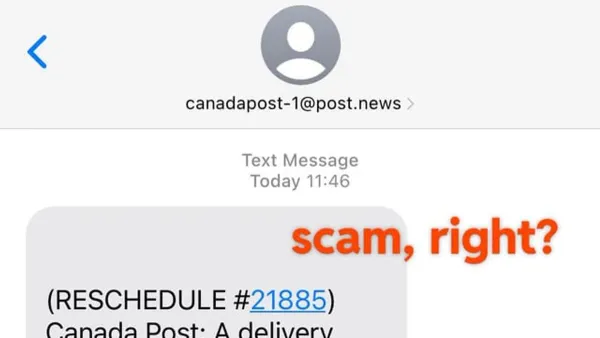
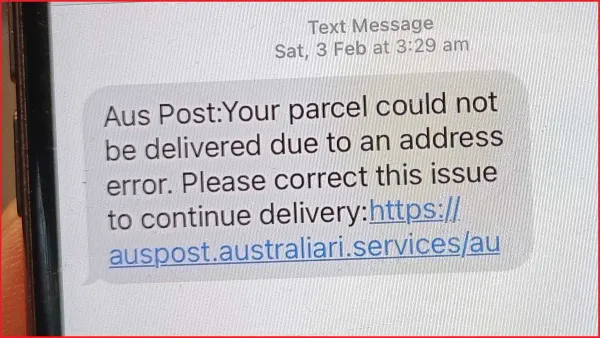
Examples of scam emails highlight suspicious elements such as mismatched sender addresses, inconsistent branding, and suspicious links. Many phishing attempts impersonate Amazon because of its large user base and trustworthiness.
How Amazon Legitimately Communicates with Customers
Knowing how Amazon sends official emails helps distinguish genuine messages from scams.
- Verified email domains: Amazon emails come from addresses ending with
@amazon.comor other official subdomains such as@amazon.co.ukor@amazon.ca. The company does not use free email services like Gmail or Yahoo for customer notifications. - Notification types: Amazon typically sends emails related to order confirmations, shipment updates, payment issues, account alerts, and security notifications such as two-factor authentication (2FA) alerts.
- Email formatting and signatures: Official emails use consistent branding, professional layout, and include a clear signature referencing Amazon Customer Service. They also include instructions on how to verify or manage your account securely. A practical check is to look for the presence of your name or part of your account information in the email, which scammers often omit.
Comparing authentic Amazon emails side-by-side with scam examples reveals differences in sender addresses, language style, and link destinations.
Step-by-Step Verification Checklist for Suspected Scam Emails
Follow this checklist to verify any suspicious Amazon email before taking action.
- Check sender email and domain authenticity: Confirm the email address ends with
@amazon.comor an official Amazon domain. Be cautious of subtle misspellings or additional characters. Note that some legitimate emails may come from subdomains like@amazon.co.uk, so verify based on your region. - Hover over links without clicking: Place your cursor over any links to see the real URL. Genuine Amazon links will point to
amazon.comor recognized international Amazon domains. Avoid clicking links that redirect elsewhere. Beware of URLs that use IP addresses or unusual domain extensions. - Verify order or account details by logging in directly: Instead of using email links, open a new browser window and sign in to your Amazon account through the official website or app to check recent activity or notifications. This step is critical because scammers often create convincing but fake login pages.
- Use Amazon’s official reporting channels: Forward suspicious emails to
[email protected]for investigation. Do not reply directly to the suspicious message.
Worked Example: You receive an email stating "Urgent: Your order #123456789 is on hold due to payment issues." The sender email is "[email protected]." Hovering over the "Resolve Now" link shows a URL to "amaz0n-payments-secure.net." Instead of clicking, you log in directly to Amazon on a new browser tab and find no alerts or payment issues. This confirms the email is a scam.
What to Do If You’ve Interacted with an Amazon Scam Email
If you have clicked links or shared personal information, act quickly to reduce risk.
- Secure your Amazon account: Change your password immediately. Enable two-factor authentication if not already active to add an extra security layer. Note that enabling 2FA can sometimes cause login delays or require backup methods, but it significantly improves account security.
- Report the scam: Inform Amazon by forwarding the email to
[email protected]and report to relevant authorities such as the Federal Trade Commission or your country’s cybercrime units. - Monitor financial statements: Check bank and credit card accounts closely for unauthorized transactions. Alert your financial institution about any suspicious activity.
- Consider credit freezes or fraud alerts: If you suspect identity theft, placing a credit freeze or fraud alert with credit bureaus can prevent new accounts from being opened in your name. This process varies by country and may involve fees or delays.
Prompt action can significantly reduce potential damage. Delaying response increases chances of financial loss or identity compromise.
Why Scam Emails Keep Evolving and How to Stay Ahead
Scammers continuously adapt to Amazon’s improved security measures and customer awareness.
- Adaptation to security measures: When Amazon strengthens email authentication or adds verification steps, scammers develop new spoofing techniques or target less-protected communication channels.
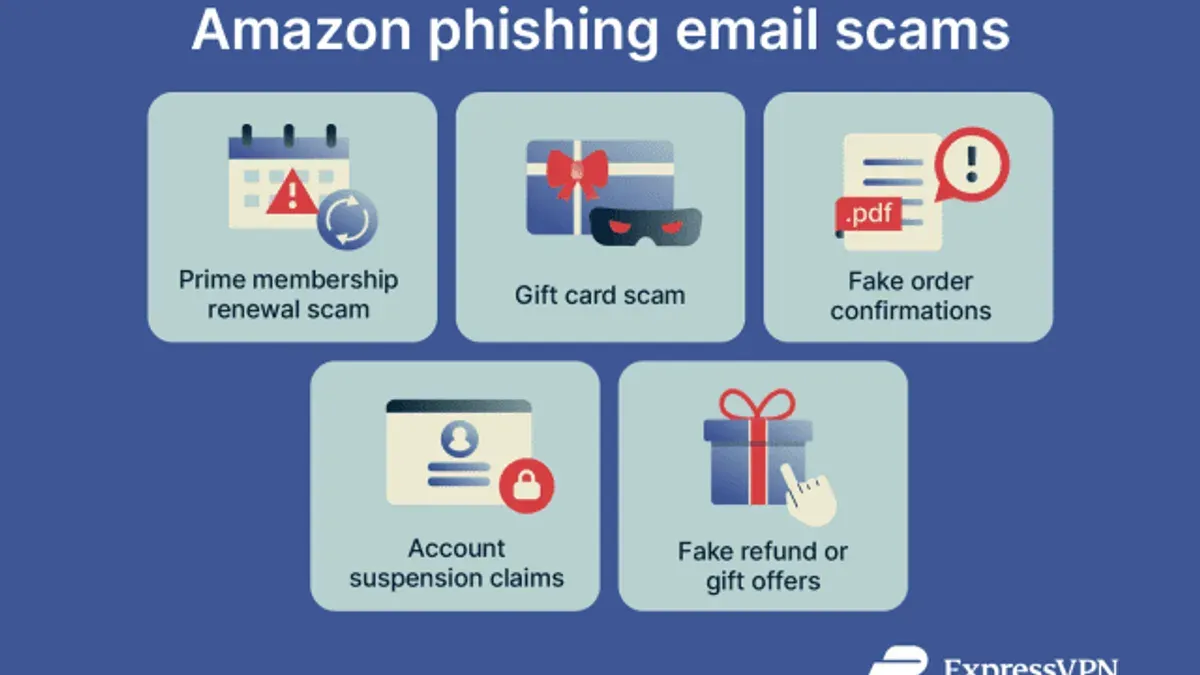
- Emerging scam trends: Recent scams may include sophisticated fake order tracking notifications, counterfeit invoice emails, or fraudulent account suspension warnings tailored to bypass filters.
- Maintaining long-term security: Use strong, unique passwords and update them regularly. Employ email security tools such as spam filters and phishing detection software. Stay informed about common scams from trusted sources like official Amazon communications or government cybersecurity websites.
Remaining vigilant and skeptical of unexpected or urgent emails claiming to be from Amazon is crucial for ongoing protection.
Frequently Asked Questions
Can I trust emails that say my Amazon account has been suspended?
Not without verifying. Amazon rarely suspends accounts without prior notice through your account dashboard. Always check your account by logging in directly before responding.
How do I report a suspicious email claiming to be from Amazon?
Forward the email to [email protected]. Do not reply to the suspicious sender or click any links within the email.
What are the signs that an Amazon email is a phishing attempt?
Look for misspelled sender addresses, urgent or threatening language, links pointing to non-Amazon domains, poor grammar, and requests for personal or payment information.
Is it safe to click links in emails that look like they’re from Amazon?
Only if you have verified the sender’s authenticity. A safer approach is to type the Amazon website address manually into your browser and access your account from there.
Important Caveats
This article addresses email scams impersonating Amazon but does not cover scams involving Amazon’s mobile app notifications or phone call scams. Readers concerned about those threats should seek additional resources specific to those channels.