Can You Get a Virus Just by Opening an Email? Facts and Risks
Opening an email without clicking links or downloading attachments is very unlikely to infect your device in 2026.

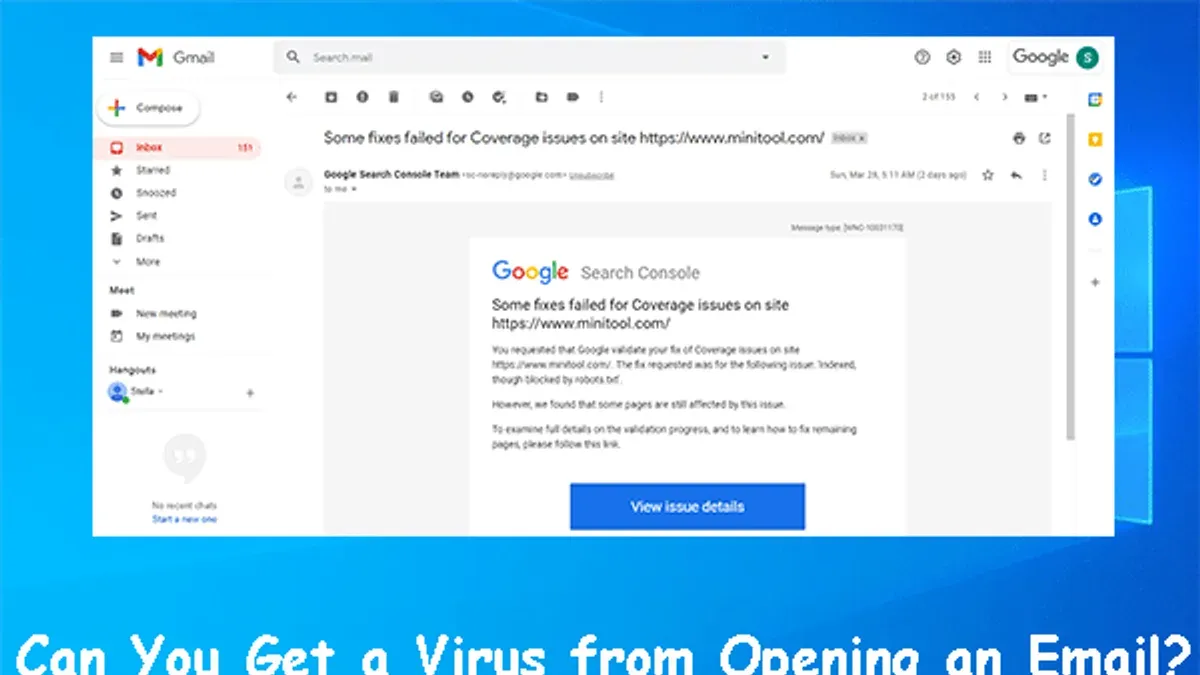
Many people wonder, "can you get a virus from opening an email?" Simply opening an email without clicking links or downloading attachments is very unlikely to infect your device. However, understanding how email-related malware spreads, the technical defenses in modern email clients, and potential indirect risks is essential for online safety in 2026.
How Viruses and Malware Typically Spread via Email
Emails are a common vector for malware, but the risk usually comes from interacting with the email’s content rather than just opening it.
- Opening vs. interacting: Opening an email loads the text and images the sender included. Infection usually requires actions like downloading attachments or clicking on malicious links.
- Common infection vectors: Attachments can carry harmful executables or macros, links may direct to phishing sites or drive-by downloads, and embedded macros in documents can activate malware when opened.
- Email client defenses: Modern email apps sandbox content and block active scripts or macros by default. For example, Microsoft Outlook disables macros by default and prompts users before enabling them, which is a step many users overlook, increasing risk.
Malware infections from email typically require user interaction such as clicking links or opening attachments. Incidents caused solely by opening emails are extremely rare compared to those involving active engagement.
Can Simply Opening an Email Infect You? The Technical Reality
Modern email clients render emails with multiple safety layers to prevent infections from merely opening a message.
- Sandboxing: Email content is rendered in isolated environments, restricting potentially harmful code from affecting your system.
- Disabling active content: Scripts, macros, and executable code are typically disabled or stripped out when rendering emails. For instance, Gmail strips out JavaScript and disables embedded scripts to prevent execution.
- Vulnerabilities and exceptions: Occasionally, vulnerabilities arise—such as a 2024 flaw in an email client that allowed remote code execution through crafted emails. Such bugs are complex to exploit and are patched quickly, but users who delay updates remain at risk.
- Email previews and remote content: Loading images or external content can expose metadata like your IP address, posing privacy risks but rarely leading to infections.
For example, a vulnerability patched in late 2024 involved an email client incorrectly parsing embedded content, theoretically allowing code execution without user interaction. Exploiting this required specific conditions, making it an outlier rather than a norm.
Email Security Best Practices Beyond Just Opening Emails
You can reduce risks significantly with a few practical steps that do not require avoiding opening emails entirely.
- Disable automatic image loading: In clients like Outlook and Apple Mail, the setting is often under "Trust Center" or "Viewing" options. Users frequently miss disabling this, which prevents remote content from loading automatically and reduces tracking and exposure.
- Watch for phishing signs: Look for suspicious sender addresses, poor grammar, unexpected requests, and unusual links before interacting.
- Use layered security: Employ antivirus software, strong spam filters, and maintain a zero-trust mindset where no unexpected email is trusted by default.
Checklist to stay safe when handling emails:
- Keep your email client and operating system updated regularly to patch vulnerabilities.
- Disable automatic downloading of images and attachments in your email client settings.
- Verify sender addresses carefully before clicking any links.
- Use security software with email scanning features enabled.
- Delete suspicious or unexpected emails without engaging.
When Opening an Email Can Lead to Security Risks You Should Care About
Although infection from just opening emails is rare, some risks remain.
- Tracking pixels: Tiny, invisible images embedded in marketing emails can notify the sender when you open the email, revealing your location or device information. This is a privacy concern rather than a malware risk.
- Rendering vulnerabilities: Occasionally, flaws in the way email clients display content can be exploited. These scenarios are uncommon but serious when they occur.
- Social engineering: An email’s content may pressure you into unsafe actions, such as calling a fraudulent number or visiting a dangerous website after reading the message. Opening sets the stage for these manipulations.
Marketing emails frequently use tracking pixels, which is why disabling automatic image loading is recommended to protect privacy.
What This Advice Does Not Cover and When to Seek Professional Help
This article focuses on general risks in typical user environments. It does not cover highly targeted spear-phishing attacks delivering advanced payloads designed to exploit zero-day vulnerabilities.
- Users running outdated or unpatched email software face increased risk from undisclosed exploits.
- If you suspect your device is infected after opening an email despite following precautions, professional incident response is advised.
- Advanced breaches sometimes involve vulnerabilities not publicly known; timely updates and expert intervention become crucial.
Cybersecurity authorities emphasize that no security measure is infallible. Staying informed and maintaining vigilance is key.
Frequently asked questions
Is it safe to open emails from unknown senders if I don’t click links or download attachments?
Generally, yes. Simply opening an email poses very low risk thanks to modern email client protections. Avoid clicking links or downloading files from unknown sources.
Can email previews or images in emails infect my computer?
Infection through image loading is extremely rare. However, loading remote images can reveal your IP address and other metadata, affecting your privacy.
What should I do if I accidentally opened a suspicious email?
Do not click any links or open attachments. Scan your device with updated antivirus software and monitor for unusual behavior. If concerned, seek professional help.
How can I identify safe vs malicious emails before opening them?
Look for sender inconsistencies, suspicious subject lines, unexpected requests, and poor language. Using email clients with built-in phishing detection helps.
Limitations and Caveats
This article focuses on email safety for users running current, patched software in 2026. Those with outdated or unpatched clients face greater risks, including from exploits that bypass standard protections.
Related reading
- Can You Get a Virus from a ZIP File? Understanding the RisksLearn how viruses can hide inside ZIP files and how to protect yourself from infection when handling compressed archives.
- Can You Get a Virus from a PDF? What You Need to KnowLearn how viruses can hide in PDFs and what steps you can take to protect your device from infection in 2026.