Can You Get a Virus from a ZIP File? Understanding the Risks
Learn how viruses can hide inside ZIP files and how to protect yourself from infection when handling compressed archives.

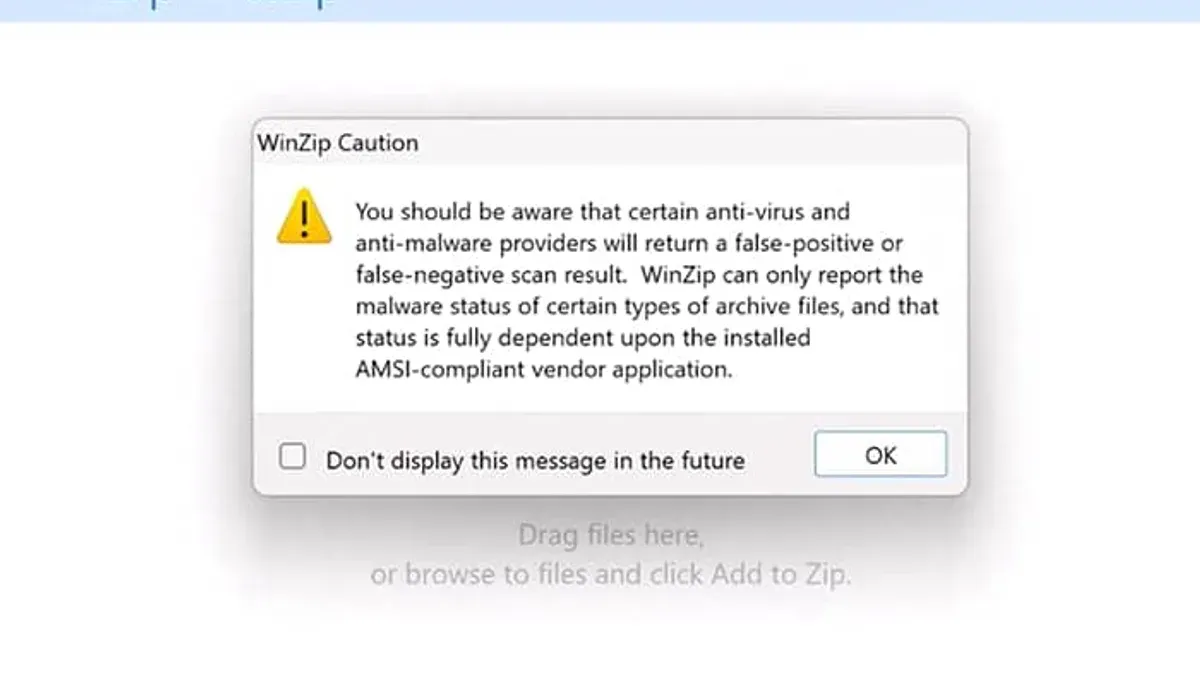
Many people wonder, can you get a virus from a ZIP file? ZIP files are common for sharing multiple files in one package, but understanding the real risks is key to staying safe when handling them. This article explains how viruses may be hidden inside ZIPs and how to protect yourself.
What Is a ZIP File and How Does It Work?
A ZIP file is a compressed archive that bundles one or more files into a single file. Compression reduces file size for easier sharing and storage. When a ZIP file is opened, its contents are extracted back to their original state.
ZIP archives can contain various file types including documents, images, executables, and scripts. The ZIP file itself is not a program, but a container holding these files. Because of this, viruses do not exist in the ZIP wrapper itself; they reside in the files inside it.
For example, a ZIP might include a PDF, a spreadsheet, and an executable (.exe) file. Only when you extract and run or open one of these files—especially executables or scripts—can a virus activate. Extraction turns the compressed data back into accessible files on your computer.
Can a ZIP File Itself Infect Your Computer?
Simply downloading or opening a ZIP file does not infect your system. A ZIP file by itself is not executable and cannot run code. When you open a ZIP using archive software, you are only viewing its contents.
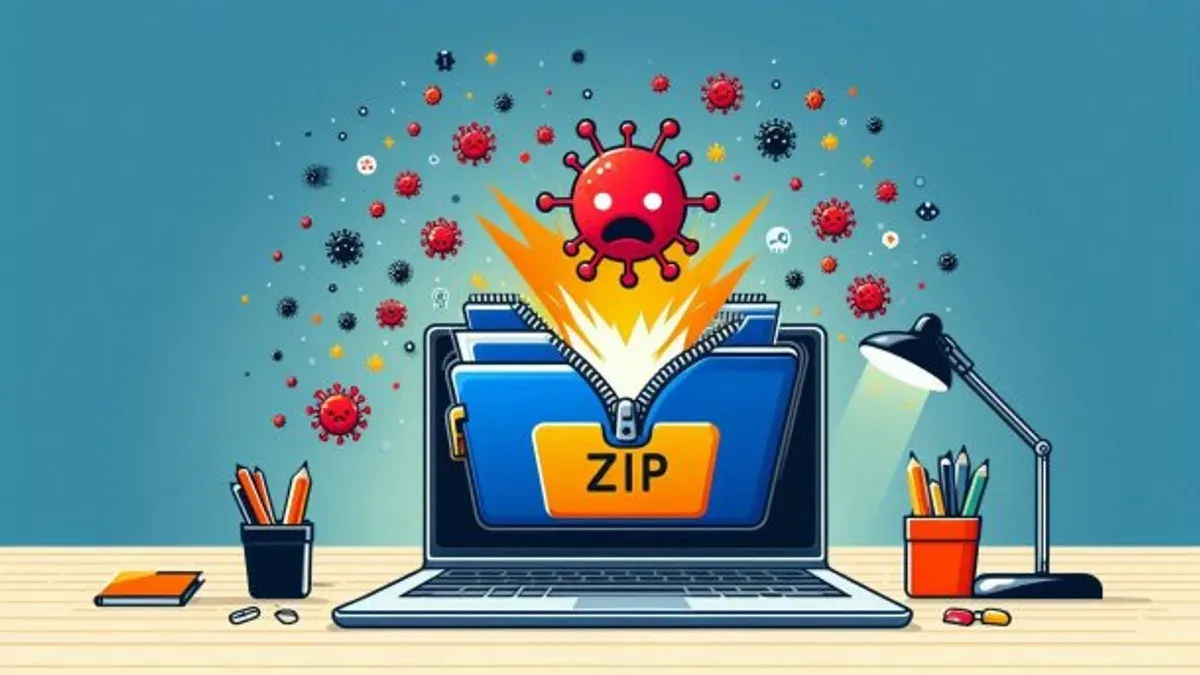
The key risk comes from running or opening the files inside the ZIP. For example, clicking a.exe file inside a ZIP can launch malicious software. Conversely, opening the ZIP and looking at the list of files or extracting only safe file types does not cause infection.
Consider this example: if you open a ZIP archive containing a text document and an executable, previewing or extracting just the text file cannot trigger a virus. The executable remains dormant unless manually launched.
How Viruses Hide Inside ZIP Files: Attack Vectors to Know
Malicious actors use several tactics to hide viruses inside ZIP archives:
- Malicious executables: ZIPs may contain harmful.exe,.bat, or.js files that can run unwanted code if launched.
- Double extensions: Files named with confusing extensions like
file.txt.exetry to trick users into thinking they are safe documents. - Auto-run scripts: Some ZIP extraction tools may trigger embedded scripts automatically during extraction—this depends on the extraction software and is rare in modern tools.
- Encrypted ZIPs: Password-protected ZIP files can hide their contents from antivirus scanners, allowing malware to bypass detection until extracted.
Malware inside encrypted ZIPs can evade real-time antivirus scanning because the content remains inaccessible until the correct password is provided. The double extension trick relies on user error to execute a harmful file. Auto-run risks depend heavily on the extraction software's security design and settings.
How to Safely Handle ZIP Files and Avoid Infection
Follow these steps to minimize risks when working with ZIP files:
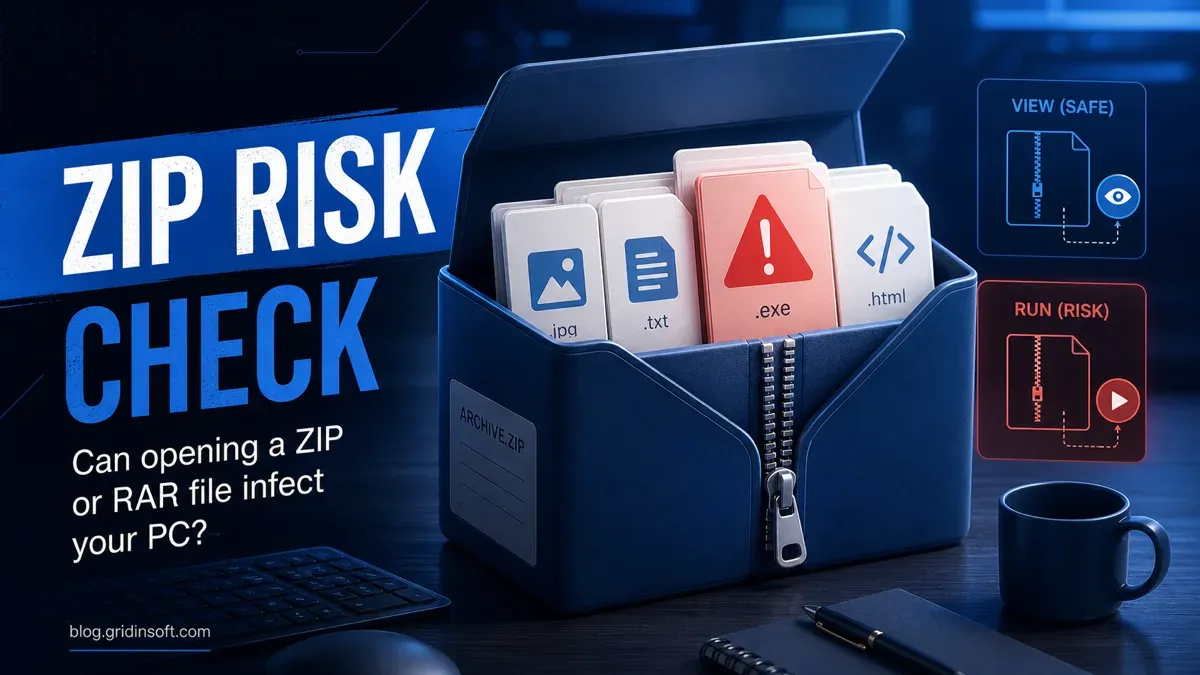
- Scan ZIP files with reputable antivirus software before opening. Most antivirus tools have settings to enable scanning of compressed archives—ensure this option is enabled, as some default installations skip scanning inside archives.
- Extract ZIPs in sandboxed or isolated environments if possible. Using virtual machines or sandbox software limits potential damage if a malicious file executes.
- Avoid opening ZIP files from untrusted or unexpected sources. Verify the sender and legitimacy before extracting.
- Watch out for suspicious file extensions or multiple layers of nested ZIPs. Attackers sometimes use multiple compressed layers to evade detection.
By following this checklist, you reduce infection risk significantly. Keeping your antivirus software updated and carefully inspecting files before running them are crucial steps.
When ZIP File Safety Advice Doesn’t Apply: Limitations and Risks
Even with precautions, some risks remain:
- Zero-day vulnerabilities in ZIP extraction software can allow malware to run automatically without user action. These are rare but possible.
- Outdated or unpatched tools increase exposure to extraction-related exploits. Regularly updating your archive software is essential.
- Advanced persistent threats combine ZIP attacks with social engineering to trick users into executing malware.
- Corporate environments require additional security layers beyond user vigilance and antivirus scanning due to higher threat levels, such as network monitoring and endpoint protection.
Security incidents have demonstrated that bugs in ZIP handling software can be exploited to compromise systems. Experts recommend keeping all software updated and using layered defenses in sensitive settings.
Frequently asked questions
Can a virus spread just by downloading a ZIP file without opening it?
No. Merely downloading a ZIP archive does not activate any virus. The archive is inert until you open and run infected files inside it.
Are all files inside a ZIP file safe if my antivirus says the ZIP is clean?
Not necessarily. Antivirus scanning is effective but not perfect. Encrypted ZIPs or new malware variants may evade detection. Exercise caution even if a ZIP scans clean.
What types of files inside ZIPs are most likely to carry viruses?
Executables (.exe,.bat), scripts (.js,.vbs), and macro-enabled documents are common carriers of malware inside ZIP files.
How can I tell if a ZIP file I received is safe to open?
Verify the sender, scan the file with antivirus, look for suspicious naming (like double extensions), and avoid unexpected or unsolicited ZIPs.
Limitations and Caveats
This article focuses on standard ZIP archives and does not cover specialized or proprietary archive formats. It also does not replace professional IT security advice for high-risk or corporate environments. Always consult experts when handling sensitive data or threats.