Can You Get a Virus Just by Visiting a Website? Facts
Discover if you can get a virus just by visiting a website and how browser security features keep you protected.


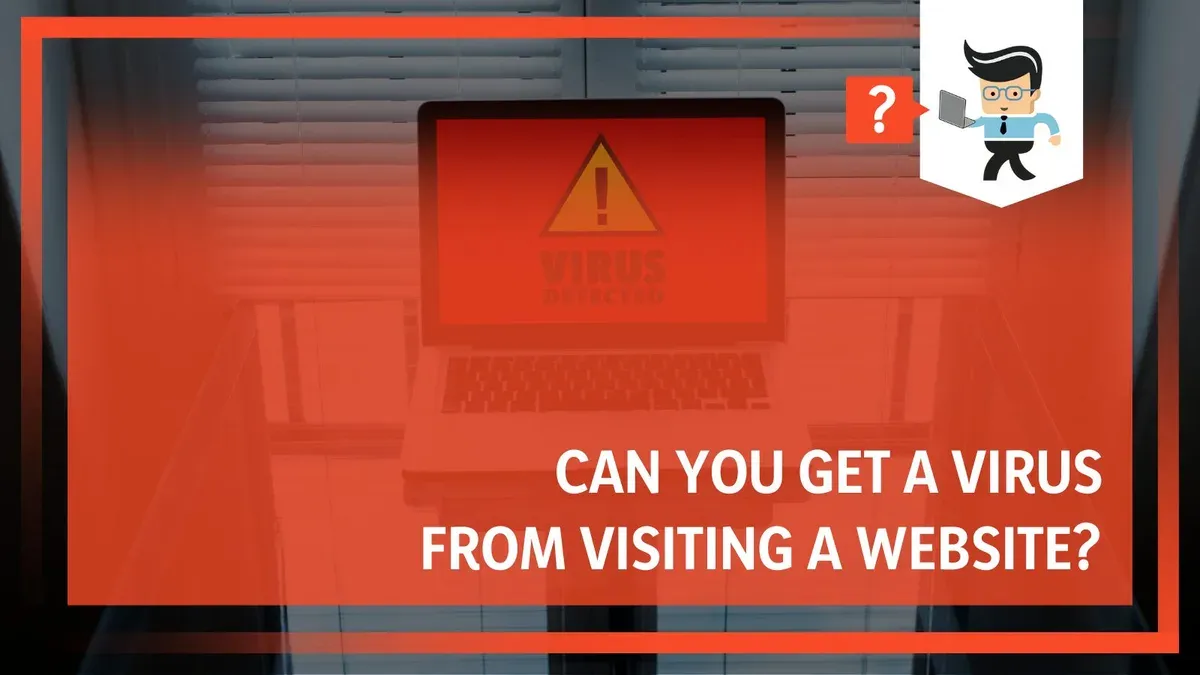
Concern about online threats is common, and many wonder: can you get a virus just by visiting a website? Advances in web technologies and browser security have greatly reduced the chances of automatic infection from simply opening a webpage. Understanding how risks have evolved and which scenarios remain dangerous helps users browse more confidently and safely.
How Viruses Traditionally Spread Through Websites
Historically, websites spread viruses and other malicious software through various mechanisms, including:
- Drive-by downloads and exploit kits: Automatic downloads triggered by visiting compromised or malicious websites. Exploit kits target vulnerabilities in browsers or plugins to silently install malware without user consent.
- Malicious scripts embedded in webpages: Harmful JavaScript or other code could execute actions or download malware.
- The role of outdated browsers and plugins: Older browsers and plugins like Flash or Java were frequently exploited to bypass security and deliver infections.
- Difference between viruses, malware, and other cyber threats: Viruses self-replicate; websites often deliver ransomware, spyware, or trojans as well.
Between 2020 and 2025, infection rates from drive-by downloads declined as browsers improved, but these methods were once a significant source of infections.
Modern Browser Security Features That Protect You
Today’s browsers and operating systems include multiple defense layers that reduce infection risks from visiting websites:
- Sandboxing and process isolation: Browsers run web content in isolated processes. For example, Chrome’s
Site Isolationfeature separates each site into its own process, preventing malicious code from accessing other sites or the system. - Automatic updates and patch management: Browsers like Firefox and Edge update silently and frequently. Users often miss enabling automatic updates, which is the critical setting to keep patched against known vulnerabilities.
- Built-in phishing and malware detection: Browsers warn users about suspicious sites using databases such as Google Safe Browsing, but these rely on known threats and may not catch zero-day attacks.
- Permission models for scripts and downloads: Modern browsers restrict scripts from downloading files or accessing sensitive APIs without explicit user permission, reducing silent infections.
These features significantly lower the chance of infection, but their effectiveness depends on correct configuration and timely updates.
When Visiting a Website Can Still Be Risky
Despite strong protections, some scenarios remain risky:
- Exploiting zero-day browser vulnerabilities: Unknown flaws can allow malicious code to bypass sandboxing. For instance, a recent exploit required a specific browser version with a disabled
JIT hardeningsetting, which many users overlook. - Social engineering prompting downloads or permissions: Websites may use deceptive prompts to convince users to download malware or grant risky permissions, such as installing malicious browser extensions.
- Malicious browser extensions installed via website prompts: Extensions can request broad permissions; users often miss reviewing these carefully, which can lead to data theft or malware installation.
- Risks on outdated devices and unsupported browsers: Devices not receiving updates remain vulnerable to known exploits, as security patches are no longer applied.
Example: A zero-day exploit chain used a malicious ad loading a hidden script that escaped the browser sandbox by exploiting a specific memory corruption vulnerability. This required a particular browser build and was patched quickly. Meanwhile, social engineering remains a common infection path where users download fake software updates prompted by sites.
How to Verify a Website’s Safety Before Visiting
To reduce risk, users should take practical steps to assess website safety:
- Use website reputation tools and heed browser warnings: Enable features like Google Safe Browsing or Microsoft Defender SmartScreen. Note that these tools flag known threats but may miss new or obscure ones.
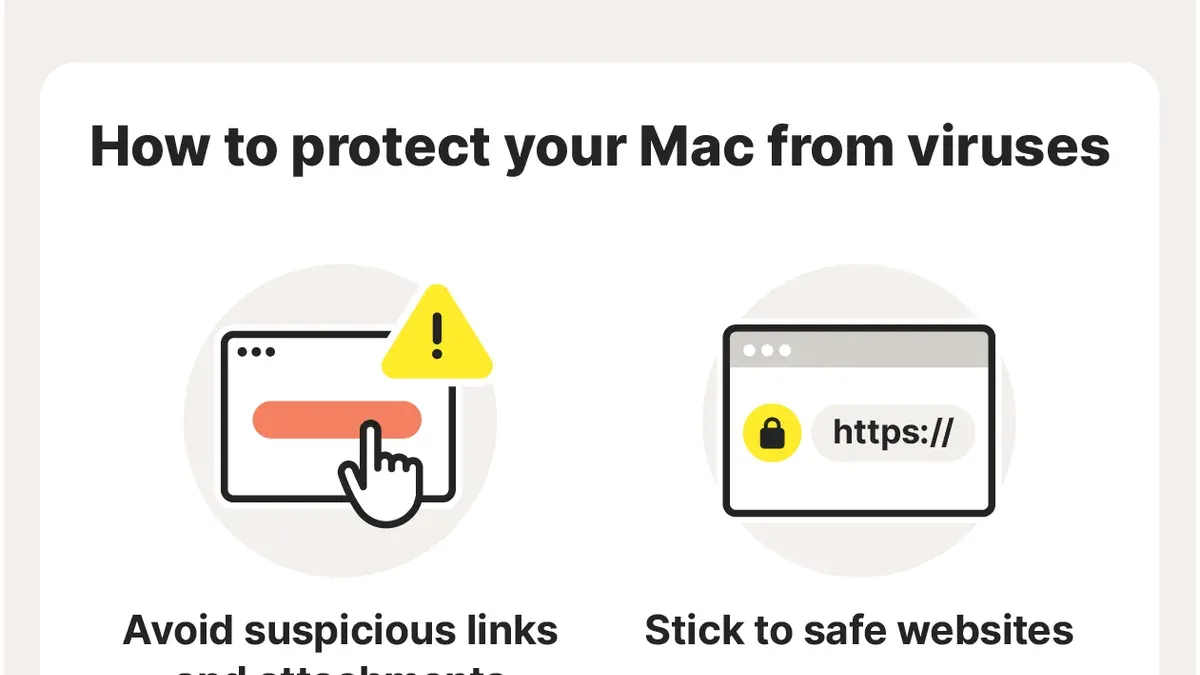
- Check URL legitimacy and HTTPS presence: Verify domain names carefully to avoid lookalikes. Ensure the site uses HTTPS with a valid certificate by clicking the padlock icon in the address bar.
- Avoid suspicious pop-ups and redirects: Unexpected windows or redirects often indicate malicious intent; close such sites immediately.
- Keep software and security tools up to date: Enable automatic updates for browsers, operating systems, and antivirus software to maintain protection against emerging threats.
Combining multiple indicators improves safety. For example, subtle misspellings or unusual domain extensions often signal phishing attempts.
What This Advice Does Not Cover and Who Should Take Extra Precautions
This article focuses on general consumer browsing risks and does not address targeted attacks or advanced persistent threats (APTs) often directed at organizations or high-value individuals. Users in high-risk environments should seek specialized security guidance.
Those using outdated or unpatched systems remain vulnerable regardless of safe browsing habits. Comprehensive endpoint security — including anti-malware, firewalls, and intrusion detection — is necessary beyond caution with websites.
Cybersecurity professionals emphasize that no single measure guarantees safety. These recommendations reduce typical risks faced by everyday users but are not a substitute for professional security management in sensitive contexts.
Limitations of This Guidance
This article covers general consumer-level browsing risks and does not include advanced targeted cyberattacks or vulnerabilities in specialized environments or less common platforms.
Frequently asked questions
Can a website infect my phone or tablet with a virus just by opening it?
Modern mobile operating systems and browsers have strong sandboxing and permission controls. It is very unlikely for a phone or tablet to get infected merely by opening a webpage. However, malicious sites may try to trick users into installing harmful apps or granting permissions.
What are drive-by downloads and how common are they today?
Drive-by downloads are automatic installations of malware triggered by visiting a compromised site. They were more common before modern browser security improvements. Today, such infections are rare on up-to-date devices but still possible if vulnerabilities exist.
Are all browsers equally safe against virus infections from websites?
Most major browsers implement similar security features, but differences in update frequency, sandboxing effectiveness, and phishing detection affect safety. Using a well-maintained, popular browser reduces risk substantially.
If I keep my browser updated, can I visit any website safely?
Keeping your browser updated is one of the best protections but does not guarantee safety. Some websites use social engineering or exploit zero-day vulnerabilities. Combining updates with cautious browsing habits and security tools is essential.