Can You Get a Virus from an MP4 Video? Technical Facts
This article explains whether you can get a virus from an MP4 video and how to handle these files safely.

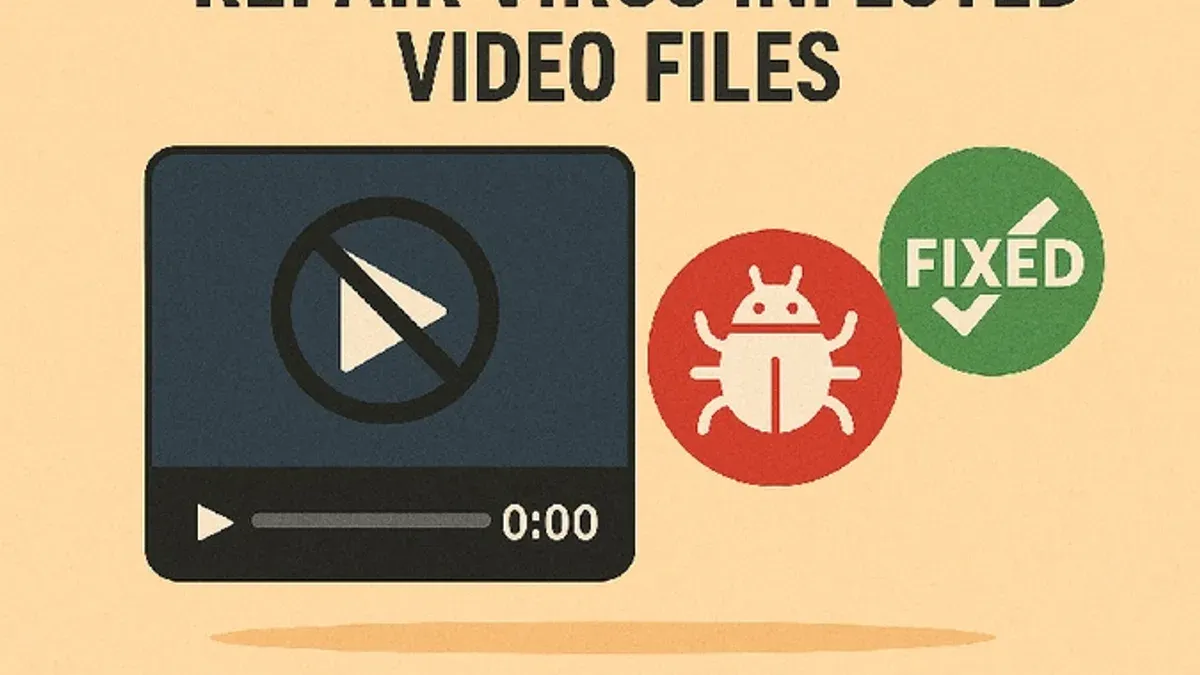
The question “can you get a virus from an MP4 video” is common among users concerned about cybersecurity. Understanding MP4 file structure and how media players handle these files is essential to assess real risks. This article explains MP4 containers, virus limitations, indirect attack methods, and safe handling practices.
Understanding MP4 Files: What Is Inside an MP4 Container?
An MP4 file is a multimedia container format that holds video streams, audio streams, subtitles, and metadata in one file. Unlike executable files, an MP4 does not include code that your device runs directly. Instead, it packages media data compressed with codecs.
The container format separates data streams so media players can decode and present content properly. Common codecs inside MP4 containers include H.264, H.265, and AAC for audio. These codecs encode media data but do not embed executable programs.
A typical MP4 file structure contains a ftyp box indicating file type, moov for metadata, and mdat for media data. This modular design is why MP4s themselves do not carry viruses.
Can MP4 Files Themselves Carry Viruses? The Technical Reality
MP4 files are not executable. They cannot inherently run or deliver malicious code on their own. Viruses require executable instructions that a system processor can perform, which MP4 containers lack.
It's important to distinguish viruses, trojans, and exploits. A virus self-replicates and executes code; a trojan disguises harmful code as benign software; an exploit leverages vulnerabilities in software. MP4 files as media containers do not contain executable code.
Standard media players decode audio and video streams but do not execute code embedded in those streams. This design prevents MP4 files from directly delivering malware by themselves.
| File Type | Executable Malware Possible? |
|---|---|
| MP4 (Container) | No |
| EXE (Executable) | Yes |
| Script files (e.g.,.js,.vbs) | Yes |
How MP4 Files Can Be Used as Attack Vectors Indirectly
While MP4 files themselves cannot carry viruses, they can be vectors in indirect attacks. Some media player software has vulnerabilities—such as buffer overflows or codec parsing bugs—that attackers can exploit with specially crafted MP4 files.
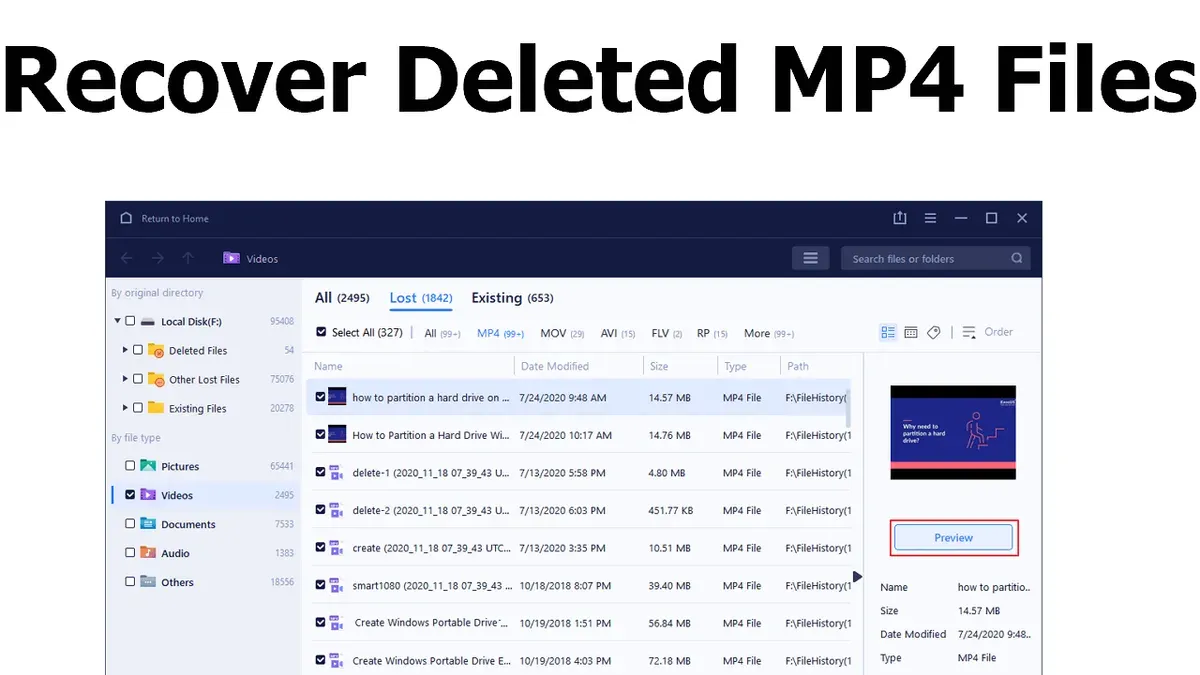
For instance, malformed MP4 metadata or stream data can cause crashes or code execution in vulnerable media players. The severity depends on the specific media player and its version, and whether security patches are applied.
Social engineering also plays a role. Attackers may distribute fake MP4 files or links prompting users to download malware disguised as video players or codecs. The malware is not in the MP4 but in accompanying files or downloads.
Example: A buffer overflow vulnerability in an open-source media player’s MP4 parser allowed remote code execution when opening a maliciously crafted file. The vendor released a patch quickly, but unpatched systems remained vulnerable.
How to Safely Handle and Play MP4 Videos
To reduce risks associated with MP4 files, follow these practical steps:
- Use media players that are regularly updated with security patches. Enable automatic updates if available, as missing patches is a common oversight that leaves systems vulnerable.
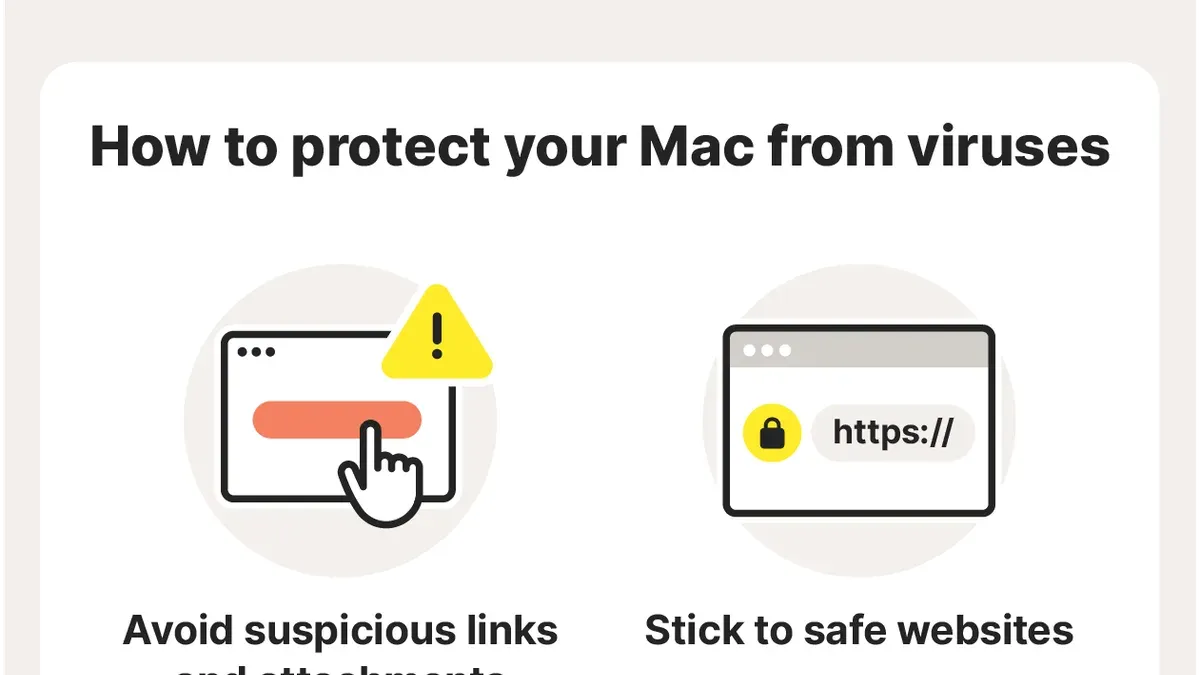
- Avoid downloading MP4 files from untrusted or suspicious sources, such as unknown email attachments or random websites.
- Scan MP4 files with reputable antivirus software before opening. Many antivirus engines now detect malformed media files exploiting vulnerabilities.
- Use sandbox environments or virtual machines when testing unknown MP4 files. This isolates potential harm from your main system.
- Be cautious of unusual file names or extensions, for example, files named
video.mp4.exeor similar disguises.
Checklist for verifying an MP4 file before playing:
- Confirm the file extension is exactly “.mp4” and not a double extension.
- Scan the file with antivirus and review any warnings carefully.
- Verify the file source credibility before downloading or opening.
- Open the file using an up-to-date media player with the latest security patches applied.
- Observe for unusual behavior such as crashes or unexpected prompts for additional downloads.
What This Advice Does Not Cover: Limits and Exceptions
This article does not address risks from streaming MP4 videos over compromised streaming platforms or malicious advertising. These threats operate independently of the MP4 file itself.
Other video containers or formats may have distinct vulnerabilities not covered here. Users with outdated operating systems or heavily customized media software face higher risks.
The safety practices described do not replace professional malware removal or incident response in case of infection.
Frequently Asked Questions
Is it possible for an MP4 file to contain a virus that runs automatically when opened?
No. MP4 files are containers holding media data, not executable code. They cannot run viruses automatically.
Can corrupt or malicious MP4 files damage my device or data?
Corrupt or specially crafted MP4 files can cause media player crashes or, in rare cases, exploit vulnerabilities if your media player is unpatched. This can potentially lead to code execution, but the file itself is not a virus.
Are there any media players known to be vulnerable to MP4-based attacks?
Some media players have had vulnerabilities in MP4 parsing, but most reputable players release patches promptly. Keeping your media player updated reduces this risk significantly.
How can I verify that an MP4 video file is safe before playing it?
Use antivirus scans, check the file source, ensure the file extension is correct, and open the video in an updated media player. If uncertain, use sandboxing to isolate potential threats.