How to Spot and Avoid Apple Pay Scam Texts
Learn how to recognize and protect yourself from Apple Pay scam text messages that aim to steal your personal and financial information.

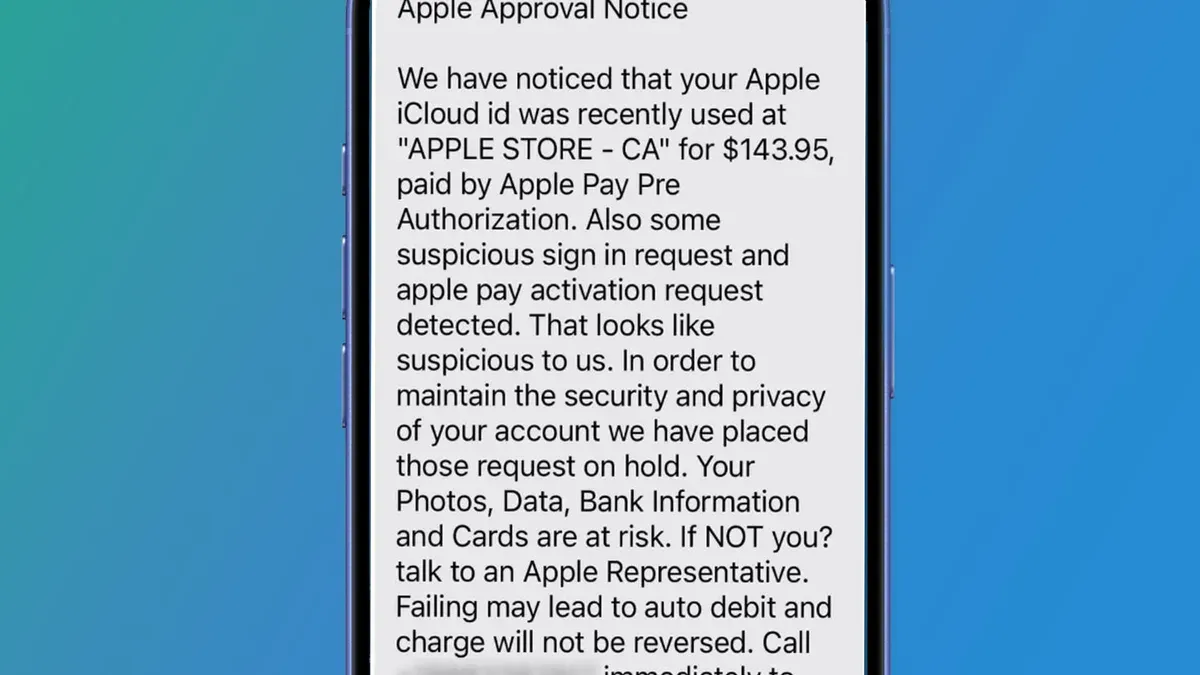
Apple Pay scam text messages aim to trick recipients into revealing personal and financial information by impersonating legitimate communications from Apple Pay. Recognizing these scams is essential to protect your accounts.
What Is an Apple Pay Scam Text and How Does It Work?
Apple Pay scam texts are fraudulent messages pretending to be from Apple or Apple Pay. They often claim there are unauthorized transactions, urgent payment problems, or account suspensions. The goal is to get victims to click malicious links or share sensitive data.
- Typical characteristics: Unexpected messages referencing Apple Pay, urgent language, suspicious links, or requests for personal information.
- Common tactics: Fake payment notifications or alerts about suspicious activity, pressuring recipients to verify information quickly.
- Exploiting trust: These scams leverage Apple’s strong brand reputation to lower recipients’ suspicion.
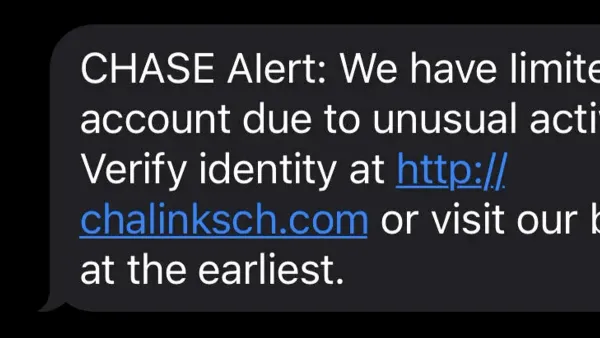
For example, a scam text might say: "Apple Pay Alert: A $199.99 charge was made on your account. If this wasn't you, tap here immediately to secure your account." The urgency and specific amounts are designed to provoke quick action. Consumer protection agencies note these scams are increasingly diverse.
Psychological Tricks Behind Apple Pay Scam Texts
Scammers use psychological manipulation to prompt impulsive responses. Key tactics include:
- Urgency and fear: Threats of account suspension or financial loss induce panic that bypasses rational thinking.
- Trusted brand impersonation: Mimicking Apple’s branding and communication style creates false legitimacy.
- Social engineering: Exploiting common behaviors like immediate response to alerts or clicking links to resolve issues quickly.
For example, a scam text might say: "Your Apple Pay account has been locked due to suspicious activity. Click the link to unlock now." The terms "locked" and "click the link now" are designed to rush victims without verification.
Legitimate Apple Pay notifications rarely require immediate action via links in texts. Instead, they prompt users to check the official app or website.
How to Verify If an Apple Pay Text Is Legitimate
Before responding to suspicious Apple Pay messages, follow these steps to confirm authenticity:
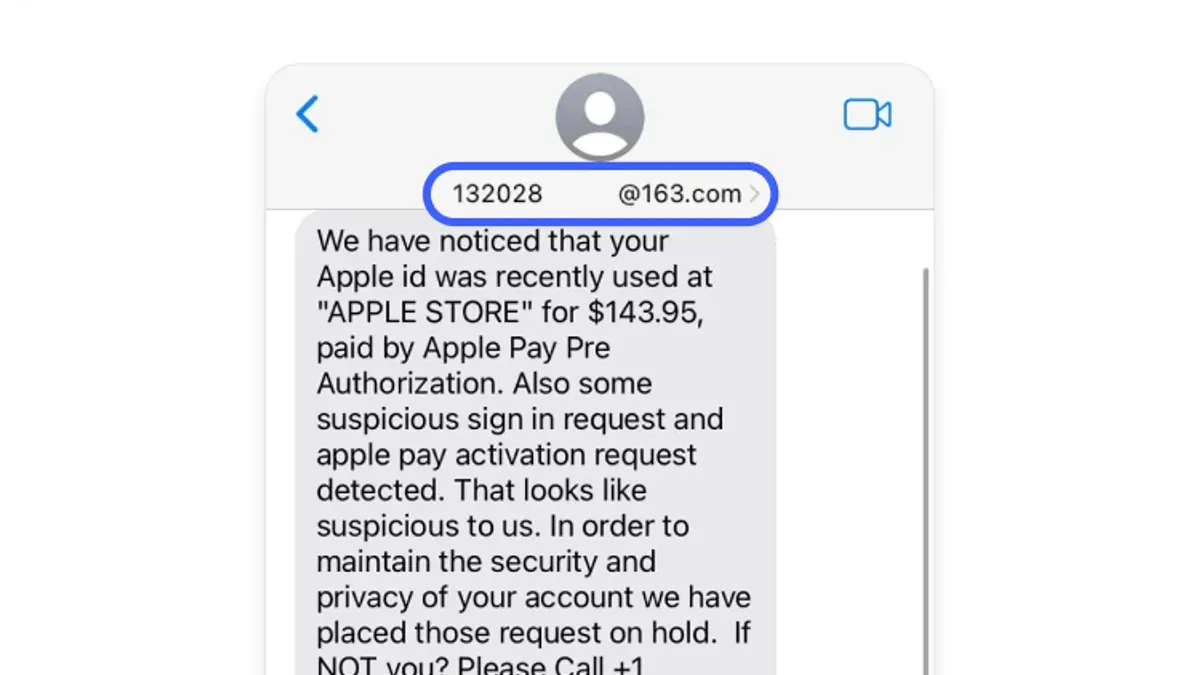
- Check the sender information: Official Apple messages come from short codes or numbers like 686-868. Messages from random phone numbers are suspicious.
- Examine message formatting: Apple communications maintain consistent branding, correct spelling, and grammar. Poor language or unusual formatting is a warning sign.
- Avoid clicking links or calling numbers in unsolicited texts: Instead, navigate to the official Apple Pay app or website manually.
- Use the official Apple Pay app: Open the app directly to review transactions or notifications rather than relying on text messages.
- Contact Apple Support through official channels: Use Apple’s website or official support numbers to verify suspicious messages.
A common step people miss is verifying the sender number against Apple’s documented short codes, which can be found on Apple’s official support pages. This helps distinguish legitimate messages from scams.
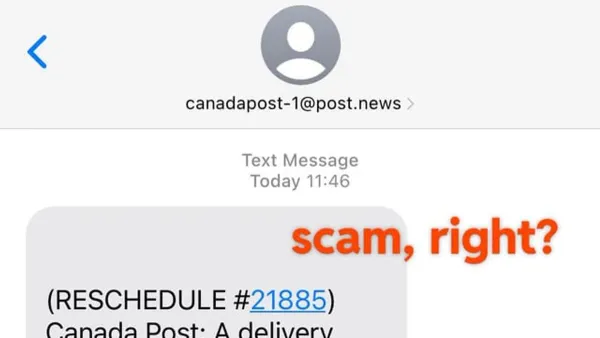
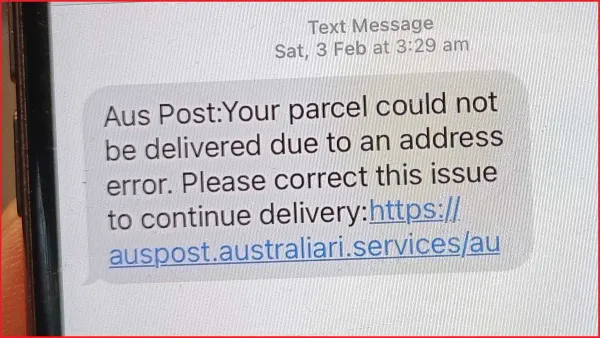
Comparing screenshots of official Apple Pay notifications with scam texts can also help identify differences in design and wording.
Practical Tips to Protect Yourself Against Apple Pay Scam Texts
To reduce the risk of falling victim, apply these security measures:
- Enable two-factor authentication (2FA) on your Apple ID: This adds protection beyond just a password, requiring a verification code on trusted devices.
- Regularly review your Apple Pay transaction history: Check your account frequently through the official app to spot unauthorized activity early.
- Use security features like Hide My Email: Minimizes exposure of your real email address, reducing phishing risk.
- Report scam texts: Forward suspicious messages to Apple at 7726 (SPAM) and notify your mobile carrier or relevant authorities.
Note that enabling 2FA may require trusted devices or phone numbers, which can complicate account recovery if lost. Balancing convenience and security is important.
What to Do If You’ve Fallen for an Apple Pay Scam Text
If you suspect you have been targeted by an Apple Pay scam text, act quickly:
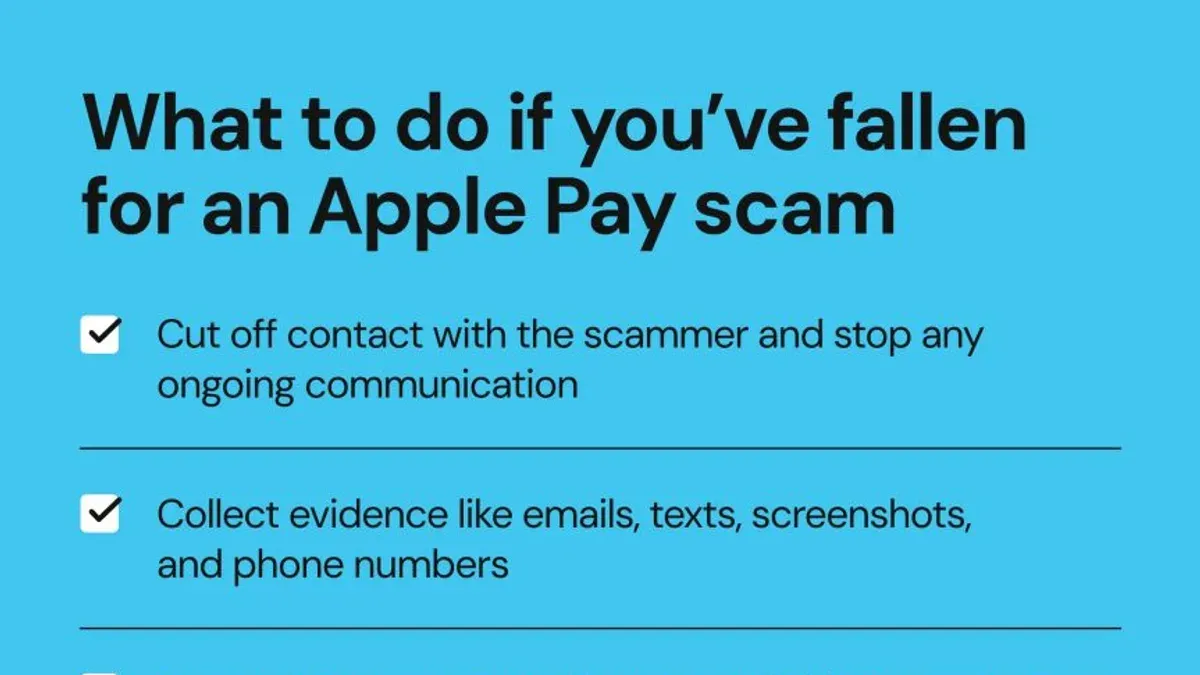
- Contact your bank or card issuer immediately: Request to freeze accounts or reverse unauthorized charges.
- Notify Apple Support: Inform them to help secure your Apple ID and linked payment methods.
- Change all related passwords: Update your Apple ID password and any other accounts that may be vulnerable.
- Monitor your credit reports: Look for signs of identity theft or new fraudulent accounts.
- Be alert for further suspicious activity: Identity theft can appear through unexpected communications or financial changes.
Timely reporting can limit losses and improve recovery chances, though response times vary by institution.
Frequently asked questions
Can I trust texts that say there’s a problem with my Apple Pay account?
Always verify suspicious texts through the official Apple Pay app or by contacting Apple Support directly. Avoid trusting unsolicited messages without confirmation.
What should I do if I accidentally clicked a link in an Apple Pay scam text?
Stop interacting with the site immediately. Change your passwords, monitor your accounts for unusual activity, and contact your bank and Apple Support for guidance.
How can I report an Apple Pay scam text to Apple or authorities?
Forward the scam text to Apple at 7726 (SPAM) and report it to your mobile carrier. You can also file complaints with consumer protection agencies or cybercrime units.
Are there any tools or apps that can help detect scam texts?
Many mobile devices include built-in spam filtering. Third-party apps can also identify and block suspected scam messages, but always verify suspicious communications independently.
Important Caveats
This advice specifically addresses Apple Pay scam texts and does not cover scams involving other payment platforms or complex identity theft cases. For extensive financial fraud or identity theft, seek professional legal or financial assistance.