Can You Get a Virus from a Text Message? What You Should Know
Discover whether you can get a virus from a text message and how to protect your device from SMS-based malware and scams.

Many people wonder, can you get a virus from a text message? The short answer is no, at least not in the traditional sense. However, text messages can still be a delivery method for harmful software and scams that compromise your device or data. Understanding the difference between viruses and other malware types, as well as how SMS-based attacks operate, is key to staying safe in 2026.
Understanding Viruses vs. Malware in Text Messages
A computer virus is a malicious program designed to replicate itself and spread by attaching to executable files or software. Viruses require executable code to run and propagate. Since SMS messages contain plain text or links, they cannot carry executable code that automatically infects a phone upon receipt.
Instead, text messages commonly serve as vectors for other malware types, such as spyware, ransomware, or phishing scams. These threats often arrive through links or prompts that persuade users to download malicious apps or disclose sensitive information.
Classic viruses rarely spread directly via text messages. Instead, SMS is frequently used in campaigns sending malicious links or encouraging unsafe actions. For example, recent security reports highlight an increase in SMS phishing attacks that trick users into visiting harmful websites or installing dangerous applications.
How Text Message Attacks Work and What to Watch For
Attackers send text messages mimicking trusted sources to lure recipients into clicking links. These phishing SMS messages may claim to be from banks, delivery services, or government agencies to create urgency or fear.
- Clicking a malicious link can direct you to a website that attempts to download malware onto your device or steal login credentials.
- Some messages prompt users to install apps that appear legitimate but contain spyware or ransomware.
- Social engineering exploits human trust to bypass technical defenses.
Compared to email, SMS phishing attacks can be more effective because messages appear more personal and immediate. Attackers often use shortened URLs or misspelled domains to evade detection.
Protecting Yourself: Best Practices for Safe Text Messaging
These steps can reduce your risk from text message threats:
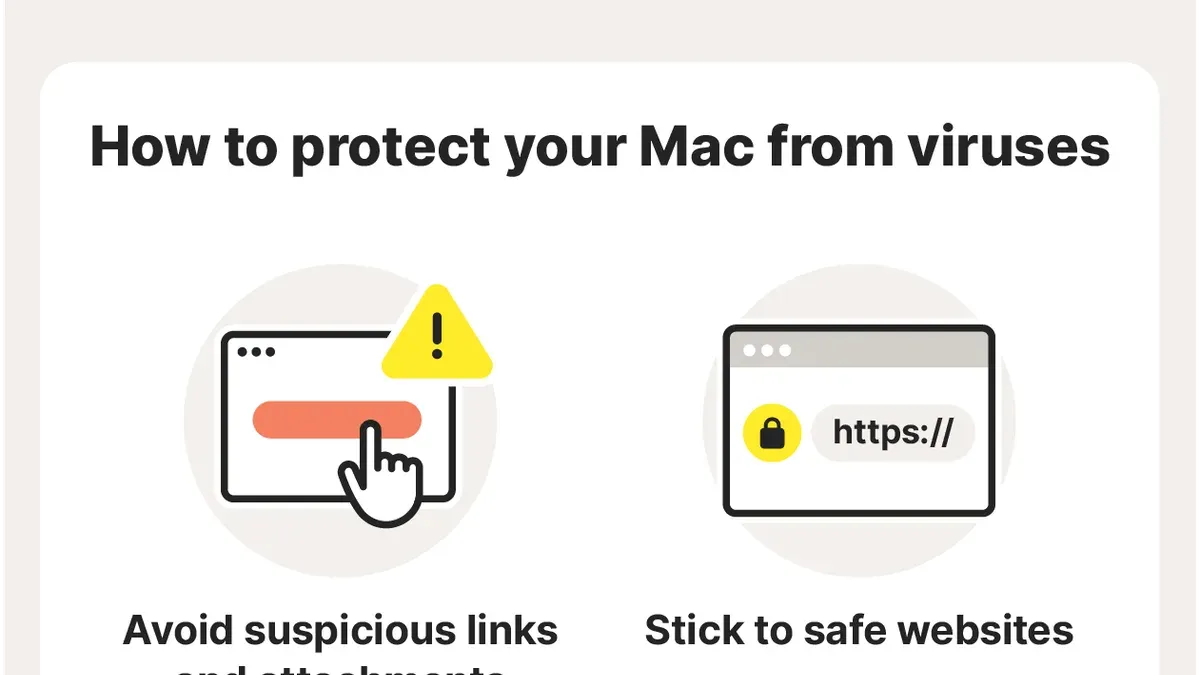
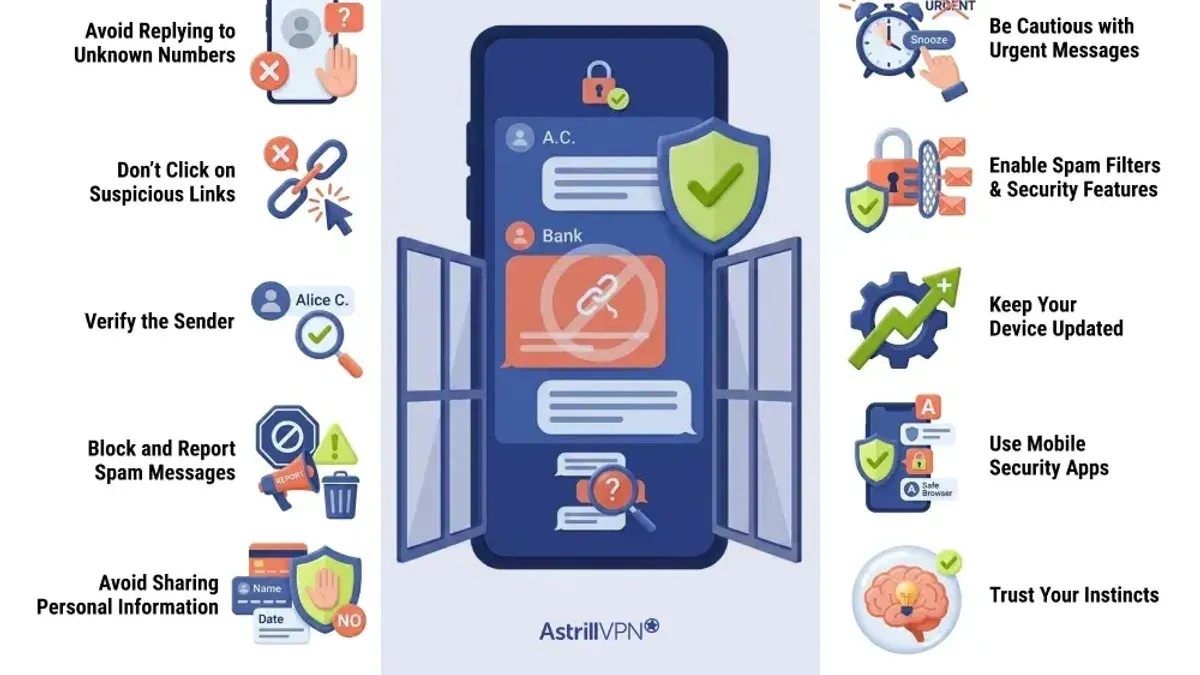
- Never click on links or open attachments from unknown or suspicious senders.
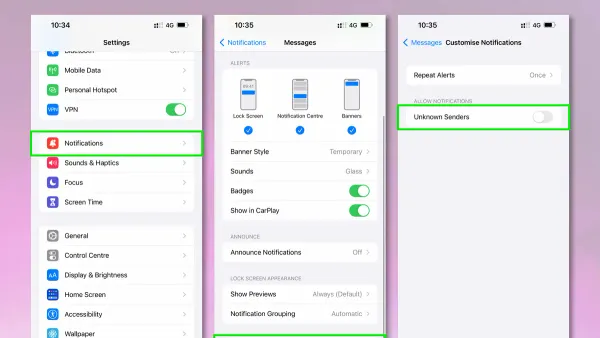
- Enable your phone’s built-in security features, such as link scanning (found under Settings > Security > Google Play Protect on Android) and spam filtering in your messaging app.
- Install reputable antivirus apps that scan SMS content and block harmful downloads.
- Keep your phone’s operating system and apps updated to close security vulnerabilities. On iOS, automatic updates can be enabled under Settings > General > Software Update > Automatic Updates.
- Verify the sender’s identity before replying or interacting, especially when asked for personal or financial information.
A common misstep is disabling spam filtering or ignoring link warnings, which reduces protection. Also, some users overlook the importance of verifying app permissions before installation, which can expose devices to malware.
When to Seek Professional Help and What This Advice Doesn’t Cover
If you suspect your device is infected, professional malware removal and forensic analysis may be necessary. Complex infections can evade basic security tools and require expert intervention to fully resolve.
This advice focuses on everyday SMS threats and does not cover advanced targeted attacks exploiting zero-day vulnerabilities or specialized malware often seen in corporate or government environments.
Organizations with sophisticated security needs should rely on dedicated cybersecurity teams and tools tailored to their threat models rather than only consumer-focused guidance.
Frequently asked questions
Can a virus automatically install itself just by receiving a text message?
No. Viruses require executable code to run, and text messages alone cannot deliver this code. Infection typically requires user action, like clicking a malicious link or installing an app.
What should I do if I accidentally click a suspicious link in a text message?
Immediately disconnect from the internet, avoid entering any information on the site, and run a full scan with a trusted security app. Consider changing passwords if you suspect credentials were compromised and seek professional help if unusual device behavior continues.
Are certain phone types or operating systems more vulnerable to SMS malware?
All major smartphone platforms have some vulnerability risks. Devices with outdated operating systems or those not receiving security updates are more at risk. Keeping software current is critical regardless of device type.
How can I report a suspicious text message to help protect others?
Most carriers and government authorities provide ways to report SMS scams, often by forwarding the message to a designated number (such as 7726 in many regions). Reporting helps block malicious senders and warn other users.
Limits of This Advice
This article does not cover advanced targeted attacks exploiting zero-day vulnerabilities or highly specialized malware delivered via SMS in corporate or government settings. Everyday users should apply these practices but recognize that sophisticated threats require specialized defenses.