Can You Get a Virus from a JPEG Image? Facts and Risks in 2026
Learn if you can get a virus from a JPEG image and understand the real risks and safety measures in 2026.

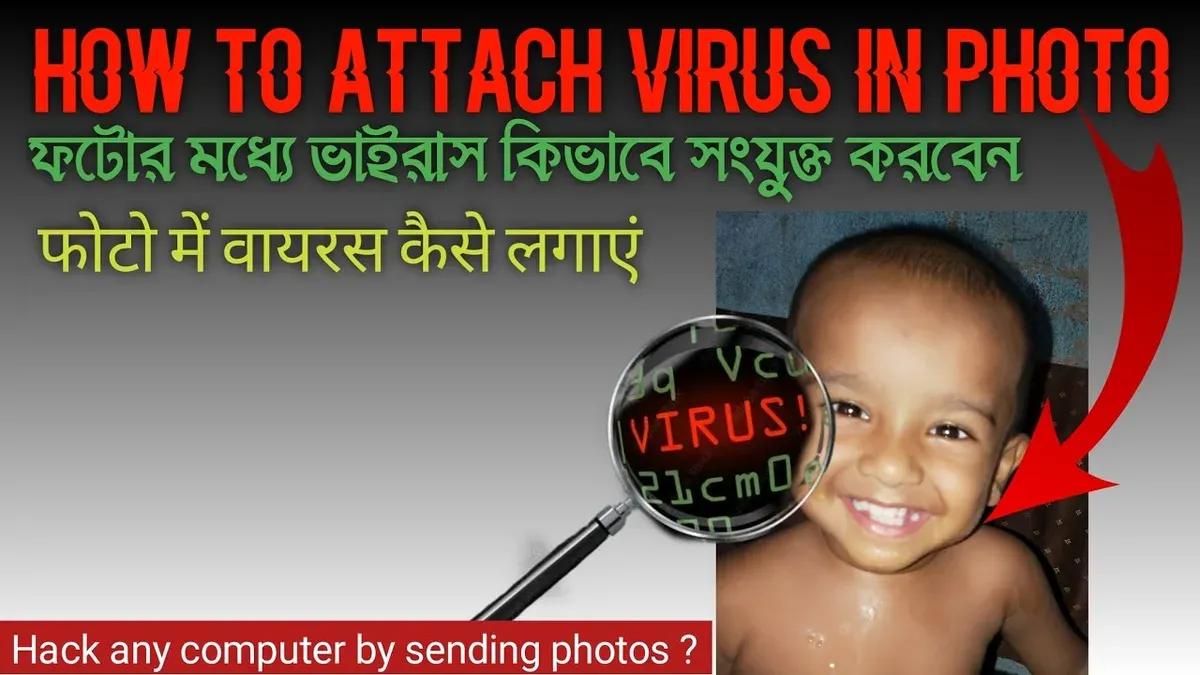
Can you get a virus from a JPEG image? This question arises frequently as users wonder if simply opening or downloading a photo could expose them to malware. Understanding the technical nature of JPEG files and how software vulnerabilities may or may not lead to infection is crucial for safe internet use in 2026.
Understanding What a JPEG Image Actually Is
A JPEG file (.jpg or .jpeg) is an image format designed to store photographic data efficiently. It compresses visual information to reduce file size while retaining image quality. Fundamentally, JPEG files contain data representing pixels and colors, not executable code.
JPEGs themselves are inherently non-executable. Unlike programs or scripts, they cannot run instructions on a computer. They serve solely as containers for visual information.
Users often confuse any file with virus risk, but only files capable of executing code—such as .exe, .bat, or script files—can directly carry and deploy viruses. JPEGs lack this capability by design.
Technically, JPEG files follow a standardized structure with headers and data segments that image viewers parse to display the picture. This structure is fundamentally different from executable formats like PE (Portable Executable) files on Windows.
How Malware Could Exploit JPEG Files: The Real but Rare Scenarios
While JPEG files themselves cannot carry viruses, vulnerabilities in the software used to open them can create risks. Attackers may craft malformed JPEG files that exploit bugs in image processing libraries or viewers.
A common vulnerability type is a buffer overflow. For example, if an image viewer incorrectly handles unexpected data lengths or corrupted metadata in a JPEG, it may overwrite memory areas. This can allow an attacker to execute arbitrary code if the software lacks proper bounds checking or input validation.
Past security advisories have documented exploits where carefully constructed JPEGs triggered crashes or code execution in outdated or unpatched image libraries like libjpeg or certain Windows image-handling components. These issues mainly affect older software versions or those without recent security patches.
The key distinction is between an infected JPEG and an exploited JPEG viewer. The JPEG file remains a data container, but an attacker uses it as a trigger to exploit flaws in the viewer software. Without such a vulnerability, simply opening a JPEG is safe.
Practical Safety Measures When Handling JPEGs in 2026
To minimize risks when handling JPEG images, apply these steps:
- Keep software updated: Regularly update your operating system, image viewers, and related libraries. For example, ensure that Windows Update is enabled and that your preferred image viewer is set to auto-update or check for patches. Security updates often fix vulnerabilities like buffer overflows or parsing errors.
- Be cautious with unknown sources: Avoid opening JPEGs from untrusted or unexpected senders. Attackers often distribute malicious files via phishing emails or suspicious websites.
- Use sandboxed environments: When unsure about an image’s safety, open it in a controlled virtual machine or sandbox tool such as Windows Sandbox or a dedicated VM. This isolates potential threats from your main system.
Before opening any JPEG file from an unknown source, follow this checklist:
- Verify the sender’s identity carefully; phishing attempts often impersonate trusted contacts.
- Scan the file with updated antivirus or antimalware software that includes heuristic analysis for malformed files.
- Open the file in a sandbox or disposable virtual environment if possible, especially if the source is suspicious.
- Ensure your image viewer and operating system have the latest security patches installed; check update settings regularly.
- Do not enable macros or scripts related to image files, as JPEGs do not support such features.
Following these steps reduces the chances of falling victim to exploits related to JPEG handling.
What This Advice Does Not Cover: Beyond JPEGs and Advanced Threats
This article focuses on risks tied specifically to JPEG files and does not cover all malware or advanced attack methods.
JPEG images differ fundamentally from executable files or scripts capable of embedding malware. They also differ from file types that may contain macros or active content, such as Microsoft Office documents.
Steganography—the practice of hiding data within images—is a separate technique often used for covert communication or data concealment. This is not the same as a JPEG carrying a virus or malware in the traditional sense and is outside this article’s scope.
Users concerned about advanced persistent threats or targeted attacks should consult cybersecurity professionals for tailored advice and defenses.
Limitations and Caveats
It is important to understand what this guidance does and does not cover:
- This article does not address steganographic techniques that hide data within images, as they do not represent traditional virus threats.
- Users should not rely solely on this article for protection against all types of malware; comprehensive cybersecurity practices remain essential.
- The advice focuses on JPEG images and does not apply to other file formats that can contain executable code or scripts.
Frequently Asked Questions
Can a JPEG file itself contain a virus?
By design, JPEG files cannot contain or execute viruses. They store image data only. However, vulnerabilities in software processing these files can be exploited if the software is outdated or unpatched.
How do hackers use JPEG images to attack computers?
Attackers create malformed JPEGs that exploit bugs in image viewers or libraries. When opened in vulnerable software, this can lead to code execution or crashes due to issues like buffer overflows or improper input validation.
Are there any safe ways to open suspicious JPEG files?
Yes. Use updated software, scan files with antivirus tools that include heuristic detection, and consider opening images in sandboxed or virtual environments to isolate potential threats.
What software vulnerabilities should I be aware of related to image files?
Buffer overflows, parsing errors, and improper input validation in image processing libraries are common vulnerabilities. Keeping software up to date and monitoring security advisories can help protect you.