How to Block and Unblock Contacts on WeChat: Step-by-Step Guide
This guide explains how to block and unblock contacts on WeChat with clear steps for iPhone and desktop users.

This article explains how to block someone on WeChat, providing clear, step-by-step instructions across different platforms including iPhone and web or desktop versions.
Blocking contacts on WeChat helps manage communication by restricting messages and calls from unwanted users without alerting them. The process varies slightly depending on the device used but generally involves accessing the contact's profile and selecting the block option.
Understanding what happens after blocking, how to unblock contacts, and how to handle spam are essential parts of managing privacy and interaction on WeChat. This guide also addresses common misconceptions and troubleshooting tips to ensure smooth account management.
Before you start: What is needed to block someone on WeChat
Blocking a contact on WeChat requires having the app installed on a smartphone or access to the WeChat web or desktop client. An active WeChat account is essential, and the user must already be connected with the contact intended for blocking, as blocking is only possible for existing contacts or those who have interacted previously.
The blocking process differs slightly between platforms. On iPhone, the interface uses a bottom navigation bar with tabs like "Chats," "Contacts," and "Me." Blocking options are typically found under the contact's profile settings accessed via the "Contacts" tab. In contrast, the desktop and web clients have a sidebar for chats and contacts, with profile and settings accessible through clicks or right-click menus. The blocking feature may be located under "More" or a gear icon within the contact's chat window.
WeChat's privacy policy allows blocking without notifying the blocked party, although some indirect indications may occur. Users should be aware that blocking restricts communication in both directions but does not delete the contact unless manually removed. Understanding these platform-specific UI elements and privacy implications prepares users for a smoother blocking experience.
- Open WeChat on the iPhone or launch the WeChat desktop/web client. The main interface should display chats and contacts.
- Navigate to the "Contacts" tab (iPhone) or locate the contact list in the sidebar (desktop/web). The list should show all current contacts.
- Select the contact intended for blocking to open their profile or chat window. The profile page or chat screen should appear.
- Look for the "More" option (three dots) or a gear icon to access settings related to that contact. The settings menu should open.
- Confirm that the option to block the contact is visible, indicating readiness to proceed with blocking.
Tip: Checking both the mobile and desktop interfaces beforehand helps identify where blocking controls appear, as this can vary slightly between versions.
How to block someone on WeChat iPhone
- Open the WeChat app and locate the contact either by tapping the Chats tab or the Contacts tab at the bottom of the screen. The contact should appear in the recent chats list or contact list respectively.
- Tap the contact’s name or profile picture to open the chat window or contact details page.
- In the chat window, tap the contact's profile picture or name at the top to access their profile information.
- Scroll down the profile page and tap More to reveal additional options.
- Tap Block from the list of options. A confirmation prompt will appear.
- Confirm the block action by tapping Block again on the confirmation pop-up. The contact will then be added to the block list.
Once blocked, the contact will no longer be able to send messages, see Moments updates, or interact with the user’s profile. Messages sent by the blocked contact will not be delivered, and the user will not receive notifications from them.
Tip: Blocking a contact on the iPhone app automatically syncs with other devices using the same WeChat account.
How to block someone on WeChat using the web or desktop client
Blocking contacts on WeChat's web and desktop clients involves a slightly different process compared to mobile devices. The user interface on these platforms focuses on messaging and contact management but has some limitations in blocking features.
- Log in to the WeChat web client at web.wechat.com or open the WeChat desktop application and authenticate with your QR code. Upon successful login, the main chat window appears.
- Locate the contact to block by scrolling through the contact list on the left sidebar or using the search bar at the top. Clicking the contact opens the chat window with that person.
- In the chat window, click the contact's name or profile picture at the top to open the contact details pane on the right side.
- Scroll down the contact details until the "Block" button appears. Click "Block" to initiate the blocking process.
- A confirmation prompt will appear; confirm the action to block the contact. Once blocked, the contact is removed from the chat list and cannot send messages.
Limitations: Unlike the mobile app, the web and desktop clients do not offer options to customize block settings, such as reporting spam or managing blocked contacts directly. Also, some users report delays in sync between devices after blocking on desktop or web.
| Feature | Mobile App | Web/Desktop Client |
|---|---|---|
| Block contact | Yes, via contact profile | Yes, via contact profile |
| Report spam when blocking | Yes | No |
| Manage blocked list | Yes | No |
| Instant sync of block status | Yes | Sometimes delayed |
Tip: For full control and immediate updates to blocking, it is advisable to use the mobile app, especially for advanced options like reporting or managing blocked contacts.
What happens when you block someone on WeChat
When a contact is blocked on WeChat, several clear changes occur in how both parties interact. The blocked user cannot send messages or view the Moments shared by the person who blocked them. Any messages sent by the blocked contact will not be delivered, often showing as "Message sent" but never marked as "Read" or "Delivered".
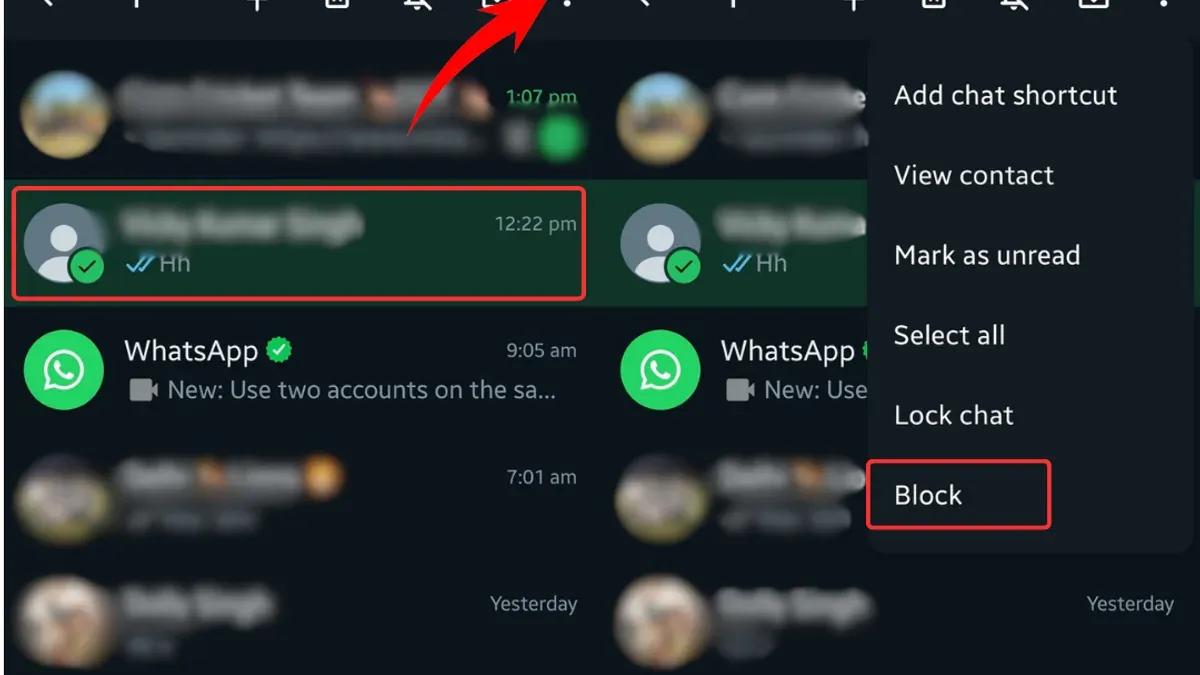
No notification or alert is sent to the blocked contact, maintaining discretion. The blocked user’s profile remains visible in friend lists, but their status will not update, and they cannot initiate direct communication.
Regarding group chats, blocking a user does not remove them from any shared groups. Both parties can still see each other's messages within the group context unless the group itself has restrictions.
Official WeChat documentation confirms that blocking is a one-way action meant to prevent direct contact while maintaining the social context in shared environments. This means the blocked user will not be aware of the block unless they notice the inability to send messages or view Moments.
How to unblock someone on WeChat
Unblocking a contact on WeChat restores the ability to communicate and see each other's updates. The process differs slightly between mobile and web platforms but is straightforward on both.
Unblocking on iPhone
- Open WeChat and tap Me at the bottom right, then select Settings.
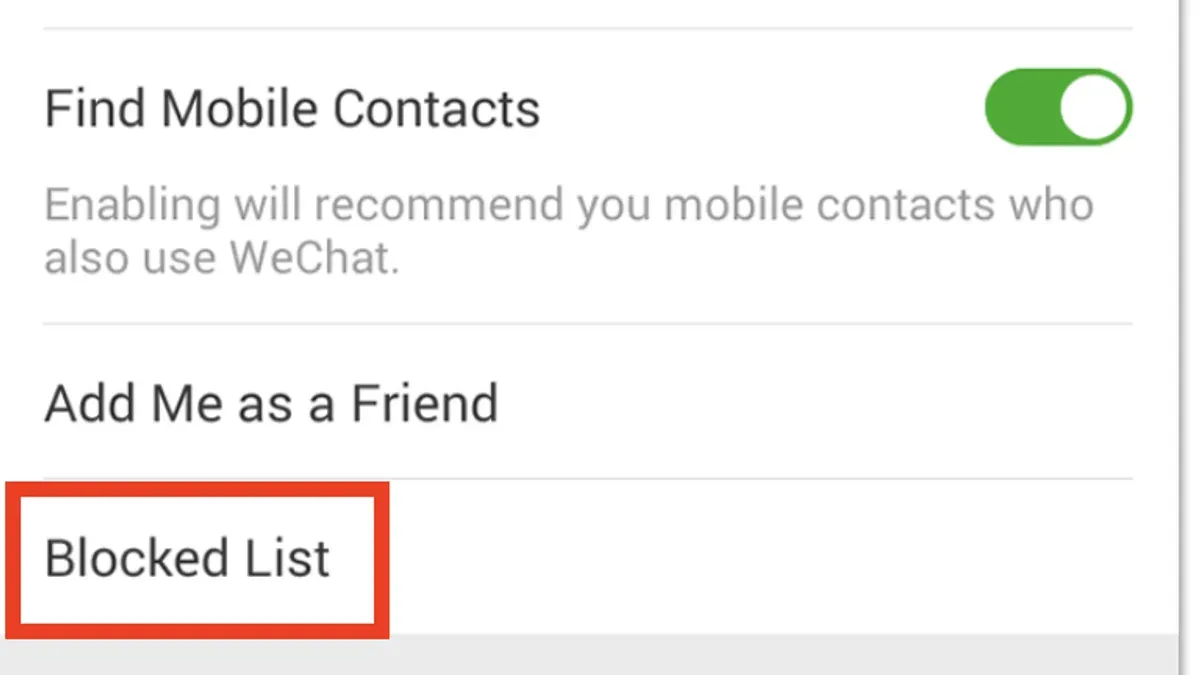
- Tap Privacy, then choose Blocked List to see all contacts that have been blocked.
- Find the contact to unblock and swipe left on their name or tap their profile.
- Tap Unblock. A confirmation appears; confirm to proceed.
- After unblocking, the contact will be able to send messages, view Moments (if privacy settings allow), and interact as before blocking.
Unblocking on Web or Desktop
- Launch the WeChat desktop client or visit the web version and log in.
- Click on the More button (three dots) near the top right, then select Settings.
- Navigate to Privacy and click on Blocked List.
- Locate the contact to unblock and click the Unblock button next to their name.
- The contact is removed from the blocked list immediately, restoring messaging and visibility permissions.
After unblocking, the contact does not automatically reappear in the friend list if previously deleted, but messages can be received if both parties remain friends. Message history from before blocking remains intact, but messages sent during the block period were not delivered.
Tip: If a contact does not reappear or messages fail after unblocking, confirm both parties remain friends or consider re-adding the contact.
How to block someone on WeChat without them knowing
WeChat does not send notifications when a user is blocked, so the blocked contact is not explicitly informed of this action. This design supports discreet blocking, allowing users to control their privacy without direct confrontation.
However, blocked contacts may notice indirect signs. These include messages that never deliver or remain marked as "sent" but not "read," inability to see the blocker’s Moments updates, and failed calls. Such behaviors can lead to assumptions about being blocked, especially if the contact is familiar with WeChat’s features.
Tip: Blocking does not remove the contact from the friend list unless manually deleted, so they still appear in the list without direct communication.
Relying solely on blocking to remain unnoticed has limitations and risks. Users should consider that persistent contacts might interpret these signs and realize they have been blocked. To enhance privacy without alerting contacts, alternative settings can be used.
For example, users can restrict who sees their Moments or limit message notifications from certain contacts without fully blocking them. Adjusting "Privacy" settings such as "Who Can See My Moments" or using "Do Not Disturb" modes can reduce interactions discreetly.
How to block spam and unwanted messages on WeChat
Spam messages and unwanted contacts are common issues on WeChat, affecting user experience. Using the block feature specifically for spam accounts helps prevent further unwanted communication, while reporting spam to WeChat support assists in maintaining platform security. Official guidelines encourage users to report suspicious or abusive accounts promptly.
- Open the chat with the suspected spam contact. The chat window should display the conversation.
- Tap the contact's profile icon to open their profile page.
- Scroll down and select More, then tap Block. The contact is added to the block list, stopping messages from that user.
- To report the spam, return to the profile page and tap Report. Choose the appropriate reason, such as Spam or Harassment, then submit the report. A confirmation message appears.
- Adjust privacy settings by navigating to Me > Settings > Privacy. Enable options like Allow Others to Find Me by ID off, and restrict friend requests from strangers to reduce spam exposure.
Tip: Blocking spam differs from blocking normal contacts as it is often combined with reporting to help WeChat monitor and take action against abusive accounts.
Troubleshooting common issues when blocking or unblocking on WeChat
Block option missing or greyed out
If the block option is missing or greyed out, it may be due to app version limitations or account restrictions. Ensure the WeChat app is updated to the latest version available from the App Store or official website. Additionally, some contacts may not be blockable if they are official accounts or group chats rather than individual users.
Handling account blocks for violation
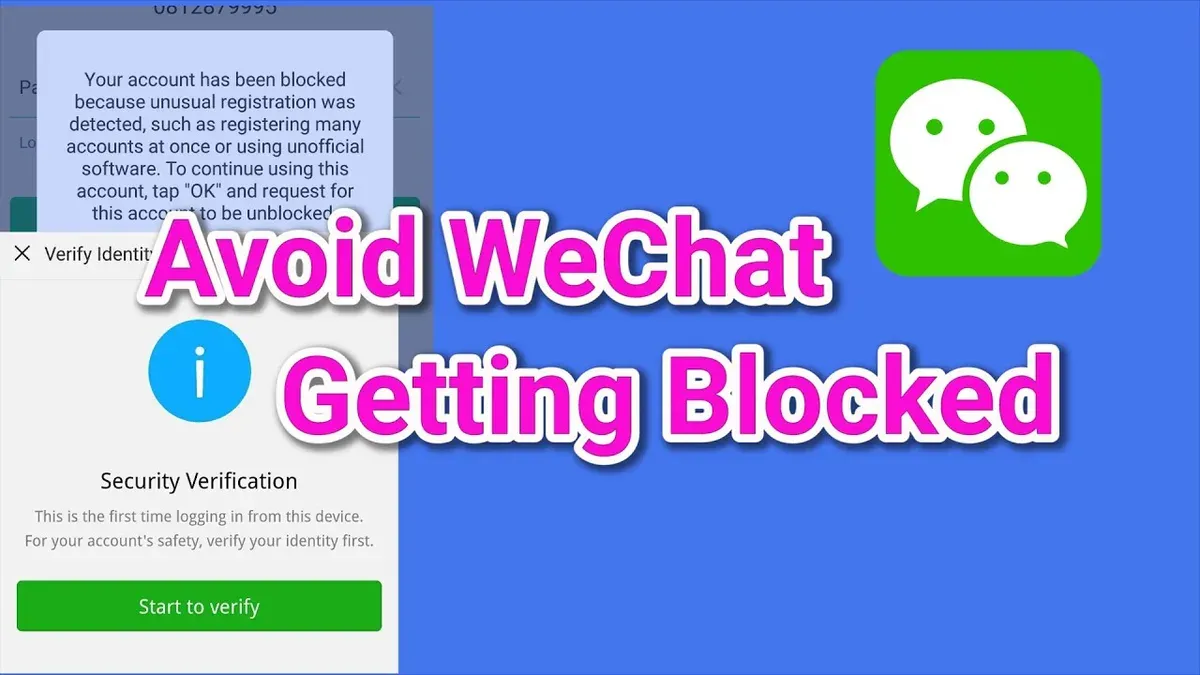
When a WeChat account is blocked due to violations, users often see messages like "Your account is restricted" or "This feature is unavailable." In such cases, blocking or unblocking contacts is disabled until the restriction is lifted. Users should follow the prompts to appeal the block via WeChat’s official support channels or wait for the restriction period to end.
Unblocking does not restore contacts or messages
If unblocking a contact does not restore communication or message visibility, it might be due to the contact deleting the user, network synchronization delays, or local app cache issues. Clearing the app cache or logging out and back in can help refresh contact status. If the contact has deleted the user, unblocking will not reinstate friendship or message history.
When to contact WeChat support
Contact WeChat support if blocking or unblocking functions remain unresponsive after troubleshooting steps or if error messages persist. Support can provide case-specific advice, especially when account restrictions or technical glitches affect blocking features. Users can reach support through the app’s Help Center or the official WeChat website.
- Update WeChat to the latest version – the block option should be accessible in contact settings.
- Verify the contact type; official accounts cannot be blocked like personal contacts.
- If the account is restricted, follow the in-app appeal process to regain full functionality.
- After unblocking, clear app cache or restart the app to refresh contact status.
- If problems persist, navigate to Help Center > Contact Us for direct support.
Tip: Regularly updating the app and maintaining clear cache can prevent many blocking-related issues on WeChat.
Further reading
- How to Block Someone on Messenger: Step-by-Step Guide
- How to Block Someone on Discord: Step-by-Step Guide
- How to Block Someone on Reddit: Step-by-Step Guide
Frequently asked questions
How to block someone on web snapchat?
Blocking someone on Snapchat’s web version requires opening the chat with that person, clicking on their profile icon or name, and selecting the "Block" option from the menu. This action prevents the blocked user from sending snaps or chats, and they will no longer appear in the friend list. The web interface mirrors many mobile features but may limit some privacy settings.
How to block someone on whatsapp chat?
To block someone on WhatsApp chat, open the conversation with the contact, tap the contact’s name at the top to open their profile, then scroll down and select "Block Contact." This stops the person from sending messages or seeing status updates. WhatsApp provides confirmation prompts to prevent accidental blocks.
How to block people on web snapchat?
Blocking people on Snapchat’s web app involves navigating to the chat screen, selecting the desired contact, and accessing their profile to find the "Block" option. The process is similar to the mobile app but may have fewer advanced options. Blocking removes the contact from the friend list and disables communication.
How to block wechat contact?
Blocking a WeChat contact can be done by opening the chat with the person, tapping the menu icon (three dots) in the upper-right corner, and selecting "Block." This prevents the contact from sending messages or viewing moments. The block applies across devices once synced.
How to unblock people on wechat?
To unblock someone on WeChat, go to "Me" > "Settings" > "Privacy" > "Blocked List." Find the contact to unblock, then tap "Unblock." This restores messaging and interaction abilities with that contact across all logged-in devices.
What blocking on WeChat does not cover
Blocking a contact on WeChat stops direct messages and calls from that person, but it does not remove them from shared group chats. Messages in those groups remain visible to all members, including blocked contacts. Blocking also does not completely hide the user’s activity; for example, moments or status updates shared publicly or with mutual contacts can still be seen depending on privacy settings.
Users seeking to prevent all interactions with a contact or ensure total invisibility might need to consider additional measures such as leaving common groups, adjusting moments visibility, or using WeChat’s privacy settings more broadly.
Next step to manage contacts effectively
After blocking or unblocking contacts, review WeChat’s privacy and moments settings to tailor what information is shared and with whom. This step helps maintain desired boundaries beyond blocking and enhances control over interactions on the platform.