How to Recognize, Prevent, and Recover a Hacked Call of Duty Account
Learn how to spot, prevent, and recover from a Call of Duty account hacked incident to protect your game progress and purchases.

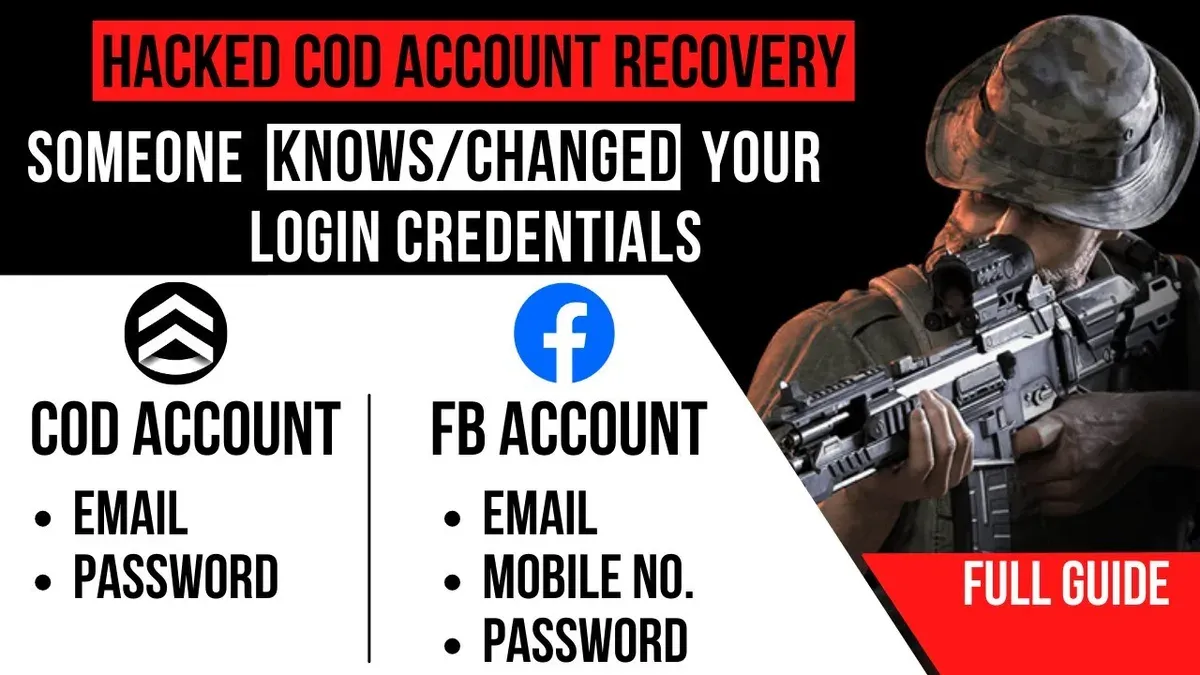
This article explains how to recognize if a Call of Duty account hacked incident has occurred, how to recover access, and how to prevent future breaches.
Call of Duty accounts store game progress, purchases, and personal information, making them valuable targets for hackers. Compromise can happen through phishing emails, password reuse, or unauthorized app access. Identifying unusual activity—such as unexpected password changes, unfamiliar in-game purchases, or login alerts from unknown devices—is critical to responding quickly.
The guide covers practical steps for account recovery via the official Activision support system, including verifying identity and securing linked email accounts. It also highlights best practices for creating, linking, and deleting accounts safely. The goal is to provide realistic security measures without overpromising total invulnerability.
What is a Call of Duty account and why it matters
A Call of Duty account is a user profile linked to Activision’s services, serving as the central hub for all game-related data across platforms. This account stores multiplayer stats, unlocked weapons, skins, and progression through battle passes and seasonal content. It also manages in-game purchases, including cosmetic items and downloadable content, which can represent a significant monetary investment over time.
Because the account synchronizes progress and purchases across devices and platforms like PlayStation, Xbox, and PC, losing access means more than just missing a game—it can result in the permanent loss of purchased content and accumulated progress. For example, a player who has invested hundreds of hours and money into cosmetic skins and weapon blueprints can face losing all these if their account is compromised.
Players have reported instances where hackers gained control of accounts and spent in-game currency or changed associated emails, making recovery difficult. The value of the account, therefore, is not only in gameplay experience but also in the time and money invested, highlighting why safeguarding the account is critical.
How Call of Duty accounts can be hacked
Call of Duty accounts face several common hacking methods that target gamers’ login credentials and personal information. Phishing attempts remain widespread, where attackers send fraudulent emails or messages posing as Activision or support teams, urging players to enter their login details on fake websites. For example, a player might receive an email claiming unusual activity on their account, prompting them to click a link that leads to a convincing but illegitimate login page.
Credential stuffing is another frequent threat. Attackers use leaked databases from unrelated breaches to try known email-password combinations on Call of Duty accounts, exploiting players who reuse weak or common passwords. Malware or keyloggers installed via compromised downloads or malicious websites can silently capture keystrokes, including account passwords.
Social engineering poses risks too, with scammers impersonating official support through chats or forums to trick players into revealing sensitive information. Weak or reused passwords remain a fundamental vulnerability that enables unauthorized access even when other defenses are in place.
Gaming accounts, including those for Call of Duty, are attractive targets due to their in-game purchases and progress. While exact numbers vary, reports indicate that account hijacking incidents have increased alongside the rise in online gaming popularity, emphasizing the need for vigilance against these hacking methods.
How to know if your Call of Duty account is hacked
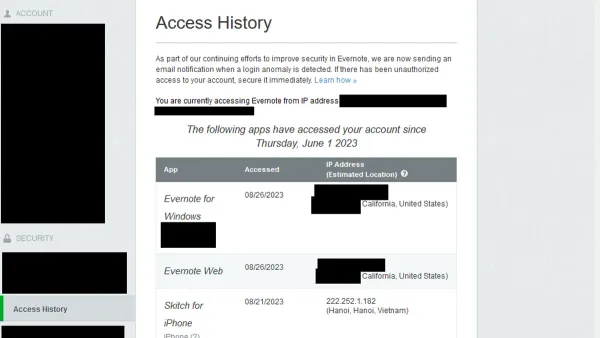
Recognizing a hacked Call of Duty account involves observing unexpected changes and notifications. One common sign is receiving emails or push notifications about logins from unfamiliar devices or locations, which may appear in the Activision account security settings under “Recent Activity.”
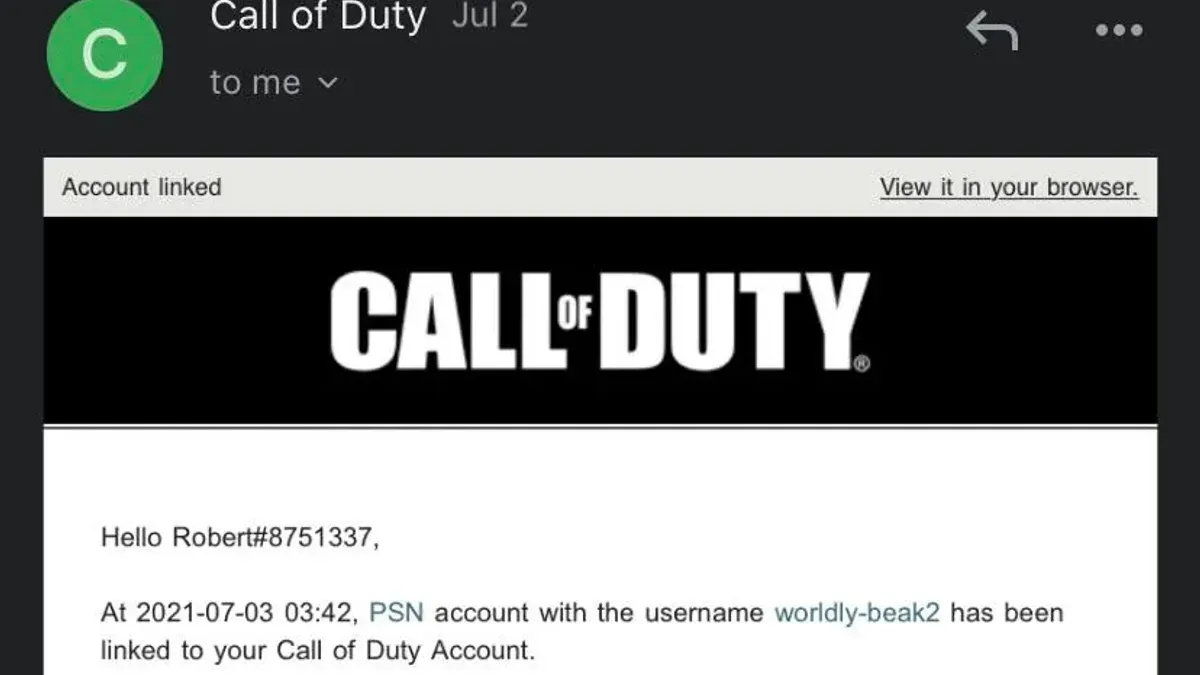
Changes to account details without consent are another red flag. This can include alterations to the registered email address, password, or linked profiles like PlayStation Network, Xbox Live, or Battle.net. Checking the “Account Linking” section on the Activision profile page can reveal unauthorized connections.
Unexplained gameplay activity is a strong indicator of compromise. For example, players might notice unusual in-game purchases, new unlocks, or changes in match history they did not initiate. Similarly, being suddenly locked out or unable to log in despite correct credentials signals possible unauthorized password changes.
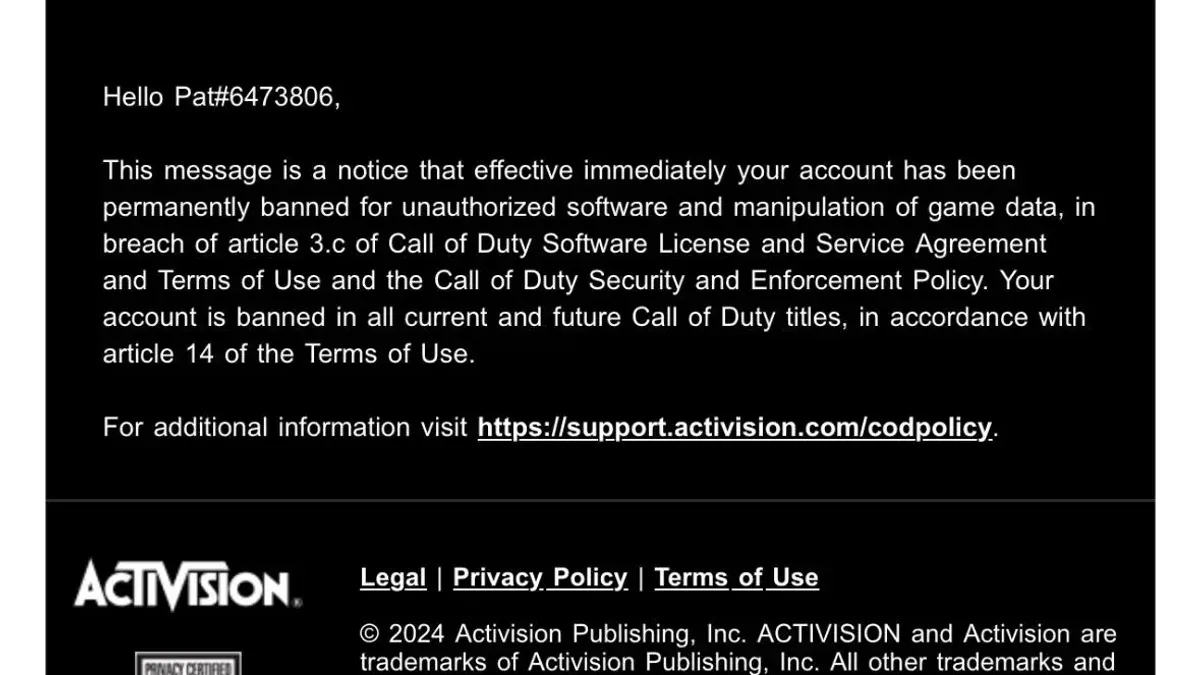
Receiving ban or suspension notices without prior warning or violation also suggests account misuse by a hacker.
Example timeline: A player logs in and receives an email stating their password was changed. Shortly after, they find unfamiliar linked accounts in their settings and see new weapons unlocked in their loadout. Attempts to log in are blocked, and a notification about a suspension appears. This progression confirms the account was compromised.
How to recover a hacked Call of Duty account
Begin recovery by visiting the official Activision website and accessing the account recovery page through the "Trouble Signing In?" link on the login screen. Enter the registered email or username to receive a password reset link. Resetting the password promptly and choosing a strong, unique password helps regain control and prevents further unauthorized access.
If password reset options are unavailable or ineffective, contact Activision customer support directly. Be prepared to provide proof of ownership, such as original purchase receipts, linked email addresses, console IDs, or past transaction details. This documentation increases the chances of successful account recovery.
Once access is restored, review all linked accounts under the "Account Linking" section in settings. Remove any suspicious or unknown connections, like third-party platforms or social media accounts, which hackers may have added to maintain access.
In cases where the account was banned after being hacked, users should explicitly inform support about the compromise. Activision’s support forums and user reports indicate that clarifying the hacking incident improves the likelihood of ban reversal, though this process may take time and require additional verification.
Example: A player noticed unauthorized game purchases and was locked out. They used the password reset tool but had to escalate to support, providing their console ID and purchase history. After verification, their account was restored, suspicious linked accounts removed, and the ban lifted following a detailed support ticket.
Tip: Always check spam folders for recovery emails and act quickly to minimize damage.
How to make and delete a Call of Duty account
Creating a Call of Duty account starts by visiting the official Activision website and selecting the "Sign Up" option. The process requires entering a valid email address, creating a secure password, and providing basic personal information such as date of birth and country. Once registered, players should verify their email to activate the account fully.
Linking the account to gaming platforms like Xbox, PlayStation, or Battle.net is done via the account settings page under "Connections." This integration allows progress and purchases to sync across platforms but requires careful management to avoid unauthorized access. For example, if a player links their Call of Duty account to both PlayStation Network and Xbox Live, all game data and in-game purchases become accessible through either platform, emphasizing the need for strong, unique passwords on all linked accounts.
Account deletion requests must be submitted through Activision's official support channels, often requiring identity verification to prevent fraudulent removal. Deleting an account removes access to all game progress and linked services permanently, which means this step should be taken only when necessary, such as when an account is irreparably compromised or the player wants to start fresh. According to Activision’s policy, account deletion cannot be undone, and all associated data will be lost.
Tip: Before deleting an account, consider unlinking all platforms and securing any associated emails or services to prevent lingering vulnerabilities.
How to link Call of Duty accounts safely
Linking Call of Duty accounts across platforms enables cross-play and the seamless transfer of progress, purchases, and stats. To link accounts, players must log into their Activision profile at Activision.com and navigate to Account Linking under Profile & Security. From there, options include linking PlayStation Network, Xbox Live, Battle.net, Steam, or other supported platforms by signing into each respective account.
A common step users miss is verifying the email associated with their Activision profile before linking, as an unverified email can complicate security recovery later. Additionally, enabling two-factor authentication (2FA) on the Activision account strengthens protection during and after linking.
Risks arise when linking accounts that may be compromised or shared with others. For example, linking a shared family Xbox Live account might expose progress or purchases to unauthorized users. If suspicious activity occurs or an account is no longer used, unlinking is possible via the same Account Linking page by selecting Unlink next to the platform in question. However, unlinking can cause loss of cross-platform progress synchronization.
Tip: Regularly review linked accounts and remove any that are unused or unfamiliar to reduce exposure to potential breaches.
What to do if your Call of Duty account gets hacked
When a Call of Duty account is compromised, immediate and methodical action can limit damage and speed recovery. Start by changing the account password via the Activision website, ensuring it is strong and unique. Then, enable two-factor authentication (2FA) through the profile settings to add a crucial security layer.
Next, run a comprehensive malware scan on all devices used to access the account. This helps identify keyloggers or other malicious software that may have captured login credentials. Additionally, notify friends and in-game contacts about the breach to prevent the hacker from exploiting social connections or impersonating the account owner.
Monitor the account closely for unusual activity such as unauthorized purchases or altered settings, and check associated payment methods for signs of fraud. Reporting suspicious transactions to the payment provider is essential. Avoid falling for scams that promise quick fixes or demand payment to 'recover' hacked accounts, as these often lead to further compromise.
For example, a player who noticed unauthorized weapon unlocks and strange messages promptly changed their password, enabled 2FA, scanned their PC with antivirus software, and informed their friends. This proactive approach helped them regain control within a few days and prevented additional losses.
Tip: Keep recovery codes and backup authentication methods accessible but secure, as they can be critical if access to your 2FA device is lost.
Common mistakes to avoid with Call of Duty account security
One frequent error is using weak or reused passwords across multiple platforms. For example, a player using the same password for their email and Call of Duty account risks a domino effect if one is compromised. This mistake often leads to unauthorized access and prolonged recovery processes.
Ignoring security updates or system warnings is another pitfall. Players might delay enabling two-factor authentication (2FA) or ignore prompts about suspicious activity, inadvertently leaving accounts vulnerable to hacking attempts.
Falling for phishing scams or fake hack claims remains a major issue. A typical scenario involves receiving an email or message claiming the account is at risk, prompting the player to enter credentials on a fraudulent site. Such scams can quickly lead to account takeover.
Sharing account credentials or purchasing accounts also carries significant risk. Accounts bought from third parties often come with compromised security or may be reclaimed by the original owner, resulting in loss of access and potential bans.
Relying solely on platform security measures without personal vigilance can cause problems. Even with robust protections like Activision’s security protocols, players must actively monitor their accounts and practice good security hygiene to prevent breaches.
Example: A player who reused their email password on Call of Duty lost access after a data breach on an unrelated site exposed their credentials. Because they ignored security warnings and did not enable 2FA, hackers quickly accessed and changed their account details, complicating recovery.
Further reading
- How to Understand, Protect, and Recover an AOL Mail Account After Hacking
- How to Recognize, Report, and Recover a Hacked YouTube Account
- How to Recognize, Respond to, and Recover from a WhatsApp Account Hack
- How to Identify, Respond to, and Recover from an Instagram Account Hack
Frequently asked questions
How to make call of duty account?
To create a Call of Duty account, visit the official Call of Duty website and click on the "Sign Up" option. Provide a valid email address, choose a unique username, and set a strong password. After completing the registration, verify the email to activate the account fully.
How to delete call of duty account?
Deleting a Call of Duty account requires contacting Activision support directly, as there is no automated deletion option in the user settings. Submit a request through the support portal, providing account details and proof of ownership. Be aware that deletion is permanent and cannot be reversed.
Can't log into call of duty account?
If logging in fails, first check that the username and password are correct and that the Caps Lock key is off. Use the "Forgot Password" feature to reset credentials if necessary. Also, verify that the account has not been banned or temporarily suspended and ensure the servers are operational.
Why my account is hacked?
Accounts can be hacked due to weak passwords, reused passwords from other sites, phishing scams, or malware on a device. Sharing login details or using unsecured public networks increases the risk. Attackers exploit these vulnerabilities to gain unauthorized access.
How to recover hacked call of duty mobile account?
To recover a hacked Call of Duty Mobile account, immediately visit the Activision support page and select the recovery option. Provide as much account information as possible, such as linked email, username, and recent activity. Change passwords on all linked accounts and enable two-factor authentication to prevent further breaches.
Limits to this advice and when to seek other help
This advice does not guarantee recovery in every case, especially if ownership of the Call of Duty account cannot be verified or if the account has been permanently banned by Activision. It also does not cover illegal methods of account access or the use of hacking software, which can lead to legal consequences and further account loss. Players facing complex issues like identity theft or repeated unauthorized access despite following recommended steps should contact official Activision support directly and consider additional security measures beyond this guide.
The single most useful next step after reading this guide is to immediately enable two-factor authentication (2FA) on the Call of Duty account through the Activision account settings page. This step significantly reduces the risk of future unauthorized access by requiring a second verification method, making it one of the most effective protections available.