How to Understand, Protect, and Recover an AOL Mail Account After Hacking
This guide explains how to understand, protect, and recover an AOL Mail account after hacking with practical security steps.

This article explains how to understand, protect, and recover an AOL Mail account after hacking. When an AOL Mail account hacked occurs, users often face unauthorized access to personal emails, changes to account settings, or even malicious use of the account to send spam or phishing messages. Understanding the technical vulnerabilities that have affected AOL Mail in the past helps clarify why these incidents happen and what risks remain today.
The guide also covers practical steps for recovery, including verifying identity, resetting passwords, and reviewing recent account activity. Additionally, it outlines layered security measures such as enabling two-step verification and updating recovery information to reduce the chances of future compromise. Finally, the article addresses common reasons for account lockouts and how to unlock accounts safely without exposing personal data.
What happened to AOL email accounts when hacking occurs
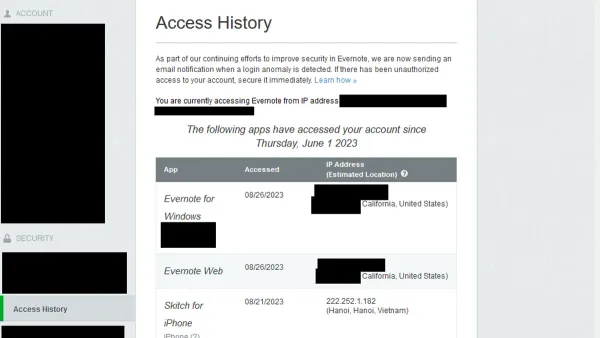
A hacked AOL Mail account often shows clear signs such as unrecognized login activity, unexpected password changes, or sudden account lockouts. Users might notice emails sent from their account that they did not write, or contacts receiving spam messages appearing to come from them. These symptoms typically indicate unauthorized access.
Hackers target AOL Mail accounts primarily to harvest personal information, send spam or phishing emails, and commit identity theft. Access to the account can expose sensitive data like contacts, financial information, and private conversations. Such breaches risk the user's broader digital security, as email accounts often serve as gateways to other services.
Common methods for compromising AOL accounts include phishing schemes that trick users into revealing login credentials, credential stuffing attacks where stolen username-password combinations from other breaches are used, and malware infections that capture keystrokes or session data. Historically, AOL Mail has faced vulnerabilities exploited by attackers, although these have been addressed over time through security updates.
For example, an AOL user reported their account sending spam shortly after clicking a link in a deceptive email. The attacker had captured their password via phishing and then used the account to distribute malicious links to contacts. This case illustrates how a single compromised credential can cascade into wider damage.
Although exact breach statistics for AOL Mail are not publicly detailed, email providers in general face frequent attacks, underscoring the need for vigilance and layered security measures.
Is AOL Mail currently safe from hackers and what risks remain
AOL Mail employs several standard security measures designed to protect user accounts. These include SSL/TLS encryption for data in transit, and the option to enable two-factor authentication (2FA) through the account security settings. Enabling 2FA requires a verification code from a mobile device in addition to the password, adding an extra layer of defense against unauthorized access.
Despite these protections, AOL Mail has faced security challenges in the past. Some vulnerabilities have been reported and addressed, such as weaknesses in password recovery processes and susceptibility to phishing attacks targeting users. AOL has responded by updating security protocols and encouraging users to apply best practices.
Compared to other major email providers, AOL's security features are generally adequate but may lack some advanced protections like AI-driven threat detection or extensive anomaly monitoring found in competitors. For example, Google’s Gmail offers more granular security alerts and automated suspicious activity flags, which some users may find beneficial.
Common risks for AOL Mail users persist, primarily due to human factors. Password reuse across multiple sites remains a significant vulnerability, as attackers can leverage credentials leaked from unrelated services. Additionally, phishing remains a prevalent threat, where users may be tricked into revealing passwords or clicking malicious links despite AOL’s spam filtering and warnings.
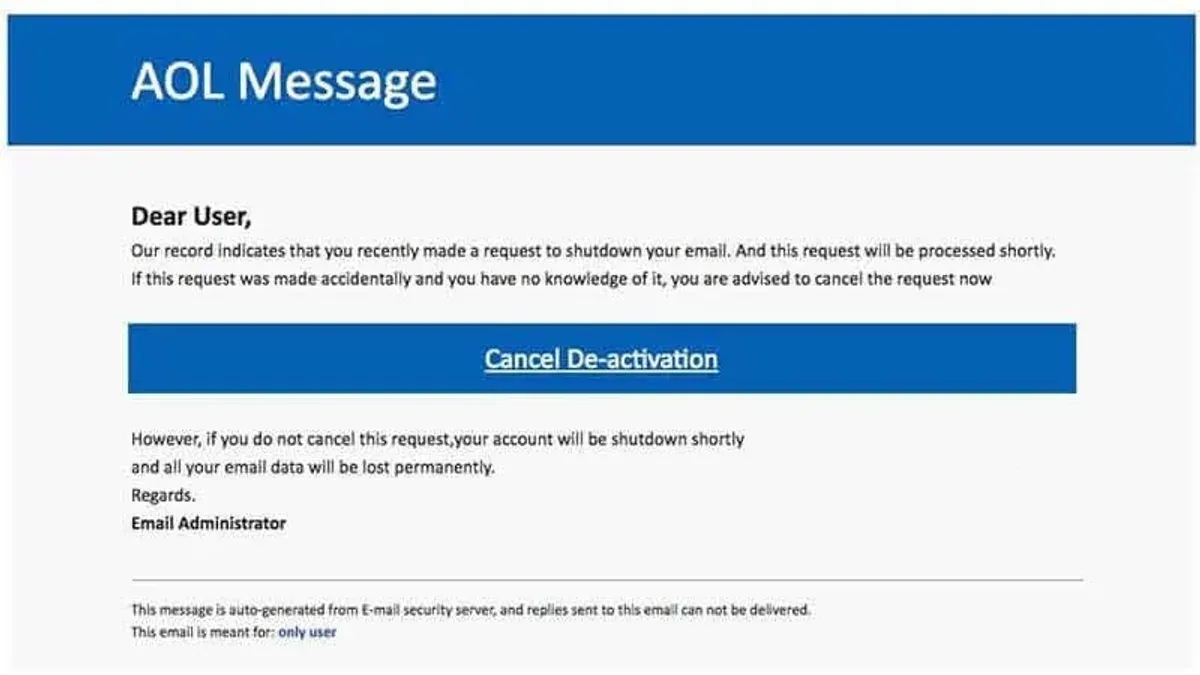
For instance, if a user receives an email that appears to be from AOL support requesting password confirmation, this could be a phishing attempt exploiting trust in the brand. Even with technical safeguards in place, vigilance and user awareness are crucial.
Tip: Enabling two-factor authentication and using a unique, strong password for AOL Mail significantly reduces the risk of account compromise.
What to do if someone hacked my AOL account
First, confirm the account has been hacked by checking for unusual activity such as unexpected password change notifications, unfamiliar sent emails, or login alerts from unknown devices. If access is still possible, immediately go to the AOL Sign-In Helper at https://login.aol.com/forgot to reset the password securely. Choose a strong, unique password and update security questions if prompted.
If the account is locked or recovery options like alternate email and phone number have been altered, use the account recovery form on AOL’s help page. This process may require providing identification or answering security questions. It can take several days, during which AOL support may contact the user for verification.
Report the hack to AOL by visiting their security center and submitting a support ticket or using their live chat. Additionally, notify relevant authorities such as local cybercrime units or the Internet Crime Complaint Center (IC3) when sensitive information has been compromised.
Consider the example of a user who noticed suspicious emails sent from their AOL account on a Monday morning. They immediately changed their password via the Sign-In Helper and updated recovery options. When they found the account locked by Tuesday, they submitted a recovery request and provided requested verification within 48 hours. By Thursday, access was restored, and they monitored account activity closely for weeks after.
Tip: Always verify that the password reset page is the official AOL site by checking the URL starts with "https://login.aol.com" to avoid phishing scams during recovery.
How to secure an AOL Mail account to prevent future hacks
Strengthening an AOL Mail account begins with creating a strong, unique password that combines uppercase and lowercase letters, numbers, and symbols. Avoid common words or easily guessable sequences. Using a reliable password manager helps generate and store complex passwords securely, removing the need to memorize them.
Enabling two-step verification (2SV) on AOL Mail adds a critical layer of protection, requiring a one-time code delivered via SMS or an authenticator app in addition to the password. Accounts with 2SV enabled show a significantly lower risk of unauthorized access compared to those relying solely on passwords.
Recognizing and avoiding phishing attempts is essential. Suspicious emails often contain urgent requests or links that lead to fake login pages. Users should hover over links to verify URLs before clicking and avoid providing credentials on unfamiliar sites.
Regularly updating recovery information—such as alternate email addresses and phone numbers—and verifying connected devices in the AOL account security settings ensures that account recovery options remain accurate and that no unauthorized devices have access.
For example, a user who switched from a simple password to a complex one stored in a password manager, enabled 2SV via the 'Account Security' section, and reviewed recovery options monthly reported no further suspicious login attempts. This illustrates the practical effectiveness of layered security measures.
Tip: Access the two-step verification settings by navigating to Account Security > Two-step verification and follow prompts to activate it using a phone number or authenticator app.
Why AOL Mail accounts get locked and how to unlock them safely
AOL Mail accounts are locked primarily as a security measure to protect users from unauthorized access. Common triggers include multiple failed login attempts, detection of suspicious activity such as logins from unfamiliar devices or locations, and automated security scans that flag unusual behavior. For example, if a user attempts to login unsuccessfully five times in a short span, AOL’s system may automatically lock the account to prevent potential brute force attacks.
AOL notifies users of account lockouts typically via an on-screen message during login or an email sent to a secondary contact address if one is registered. These notifications include basic instructions on how to regain access but rarely contain direct links to avoid phishing risks.
Tip: Always access AOL Mail by typing the web address directly into the browser rather than clicking links in emails.
To safely regain access, users should start by visiting the AOL sign-in helper page at https://login.aol.com/ and following the prompts to verify identity through recovery email, phone number, or security questions. Completing these steps usually resolves the lock within minutes to hours depending on the complexity of verification.
Users should avoid responding to suspicious emails claiming to be from AOL support requesting passwords or personal details, as phishing scams often mimic AOL’s lockout alerts. One reported example involved a fake email warning about account suspension with a link to a counterfeit sign-in page designed to steal credentials.
Understanding what happens behind the scenes when an AOL email is hacked
When an AOL Mail account is compromised, hackers often exploit it as a gateway to broader malicious activities. Commonly, they use the account to send spam or phishing emails to the victim’s contacts, increasing the likelihood that recipients will trust the messages because they come from a known sender. This tactic not only spreads malware or scams but also helps hackers harvest additional credentials or personal information.
Another frequent objective involves identity theft. Hackers access personal details stored in the email, such as bank statements, billing information, or password reset links for other services. For example, if an attacker finds a password reset email from a social media site, they can hijack that account too, expanding their control across linked platforms.
Case studies of past AOL Mail breaches reveal these patterns. In one notable incident, attackers used compromised accounts to distribute fraudulent investment schemes while simultaneously collecting personal data for future scams. The long-term consequences for victims often include financial loss, damaged reputations, and the arduous process of regaining control over multiple accounts.
Behind the scenes, hackers typically automate these operations using bots to quickly propagate spam emails or scan inbox content for valuable information. The victim’s contacts and linked services become collateral damage, as they may receive harmful emails or have their accounts targeted next.
Tip: Regularly reviewing sent mail folders and account activity logs in AOL Mail can help detect unauthorized use early, limiting the hacker’s reach.
Mistakes to avoid during AOL Mail account recovery and security
Using weak or recycled passwords remains one of the most common errors during AOL Mail account recovery. Passwords like "password123" or those reused from other services can be quickly compromised again, causing repeated breaches. For instance, a user who reset their password to a previously used one found their account hacked again within days because attackers had access to leaked password lists.
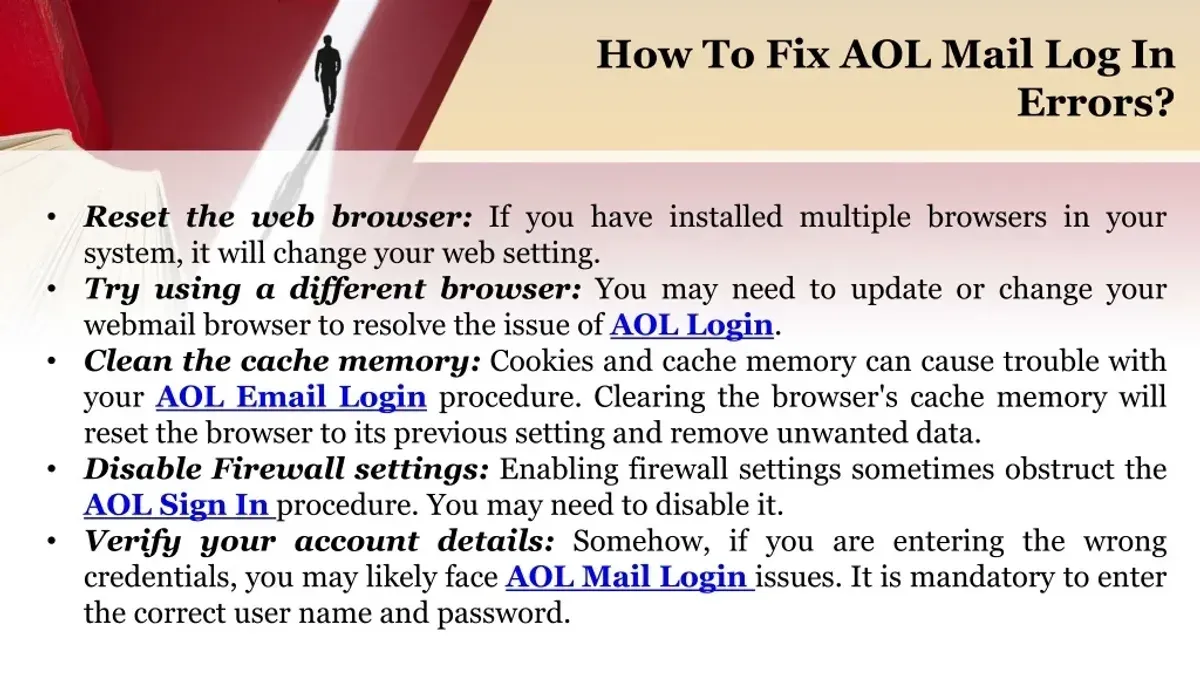
Ignoring suspicious emails or account activity alerts can delay detection of unauthorized access. AOL sends notifications for unusual sign-ins or password changes, but dismissing these messages as spam or phishing attempts without verifying their authenticity may allow hackers to maintain control unnoticed.
Sharing sensitive information with unverified support contacts is another serious mistake. Some users fall victim to scams posing as AOL support, providing credentials or verification codes that enable attackers to regain access even after recovery attempts. Authentic AOL support interactions occur only through official channels, such as the AOL Help website or the AOL app.
Relying solely on security questions without enabling additional verification factors can weaken account protection. Security questions are often based on easily discoverable personal information. Without two-step verification or updated recovery phone numbers and email addresses, attackers who know these details can bypass account recovery safeguards.
Tip: Always verify the URL of webpages before entering credentials and avoid sharing information outside official AOL platforms.
Further reading
- How to Recognize, Respond to, and Recover from a WhatsApp Account Hack
- How to Secure, Recover, and Manage a Twitch Account After Hacking
- How to Identify, Respond to, and Recover from a LinkedIn Account Hacked
- How to Identify, Respond to, and Recover from an Instagram Account Hack
Frequently asked questions
What happen to my aol email account?
If an AOL email account is hacked, unauthorized users may gain access to personal information, send spam or phishing emails, and change account settings. The account owner might lose control temporarily and experience suspicious activity such as password resets or unrecognized login alerts. It's crucial to verify recent activity and secure the account promptly.
Is aol being hacked?
AOL Mail, like many email services, faces ongoing security threats but is not inherently unsafe. While occasional breaches or vulnerabilities have occurred historically, AOL continues to update security measures. Users should remain vigilant, use strong passwords, and enable two-step verification to mitigate risks.
What happened to my aol email?
If an AOL email suddenly behaves abnormally—such as missing messages, unexpected sent emails, or locked access—it may indicate hacking or technical issues. Sometimes, account suspension results from suspicious activity detected by AOL’s security systems, requiring user verification to restore normal function.
What happened to my aol mail?
AOL Mail can experience service interruptions, account lockouts, or security alerts due to hacker attempts or system updates. In cases of unauthorized access, the account might be temporarily disabled to prevent further damage. Checking AOL’s official status pages and following recovery steps is recommended.
What is wrong with aol mail?
Issues with AOL Mail can stem from hacking attempts, outdated passwords, or incorrect security settings. Users may also face problems caused by phishing emails or malware targeting their credentials. Regularly updating security information and monitoring account activity helps maintain safe use.
Limits of this advice and when to seek expert help
This article does not cover corporate or enterprise AOL Mail accounts, which may have additional security protocols and require coordination with organizational IT teams. Some advanced hacking techniques, such as sophisticated phishing campaigns or account takeovers involving multiple linked services, may require professional cybersecurity assistance beyond the scope of this guide.
For most individual users, the single most useful next step after suspecting an AOL Mail account hack is to immediately change the account password using the AOL security settings page, enable two-step verification under Account Security, and review recent account activity through the "Recent sign-in activity" section to identify unauthorized access.