Can You Get a Virus from Scanning a QR Code? What Mobile Users Must Know
Discover whether you can get a virus from scanning a QR code and how to stay safe while using QR codes on your mobile device.

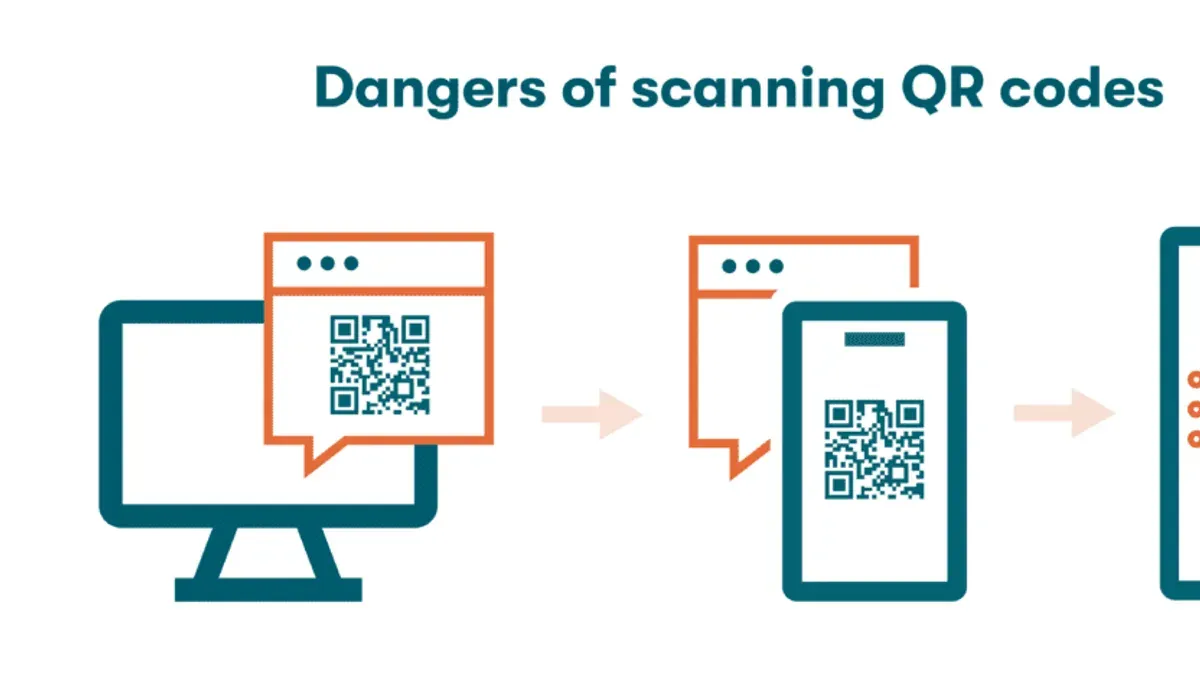
Scanning a QR code is a common action for mobile users in 2026, but can you get a virus from scanning a QR code? Understanding how QR codes work and the real risks involved helps you stay safe while using your phone for payments, menus, or app downloads.
What Is a QR Code and How Does It Work?
QR codes are two-dimensional barcodes that store data readable by smartphone cameras or QR scanners. In 2026, they are widely used for contactless payments, accessing menus, downloading apps, and sharing links quickly.
- Definition and Usage: QR codes encode data such as URLs, text, or contact information within a grid of black and white squares.
- Data Encoding: They can hold up to several thousand characters, though typical payloads are short URLs or small data packets.
- Scanning Process: When you scan a QR code, your device reads the encoded data and often prompts you to open a link, save contact info, or perform another action based on the content.
For example, a restaurant menu QR code usually contains a URL directing your browser to the digital menu. Contactless payments rely on QR codes to share encrypted payment details securely and instantly.
Can a QR Code Itself Contain a Virus?
Technically, a QR code stores data, not executable code. This means a QR code image alone cannot contain or directly transmit a virus to your device.
- Data, Not Code: QR codes hold plain text or URL strings, so they cannot run or install malware by themselves.
- No Direct Infection: Simply viewing or scanning the image does not infect your device.
- Misconceptions: Some believe QR codes can carry viruses like email attachments, but this is incorrect. The risk emerges only after interacting with malicious content the QR code points to.
Security professionals emphasize that QR codes themselves are safe; infection requires further user interaction triggered by the scanned data.
How Can Scanning a QR Code Lead to Virus Infection?
The risk lies in what the QR code directs you to do after scanning. Malicious actors create QR codes that lead to harmful websites, downloads, or exploits.
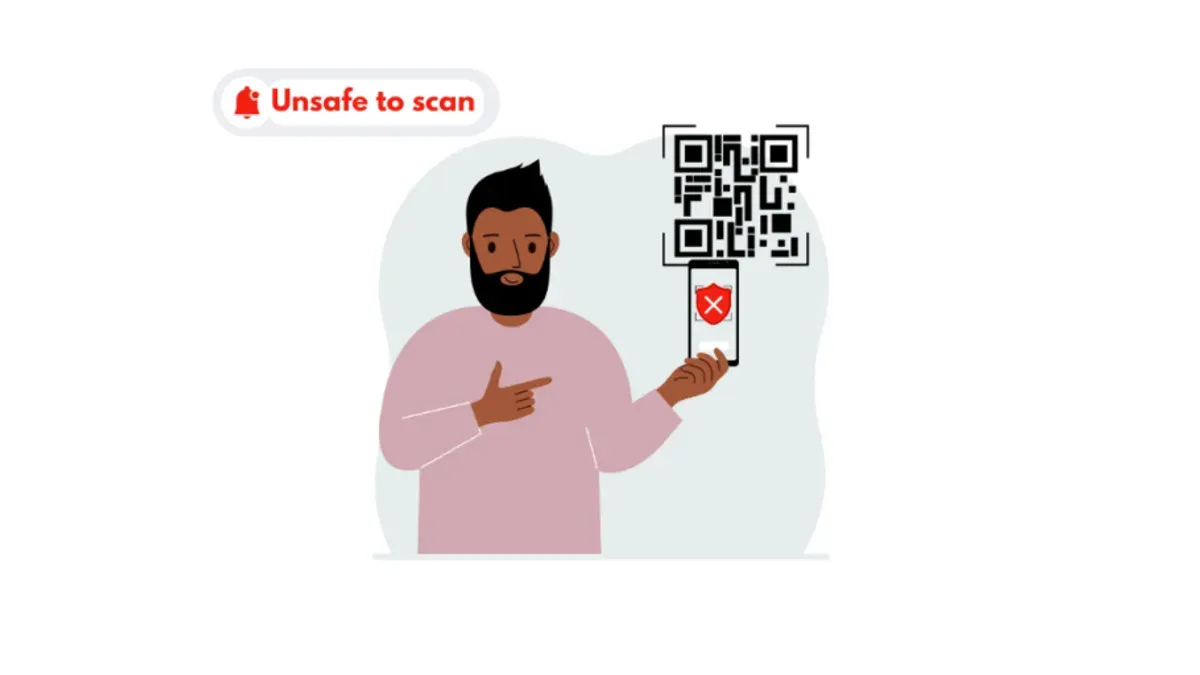
- Malicious URLs: QR codes can link to phishing sites that steal credentials or initiate "drive-by" downloads where malware is silently installed.
- Infected Apps or Files: Some QR codes prompt you to download apps or files that carry viruses disguised as legitimate software.
- Exploiting Software Vulnerabilities: Rarely, attackers exploit flaws in the QR scanning app or the operating system to trigger infection just by scanning. For example, some older Android versions had vulnerabilities in QR scanner components that could be exploited if the scanner automatically processed certain malformed data without user confirmation.
Example of an Attack Chain:
- A QR code placed in a public area claims to offer a discount.
- Scanning it directs the user to a fake website mimicking a popular store.
- The site requests the user to download a "coupon app".
- Installing this app infects the device with spyware.
While such attacks remain relatively uncommon compared to the volume of QR code scans, their impact can be significant when successful.
How to Safely Use QR Codes: Practical Security Tips
Protecting yourself involves cautious scanning and verifying before interacting with QR code content.
- Verify Source: Only scan QR codes from trusted sources like known businesses or official materials.
- Use Built-in Scanners: Many mobile OS QR scanners include security checks that warn about suspicious links. For instance, on iOS, the Camera app previews the URL and flags known malicious sites; on Android, Google Play Protect integrates with the default scanner to check URLs against a database of unsafe sites.
- Avoid Random Codes: Do not scan codes found in random public places or on unsolicited flyers, as these are common vectors for malicious QR codes.
- Check URLs Carefully: After scanning, review the URL before tapping any links or downloading files. Pay attention to subtle misspellings or unusual domain extensions that attackers use to mimic legitimate sites.
- Keep Software Updated: Regularly update your device and apps to patch vulnerabilities that attackers might exploit. For example, enabling automatic updates for your OS and security apps helps maintain protection against newly discovered threats.
| QR Scanner App | Security Features (2026) | Additional Notes |
|---|---|---|
| iOS Camera App | URL preview, malicious site warnings | Integrated with system security; users should ensure "Fraudulent Website Warning" is enabled in Settings > Safari. |
| Android Default Scanner | Google Safe Browsing check, URL preview | Regularly updated with Play Protect; users should verify Play Protect is active under Google Settings. |
| Third-Party Scanners | Varies widely; some include phishing detection, others none | Choose reputable apps with good reviews and regular updates; beware of scanners requesting excessive permissions. |
Following these tips significantly reduces the risk of infection from QR code scanning.
What to Do If You Think You Got Infected After Scanning a QR Code
If you suspect infection, act quickly to limit damage.
- Recognize Symptoms: Look for unusual device behavior, such as slowdowns, unexpected pop-ups, or unknown apps.
- Run Antivirus Scans: Use trusted security apps to scan and remove malware. On iOS, options are limited but resetting the device may help; on Android, reputable antivirus apps can detect and remove threats.
- Change Passwords: Immediately update passwords for sensitive accounts, especially if you entered credentials after scanning.
- Monitor Accounts: Watch bank and email accounts for unauthorized activity.
- Seek Professional Help: If symptoms persist or you cannot remove malware, consult cybersecurity professionals.
Sample Response Checklist:
- Disconnect device from networks.
- Run full antivirus and antimalware scans.
- Delete suspicious apps or files.
- Change all passwords from a secure device.
- Enable two-factor authentication.
- Backup important data safely.
- Contact support if needed.
Prompt action improves recovery outcomes and reduces the chance of further compromise.
Limitations and Caveats
This article does not cover rare, sophisticated zero-day exploits targeting proprietary QR scanning software that may appear after 2026. Users with outdated devices or operating systems face higher risks than those described here. The advice given is general and does not replace professional cybersecurity consultation for enterprise environments or highly targeted threat scenarios.
Frequently Asked Questions
Is it safe to scan QR codes from unknown sources?
It is generally unsafe to scan QR codes from unknown or untrusted sources. These codes could lead to malicious websites or downloads. Always verify the source before scanning.
Can a QR code steal my personal information without me clicking a link?
No. A QR code only contains data and cannot steal information on its own. However, if you follow a malicious link and enter information, that data can be compromised.
Do all smartphones have built-in protections against malicious QR codes?
Most modern smartphones in 2026 include basic protections like URL previews and warnings for suspicious links. However, effectiveness varies by device and OS version. Users should keep their devices updated and enable security features where available.
How can I tell if a QR code is malicious before scanning?
It is difficult to identify a malicious QR code visually. The best approach is to only scan codes from trusted sources and verify any URLs or prompts after scanning before proceeding.
Related reading
- Can You Get a Virus from a Text Message? What You Should KnowDiscover whether you can get a virus from a text message and how to protect your device from SMS-based malware and scams.
- Can You Get a Virus from a PDF? What You Need to KnowLearn how viruses can hide in PDFs and what steps you can take to protect your device from infection in 2026.
- Can You Get a Virus from a ZIP File? Understanding the RisksLearn how viruses can hide inside ZIP files and how to protect yourself from infection when handling compressed archives.