How to Protect and Recover from an AliExpress Account Hacked
This guide explains how to protect and recover from an AliExpress account hacked with practical security and recovery steps.

This guide explains how to protect an AliExpress account hacked and recover it swiftly. AliExpress is a popular global marketplace, but concerns about account security and scams are common. Understanding whether AliExpress is safe, how to set up an account securely, and what to do if unauthorized access occurs is essential for online shoppers.
The article covers whether AliExpress collects or misuses personal data, steps to create and delete accounts safely, and practical recovery measures if an account is compromised. It also addresses common scam scenarios on AliExpress and explains the 'security check failed' error, providing clear advice to manage these issues effectively.
Is AliExpress a scam website or safe to use?
AliExpress is a global e-commerce platform owned by Alibaba Group, hosting millions of sellers and buyers worldwide. It operates as a marketplace rather than a direct retailer, which means the safety of transactions largely depends on individual sellers. While there are concerns about scams, the platform incorporates seller verification processes and buyer protection programs designed to reduce fraud risks.
AliExpress’s buyer protection guarantees include full refunds if an order does not arrive or significantly differs from its description. These protections help balance the risk inherent in a marketplace with numerous independent sellers. However, some scams occur at the seller level, such as counterfeit products or delayed shipments, rather than through platform-wide fraud.
For example, a buyer ordering electronics might receive a fake or defective item from a seller with a low rating. AliExpress encourages users to check seller ratings, reviews, and transaction history before purchasing. The dispute resolution system allows buyers to open claims, and many issues are resolved through partial or full refunds.
User reviews and complaints about AliExpress often focus on individual sellers rather than the platform itself. Compared to other large marketplaces, AliExpress has a similar volume of fraud reports relative to its size and user base. With millions of active users, the number of scams is a small fraction, but vigilance is necessary.
Does AliExpress steal your information or money?
AliExpress collects user data as outlined in its Privacy Policy, including personal details, browsing behavior, and transaction history. This data supports order processing, customer service, and marketing efforts but is protected under stringent security measures. Sensitive information, such as payment details, is handled via secured payment gateways rather than stored directly on the platform, reducing risks of direct theft.
Payment processing on AliExpress typically uses third-party providers like PayPal or credit card networks, which include fraud detection and encryption layers. Unauthorized charges are uncommon on the platform itself; if they occur, they often result from compromised external payment methods rather than AliExpress’s systems. Users are advised to monitor bank statements regularly and enable two-factor authentication within AliExpress account settings to add extra security.
Phishing scams pose a significant risk and often confuse users into submitting credentials on fake AliExpress sites. These fraudulent sites mimic AliExpress’s design and URLs but aim to steal login information or payment data. For example, phishing emails may prompt users to log in through a deceptive link, leading to credential theft. AliExpress explicitly cautions against clicking suspicious links and recommends verifying URLs carefully.
There are no verified reports of AliExpress itself stealing money or misusing personal data. Most security incidents arise from third-party scams or individual seller misconduct, not platform-wide breaches. Users should access AliExpress only through official apps or the verified website and maintain standard cybersecurity practices to minimize risks.
Tip: Always check the URL starts with "https://www.aliexpress.com" and enable two-factor authentication in Account Settings > Security to protect login credentials.
How to create an AliExpress account securely
Begin by visiting the AliExpress homepage and clicking the “Join” button at the top-right corner. Enter a valid email address or phone number and create a username. The next step is setting a strong password: choose one at least 12 characters long, combining uppercase and lowercase letters, numbers, and symbols. Avoid using common words or repetitive patterns, and never reuse passwords from other sites to reduce vulnerability to credential-stuffing attacks.
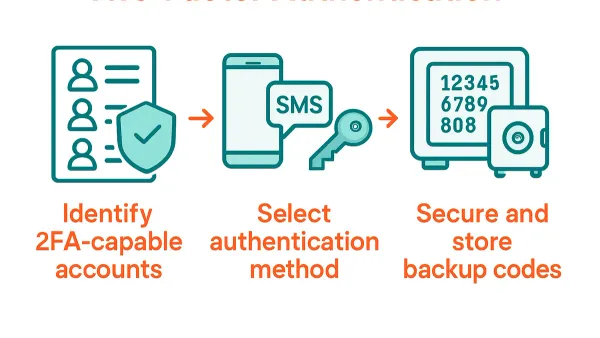
After entering the password, AliExpress sends a verification code to the registered email or phone to confirm the account. Completing this step ensures the contact information is valid and under control. Once logged in, navigate to your profile settings and enable two-factor authentication (2FA) under “Security Settings.” This adds a second verification layer by requiring a code from an authenticator app or SMS, significantly reducing hacking risks.
Verify that all personal and payment details are accurate and up to date in the “My AliExpress” section. Use secure payment methods such as credit cards or PayPal, which offer buyer protection and avoid saving payment data directly on the platform if possible. Many users overlook setting up 2FA or verifying their contact info promptly, which leaves accounts exposed.
Tip: Use a reputable password manager to generate and store unique passwords securely, preventing reuse and simplifying login.
How to delete or close your AliExpress account permanently
AliExpress allows users to request permanent account deletion, removing their profile, order history, and personal data from the platform. However, this process is irreversible and should be done only after completing all pending transactions and resolving any refunds or disputes. Before deleting an account, ensure all orders are delivered and payments settled, as deleting an account cancels access to order tracking and customer support related to those transactions.
To start the deletion process, log in and navigate to My AliExpress > Account Settings > Account Management. There, find the option labeled Delete Account. AliExpress will prompt for confirmation and ask to verify identity, typically through a verification code sent to the registered email or phone number.
After confirming, the account enters a pending deletion state that can last several days, during which some features remain accessible. Once completed, all personal data, purchase history, and saved payment details are purged from AliExpress systems according to their privacy policy. Note that transaction records relevant to financial or legal compliance may be retained in anonymized form.
Tip: Consider temporarily deactivating the account first, if available, to pause activity without losing access to order details and support options.
For example, a user who no longer shops on AliExpress but has open disputes should resolve those before deletion. Deleting the account without clearing these issues may forfeit the ability to claim refunds or escalate disputes.
What to do if your AliExpress account is hacked
Signs of unauthorized access include unexpected password changes, unfamiliar orders, and alerts from AliExpress about login attempts from new devices or locations. If any such signs appear, immediate action is necessary to limit damage and recover control.
Immediate account recovery steps
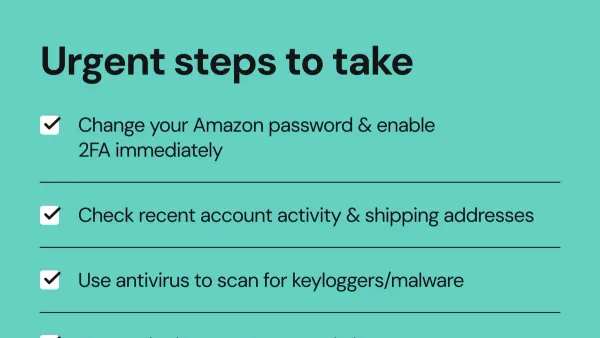
- Reset the account password via My AliExpress > Account Settings > Password. Choose a strong, unique password different from previous ones.
- Enable two-factor authentication (2FA) in Security Settings to add an extra verification step on login.
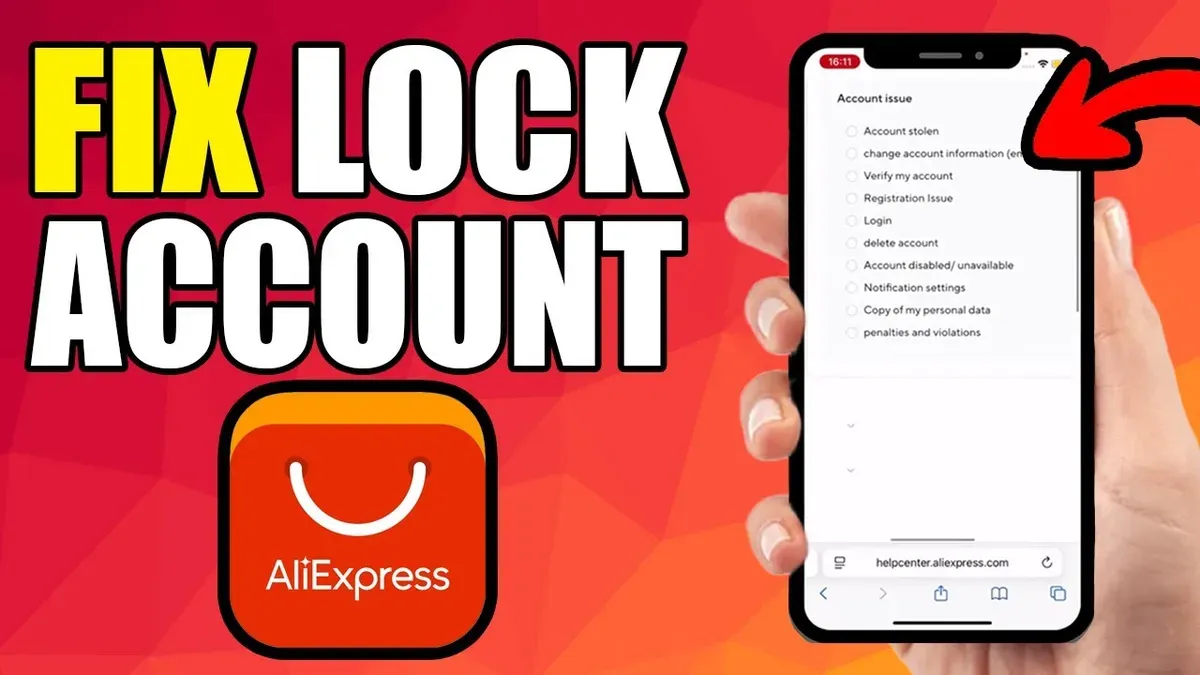
- Contact AliExpress Customer Service through the Help Center > Contact Us section to report the breach and request account review. Response times vary but generally occur within a few days.
Reviewing account activity and payment security
Check the My Orders page for any purchases not made by the user. Flag suspicious orders immediately to AliExpress support. Review linked payment methods and bank statements for unauthorized charges. Cancel or block compromised cards with the issuing bank to prevent further fraud.
A common oversight is neglecting to check saved shipping addresses, which hackers can change to intercept goods. Confirm all personal details remain correct.
Long-term prevention after recovery
- Regularly update passwords and avoid reusing them across sites.
- Monitor account activity weekly for unusual behavior.
- Only log in via official AliExpress apps or website, avoiding links in unsolicited emails.
- Consider using a password manager to maintain complex credentials securely.
Tip: After regaining access, review and revoke any third-party app permissions linked to the AliExpress account to reduce future risks.
For example, a user noticed an unrecognized order confirmation email. They immediately reset their password, enabled 2FA, and contacted AliExpress support. The platform responded within 48 hours, canceling the fraudulent order and securing the account. The user then checked their payment methods and updated security settings to prevent recurrence.
Can you get scammed on AliExpress and how to avoid it?
Scams on AliExpress typically involve fake or counterfeit products, non-delivery of goods, and phishing attempts. These issues arise mainly due to individual sellers rather than the platform itself. For example, a buyer might order a branded electronic accessory only to receive a low-quality counterfeit item or nothing at all. Avoiding these pitfalls requires careful evaluation of seller reputations, verified through high ratings, detailed reviews, and responsive communication.
Using AliExpress buyer protection is essential. This feature allows users to open disputes within a designated time frame if the product is not as described or does not arrive. Many disputes result in refunds or replacements after evidence like photos or tracking information is submitted. Off-site payments or clicking on suspicious links should be avoided entirely, as these bypass AliExpress safeguards and increase vulnerability to scams.
Compared to other large marketplaces, AliExpress has a moderate level of reported scams due to its open marketplace model. However, the built-in dispute resolution system and buyer protection program effectively reduce financial losses when used correctly. A typical scenario is a buyer opening a dispute after receiving an incorrect product; after providing proof, AliExpress often mediates a refund, illustrating the platform's commitment to consumer protection.
Tip: Always check the seller’s “Feedback” and “Transaction History” sections before purchase, and keep all communication within AliExpress messaging for proof if a dispute arises.
Why does AliExpress sometimes show 'security check failed' and what to do?
The 'security check failed' error on AliExpress typically occurs during login or checkout when the system detects unusual activity or cannot verify the user's device or network. This security measure prevents unauthorized access but can be triggered by common technical issues. For example, using a VPN, switching networks frequently, or having corrupted browser cache and cookies often causes this error.
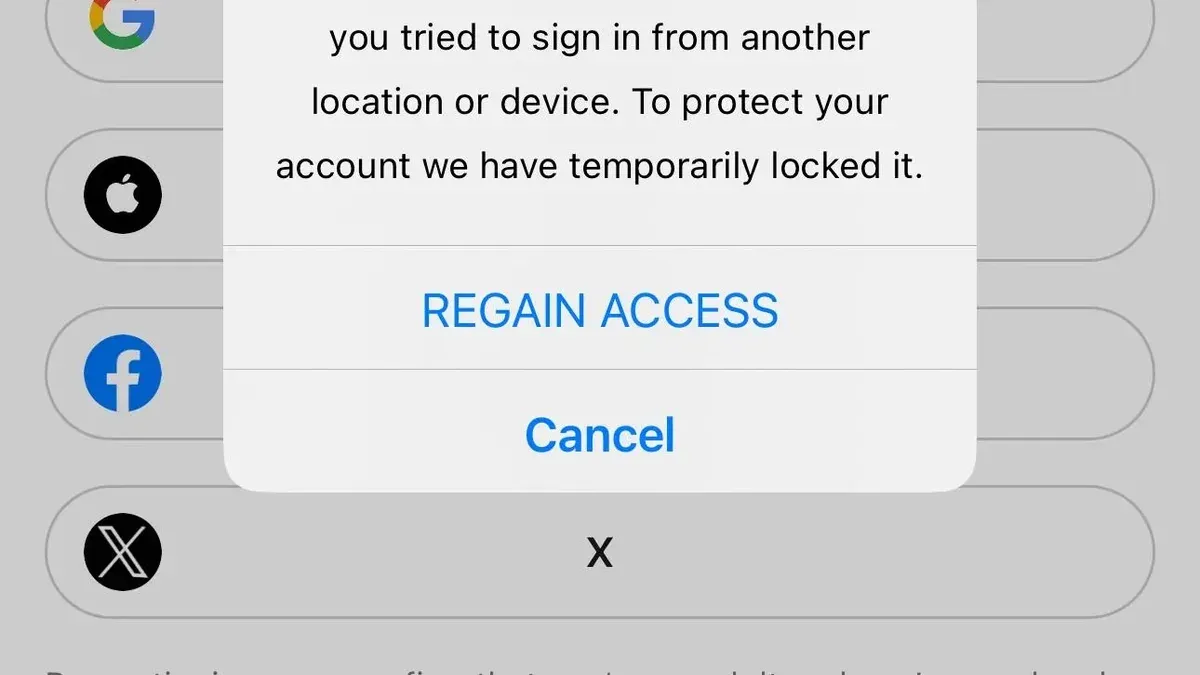
To resolve the issue, start by clearing the browser cache and cookies. This removes outdated or conflicting data that may interfere with the security check. Next, verify the device by logging in from a known device where previous successful logins occurred; AliExpress sometimes flags new or unrecognized devices. Also, check the network connection—avoid public or unstable Wi-Fi and disable VPNs or proxy servers as they can trigger security flags.
If these steps fail, attempt logging in using the AliExpress mobile app or a different browser. Persistent errors after these troubleshooting steps may require contacting AliExpress customer support. Provide details about the error, device, browser, and network to help their team identify if the issue is account-specific or a broader technical problem.
Repeated 'security check failed' errors might indicate attempted unauthorized access or account compromise. Users should review recent account activity and update passwords immediately if suspicious activity is suspected.
Tip: Regularly updating the browser and avoiding browser extensions that interfere with cookies or scripts can help prevent security check errors.
Frequently asked questions
How to delete your aliexpress account?
To delete an AliExpress account, log in and navigate to 'My Account' settings. Locate the 'Account Management' section, then select 'Close Account'. Follow the prompts to confirm the deletion, noting that this action is permanent and will remove all order history and account data.
Will aliexpress steal my money?
AliExpress does not steal money directly. It is a legitimate platform connecting buyers and sellers worldwide, but users must remain cautious of individual fraudulent sellers or scams. Using secure payment methods and reviewing seller ratings helps reduce financial risk.
Is aliexpress a scam site?
AliExpress is not a scam site; it is a reputable online marketplace owned by Alibaba Group. However, some sellers may offer counterfeit or substandard products, so buyers should verify seller feedback and product reviews before purchasing to avoid scams.
How to close aliexpress account?
Closing an AliExpress account involves logging in, accessing 'Account Settings', then 'Account Management'. Select the option to close the account and confirm. This will disable the account and erase personal details, making it inaccessible for future use.
How to delete aliexpress account permanently?
Permanently deleting an AliExpress account requires going to 'Account Settings', then choosing 'Close Account' under 'Account Management'. Confirming this deletion removes all data permanently. It is advisable to cancel active orders and withdraw any remaining balance before proceeding.
What this advice does not cover and when to seek professional help
This guide does not cover advanced technical recovery methods such as forensic analysis of hacking incidents or pursuing legal action against fraudsters. Users facing severe breaches involving personal identity theft, financial fraud beyond the AliExpress platform, or persistent unauthorized access should consult cybersecurity professionals or legal advisors promptly. These experts can perform in-depth investigations and coordinate with law enforcement if necessary.
Tip: Save all communication and transaction records as evidence before contacting professionals.
For most users, the most effective immediate step after suspecting an account hack is to change the AliExpress account password and enable two-factor authentication via the AliExpress app or website under Account Settings > Security Settings. This simple measure often stops further unauthorized access and prevents potential loss. Following that, reviewing recent orders and payment methods helps identify any suspicious activity early.
See also: How to Recover and Secure an Afterpay Account Hacked or Locked · What to Do If Your Citi Account Is Hacked: Clear Steps to Recover and Secure · What to Do If Your Chase Account Is Hacked: A Clear Recovery Guide · How to Recover and Secure a Steam Account Hacked