How to Identify, Report, and Recover a Hacked TikTok Account
This guide helps you identify, report, and recover a hacked TikTok account with practical steps and security advice.

This article explains how to identify, report, and recover a hacked TikTok account, combining technical insights with practical guidance. When a TikTok account hacked incident occurs, understanding common hacking methods and TikTok’s response options can make the recovery process more effective. Users often face challenges such as unauthorized access, changed passwords, or altered contact information, which complicate regaining control.
By outlining clear steps to report suspicious activity through TikTok’s support channels and detailing recovery procedures, this guide helps set realistic expectations. It also highlights security features designed to prevent future breaches and discusses common pitfalls to avoid during the recovery process.
How TikTok accounts can get hacked
TikTok accounts are vulnerable to several common hacking methods that exploit user behavior and technical weaknesses. Phishing remains a prevalent threat, where attackers create fake login pages or send deceptive messages mimicking TikTok’s official communications to trick users into revealing their credentials. For example, a user might receive a message claiming their account is at risk and be directed to a counterfeit login page identical to TikTok’s, leading to credential theft.
Credential stuffing is another widespread tactic involving automated attempts to access TikTok accounts using username and password combinations leaked from unrelated breaches on other platforms. Since many users reuse passwords, this method can successfully compromise accounts without direct attacks on TikTok’s systems.
Social engineering also plays a role, with hackers manipulating users into providing access information or approving suspicious account changes. This can include impersonation or urgent requests that pressure users to bypass security instincts.
Malware or spyware installed on a user’s device can capture login data and session tokens, granting attackers covert access. Additionally, vulnerabilities in third-party apps linked to TikTok accounts can create backdoors for unauthorized entry if those apps do not have robust security measures.
These methods are consistent with common social media hacking trends, although TikTok-specific incidents highlight the platform’s rising popularity as a target. Users should remain vigilant against these varied threats to their account security.
Why some users can’t create a TikTok account
Users may encounter difficulties when attempting to create a TikTok account due to several technical and policy-related reasons. App bugs or server errors can cause error messages such as "Unable to process your request" or "Network error, please try again later," which are unrelated to hacking but can temporarily block signup.
TikTok enforces geographical and age restrictions, preventing users under 13 or those in certain regions from registering accounts. For example, users in countries where TikTok is banned or restricted will see messages like "Account creation unavailable in your region."
Temporary blocks are common when TikTok detects suspicious activity, such as multiple rapid account creations from the same IP address or device. This is designed to prevent spam and automated signups. A message like "Too many attempts, please wait before trying again" often appears in these cases.
Additionally, TikTok limits the number of accounts that can be created from a single device or IP address within a short period. If this threshold is exceeded, users might see a warning similar to "Account creation limit reached on this device."
These error messages can be mistaken for hacking symptoms, but they typically stem from TikTok’s security measures or technical issues. For example, a user repeatedly attempting signups on a public Wi-Fi network may trigger these safeguards even if their device is secure.
How to report a hacked TikTok account
When a TikTok account is suspected to be hacked, the first step is to report the issue directly through TikTok’s official channels. The most immediate method is the in-app reporting tool designed for compromised accounts.
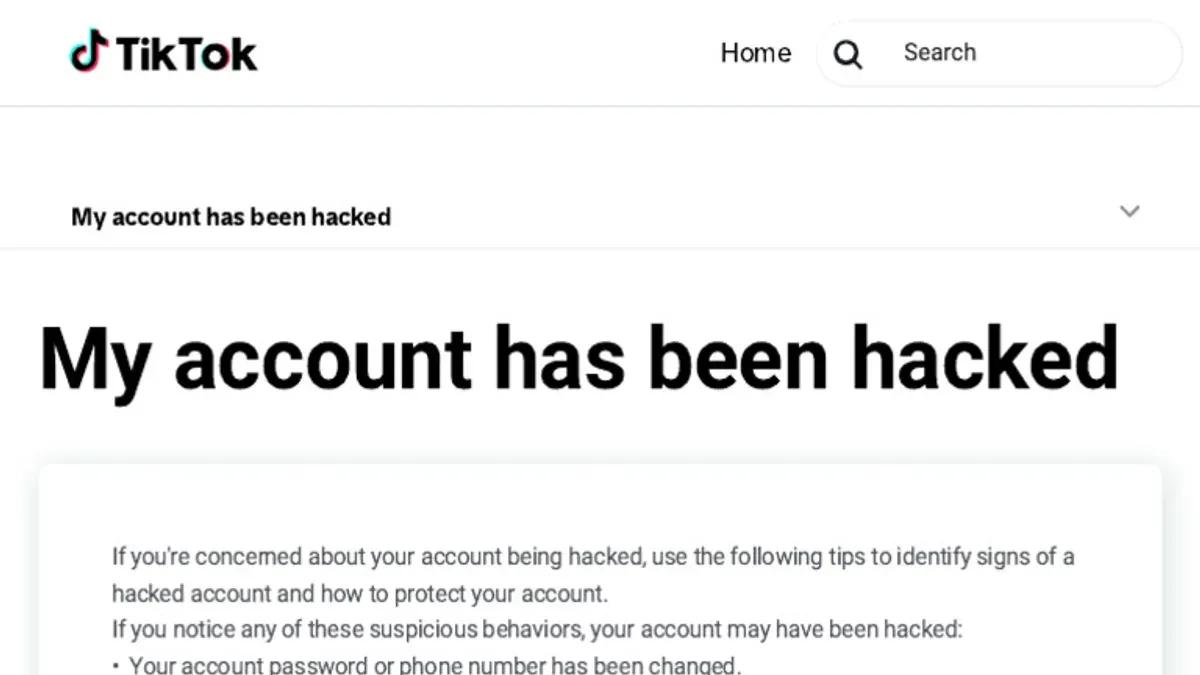
To use this tool, open the TikTok app, tap the Profile icon, then select the three-dot menu (or gear icon) in the top right corner to access Settings and privacy. Scroll down to Report a problem, then tap Account and profile > Hacked account. A guided form will appear to submit details about the suspicious activity.
Providing clear information is crucial. This includes the TikTok username, linked email address or phone number, a description of the suspicious activity—such as unauthorized posts or messages—and the date when the compromise was first noticed. Attaching screenshots of unusual behavior can strengthen the report.
If the app is inaccessible, users can visit TikTok’s official support webpage to submit a report via a web form or email. The typical contact email for hacked accounts is [email protected], though using the in-app method is often faster.
TikTok usually acknowledges reports within a few days, but response times can vary based on case complexity. If initial contact does not resolve the issue, escalating through repeated reports or support tickets may be necessary.
Example: A user notices strange videos posted without their consent. They open TikTok, navigate to Settings > Report a problem > Account and profile > Hacked account, fill out the form with username and email, describe the unauthorized posts, and submit it. This direct report helps TikTok prioritize account recovery.
How to recover a hacked TikTok account
Regaining control of a hacked TikTok account typically starts with the 'Forgot password?' option on the login screen. Users should enter their username, email, or phone number linked to the account. TikTok then sends a verification code via the linked email or phone number, allowing a password reset once the code is entered correctly.
For example, if the account is tied to the email [email protected], TikTok will send a reset link or code there. Upon successful verification, the password can be changed immediately, restoring access.
If the hacker changed the email or phone number, automated recovery becomes more difficult. In such cases, users should use the 'Report a problem' feature within the app or on TikTok's support website to submit an appeal. This process involves verifying identity by providing previous account details, screenshots, or any linked social media profiles.
Recovery success rates are higher when the original contact information remains unchanged. When contact details are altered, appeals may take longer or fail if identity cannot be confirmed.
In instances where the hacked account was deleted, recovery options are limited. TikTok generally allows a short grace period for account restoration, but permanent deletion means the account and data are lost.
Tip: Always keep email and phone number information up to date on TikTok to simplify recovery if hacking occurs.
How to fix a TikTok account after hacking
Once access to a hacked TikTok account is regained, the next priority is securing the account to prevent further unauthorized use. Start by changing the password to a strong, unique combination via Settings > Security > Password. TikTok strongly recommends enabling Two-Factor Authentication (2FA) under the same Security menu, which adds a verification step during login.
Next, review all linked devices and third-party apps by navigating to Settings > Security > Manage Devices and Settings > Privacy > Apps and Websites. Revoke access to any unfamiliar devices or apps that might have been added during the breach. For example, if a device from an unknown location appears, immediately remove it to block potential re-entry.
Check for any unauthorized changes in privacy settings or content posted without consent. This includes reviewing who can view videos, comment permissions, and any new posts or messages sent during the compromised period. Removing suspicious content helps restore the account’s integrity and reassures followers.
If the breach affected followers or caused confusion, consider informing them through a post or message explaining the situation and any precautions taken. Regularly monitoring account activity by checking login history and notifications can detect early signs of reinfection.
Tip: Using a password manager can help create and store complex passwords, reducing the risk of future hacks.
How to retrieve a TikTok account if the email was changed
When a hacker changes the recovery email on a TikTok account, regaining control becomes more complex but not impossible. TikTok’s support team can assist if the original owner provides sufficient proof of identity and account ownership.
To initiate recovery, users should contact TikTok through the app’s "Report a problem" feature or via the TikTok support website. It is essential to provide details such as the original email address, username, linked phone number, and any proof of account ownership like screenshots of previous settings or payment receipts for TikTok purchases.
TikTok may request submission of a government-issued ID for identity verification. This step is crucial to prove ownership when contact details like email have been altered. Verification through a linked phone number or social media account connected to the TikTok profile can speed up the process.
Recovery time varies and depends on the completeness of submitted evidence. Some users report regaining access within days, while others face longer waits or unsuccessful attempts if verification is insufficient.
Preventing email changes by enabling two-factor authentication and regularly reviewing account settings can reduce the risk of this scenario. For example, a user who lost access when their email was switched successfully recovered the account after submitting ID and multiple proofs of ownership, but it took several weeks.
Tip: Keep records of account details and linked contacts updated and secure to ease recovery if hacking occurs.
Common mistakes to avoid when dealing with a hacked TikTok account
Delaying action after noticing suspicious activity often worsens account loss risks. For instance, ignoring unexpected password changes or unfamiliar login alerts can allow hackers to strengthen control.
Responding directly to phishing messages posing as TikTok support is another frequent error. Scammers often send convincing emails or direct messages requesting passwords or verification codes, leading users to hand over critical information unknowingly.
Using third-party recovery services is risky. Many claim to restore hacked accounts but operate scams designed to steal credentials or payments. Legitimate TikTok recovery processes do not require external services.
Sharing sensitive account details publicly, such as passwords or verification codes in comments or forums, exposes accounts to further compromise. Such information should be kept private and only provided through official TikTok channels during verified support interactions.
Lastly, neglecting to secure the associated email address or phone number can undermine recovery attempts. Since these linked accounts often serve as recovery points or verification methods, their compromise can block account restoration.
Example: A user who delayed reporting a suspicious login and then responded to a phishing email pretending to be TikTok support ultimately lost access and personal data, illustrating how combined mistakes amplify vulnerabilities.
How TikTok’s security features help prevent hacking
TikTok incorporates several built-in security features designed to reduce the risk of unauthorized account access and provide users with tools to monitor and control their account security.
Two-factor authentication and login alerts
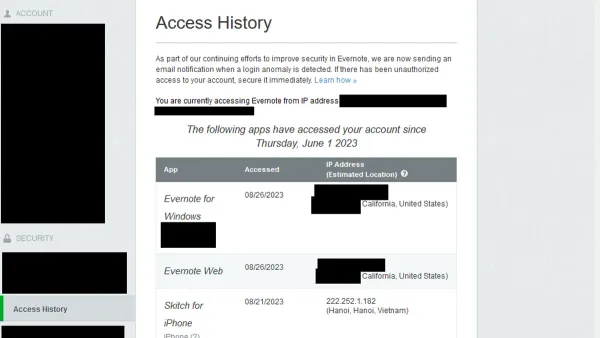
Users can enable two-factor authentication (2FA) via the app’s settings under "Privacy and safety" > "Security" > "Two-step verification." Options include SMS verification or third-party authenticator apps like Google Authenticator. This adds a critical layer that requires a code beyond the password during login attempts. Additionally, TikTok sends login alerts when a new device accesses the account, allowing users to quickly recognize suspicious activity and remove unknown devices under "Manage devices." For example, if a login occurs from a foreign location, an alert prompt appears to confirm or deny the access.
Privacy settings and security checkups
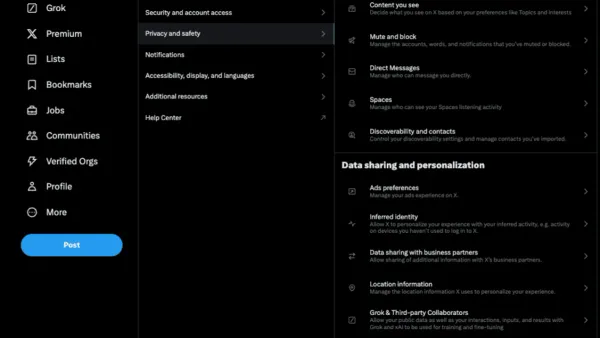
TikTok allows users to limit account exposure through settings such as making the account private, restricting who can comment, duet, or send messages, and controlling visibility of liked videos. Regular security checkups are accessible in the "Security" menu, guiding users through reviewing active sessions, connected apps, and password strength.
Tip: Regularly reviewing the "Manage devices" section can help spot unauthorized logins early.
Limitations of TikTok’s security
Despite these features, TikTok’s security relies heavily on user vigilance and the strength of passwords. It cannot prevent phishing or malware attacks targeting credentials outside the app. Also, 2FA is optional, so many accounts remain vulnerable if users do not activate it. Compared to industry standards, TikTok’s tools align with common practices but do not offer advanced biometric or hardware security key options.
Further reading
- How to Protect, Manage, and Recover a Threads Account from Hacking
- How to Identify, Respond to, and Recover from an Instagram Account Hack
- How to Recover and Protect a Hacked Snapchat Account
Frequently asked questions
Can tiktok account be hacked?
Yes, TikTok accounts can be hacked through methods such as phishing, weak passwords, and unauthorized access to linked email or phone numbers. Hackers often exploit reused passwords or trick users into revealing login credentials.
Why can't i make a tiktok account?
Users may be unable to create a TikTok account due to age restrictions, network connectivity issues, or if their device or IP address has been temporarily restricted. Additionally, entering incorrect information or failing to verify phone numbers or email addresses can block account creation.
Can your tiktok account get hacked?
Your TikTok account can get hacked if security measures are weak, such as using simple passwords or not enabling two-factor authentication. Account takeover often occurs when hackers gain access to associated email or phone numbers.
Is tiktok getting hacked?
While TikTok has experienced security concerns, widespread hacking incidents are relatively uncommon. The platform continuously updates its security features to reduce vulnerabilities and protect user accounts.
How tiktok account hacked?
TikTok accounts can be hacked through phishing scams that steal login details, malware targeting user devices, or by exploiting weak passwords. Hackers may also manipulate account recovery processes by changing associated contact information.
Limits of this advice and when to seek other help
This advice does not cover recovery scenarios involving extensive legal disputes or hacking by state-level actors. In such cases, professional legal counsel or law enforcement assistance is necessary. Users should not rely solely on TikTok’s support response time in urgent situations, as it can vary and may delay account recovery. Some recovery steps may not apply if both account credentials and recovery information, such as email and phone number, are fully compromised or altered by the hacker.
For most users facing a hacked TikTok account, the single most effective next step is to immediately initiate the official reporting process via TikTok’s "Report a hacked account" feature found in the app under Profile > Settings > Report a Problem > Account Issues. This triggers TikTok’s security review and recovery workflow, which is the primary channel for regaining control and ensuring account safety.