Is AOL Mail Safe? A Clear Look at Its Security and Privacy
This article evaluates if AOL Mail is safe by examining its security features, privacy policies, and considerations for Verizon customers.

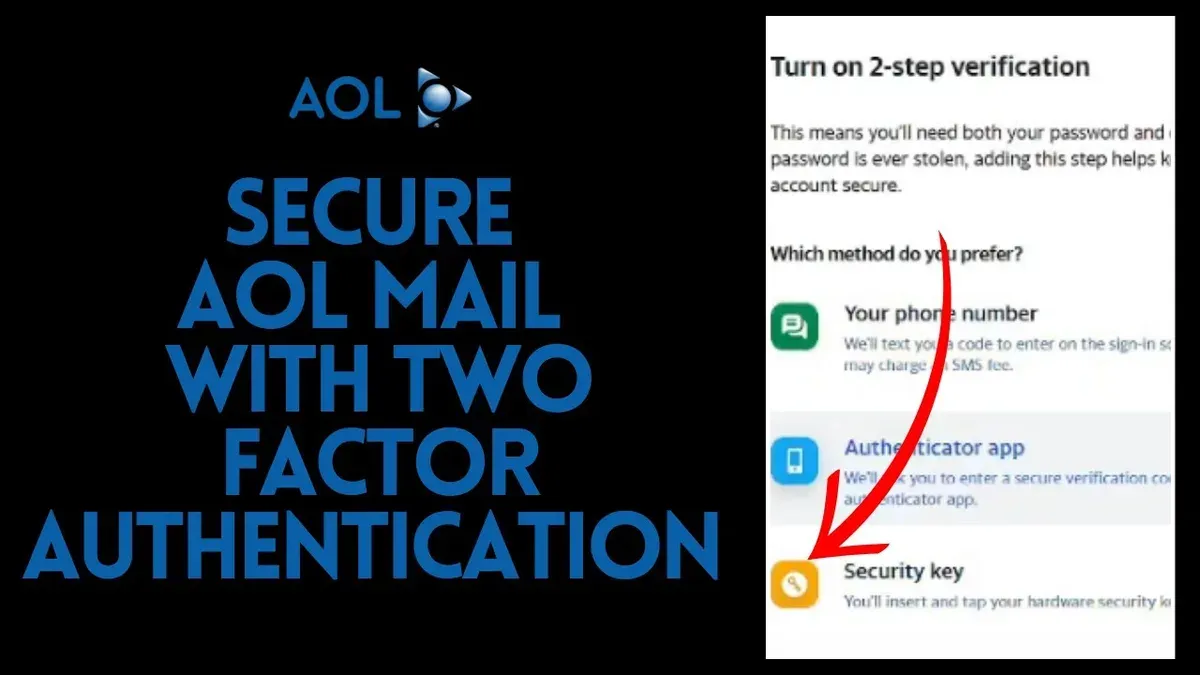
This article provides a clear and balanced evaluation of the question: is AOL Mail safe? It examines AOL Mail's security features alongside user experience and specific considerations for Verizon customers. AOL Mail employs standard security measures such as SSL/TLS encryption during email transmission and spam filtering to reduce phishing risks. However, its security protocols and privacy policies differ from other major providers, shaping its overall safety profile.
Verizon customers benefit from integrated account management but should be aware of the potential for data sharing within Verizon's ecosystem. This article explores these factors in detail to help everyday internet users and Verizon subscribers make an informed decision about AOL Mail's reliability for personal or professional use.
Is AOL Mail secure?
AOL Mail provides a reasonable level of security, but it does not fully match the most advanced standards used by leading email providers. It employs Transport Layer Security (TLS) to encrypt emails during transmission, helping to protect messages from interception while in transit.
For account protection, AOL Mail supports two-factor authentication (2FA), which adds a critical layer of security beyond just passwords. Users can enable 2FA through their account security settings, typically involving a verification code sent via SMS or generated by an authentication app.
Spam and phishing protection is integrated into AOL Mail, with filters designed to identify and quarantine suspicious emails. However, AOL's spam detection rates generally lag behind those of competitors like Gmail and Outlook, meaning some phishing attempts may occasionally bypass filters.
Despite these measures, AOL Mail’s security infrastructure lacks some advanced features common in newer services, such as end-to-end encryption and more granular privacy controls. This means while the service offers baseline protections suitable for general use, users handling highly sensitive information may find its security limited compared to newer platforms.
Is AOL Mail safe for Verizon customers?
AOL Mail remains generally safe for Verizon customers, benefiting from Verizon’s ownership and some integrated security policies but without significant additional protections beyond standard AOL Mail features.
Verizon acquired AOL in 2015 and later merged it with Yahoo to form a unified digital media division. While AOL Mail operates under Verizon’s umbrella, the email service maintains its own security protocols. Verizon does not publicly advertise extra security layers specifically for AOL Mail users beyond the existing basic encryption and two-factor authentication provided by AOL.
Privacy-wise, Verizon’s privacy policies apply to AOL Mail accounts, which include data collection and usage standards consistent with Verizon’s broader practices. This means Verizon customers using AOL Mail should be aware that some data may be shared within Verizon’s ecosystem for advertising and service improvement purposes, as outlined in Verizon’s privacy notices.
Customer support and incident response for Verizon users are handled through AOL’s dedicated help channels, with Verizon providing additional support primarily for connectivity or account management issues. User reports suggest that while Verizon’s integration offers stable service continuity, it does not translate into enhanced security incident handling compared to standalone email providers.
Tip: Verizon customers should regularly review account security settings in AOL Mail and be vigilant about phishing attempts, as no extra automated protections are specifically added by Verizon.
Is AOL Mail safer than Gmail?
AOL Mail is generally not safer than Gmail when comparing security and privacy features. Gmail benefits from Google's advanced AI-driven threat detection systems, which provide more proactive and sophisticated protection against phishing, malware, and spam than AOL Mail's legacy filtering mechanisms.
Encryption in both services is standard with TLS for message transmission, but Gmail offers additional protections such as S/MIME for enterprise users, which is not available in AOL Mail. Account recovery in Gmail includes multiple options like backup codes, alternative email addresses, and phone verification, giving users more robust ways to regain access compared to AOL Mail's simpler process.
Privacy policies differ significantly: Google’s data usage involves extensive profiling for advertising purposes, while AOL Mail, under Verizon Media, also utilizes user data but generally offers fewer personalization features. Both services allow users to adjust security settings, but Gmail provides a more comprehensive dashboard for controlling data sharing, app permissions, and security alerts.
| Feature | AOL Mail | Gmail |
|---|---|---|
| Encryption | TLS; no S/MIME | TLS; S/MIME for enterprise |
| Spam Filtering | Basic, rule-based | AI-driven, adaptive |
| Account Recovery | Simple email/phone verification | Multiple methods including backup codes |
| Threat Detection | Legacy systems | Advanced AI-powered |
| User Control | Basic security settings | Comprehensive security and privacy dashboard |
Tip: Users prioritizing cutting-edge security and detailed privacy controls may prefer Gmail, while those seeking a simpler interface might find AOL Mail adequate.
How AOL Mail’s design affects its safety
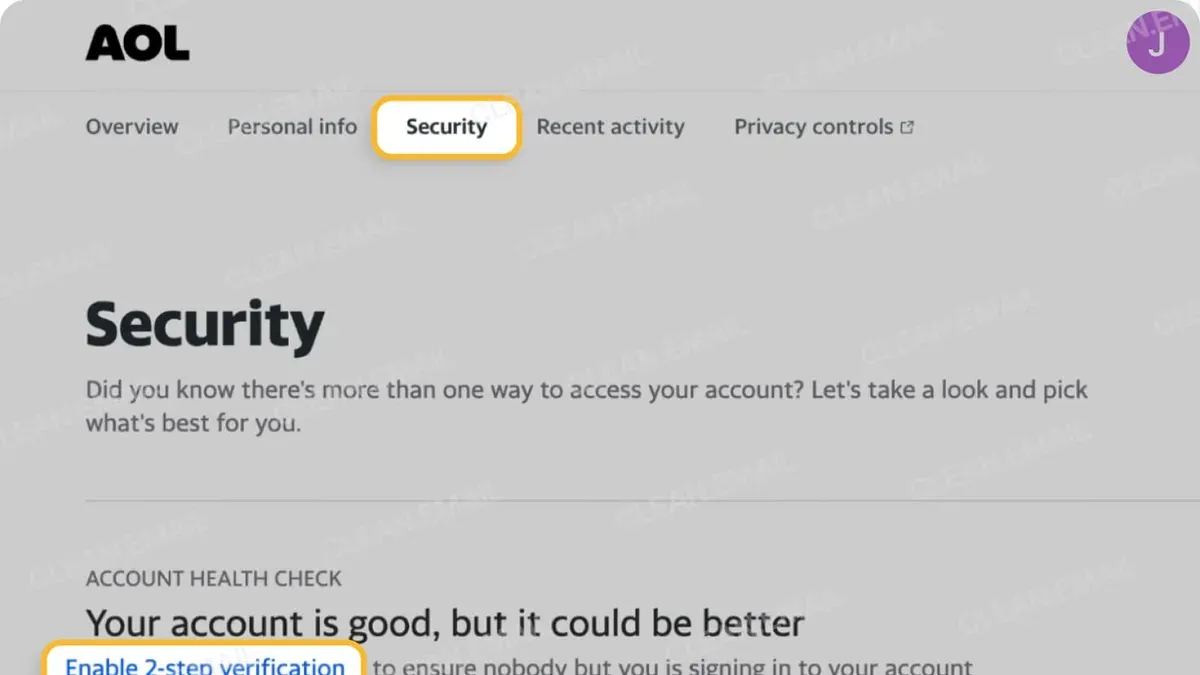
AOL Mail’s design influences its safety by balancing straightforward access to security settings with some legacy elements that may introduce vulnerabilities. The user interface places two-factor authentication (2FA) and password recovery options under the Account Security section, accessible via Settings > Account Security. While this makes enabling 2FA relatively simple, the multi-step navigation can deter less tech-savvy users from activating these protections promptly.
Legacy design features, such as an older HTML interface option and less intuitive spam filtering controls, can increase the risk of phishing attacks. These outdated elements sometimes lack modern safeguards found in newer email services, potentially leaving users more exposed if they rely on classic views rather than the updated AOL Mail interface.
Regarding device access, AOL Mail’s mobile app offers a cleaner, more secure environment than its desktop web client, which still supports older browser versions that may not fully enforce current security protocols. Users on desktop platforms might face greater risk if their browsers do not support the latest encryption standards AOL Mail employs.
The design’s impact on phishing susceptibility is notable because the interface does not aggressively flag suspicious emails beyond basic warnings. This can lead to higher user reliance on manual detection, which is less effective for those unfamiliar with common phishing traits.
Tip: Enabling two-factor authentication promptly through the Account Security settings improves safety despite the multi-step access path.
Practical AOL Mail safety tips
Enhancing security on AOL Mail begins with setting strong, unique passwords and enabling two-factor authentication (2FA). To set a strong password, go to Account Security > Change password, and use a combination of upper- and lowercase letters, numbers, and symbols. Enable 2FA by selecting "Two-step verification" under Account Security and linking your phone number or an authentication app.
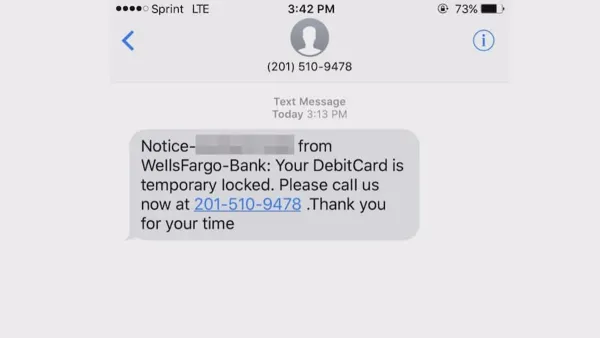
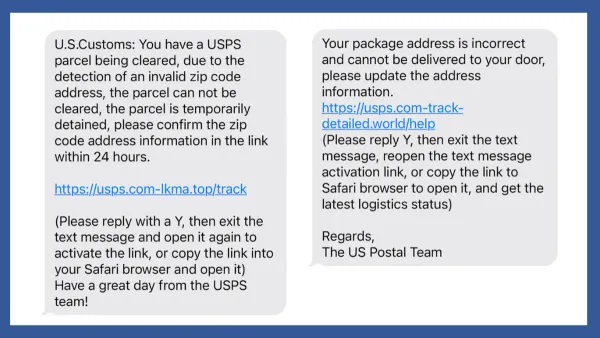
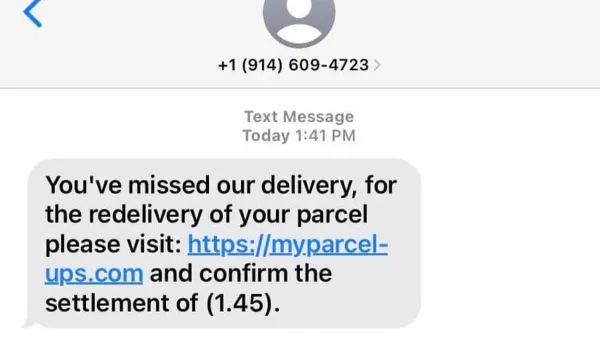
Recognizing phishing attempts is critical. Common signs include emails urging immediate action, suspicious links, or requests for personal information. For example, a phishing email might claim your account will be closed unless you verify details through a link. Instead of clicking, hover over links to check the URL or directly type the official AOL website address.
Safe login practices involve avoiding public or shared computers and always logging out after a session. Use the "Sign out of all sessions" option in Account Security if suspicious activity is noticed. Regularly review recent sign-in activity to detect unusual access.
Managing suspicious emails means deleting them without opening attachments or links. Use the "Report Spam" button to help AOL improve filtering. If an email looks legitimate but unexpected, verify by contacting the sender through another channel before responding.
Tip: Regularly update the recovery options in Account Security to ensure account recovery remains possible if access is lost.
Further reading
- How to Check If an Online Store Is Legit: A Step-by-Step Guide
- Is Adobe Safe? A Clear Guide to Using Adobe Software Securely
- How to Recover and Secure a Facebook Account After a Hack
- How to Secure and Manage a Bumble Account After a Hack
Frequently asked questions
Is aol email secure?
AOL Email uses SSL encryption to protect messages during transmission and offers spam filtering and virus scanning. However, it lacks some advanced security features like end-to-end encryption by default. Users should enable two-step verification and regularly update their passwords to enhance security.
Is aol mail good?
AOL Mail provides a straightforward interface, unlimited storage, and integration with Verizon services, making it suitable for everyday use. While it may not have some of the latest features found in competitors, its reliability and simplicity appeal to many users.
Is aol mail safe reddit?
Discussions on Reddit highlight mixed user experiences: some praise AOL Mail's security basics, while others note occasional spam and phishing attempts. These experiences underscore the importance of user vigilance and utilizing security settings like two-factor authentication.
Is aol safe to use?
AOL remains a safe email service when users apply recommended security measures such as strong passwords and two-step verification. Its long-standing presence and support from Verizon contribute to its reliability, though it may not match the security sophistication of some newer providers.
Is aol email good?
AOL Email is good for users seeking a simple, no-cost email solution with solid spam protection and decent storage. It integrates well with Verizon accounts, but users looking for cutting-edge security or advanced productivity tools might find it limited.
Limits of this advice and when to seek specialized solutions
This article does not cover deep technical vulnerabilities that require professional security audits or insider information. Users managing highly sensitive information, such as legal, financial, or governmental data, should consider specialized secure email services that offer end-to-end encryption and advanced threat protections beyond standard consumer offerings.
For most everyday users and Verizon customers, the most effective next step is to enable two-factor authentication (2FA) in the AOL Mail account settings under Security Options. This simple measure significantly reduces the risk of unauthorized access and is often overlooked despite its strong impact on account safety.