Mastering Lemon8 Privacy Settings: Control Your Account and Data
Learn how to master Lemon8 privacy settings to protect your account and control your data visibility effectively.

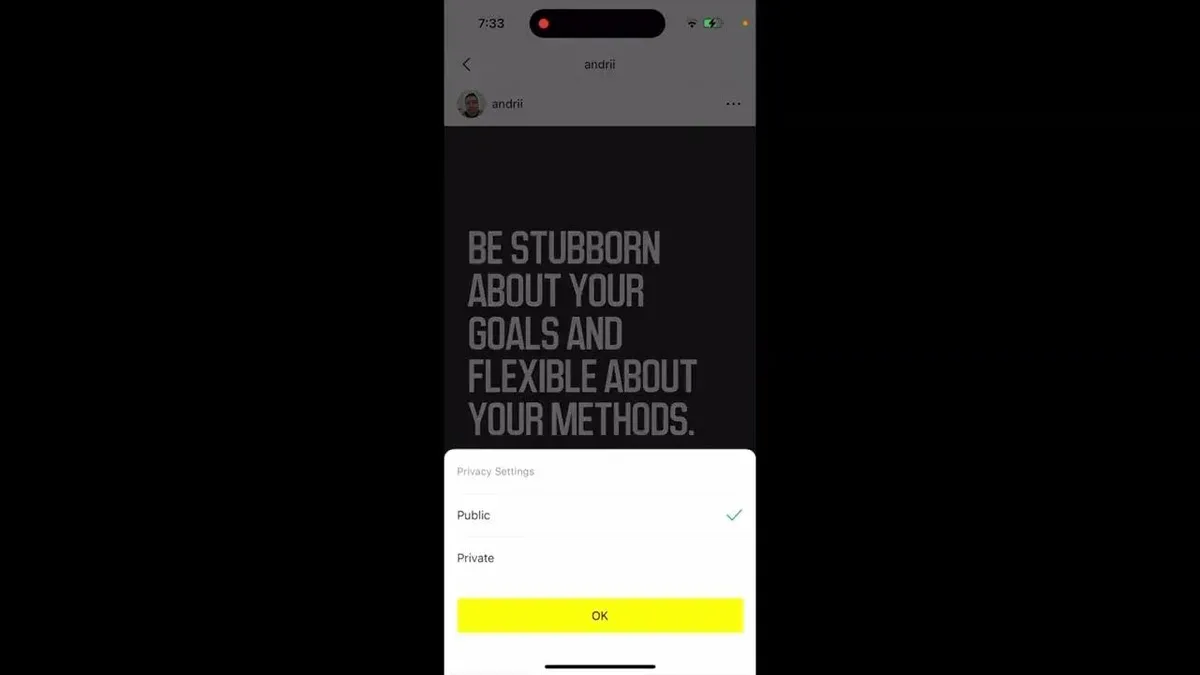
Master control over Lemon8 privacy settings to secure account data and manage visibility effectively. Many users overlook that Lemon8 accounts created through TikTok are permanently linked, meaning deleting a Lemon8 account also deletes the associated TikTok account. This linkage prevents unlinking and complicates account management significantly.
Lemon8 sets new accounts to public by default, with direct messaging open to anyone, a rare choice that exposes users unless they manually adjust settings. Understanding these nuances in privacy and account control is crucial to avoid unintended data exposure and loss.
Last verified November 2026 against Children of the Digital Age, wikiHow, ClickInsights Asia (full list at the end).
What is the app Lemon8 and what is its purpose?
It focuses on connecting users through curated posts about fashion, food, travel, and other lifestyle interests. This approach helps maintain a degree of user anonymity while enabling relevant suggestions.
This openness is a departure from many social apps where profiles start private or restrict messaging to friends. Users concerned about privacy must manually adjust these settings to limit exposure. The lack of built-in parental controls, restricted modes, or family pairing features further distinguishes Lemon8 from platforms like TikTok, posing additional privacy considerations for families.
Imagine a user browsing lifestyle posts in their city. Lemon8 uses encrypted location data to highlight nearby trends without linking the information to that user’s identity. However, that user’s profile and messages remain openly accessible unless they take action to change privacy controls. This balance of personalized discovery and default public exposure defines Lemon8’s core design and privacy landscape.
How to download Lemon8 and get Lemon8 on PC
These emulators simulate an Android environment on the PC, allowing installation and use of the Lemon8 mobile app. However, this approach may limit functionality, cause slower performance, and lacks official support.
For example, after installing an emulator, the user downloads Lemon8 through the emulator’s access to the Google Play Store. The app then operates as if on a mobile device but within the PC. This method is the only practical way to run Lemon8 on desktop or laptop systems, as Lemon8 does not offer a web or standalone PC version.
Account deletion requires following the app’s official procedures within the mobile app. Users should install Lemon8 on a supported smartphone or tablet first before considering PC access via emulators for full functionality.
How to use Lemon8: managing your profile and privacy settings
This default setting exposes content and communication channels broadly, which can be risky for those prioritizing privacy. Adjusting these settings immediately after account creation is essential to limit unwanted contact and control who can view personal posts.
To change profile visibility, navigate to the "Settings" menu, then select "Privacy." From there, switch the profile from "Public" to "Private." This restricts profile access to approved followers only, blocking general public viewing. Next, disable direct messaging from strangers by going to "Settings" > "Privacy" > "Direct Messages" and choosing the option to receive messages only from followers or friends.
For example, a user who wants to share lifestyle content solely with known contacts should set the profile to private and restrict DMs to followers. Failing to do so leaves the account open to unsolicited messages and public exposure, which is the default state. Regularly reviewing privacy settings after updates ensures these preferences remain intact and effective.
These steps prevent the typical privacy pitfalls of Lemon8, where openness is the baseline. Manual intervention is required to secure the account and maintain control over interactions and content visibility. Default public profile and open DMs highlights this critical setting.
How to deactivate or delete a Lemon8 account safely
Removing the Lemon8 app does not erase the account or any shared content. Account deletion must be completed through the app’s official settings menu. For accounts not created via TikTok, open Lemon8, tap the profile icon at the bottom right, then the settings icon at the top right. Navigate to Account > Delete account. Follow on-screen instructions, including email verification if prompted, to confirm deletion.
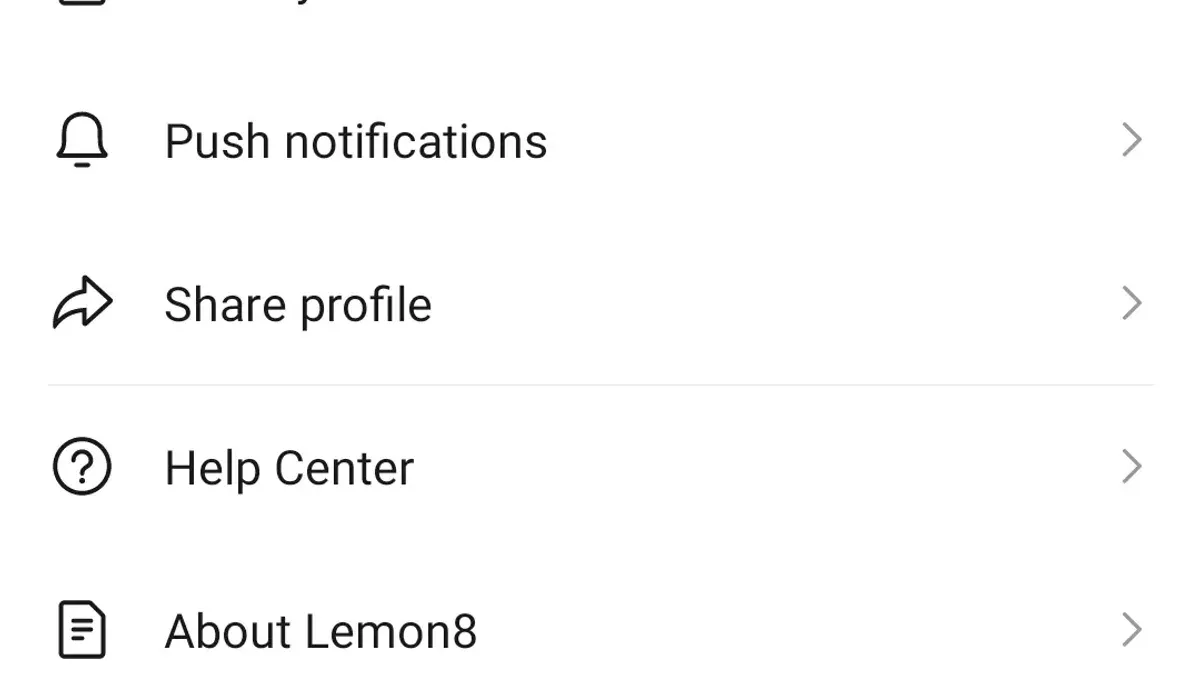
Deleting a Lemon8 account linked to TikTok also deletes the TikTok account. This action is irreversible, and unlinking the two is not possible. Users with TikTok-linked Lemon8 accounts should consider this severe consequence before proceeding.
After submitting a deletion request, Lemon8 retains user data for up to seven days before complete removal. This delay means content and profile information remain accessible during this period. Users should monitor their account status after deletion and avoid reinstalling or logging back in, which might interrupt the process.
| Account Type | Platform | Deletion Method | Linked TikTok Impact | Data Removal Timeframe |
|---|---|---|---|---|
| Standard Lemon8 | Mobile app | Profile > Settings > Account > Delete account | None | 7 days after request |
| Lemon8 via TikTok | Mobile app | No unlink option; deleting Lemon8 deletes TikTok account | Deletes TikTok account too | 7 days after request |
For example, a user who removes the app from their phone but does not follow the deletion process will still have their Lemon8 profile and posts active. Conversely, a user deleting a TikTok-linked Lemon8 account should be aware that they lose access to both platforms simultaneously. This underscores the importance of deciding carefully when managing linked accounts.
Does Lemon8 have profile views and how does it handle user data?
Unlike some social apps that display who viewed a profile or how many visits occurred, Lemon8 keeps this information private and inaccessible. This omission means users cannot track who visits their profiles or how frequently.
Regarding data collection, This data is anonymized and lacks personal identifiers such as names, email addresses, or phone numbers. For example, the app might know a user accessed it from a certain city at a specific time but cannot link this to the user’s identity directly.
This means user data is combined with others’ information to provide insights without exposing individual users. Such handling aims to balance personalized service delivery with privacy concerns, maintaining user anonymity while enabling app improvements and marketing analytics.
Users should understand that no identifiable personal data is stored or shared, and profile visits remain undisclosed. This approach ensures privacy while still allowing the app to function effectively for content discovery and engagement. For more on Lemon8’s data approach, see a few words.
Who owns the Lemon8 app and what does this mean for privacy?
Despite this shared ownership, Users linking their Lemon8 accounts to TikTok should understand that privacy configurations do not carry over between the two apps.
For example, if a user restricts who can view their TikTok profile or adjusts parental controls on TikTok, these settings will not automatically apply to Lemon8. Each app requires separate management of privacy preferences to maintain desired levels of data exposure and account visibility.
Moreover, automatic application of TikTok’s privacy or parental controls on Lemon8 does not occur. Those concerned about privacy must manually configure settings within each app. This separation ensures that actions taken on one platform have no direct impact on the other, even if accounts are linked.
This setup demands vigilance. Linked accounts mean easier sign-in but no shared privacy shield. Users should not assume that adjusting TikTok’s privacy settings protects their Lemon8 profile or content. Instead, review and update privacy options on both platforms independently to maintain control over personal data and interaction permissions.
For detailed privacy controls specific to Lemon8, visit this resource.
What common mistakes to avoid with Lemon8 privacy and account management
Users who remove the app but do not follow the official account deletion procedure will leave their profiles active and visible. For example, uninstalling the app but ignoring the in-app deletion option means posts remain online and the account stays live.
Privacy controls updated in TikTok do not affect Lemon8 profiles. Users must adjust settings independently in each app to maintain desired privacy levels.
Failing to manually set profiles to private or restrict messaging exposes users to contact from strangers. A typical mistake is not navigating to Settings > Privacy to toggle profile visibility and message permissions immediately after account creation.
Attempting to disconnect these accounts will fail. Deleting a Lemon8 account linked this way removes the TikTok account too, so users should consider this impact before deleting.
| Observed Issue | Cause | How to Fix |
|---|---|---|
| Account remains active after app removal | Deleting app does not delete account | Use Lemon8 app settings to delete account formally |
| Privacy settings on TikTok don’t affect Lemon8 | Apps have separate privacy controls | Adjust privacy directly in Lemon8 settings |
| Unexpected contact from strangers | Profile and DMs set to public by default | Set profile to private and disable open DMs in Privacy settings |
| Cannot unlink Lemon8 from TikTok | Accounts linked at creation, unlink not supported | Understand deletion of Lemon8 deletes TikTok too; no unlink option |
Avoid these pitfalls by managing privacy settings actively, deleting accounts properly, and understanding the integration limits with TikTok. This prevents unintended data exposure and account complications.
How to control Lemon8 notifications and linked account settings on TikTok
Lemon8 notifications can be managed directly through TikTok without deleting either account. To stop receiving Lemon8 alerts within TikTok, open the TikTok app and tap the menu icon ☰ at the top right. Navigate to Settings and privacy > Notifications > In-app notifications > Customized updates and more, then toggle off Lemon8 notifications. This action mutes Lemon8-related updates while keeping both accounts active.
To reduce Lemon8's visibility on a TikTok profile, users can hide the Lemon8 link. Go to the TikTok app, tap the profile icon at the bottom right, then Edit profile > Links. Find the Lemon8 link and toggle off Show Lemon8. This removes the Lemon8 badge from the TikTok profile without affecting account connections.
For example, a user who wants to keep their Lemon8 activity private from TikTok followers but still use both apps should disable Lemon8 notifications in TikTok settings and hide the Lemon8 link on their TikTok profile. This approach stops alerts and profile cross-promotion but avoids deleting either account or unlinking, which is not possible with TikTok-created Lemon8 accounts.
These controls allow users to tailor Lemon8's presence on TikTok without risking account loss. Notifications and profile links can be toggled on or off at any time, providing flexible management of visibility and interruptions.
How parents can protect children using Lemon8 despite lack of built-in parental controls
Lemon8 does not offer built-in parental controls, restricted modes, or family pairing features. This absence means parents cannot rely on the app’s settings to limit content or monitor activity directly. Instead, parents must take proactive steps outside the app to ensure child safety.
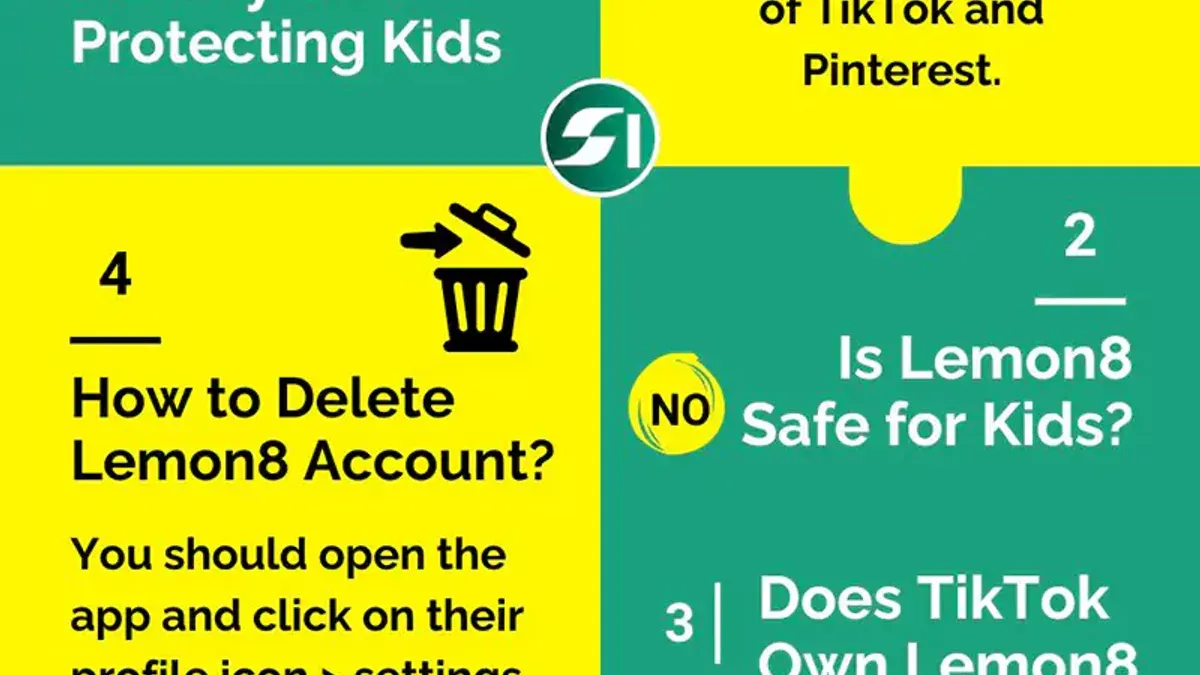
Begin by reviewing Lemon8’s privacy settings together with the child. Since Lemon8 defaults to public profiles and open direct messaging, teaching how to switch profiles to private and close direct messages is essential. Parents should emphasize why these settings matter and encourage regular checks to maintain them.
Phone-level family controls provide a critical safety net. When phone controls are insufficient, third-party parental control apps offer advanced monitoring, usage limits, and alert features tailored to online safety.
Parents should maintain ongoing conversations about online experiences, potential risks, and how to report inappropriate content or interactions. For example, a parent might set weekly check-ins to review the child's Lemon8 activity and address concerns promptly.
Relying solely on Lemon8 for child protection is ineffective. Combining education, phone-level controls, and third-party tools creates a layered approach to managing risks introduced by the app’s lack of parental features.
Ending Notes on Managing Lemon8 Privacy
Users should verify data removal status up to seven days after deletion requests and monitor account visibility changes. Adjusting privacy settings immediately after account creation is vital since default profiles are public with open messaging. Separate privacy controls for Lemon8 and TikTok require attention to both platforms to maintain desired privacy levels.
Choosing the Right Action Based on Account Type and Needs
For accounts linked to TikTok, deleting Lemon8 deletes TikTok as well, so deactivation may be safer when unsure. Users wanting to stop activity but retain TikTok should opt for deactivation or limiting Lemon8 data sharing. Those with standalone Lemon8 accounts can delete safely without affecting other apps. Managing public visibility and direct messaging settings is essential for new users to prevent unwanted exposure.
Sources
- Lemon8 Safety Settings — Children of the Digital Age
- How to Unlink Lemon8 from TikTok: Yes, It's Possible! — wikiHow
- How Lemon8 Works and Protects Your Personal Information? — ClickInsights Asia
- Is Lemon8 Safe for Kids? Age Limit & Risks Parents Must Know | Timily — Timily App
See also: How to Manage Kick Privacy Settings and Stream Access · How to Respond When Your KuCoin Account Is Hacked · Complete Guide to Instagram Privacy Settings for Account Control · Understanding and Managing TikTok Privacy Settings for Better Control