How to Respond When Your KuCoin Account Is Hacked
Discover key steps to detect and respond immediately if your KuCoin account is hacked to protect your cryptocurrency assets.

Hackers once stole over $275 million in cryptocurrency through KuCoin, including more than a thousand Bitcoins and millions in ERC-20 tokens. This scale of theft shows that early signs like unusual login alerts or unexpected password changes are critical to catch immediately. When a KuCoin account hacked warning appears, the real risk lies in delayed or out-of-order responses that allow attackers to change recovery details, locking users out permanently. Understanding the exact sequence of actions to take on KuCoin’s platform can be the difference between recovering assets and total loss.
Settings, menu paths and limits here were checked against Chainalysis, KuCoin, Decrypt (full list at the end) in November 2026.
How can users detect a KuCoin account hack early?
Alerts about logins from unfamiliar locations or notifications of password changes without user initiation should trigger immediate scrutiny. These warnings come directly from KuCoin's security system to highlight suspicious activity that deviates from normal patterns.
A critical red flag occurs when an account holder suddenly cannot log in despite entering the correct password, especially if the linked phone number or email address has been changed. This indicates that attackers have taken control of the account and altered contact details to block legitimate access.
Regularly reviewing recent login activity and the list of devices connected to the account is essential. KuCoin users can navigate to Account → Account Security → Review Recent Login Activity and Devices to spot any unfamiliar devices or sessions. Removing unauthorized devices promptly helps limit further damage.
For example, if a user receives a notification of a login from an unexpected country followed shortly by failed login attempts, and then finds the bound email has changed, these events together confirm an active breach. Immediate action should follow these signs to secure the account.
What immediate steps should be taken if KuCoin login problems suggest a hack?
When login issues signal a possible hack, the first priority is to change the password immediately if access remains. Navigate to Account → Security Settings → Change Password and set a new password of at least 12 characters combining uppercase, lowercase letters, numbers, and symbols. This blocks further unauthorized access using compromised credentials.
Enabling 2FA requires a code from a phone or security key upon each login, preventing access even if the password is stolen. This can be done under the security settings and must be prioritized before reviewing devices to avoid gaps.
After securing credentials, review all recent login activity and devices via Account → Account Security → Review Recent Login Activity and Devices. Remove any unrecognized devices immediately to cut off active unauthorized sessions. Similarly, audit API keys under Account → Account Security → Keys and delete any unfamiliar keys that could enable external access.
Delaying this may allow further account compromise or asset loss. Following this order—password change, 2FA activation, device and key removal—is essential. For example, enabling 2FA first prevents hackers from bypassing security during password reset, while removing devices last ensures no sessions remain open.
- Change password at Account → Security Settings → Change Password
- Enable 2FA immediately after password change
- Review and remove unrecognized devices at Account → Account Security → Review Recent Login Activity and Devices
- Delete unauthorized API keys at Account → Account Security → Keys
- Contact KuCoin support promptly if locked out
This sequence minimizes damage and closes access points swiftly, securing the KuCoin account against ongoing threats. Learn more on KuCoin’s official guide.
How does KuCoin handle large-scale hacks and reimbursements?
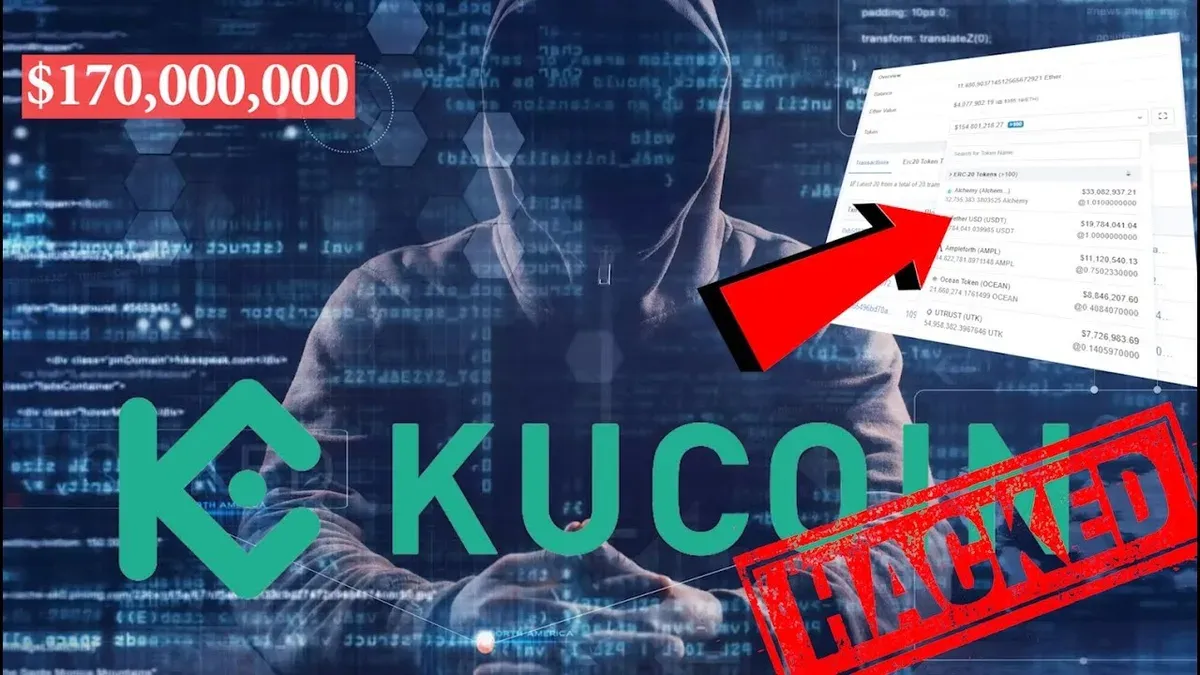
In 2020, KuCoin suffered a massive breach resulting in the theft of over $275 million in cryptocurrency, including 1,008 BTC, 11,543 ETH, and $147 million in ERC-20 tokens. KuCoin acted swiftly by collaborating with crypto projects to freeze or neutralize approximately 72% of the stolen assets, equivalent to $204 million. This effort significantly limited the hackers' ability to profit from the theft.
This method allowed them to bypass centralized exchange scrutiny, complicating recovery efforts.
This policy underscores KuCoin's commitment to protecting user assets even when attacks target external platforms linked to its brand.
These examples show that Users impacted by verified losses can expect compensation under KuCoin’s established protocols, reflecting a pragmatic approach to risk mitigation.
Can KuCoin be used safely from the US and how to open or delete an account?
US residents cannot create new accounts directly on KuCoin’s platform. Attempting to open an account from a US IP address will typically block registration or limit available features. For those outside the US or using allowed regions, the sign-up process begins at the homepage with an email or phone number registration. KuCoin supports login options including Google integration, which speeds up authentication and lowers friction.
To create an account, users provide a valid email or phone number, set a strong password of at least 12 characters mixing uppercase, lowercase, numbers, and symbols, then verify identity through optional but recommended steps like Two-Factor Authentication (2FA). This extra security layer prevents unauthorized access even if the password is compromised. After sign-up, navigating to Account > Security Settings > Change Password helps maintain account safety.
If an account needs to be deleted, KuCoin allows this through the interface under Account > Account Settings > Account Deletion. Deleting an account permanently removes personal data and access to any associated assets. Users must withdraw all funds beforehand, as deletion does not automatically refund or transfer cryptocurrency. This action is irreversible and should be considered carefully, especially after incidents like the 2020 hack when over $275 million in assets were stolen, underscoring the importance of proactive security and control over account lifecycle.
What are common pitfalls that increase the risk of a KuCoin account hack?
These alerts often signal that attackers have gained partial access. Overlooking them allows intruders to escalate control and potentially lock the user out completely. KuCoin explicitly warns that timely response to these alerts can prevent full account takeover.
Without 2FA, a compromised password alone grants attackers full access.
Instead, criminals prefer decentralized exchanges such as Uniswap, where anonymity is higher and tracing stolen ETH or ERC-20 tokens is harder. This tactic complicates recovery efforts and is a key reason why account security must be airtight.
Weak passwords and reusing credentials across platforms remain major causes of breaches. A single leaked password from unrelated services can open the door to KuCoin accounts if the credentials overlap. A memorable example is an attacker using leaked passwords from a data breach outside KuCoin to infiltrate accounts that share those passwords, bypassing even basic security measures.
To avoid these pitfalls, users should promptly act on all security alerts, enable 2FA via Account → Security Settings, and never reuse passwords. Protecting an account is the first and often only defense against the complex laundering tactics hackers employ.
How to monitor and maintain KuCoin account security after a suspected hack?
After a suspected breach, ongoing vigilance is essential to secure a KuCoin account. Users must periodically check the Account Security page by navigating to Account → Account Security → Review Recent Login Activity and Devices. Any unfamiliar devices or login entries should be removed immediately to block further unauthorized access. Likewise, revisiting Account → Account Security → Keys to delete unrecognized API keys is critical, as these can allow hackers to execute trades or withdrawals without direct login.
Maintaining a robust password remains non-negotiable. Passwords should be complex, unique, and changed regularly. Activating two-factor authentication (2FA) adds a mandatory second verification step, preventing access even when the password is compromised. This setup is accessible in the same Security Settings section and must never be disabled after a breach.
Some damages, like stolen assets or prior unauthorized changes, cannot be undone by user actions alone. Users should recognize these limits and focus on prevention and damage containment. If suspicious activity persists or account recovery stalls, escalating the issue to KuCoin support or consulting cybersecurity professionals becomes necessary. For example, if a user notices recurring unrecognized login attempts despite removing devices and keys, professional intervention can help identify deeper vulnerabilities.
- Accept that past asset losses or changes are irreversible by user actions.
- Escalate unresolved security issues promptly to KuCoin support or experts.
Persistent monitoring and strict adherence to these steps are the foundation of long-term account security on KuCoin. More details on account security management.
Frequently asked questions
How to access kucoin from us?
Access attempts from the US may face login issues or blocked features. For compliant trading, US users should consider alternative exchanges that explicitly support US customers.
How to delete kucoin account?
KuCoin allows account deletion through the user dashboard by navigating to Account → Account Settings → Security Settings and selecting the option to close the account. Before deletion, ensure all assets are withdrawn since account deletion is irreversible and removes access to transaction history and funds. If the account shows suspicious activity, contacting KuCoin support first is recommended to secure assets.
How to open crypto account on kucoin?
Opening a KuCoin account requires providing an email address or phone number and setting a password via the registration page. After registration, enabling security measures like two-factor authentication and reviewing Account → Security Settings strengthens account protection.
Essential Steps Checklist After Suspecting a KuCoin Account Hack
Limitations of This Guidance and When to Seek Expert Help
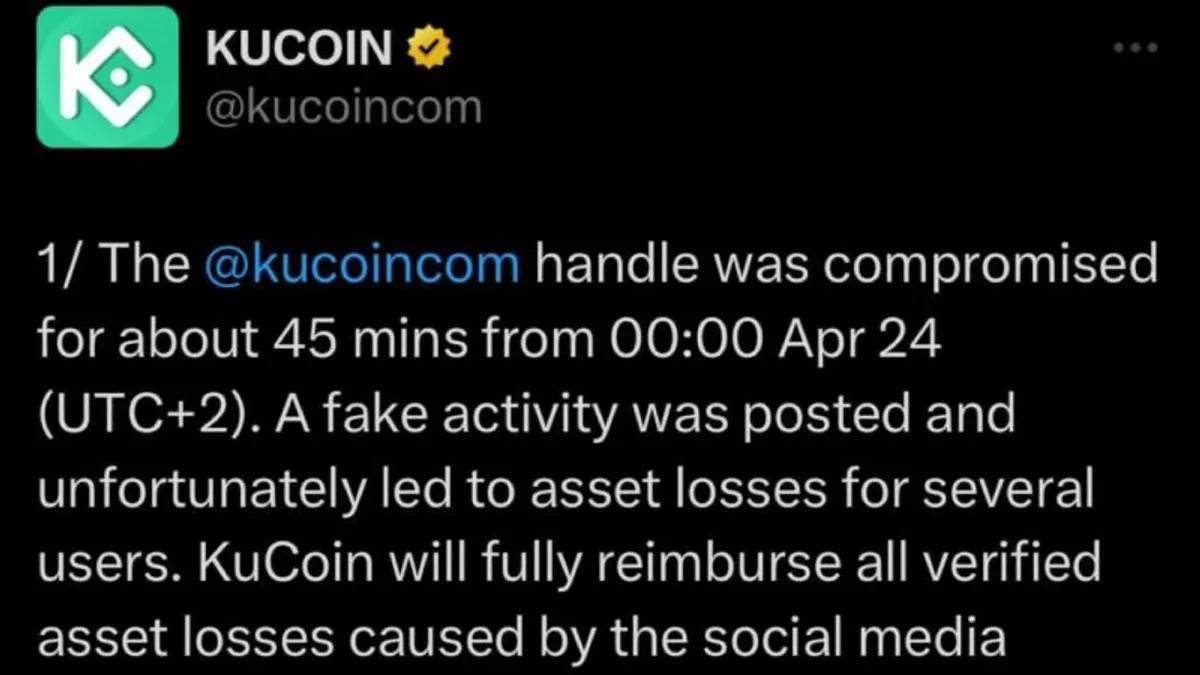
Users facing significant financial losses or complex hacking scenarios should consider consulting cybersecurity professionals or legal experts specializing in digital asset recovery. KuCoin’s reimbursement applies only to verified losses linked directly to its platform, notably demonstrated by its full reimbursement policy following the 2023 Twitter hack scam.
Securing a KuCoin account after suspicious activity requires swift, ordered actions that prioritize password changes and device management before other steps. The most effective immediate action is to access the account’s security settings promptly, review and remove any unrecognized devices or API keys, then change the password. This sequence prevents hackers from regaining access while allowing the user to restore control. Skipping or rearranging these steps risks persistent unauthorized access or locked-out recovery attempts.
References
- The KuCoin Hack: What We Know So Far and How the Hackers are Using DeFi Protocols to Launder Stolen Funds - Chainalysis — Chainalysis
- 4 Warning Signs Your Account Is in Danger — 3 Emergency Steps to Take Immediately| KuCoin — KuCoin
- KuCoin Has Found The Hackers Who Stole $281 Million in Crypto - Decrypt — Decrypt
- Twitter account of crypto exchange KuCoin hacked, over $22.6K stolen — Business Standard
See also: How to Respond When Your Hulu Account Is Hacked · How to Handle and Prevent a Kraken Account Hack · How to Identify, Respond to, and Prevent Google Pay Account Hacks · How to Detect, Respond to, and Prevent an eBay Account Hack