How to Respond When an EA App Account Is Hacked
This guide explains how to identify, report, and recover from an EA App account hacked incident to protect your games and personal data.

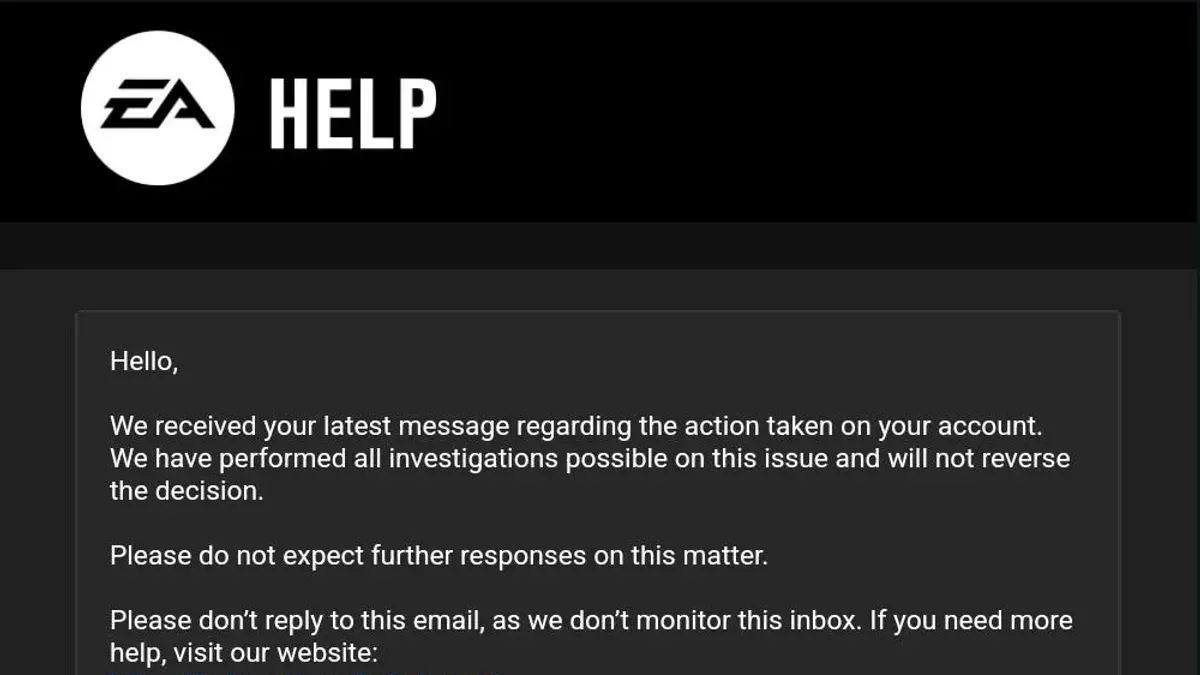
This article explains how to respond effectively when an EA App account hacked situation occurs, addressing challenges unique to the EA App platform. Because the EA App integrates account management, game libraries, and social features, breaches can affect multiple aspects of a user’s experience.
When an EA App account hacked incident is suspected or confirmed, understanding the cause and specific recovery steps is critical. Users often face complications such as altered login information, unauthorized purchases, or the account being linked to other compromised services. This guide outlines how to identify issues related to the EA App itself, report the hack to EA support properly, secure the account against future breaches, and handle situations like changed emails or bans.
What happened to my EA account and why does it matter
An EA App account hack occurs when unauthorized parties gain access to a player’s account credentials, allowing them to control the account without permission. This breach can lead to a range of negative outcomes that affect both the player’s gaming experience and personal security.
Common consequences of an EA App account hack include the loss of game progress, as hackers may delete or alter saved data. Unauthorized purchases are also frequent, where hackers buy games or in-game content using the account holder’s payment methods. Additionally, accounts may be banned if hackers violate EA’s terms of service, leaving the original player unable to access their library or services.
EA App accounts are central to managing game libraries, friends lists, and online multiplayer access, making their security critical. Players often link payment details and personal information to these accounts, increasing the risk and impact of hacking.
Community forums and support channels report regular cases of hacked EA accounts, highlighting common patterns such as phishing attacks or password reuse. For example, a player might find their EA App account suddenly locked after unauthorized purchases, with the associated email address changed to block recovery attempts. This situation illustrates the urgency of understanding the implications and acting quickly to secure the account.
Is the EA App having issues that contribute to hacking risks
The EA App has experienced periodic technical issues and outages that can affect account security and user access. For example, during server outages reported over recent months, users have encountered login failures or delayed two-factor authentication (2FA) prompts. These disruptions may lead some to suspect hacking when the actual cause is a service interruption.
Bugs within the EA App can also cause confusion. A known glitch involves the app incorrectly displaying account details or purchase history, which may prompt users to worry about unauthorized access. However, these display errors do not necessarily indicate a hack but rather a synchronization problem between the app and EA servers.
Distinguishing between app malfunctions and genuine hacking is essential. Official EA communications, such as status updates on their website or social media channels, often clarify ongoing issues and reassure users about the absence of security breaches. For instance, during a recent outage, EA announced on their status page that login issues were due to server maintenance and not a security incident.
Tip: Checking EA's official status page or support channels can help determine if login issues are due to app problems rather than a compromised account.
How to get a hacked EA account reported effectively
Reporting a hacked EA App account promptly and accurately helps streamline recovery. The primary channel is through EA Help's official support website, where users can select the "Contact Us" option, then choose "Account Hacked" under the issue category. This leads to available contact methods such as live chat, phone call, or email.
Live chat typically offers the fastest response, often within minutes during business hours. Phone support also provides direct communication but may involve wait times depending on call volume. Email support allows detailed explanations and attachments but usually has the longest response time.
When contacting EA support, providing precise information expedites verification. Essential details include the EA account username, associated email address(es), any recent transaction IDs or purchase receipts, and the date when suspicious activity was first noticed. Screenshots of unusual account activity can also assist the investigation.
EA verifies ownership by cross-checking submitted information against internal records. For example, if a user reports unauthorized access and provides a transaction ID from a recent purchase, EA can confirm the account holder’s identity by matching that data. This process ensures that access is restored only to the rightful owner.
Tip: Keep all purchase receipts and account-related emails accessible before contacting support to speed up the verification process.
How do I stop my EA App account from being hacked again
Preventing future hacking attempts on an EA App account starts with establishing a strong, unique password. Avoid using easily guessable passwords like birthdays or common words. Instead, combine uppercase and lowercase letters, numbers, and symbols. Password managers such as LastPass or Bitwarden help generate and store complex passwords securely, reducing the risk of password reuse across sites.
Enabling two-factor authentication (2FA) significantly reduces breach risks by requiring a second verification step. EA offers 2FA via authenticator apps or email codes, which can be activated under Account Settings > Security. Accounts with 2FA are far less likely to be compromised, as attackers must bypass both password and second-factor verification.
Recognizing phishing attempts is critical. Hackers often send emails or messages that mimic EA communications, urging users to click suspicious links or provide login details. Always verify the sender's email address and avoid clicking links in unsolicited messages. Instead, access the EA App or EA Help site directly through known URLs.
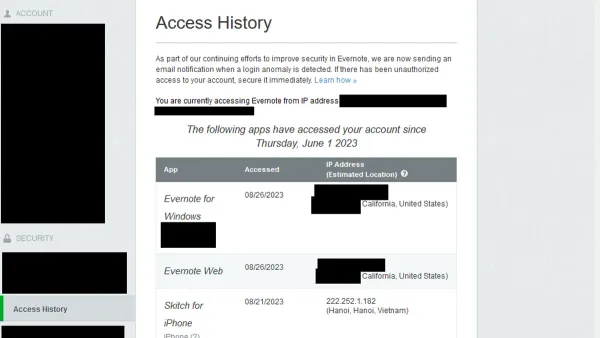
Regularly reviewing account activity and connected permissions helps detect unauthorized access early. In the EA App, users can check recent login locations and revoke access for unfamiliar devices under Account Settings > Security > Authorized Devices. This vigilance helps contain potential breaches before they escalate.
Tip: Combine a password manager with 2FA to create a layered defense that greatly enhances account security.
How to unlink a hacked EA account from other services
EA accounts are often linked to platforms such as Xbox, PlayStation Network, and Origin to streamline game access and cross-play features. When an EA account is compromised, these connections become potential entry points for further unauthorized activity.
To unlink a compromised EA account, start by logging into the EA App or EA website with verified credentials. Navigate to Account Settings, then select Connections. Here, linked platforms like Xbox Live, PlayStation Network, and Origin will be listed. Choose the platform to disconnect and select Remove or Unlink to sever the connection.
For example, unlinking a hacked EA account from an Xbox Live account prevents attackers from accessing games or purchases tied to that platform. Leaving linked accounts connected after a breach can allow hackers to exploit multiple services, potentially leading to wider account or financial damage.
Past incidents have shown that compromised EA accounts linked to other gaming services increased unauthorized in-game purchases and data exposure. Promptly unlinking all connected services reduces these risks and limits the potential damage.
Tip: After unlinking, review and update passwords on all connected platforms for enhanced security.
What to do if an EA account has been hacked and email changed
When hackers change the email address linked to an EA account, they effectively cut off the original owner’s primary method of communication and recovery. This tactic complicates the recovery process because standard password reset emails no longer reach the rightful user.
To regain control, contacting EA Support directly is essential. Since login via the original email is impossible, proving ownership requires providing alternative verification. This may include details such as original account creation date, recent purchase receipts, payment methods used, answers to security questions, or linked console IDs.
For example, a user reported their EA App account was accessed by an unauthorized party who changed the registered email to a foreign provider. Without email access, the user gathered transaction confirmation emails from their bank and screenshots of game progress saved locally. Presenting these to EA Support helped verify ownership, enabling account recovery after several days of communication.
Tip: Keep all purchase receipts and payment info accessible as they are often critical in proving account ownership when the email is compromised.
Patience is necessary during this process, as EA Support must carefully validate the provided information to prevent wrongful account transfers. Users should follow up systematically and provide any additional requested data promptly to facilitate recovery.
How to recover a hacked EA account that has been banned
When an EA App account is hacked, suspicious activities such as unauthorized purchases or cheating behaviors may trigger automatic bans. These bans are intended to protect the integrity of EA's games and services but can complicate recovery efforts for the original owner.
To appeal a ban, the account holder must contact EA Help and clearly explain that the account was compromised. Providing proof of ownership remains crucial; details like original purchase receipts, associated payment methods, and previous login locations can support the claim. EA’s verification process often involves multiple steps and may take several days.
However, EA’s policies on banned accounts have limitations. Even when an account is proven to be hacked, bans might not always be lifted if there is evidence of policy violations linked to the account during the compromised period. For example, if an account was used for cheating or exploitation, EA may uphold the ban to maintain fair play.
Consider a scenario where a player’s account was hacked and used to gain unfair in-game advantages, resulting in a ban. In this case, the appeal may emphasize the unauthorized nature of the activities and include all ownership proof. While some appeals succeed, others may be denied if EA deems the violation too severe or persistent.
Tip: When submitting a ban appeal, focus on thorough documentation and patience, as EA’s review process can be stringent and time-consuming.
Common mistakes to avoid when dealing with a hacked EA App account
One frequent error is sharing account information with unverified third parties or scammers posing as EA support. These fraudulent actors often appear in forums, social media, or unsolicited emails, offering quick fixes if given passwords or verification codes. Falling for such scams can lead to permanent account loss or financial theft.
Ignoring official EA support channels and relying on informal advice can also delay recovery. EA Help provides structured verification processes designed to protect users, so bypassing these channels may result in rejected claims or prolonged lockouts.
Attempting to use unofficial recovery tools or services is another risk. These programs can contain malware or compromise account security further. For example, a user who downloaded a third-party “EA account unlocker” reportedly ended up with malware that stole linked payment information.
Delaying the reporting of a hack reduces the chances of successful recovery. Prompt action allows EA’s security team to quickly lock suspicious activity and start verification. Many users who report within hours regain access faster than those who wait days.
Tip: If an unknown party contacts claiming to fix a hacked account, always verify through EA Help’s official website before sharing any details.
Further reading
- How to Recognize, Prevent, and Recover a Hacked Call of Duty Account
- How to Recognize, Report, and Recover a Hacked YouTube Account
- How to Recognize, Respond to, and Recover from a WhatsApp Account Hack
- How to Identify, Respond to, and Recover from an Instagram Account Hack
Frequently asked questions
How to get hacked ea account reported?
To report a hacked EA account, visit the EA Help website and select the option for account recovery or hacked accounts. Provide as much detail as possible, including your EA ID, associated email, and any recent suspicious activity. EA may require verification through linked payment methods or security questions before assisting.
How to unlink hacked ea account?
Unlinking a hacked EA account from other services requires logging into the EA App or EA website and navigating to Account Settings > Connections. From there, users can remove linked platforms like Steam, Xbox, or PlayStation. If access is lost, contacting EA Support with proof of ownership is necessary to request unlinking.
What is wrong with the ea app?
The EA App has faced issues such as login errors, slow loading times, and occasional crashes that can complicate account management. Some users report delays in receiving verification codes or problems with two-factor authentication, which may increase vulnerability if not promptly addressed.
What is wrong with ea app today?
Currently, the EA App experiences intermittent server connectivity problems affecting login and game downloads. These disruptions can temporarily prevent users from accessing their accounts or initiating recovery procedures, so checking EA’s server status page helps clarify if issues are widespread.
Is ea app having issues?
Periodic issues with the EA App are not uncommon, including bugs related to account synchronization and authentication. EA typically addresses these quickly through updates, but persistent problems may require reinstalling the app or contacting support for further assistance.
Limits of this guide and additional considerations
This guide does not cover advanced forensic recovery techniques or legal options for account theft, which may require professional assistance. Users with compromised linked console or payment accounts should also secure those accounts separately by contacting the respective service providers and changing passwords or payment methods. Additionally, EA’s support response times and policies can vary, which may affect the speed and outcome of account recovery efforts.
For the most effective next step after suspecting an EA App account hack, promptly contacting EA Support through their official website or in-app help feature remains essential. Providing accurate information such as account details, recent activity, and proof of ownership helps facilitate verification and accelerates recovery. Acting quickly reduces the risk of further unauthorized access or damage.