How to Block Someone on Plenty of Fish: A Clear Step-by-Step Guide
This guide explains how to block someone on Plenty of Fish with clear steps to manage unwanted contacts and improve your dating experience.

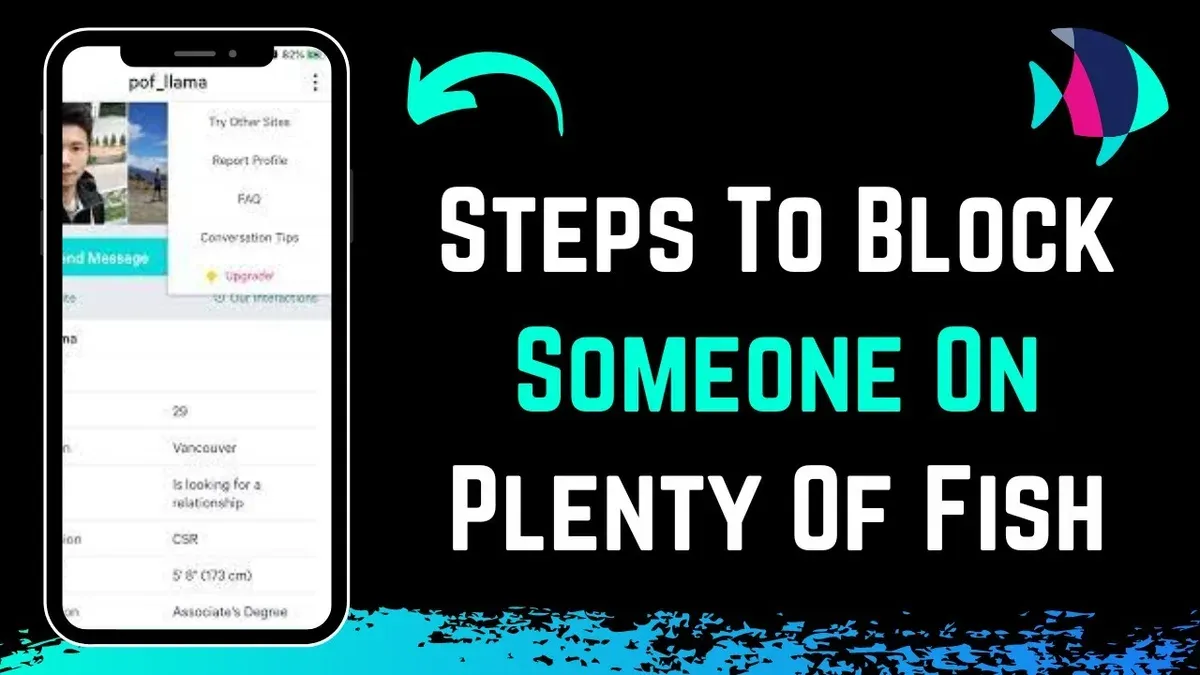
This article explains how to block someone on Plenty of Fish, providing clear, direct instructions for managing unwanted contacts. Blocking on Plenty of Fish is a straightforward way to control interactions and improve the dating experience by preventing specific users from messaging or viewing the profile. The process varies slightly between the website and the app, but both are simple to follow.
Understanding what blocking does and does not do is key to managing expectations and troubleshooting any issues. Blocking does not delete existing messages or remove the user from search results immediately, but it stops new contact attempts. This guide covers blocking, unblocking, common problems, and account closure to give Plenty of Fish users full control over their profiles.
Before you start: What is needed to block someone on Plenty of Fish
Blocking a user on Plenty of Fish requires an active account. Without logging in, the blocking feature is inaccessible. Users must access either the Plenty of Fish app or the official website to manage blocking settings.
The blocking function restricts communication and hides profiles from blocked users but does not erase all interactions or traces such as past messages or mutual matches. Users should understand these limitations before proceeding.
Account verification or premium membership does not influence the ability to block someone; blocking is available to all active users regardless of status. However, the blocking interface and some features may differ slightly between the app and website versions.
Common user feedback indicates occasional confusion about what blocking accomplishes and reports that blocked users may still appear in some areas due to system delays or platform quirks. This guide clarifies those aspects in later sections.
- Log in to Plenty of Fish via app or website. The user dashboard should appear upon successful login.
- Navigate to the profile or message of the user to be blocked. Blocking options become visible only in these contexts.
- Confirm the presence of blocking controls such as “Block User” or “Block & Report.” The availability of these options verifies readiness to proceed.
How do you block someone on Plenty of Fish
- Locate the user’s profile or open the conversation thread with the individual to be blocked. On the website, this can be done via the search function or the Messages tab. In the app, use the search bar or tap the chat icon to find the person.
- On the website, click the “More Options” button, represented by three dots, usually located near the top right of the user’s profile or message window. In the app, tap the menu icon (three vertical dots) in the chat screen or on the user’s profile.
- Select the "Block User" option from the dropdown menu. This option is clearly labeled but might be missed if the menu is not fully expanded.
- Confirm the block action when prompted by clicking "Yes" or "Confirm." This step finalizes the block and prevents further communication.
- Immediately after blocking, the user will no longer be able to send messages or view your profile content. The interface typically updates with a confirmation message or icon indicating the block is active.
Tip: If the block option is not visible, ensure the app or website is updated to the latest version; older versions sometimes hide or relocate this feature.
How to block someone on Plenty of Fish app
- Open the Plenty of Fish app and log in if not already signed in. The main screen typically shows matches or messages.
- Navigate to the conversation with the user to be blocked by tapping the Messages icon at the bottom. The chat list will appear.
- Select the chat with the user, opening the message thread. Their name and profile picture should be visible at the top.
- Tap the three-dot menu icon or More options button usually found in the upper right corner of the chat screen. This opens a menu with additional actions.
- From the menu, choose Block User. A confirmation prompt will appear asking to confirm blocking the user.
- Confirm the block action by tapping Block or Confirm. The user will now be blocked and unable to send messages or view your profile.
The process is similar if blocking directly from a user’s profile: open the profile, tap the same three-dot menu, then select and confirm Block User.

Note: Interface elements might vary slightly depending on app updates or the operating system version. Some older versions may label the menu icon differently or place the block option under Privacy or Report settings.
Tip: If the block option is not immediately visible, ensure the app is updated to the latest version via the app store to access current features.
How to unblock someone on Plenty of Fish
To reverse a block on Plenty of Fish, users must access the list of blocked contacts and confirm the unblock action. This restores visibility and communication possibilities but may take a short time to update across the platform.
- Log in to Plenty of Fish via the app or website and navigate to the settings or menu icon, often represented by a gear or three horizontal lines.
- Find and select the "Blocked Users" option; this displays all profiles currently blocked by the user.
- Locate the specific user to unblock and select their profile or the unblock button next to their name.
- Confirm the unblock action when prompted; a confirmation message usually appears indicating the user is no longer blocked.
- Return to the main interface; the unblocked user’s profile and messages will become accessible again, allowing renewed communication.
Tip: Unblocking may not take effect immediately; allow a few minutes for the system to update before testing if messages can be sent or received.
Some users report delays in restoring full contact functionality following unblocking. It is also important to verify that the other person has not blocked back, as this can prevent reestablishing communication despite unblocking.
For example, after unblocking a user, messages sent may initially fail to deliver but typically function correctly after a short wait. If problems persist, logging out and back in or reinstalling the app can help refresh settings.
What happens when you block someone on Plenty of Fish
Blocking a user on Plenty of Fish immediately restricts their ability to send messages or view the blocker’s profile. The blocked individual will no longer see the blocker’s profile in searches, matches, or messaging threads, effectively cutting off direct interaction. However, the blocked user receives no notification or alert indicating they have been blocked, maintaining privacy around the action.
Despite the block, any previous messages or interactions remain visible in the chat history unless manually deleted. Blocking does not erase past conversations, so both parties retain access to prior communication unless specifically removed. This differs from some dating platforms that automatically clear message history upon blocking.
Blocking on Plenty of Fish does not guarantee complete invisibility outside of the platform’s controlled areas. For example, if the blocked user has saved profile information or screenshots, blocking will not erase those. Additionally, indirect contact through other channels or social media remains possible since blocking is limited to Plenty of Fish’s environment.
User feedback comparing Plenty of Fish with other dating apps indicates that while blocking effectively stops direct messaging and profile views, it does not prevent all forms of contact or eliminate all traces of prior connection. It is important to understand these limits when managing interactions and expectations.
Why can't I block someone on Plenty of Fish? Common issues
Blocking may fail due to several common issues ranging from user errors to technical glitches. One frequent problem is attempting to block a user who is already on the blocked list or no longer active; Plenty of Fish will not show the block option in such cases. Users often report seeing no response after selecting block, which can indicate app bugs or connectivity problems.
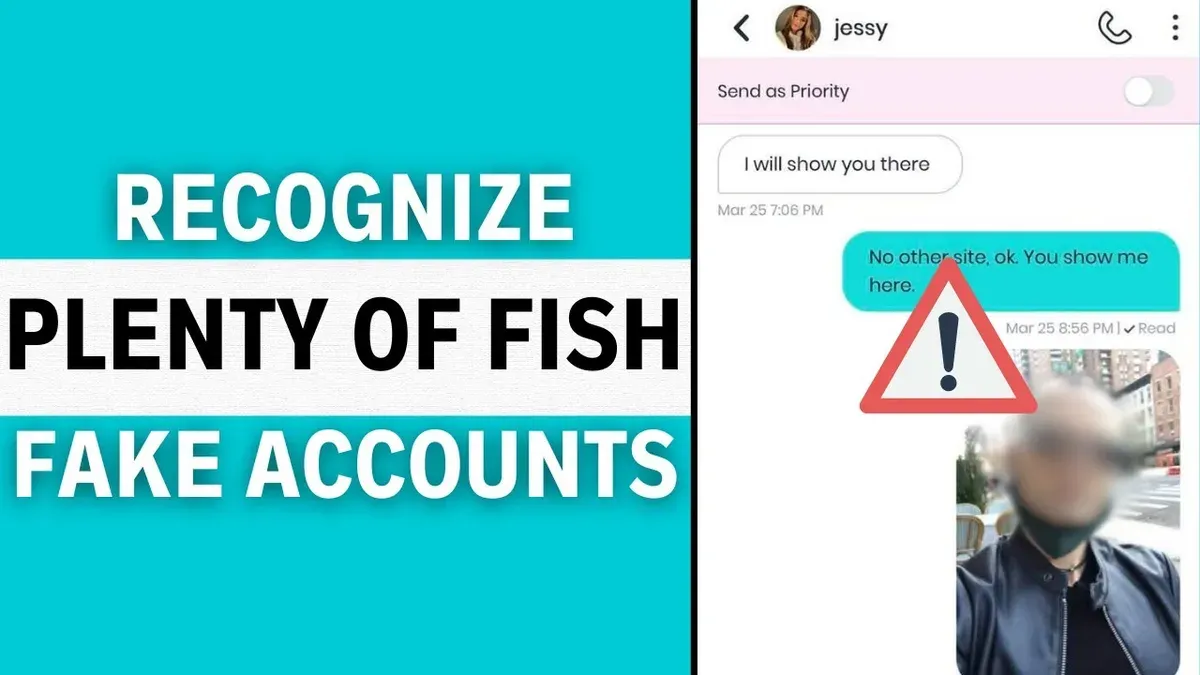
Another cause is outdated app versions or browser caches that interfere with blocking commands. Plenty of Fish support recommends updating the app to the latest version or clearing the browser cache to resolve these issues. Logging out and back into the account can also refresh permissions and fix temporary glitches preventing blocking.
Account restrictions can also play a role. If an account is under review, limited, or banned, some features including blocking may be disabled. Users have discussed this on forums where they noticed blocking options vanish during account holds or suspensions.
Steps to resolve blocking issues:
- Verify the user is not already blocked by checking the blocked users list; if present, blocking again is unnecessary.
- Update the Plenty of Fish app to the latest version or clear the browser cache for web users; this ensures compatibility with blocking features.
- Log out of the account and log back in to reset session data and permissions.
- Confirm the account status is active and unrestricted by reviewing email notices or account settings.
- If problems persist, contact Plenty of Fish support with specific details about the user and blocking attempts.
User reports from community forums and Plenty of Fish help center articles emphasize that most blocking failures are resolved by app updates, cache clearance, or account verifications. Persistent issues often stem from temporary service disruptions or account sanctions.
How to close Plenty of Fish account
Closing a Plenty of Fish account is a permanent action that deletes the profile and associated data, unlike blocking which only restricts communication with specific users. This option is suitable when a user wants to remove their presence entirely from the platform. Official Plenty of Fish policy states that account closure removes the profile from public search and deletes most personal data, but some information may be retained for legal or operational reasons.
To close the account, follow these steps:
- Log in to the Plenty of Fish website (account closure is not available through the app). After logging in, navigate to the top right corner and select the username dropdown menu. The account settings page should appear.
- In the account settings, find and click on the "Delete Account" or "Close Account" link, usually located under the "Account Preferences" or "Privacy Settings" section. This opens the account closure page.
- Read the information about account deletion and consequences carefully. Confirm the reason for leaving if prompted, then click the "Delete My Account" or similar confirmation button. A confirmation message should appear indicating the account is scheduled for deletion.
Tip: Back up any important messages or photos before closing the account, as this action cannot be undone.
Account closure removes the profile and blocks all contact permanently, which is more extreme than blocking individual users. Some users report that their profiles disappear quickly, while others note it can take a few days for complete removal. Consider account closure only as a last resort after blocking and other privacy controls have been tried.
Frequently asked questions
How to use plenty of fish?
Plenty of Fish (POF) is a dating platform where users create profiles, browse matches, and communicate via messages. To use it, sign up with an email, complete a profile including interests and photos, then search or browse suggested matches. Interaction occurs through messaging or sending interests. Regularly updating the profile and using filters improves match relevance.
Can you block someone on pof?
Yes, Plenty of Fish allows users to block others to prevent further contact. Blocking stops the blocked user from viewing the profile, sending messages, or interacting in any way. This feature helps control unwanted communications on the platform.
How can i block someone on plenty of fish?
To block someone, navigate to their profile, click the menu (three dots) near their name, and select 'Block User.' Confirm the choice to prevent that person from contacting or viewing the profile. Blocking can be done on both the website and app versions.
How to block someone from seeing you on plenty of fish?
Blocking a user automatically prevents them from seeing the profile and interacting. Alternatively, adjusting privacy settings to appear offline or limiting profile visibility can reduce who sees the profile. However, blocking is the most direct method to prevent a specific user from seeing the profile.
Can you block someone on Plenty of Fish?
Yes, blocking is a standard Plenty of Fish feature designed to stop unwanted interactions. Once blocked, the user cannot send messages, view the profile, or appear in search results. This tool is essential for managing privacy and safety on the platform.
What this guide does not cover and who should look elsewhere
Blocking on Plenty of Fish does not delete past messages between users, nor does it guarantee complete invisibility in all search results or third-party data caches. Users aiming for full privacy or complete removal of their digital footprint should consider account deletion combined with contacting Plenty of Fish support for further assistance. Some app versions or account types may have limited blocking capabilities that this guide does not cover in depth, especially older app releases or non-standard user profiles.
Tip: Regularly update the Plenty of Fish app to access the latest blocking features and security improvements.
The most effective next step is to review the block list regularly within account settings to manage blocked contacts and ensure the feature operates as intended. This proactive approach helps maintain control over interactions and promptly address any issues with blocking on Plenty of Fish.
See also: How to Block Someone on OkCupid: A Clear Step-by-Step Guide · How to Block Someone on Hinge: A Step-by-Step Guide · How to Block Someone on Bumble: A Clear Step-by-Step Guide · How to Block Someone on Grindr: A Clear Step-by-Step Guide