What to Do If a Revolut Account Is Hacked: Clear Steps and Recovery
Follow clear, effective steps to recover your Revolut account hacked and protect your financial data from further unauthorized access.

Revolut users facing unauthorized access must act swiftly and follow a precise recovery order to avoid losing control. The platform supports recovery exclusively through in-app chat, and any unsolicited phone calls claiming to be Revolut security are scams. Understanding the exact steps for recovery and the pitfalls unique to Revolut’s processes is critical to regaining control and preventing further damage.
Quick overview of a hacked Revolut account
- Change the account password before signing out other sessions to prevent lockout.
- Use Revolut’s dedicated recovery flow when locked out due to changed recovery contacts.
- Contact Revolut support only via the in-app chat; ignore all phone calls claiming to be security checks.
- Be aware that the 2026 breach exposed sensitive personal and financial data but did not affect Revolut’s systems or funds.
Checked in November 2026 against the Guardian, Cyber Security News, Shattered (full list at the end); details like these change, so the date matters.
How to recover a Revolut account if it is hacked but still accessible
When the account remains accessible after a suspected hack, immediate action is critical. Start by changing the password to a strong, unique one. This is done via the Revolut app: navigate to Profile → Security → Change password. Using a new password prevents further unauthorized access with compromised credentials.
Next, sign out of all other sessions and devices. This blocks attackers who may still be logged in elsewhere. The option is found under Profile → Security → Sign out from all devices. Skipping this step leaves open sessions active, undermining the password change.
Verify and update the recovery email and phone number linked to the account. Attackers often alter these to lock the rightful owner out later. Confirming and correcting these contacts ensures that account recovery remains possible through legitimate channels.
Remove any unfamiliar linked applications or API access. Attackers might add third-party connections to siphon data or control transactions. This cleanup is vital to fully regain control.
Finally, enable two-factor authentication (2FA) to add an extra security layer. In the app, go to Profile → Security → Two-factor authentication to activate it. Without 2FA, the account remains vulnerable to password reuse or phishing despite other measures.
For example, a user who notices suspicious activity but still logs in should first change the password, then sign out all other sessions before verifying recovery contacts. Doing these out of order risks attackers regaining access or locking the user out. Following this exact sequence hardens the account against further compromise.
More details on recovery steps
What to do if locked out because an attacker changed your recovery contacts
If an attacker has altered the email address or phone number linked to a Revolut account, direct login attempts will fail. The proper course is to use Revolut’s dedicated recovery flow, accessible via their account recovery page. This process requires verifying identity through original signup details, previous passwords, linked devices, or a government ID combined with a selfie check.
For example, if the attacker replaced the recovery email, the legitimate user may receive a security notice at their old email address containing a 'revert this change' link. Activating this link immediately restores the original recovery contacts and regains account access without waiting for full identity verification.
If no revert option is available, the recovery flow guides the user through submitting required identity proofs. This can include providing details from account setup, prior passwords, or using linked devices previously recognized by Revolut. When these fail, submitting a government-issued ID and selfie completes verification.
Following this sequence is critical. Attempting recovery without proper identity verification or ignoring the revert link delays access and may permanently lock the account. The process ensures that only the legitimate user regains control despite attacker changes. Details on this recovery flow are available here.
How to protect yourself from common causes of Revolut account hacking
This happens when hackers take passwords leaked from other data breaches and try them on Revolut accounts, hoping users have reused the same password. If a password is reused, the attacker gains easy access without needing to bypass Revolut’s security measures.
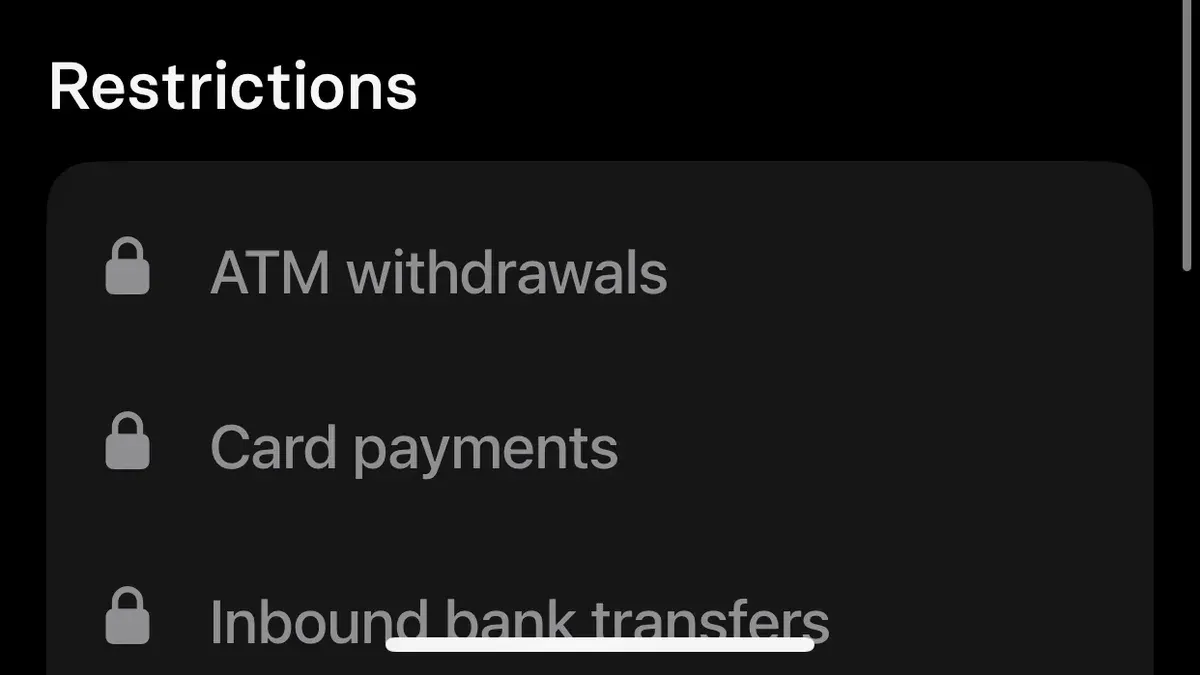
For example, if a user’s password from a compromised social media site is the same as their Revolut password, hackers can break in through automated login attempts. Using unique, strong passwords for Revolut blocks this attack vector entirely.
Changing passwords after a breach on any other site prevents attackers from using old leaked credentials to access Revolut. Revolut users should combine this with enabling two-factor authentication to add an extra layer of defense.
Maintaining unique login credentials is the most effective safeguard against common hacking attempts targeting Revolut accounts.
How to detect and respond to signs of Revolut account compromise
To check, open the Revolut app, go to Home → Payments → Standing orders and beneficiaries, and carefully review for any entries that were not authorized. Removing unknown beneficiaries immediately prevents further unauthorized transfers.
Users must not trust emails claiming to be security alerts, as these are frequently phishing attempts exploiting the 2026 breach. Checking notifications within the app is the only reliable way to receive genuine Revolut security updates.
This is the exclusive and official channel for addressing unauthorized transactions or security concerns. Prompt reporting enables faster intervention and limits potential damage.
For example, if an unexpected payment appears to an unknown beneficiary, the user should delete that beneficiary, review recent transactions, and report the activity via the in-app chat without delay. Treat all identity documents as compromised and strengthen account security by updating passwords and enabling two-factor authentication to reduce further risks.
Ignoring in-app notifications or relying on email alerts leads to missed warnings or falling for scams. Monitoring payments, beneficiaries, and in-app messages continuously is critical for early detection and response to any account compromise.
What to do if your identity documents were exposed in the breach
The 2026 incident revealed copies of these documents along with personal details, increasing the risk of identity theft or impersonation. Immediate steps include notifying the issuing authorities to alert them about the potential misuse and requesting reissuance if possible.
Monitoring for unusual activity should continue for months, as attackers often attempt to act once data circulates. For example, if a driving licence copy was leaked, the owner should contact the licensing agency to flag the document and consider obtaining a new one to avoid fraudulent use.
Users should also reduce public exposure of their personal data where feasible and stay alert for impersonation attempts through phone, email, or online platforms. Reporting suspicious communications to Revolut via the in-app chat helps mitigate risks. These actions together form a necessary defense against the fallout of identity document exposure in the breach.
Why phone calls claiming to be Revolut security are scams and what to do
Any unsolicited phone call claiming to be from Revolut security is a vishing scam designed to trick users into revealing personal information or authorizing fraudulent payments. These calls often reference leaked personal details to appear credible but are not connected to Revolut's official support channels.
For example, a user might receive a call warning about suspicious activity and urging immediate payment or verification. The scammer may pressure the user to disclose passwords, one-time codes, or transfer funds. None of these steps are legitimate requests from Revolut, which never conducts account recovery or security checks by phone.
If such a call is received, do not confirm any identity details or provide payment information. Immediately end the call. Report the incident through Revolut’s in-app chat and block the caller number to prevent further contact. This approach stops scammers and triggers Revolut’s response protocols to protect affected users.
How to delete or deactivate a Revolut account safely
To permanently close a Revolut account, navigate within the app to Profile, then Settings. From there, select the option to delete or deactivate the account. This process triggers an irreversible closure, so it requires contacting Revolut support exclusively through the in-app chat to confirm and complete the action. Phone support will not assist with account deletion.
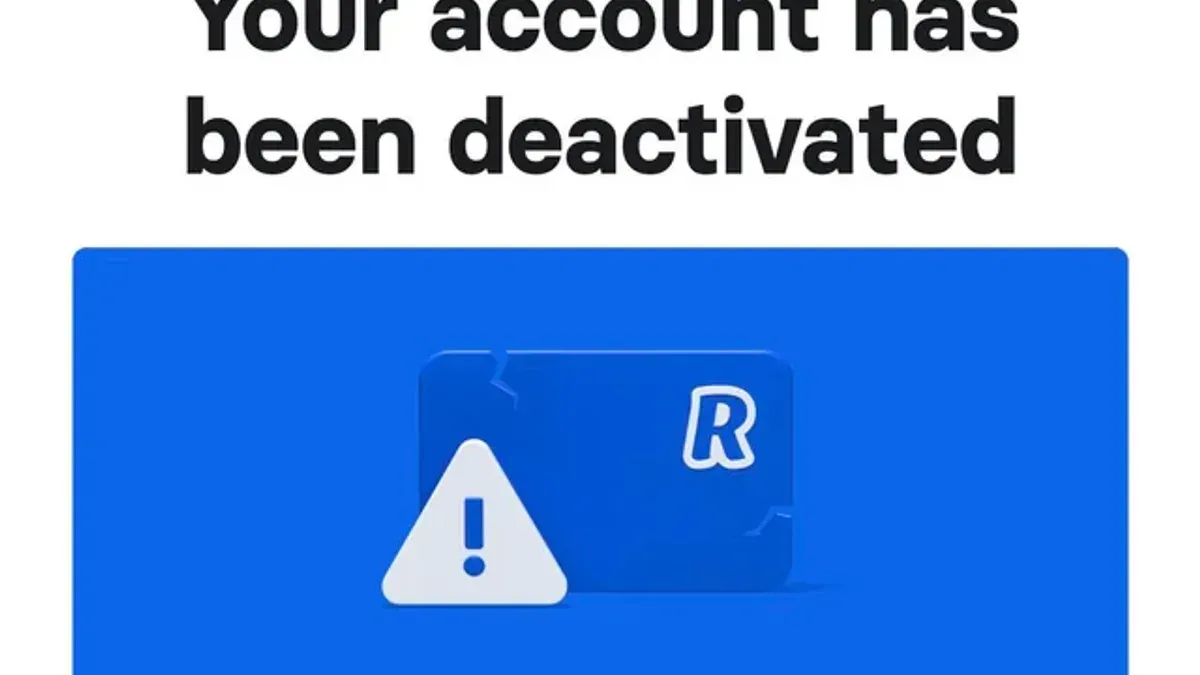
Before starting, ensure all funds have been withdrawn. Leaving a balance or active standing orders can block closure or cause complications later. Review Home > Payments > Standing Orders and Beneficiaries to cancel any recurring payments. Withdraw all remaining money to an external bank or card. Failure to do so may result in funds becoming inaccessible after deletion.
Account deletion is final. Once closed, access to transaction history, linked cards, and personal data stored in the account will be lost. For example, a user deciding to leave after a security incident must carefully withdraw all money and cancel payments beforehand. Then, using the in-app chat, they confirm the permanent closure. This safeguards against future unauthorized access and removes personal details from Revolut’s systems.
How to create and set up a new Revolut account securely
Download the official Revolut app from a trusted app store. Begin the signup process by carefully entering a unique email address and phone number that have not been used in previous accounts or exposed in data breaches. Using fresh contact details reduces the risk of credential stuffing or unauthorized recovery attempts.
Immediately after signup, navigate to Profile > Security to enable two-factor authentication (2FA). Activating 2FA significantly strengthens account protection by requiring a second verification step on login.
This step confirms the account owner’s identity and is mandatory before full account functionality. For instance, submitting a valid government ID and a selfie ensures compliance with Revolut’s security requirements.
Revolut systems and customer funds remain unaffected by past breaches, but establishing strong, unique credentials and enabling all security options is critical to avoid future risks.
What this article does not cover and when to seek professional help
It does not extend to complex legal or financial recovery actions beyond what Revolut provides.
Users whose identity documents like passports or driver’s licenses were exposed in the breach should treat them as compromised. This includes notifying the issuing authorities, considering reissuance, and monitoring for identity theft to limit damage. Such actions go beyond Revolut’s recovery flow and often need specialized help.
Anyone facing large financial losses, persistent harassment, or identity theft should escalate beyond self-help. Contacting law enforcement and professional fraud advisors is critical when criminal activity continues or personal security is at risk. For instance, receiving unsolicited calls quoting exposed personal details demands ignoring such contacts and reporting incidents to proper authorities, not just Revolut.
Frequently asked questions
How to get a revolut account?
The process includes submitting government-issued ID and a selfie for identity verification. This setup enables access to Revolut’s security and recovery features integrated into the app.
Is revolut a scam?
However, scammers often impersonate Revolut via phone calls, so users must rely solely on the official in-app chat for support to avoid fraud. Any unsolicited phone calls claiming to be from Revolut security should be treated as scams.
Can revolut account be hacked?
This article explains the recovery steps if a Revolut account is hacked but still accessible or locked out. Account compromise is possible, especially if attackers gain access to recovery contacts or identity documents. Prompt action using Revolut’s recovery flow and awareness of scam tactics are essential to mitigate risks.
Sources
- Revolut reportedly facing $3m ransom demand after hackers steal hundreds of customers’ data — the Guardian
- Revolut Data Breach Exposes Customers' Passport Copies and Full Transaction Histories to Hackers — Cyber Security News
- Revolut Data Breach 2026: IDs, IBANs of 680 Users Exposed — Shattered
- Revolut Account Hacked? What to Do Now — PersProtect
- Revolut Data Breach 2026: What to Do Right Now — PrivacyOn
See also: How to Recover and Secure a Hacked Remitly Account · How to React When Your Payoneer Account Is Hacked · How to Identify, Respond to, and Recover from a PayPal Account Hack · What to Do If Your Wells Fargo Account Is Hacked: Clear Recovery Steps