How to Recognize, Respond to, and Prevent a Google Drive Account Hack
This article explains how to recognize, respond to, and prevent a Google Drive account hacked scenario with key recovery and security steps.

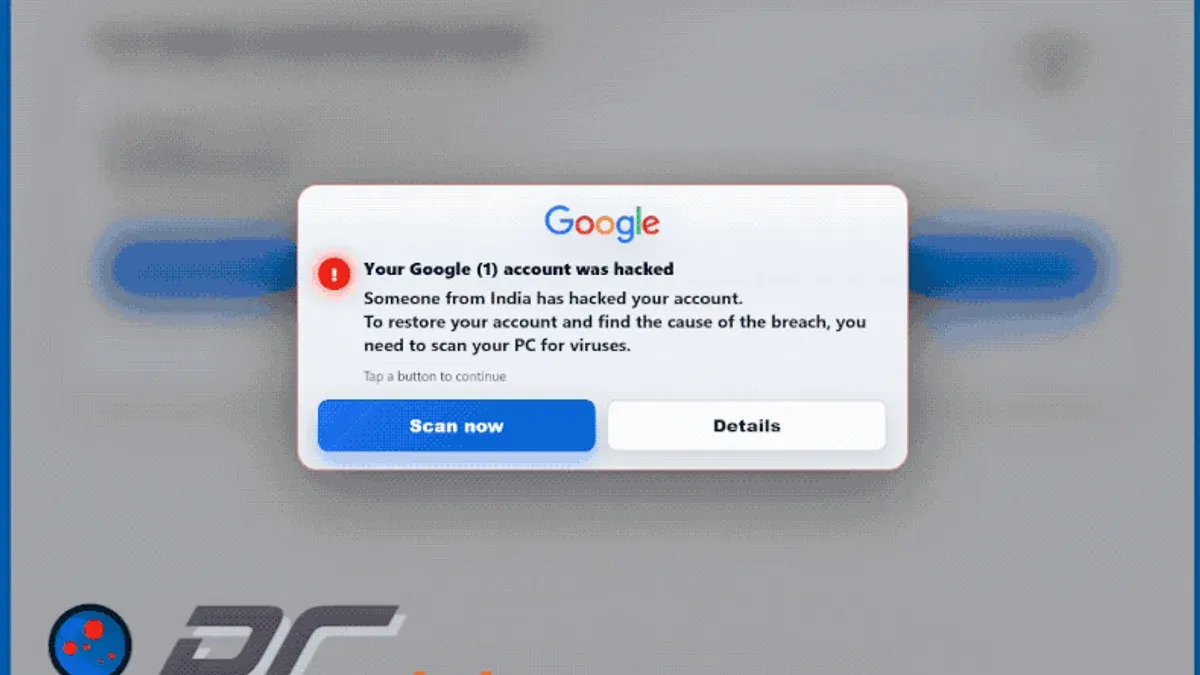
This article explains how to recognize, respond to, and prevent a Google Drive account hacked scenario, focusing on the distinct risks and recovery steps related to Google Drive within a Google Account.
Google Drive is a widely used cloud storage service integrated with Google Accounts, but it is not immune to security breaches. Understanding the signs of unauthorized access, such as unfamiliar files or sharing activity, is crucial for timely response. Users should verify account activity through Google's Security Checkup tool and review recent device access under the "Devices" section in Google Account settings.
Immediate steps include changing the account password, enabling two-factor authentication (2FA), and scanning connected apps for suspicious permissions. This guide also clarifies common misconceptions about Google Drive's security and provides guidance on contacting Google support for account recovery.
Is Google Drive safe from hackers
Google Drive employs robust security measures designed to protect user data from unauthorized access. Files stored on Google Drive are encrypted both during transfer and while at rest using 256-bit AES encryption. Additionally, Google uses advanced threat detection and continuous monitoring to defend against potential intrusions.
Despite this strong architecture, vulnerabilities often arise from external factors such as phishing attacks, leaked credentials, or risky third-party apps granted excessive permissions. For example, a user might inadvertently grant a malicious app access to their Drive files, exposing sensitive data without any breach in Google's infrastructure.
Google invests heavily in security, with a dedicated team working on infrastructure defense and frequent security updates. Compared to many other cloud services, Google Drive experiences fewer reported data breaches, reflecting the effectiveness of its protocols.
Tip: Regularly review connected apps by navigating to Google Account > Security > Third-party apps with account access to revoke unnecessary permissions, reducing exposure risk.
Ultimately, while Google Drive itself maintains strong security, the safety of stored data depends significantly on user practices and vigilance against common threats.
Can Google Drive be hacked
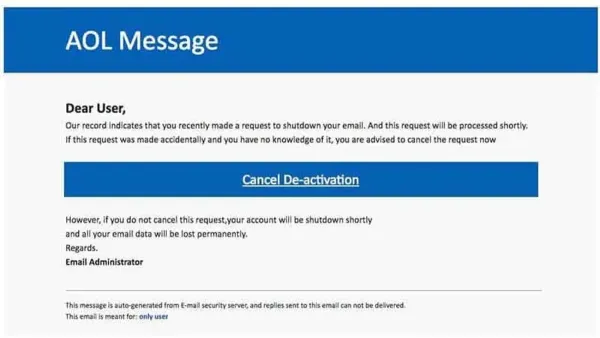
Google Drive accounts can be compromised through several common hacking methods that target user credentials and device security. Phishing remains a prevalent technique, where attackers send deceptive emails mimicking Google notifications, prompting users to enter their login details on fake sign-in pages. For example, a user might receive an email claiming suspicious activity on their account, directing them to a site closely resembling accounts.google.com, but controlled by hackers.
Password reuse also increases vulnerability. Attackers use credential stuffing, applying username-password pairs leaked from other breaches to access Google Accounts with the same credentials. This method relies on users recycling passwords across multiple platforms, making a single compromised password a gateway to Google Drive data.
Malware infections on devices can further expose account information by logging keystrokes or capturing authentication tokens. These can occur through downloading files from untrusted sources or clicking unsafe links.
Real-world incidents have shown these methods in action. Security researchers documented phishing campaigns targeting Google users by disguising themselves as Google Support. In one case, attackers gained access to a victim’s Google Account by exploiting the absence of two-factor authentication (2FA) and weak password practices.
Accounts without 2FA enabled are significantly more at risk because a stolen password alone is enough to grant access. Weak passwords, such as common words or simple numeric sequences, also facilitate brute-force and guessing attacks.
Tip: Enabling two-factor authentication and using unique, strong passwords can drastically reduce the risk of Google Drive account compromise.
Is my Google account hacked
Users can detect if their Google Account or Google Drive has been compromised by monitoring specific signs within their account settings. Key indicators include unexpected password changes, unfamiliar devices or IP addresses appearing in recent activity, and security alerts from Google warning about suspicious access attempts.
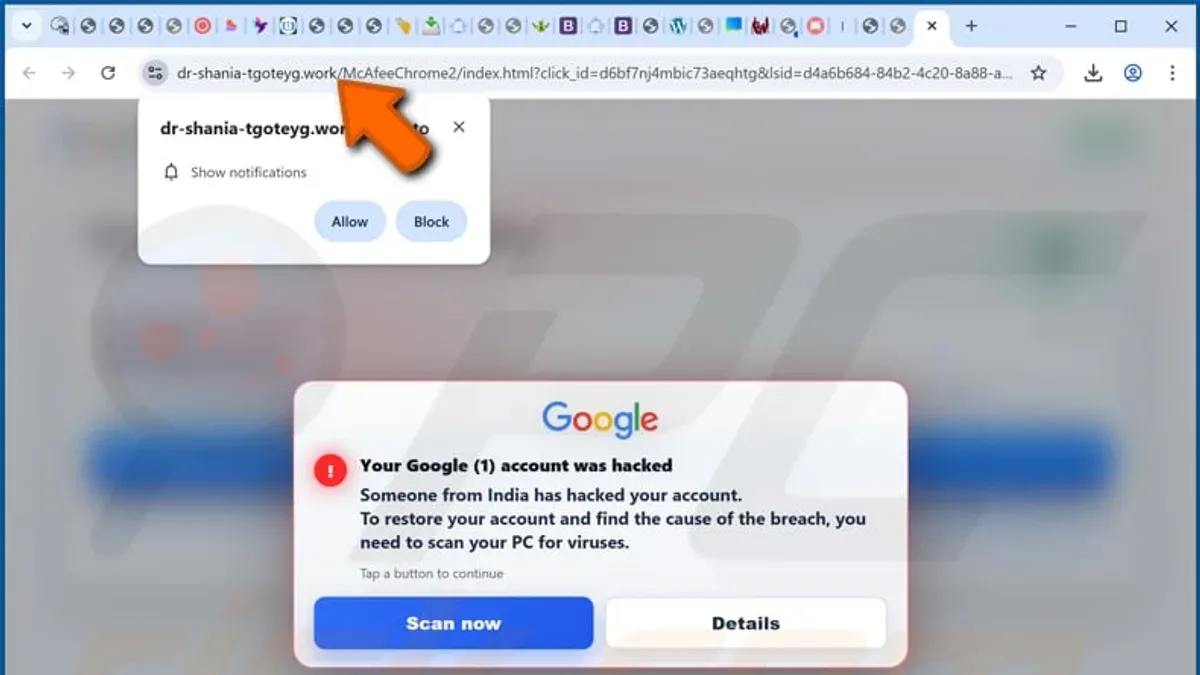
To verify account integrity, the Google Account Security Checkup tool provides a detailed overview of recent sign-ins, connected devices, and third-party app permissions. For example, if the tool lists a login from a device or location that was not recognized, such as a smartphone in a foreign country or a desktop computer never used by the account holder, this strongly suggests unauthorized access.
Google sends security notifications via email or directly in the account interface when it detects unusual activity, such as sign-ins from new locations or failed login attempts. Interpreting these alerts correctly is crucial; a single notification about a new device sign-in should prompt immediate review of account activity logs rather than panic.
For instance, if the Security Checkup shows a newly added device labeled "Windows Laptop" with a timestamp during a period of inactivity, and the user did not authorize this, it indicates a potential breach. The user should immediately change passwords, revoke suspicious devices, and update recovery information.
Tip: Regularly reviewing the "Recent security events" section in the Google Account settings can help quickly identify unauthorized access before damage occurs.
What happens if someone hacked my Google account
When a Google Account is compromised, the attacker gains access to a broad range of personal data and services linked to that account, including Google Drive, Gmail, Contacts, and third-party apps authorized through Google. This access allows the intruder to view, download, modify, or delete files stored in Google Drive, potentially causing significant data loss or unauthorized dissemination of sensitive information.
Beyond files, the hacker can read and send emails, access saved contacts, and manipulate calendar events. Such control can facilitate identity theft, phishing attempts targeting the victim's contacts, or fraudulent activities impersonating the user. Additionally, third-party services connected via OAuth tokens may be exploited, extending the breach's impact beyond Google's ecosystem.
A typical scenario might involve an attacker downloading confidential documents from Google Drive, then deleting them to prevent recovery, while simultaneously using the compromised Gmail account to request password resets on other sites. Cybersecurity incident reports often highlight that these cascades of unauthorized actions can severely disrupt personal and professional life, with recovery often requiring extensive account restoration and notification of affected contacts.
Tip: After regaining control, review the Google Account's Security Checkup page to identify connected devices and apps, revoke suspicious access, and change passwords.
How to contact Google about hacked account
The primary step in addressing a hacked Google Account is to use Google's Account Recovery page at accounts.google.com/signin/recovery. This tool guides users through verifying their identity by requesting information such as previously used passwords, verification codes sent to recovery emails or phones, and answers to security questions. Successful recovery often depends on the accuracy and completeness of this information.
If the automated recovery process does not restore access, users can visit the Google Account Help Center for further guidance. This resource provides FAQs and troubleshooting steps but does not offer direct live support for most users.
For cases involving business or education Google Workspace accounts, contacting an administrator or Google Workspace Support directly through the admin console is a recommended escalation path. Individual consumer accounts, however, have limited direct contact options with Google; phone or chat support is generally unavailable except through paid services or specific promotions.
Example: A user who suspects unauthorized access should first attempt recovery by entering known passwords and codes on the Account Recovery page. If unsuccessful, they can secure the account by changing passwords on connected services and updating recovery options if access is regained. Persistence with the recovery form, using exact data like account creation date, often increases chances of success.
Tip: Keep recovery information such as secondary email addresses and phone numbers up to date to enhance recovery success.
Is Google being hacked
Google operates one of the largest and most complex cloud infrastructures globally, designed with multiple layers of security to prevent unauthorized access. While no system is impervious, Google's infrastructure has not experienced widespread successful hacks compromising user data on a large scale.
There have been occasional security incidents involving Google's services, such as targeted phishing campaigns or vulnerabilities in third-party apps linked to Google accounts, but these do not equate to direct breaches of Google's core infrastructure. It is important to distinguish between service outages and security breaches; a temporary outage or service interruption, like those occasionally reported on Google's Workspace Status Dashboard, does not mean the service has been hacked.
Google continuously monitors for and responds to hacking attempts through automated threat detection systems, regular security audits, and a dedicated security team. For example, the company’s public transparency reports detail government requests and security threats, showcasing their proactive stance on protecting data.
A concrete example is the 2014 attack targeting Gmail accounts of human rights activists, which was attributed to a sophisticated state-sponsored actor. Google responded by warning affected users, enhancing account protections, and improving detection tools to reduce the impact of similar attacks in the future.
Tip: Regularly review the Security Checkup page in Google Account settings to identify and mitigate potential threats early.
What is Google hacking
Google hacking, also known as Google dorking, is a technique that uses advanced search operators to locate sensitive or hidden information indexed by Google's search engine. Unlike hacking into accounts or systems directly, it exploits the way data is publicly accessible on the web through search queries.
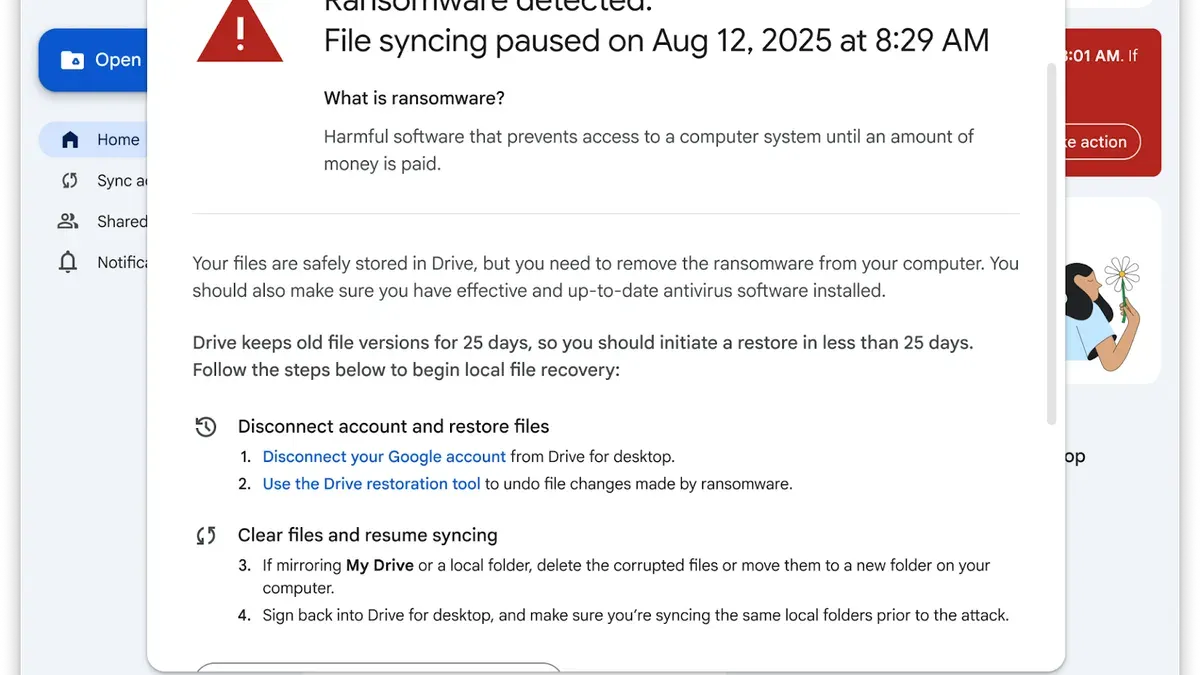
Attackers and security researchers both use Google hacking. Malicious actors craft specific search strings to find exposed passwords, unsecured directories, configuration files, or other sensitive data that should not be publicly available. For example, a query like filetype:xls inurl:"password" searches for Excel files containing the word "password" in the URL, potentially revealing leaked credentials.
Security professionals use Google dorking to identify vulnerabilities in their own systems by simulating these searches, helping to remove or secure exposed information before it can be exploited.
Users and organizations can reduce risks by regularly auditing public-facing content, restricting access permissions on cloud storage like Google Drive, and avoiding storing sensitive documents in locations indexed by search engines. Proper use of robots.txt files and private sharing settings can also help limit exposure.
Tip: Test common Google dork queries against your domain to check if sensitive data is unintentionally exposed online.
Common mistakes that lead to Google Drive hacks and how to avoid them
One frequent error is using weak or reused passwords across multiple services. For example, if a password leaked from a less secure site is used for a Google Account, attackers can gain access via credential stuffing. Strong, unique passwords for each account are essential.
Neglecting to enable two-factor authentication (2FA) significantly raises hacking risk. Users without 2FA are far more vulnerable—accounts protected by 2FA see much lower breach rates since attackers need a second verification factor, such as a code from an authenticator app or a security key.
Phishing remains a common avenue for hacks. Users may receive emails that mimic Google notifications, prompting them to enter credentials on fake login pages. Clicking on malicious links or downloading attachments can also install malware that steals login information.
Ignoring security alerts and suspicious account activity can allow intrusions to escalate unnoticed. Google sends notifications for unusual sign-ins and device activity; failing to review and respond to these alerts delays detection and remediation.
Tip: Regularly review Google Account security settings at myaccount.google.com/security to check password strength, enable 2-Step Verification, and monitor connected devices and recent activity.
Further reading
- How to Secure, Access, and Manage a Dropbox Account Safely
- Understanding and Recovering from a Hacked GitHub Account
- How to Recognize, Report, and Recover a Hacked YouTube Account
- How to Recognize, Respond to, and Recover from a WhatsApp Account Hack
Frequently asked questions
Is google drive hacked?
Google Drive itself has not experienced widespread hacks compromising user data. However, individual Google accounts linked to Drive can be compromised if attackers gain access through phishing, weak passwords, or reused credentials. It is important to differentiate between a direct hack of Google Drive’s infrastructure and unauthorized access resulting from account breaches.
Is google getting hacked?
While Google employs extensive security measures, no system is entirely immune to cyber threats. There have been occasional security incidents affecting Google services, but large-scale hacks of Google’s core systems are rare. Most security issues arise from user account compromises rather than breaches of Google's infrastructure.
Has Google Drive ever been hacked
There are no publicly confirmed incidents of Google Drive’s servers being hacked to expose user files. Security incidents linked to Google Drive usually involve compromised user accounts or malicious apps gaining access through permissions, not direct attacks on Google Drive itself.
Someone hacked my Google account, what should I do
Immediately change the Google Account password using a secure device and enable two-factor authentication (2FA) in the Security settings under “2-Step Verification.” Review recent activity in the “Security Checkup” tool and revoke suspicious app access from the “Third-party apps with account access” section. If unable to sign in, use Google's Account Recovery process and contact Google support for assistance.
Google accounts hacked recently: how to know if mine is affected
Check for unusual activity by visiting the Google Account Security Checkup page, which highlights new devices, locations, and app permissions. Alerts may also appear in your Gmail inbox about suspicious sign-in attempts or password changes. If unfamiliar actions are detected, take immediate steps to secure the account and review recovery options.
Limits of this advice
This advice does not cover corporate or enterprise Google Workspace accounts, which have additional security policies and administrative controls beyond personal Google Accounts. Users with highly sensitive data should consider professional security consultations tailored to their specific risks and environments. Additionally, recovery processes assume the user still has access to their recovery email address or phone number; without these, regaining control of a compromised account can be significantly more difficult and may require direct support from Google.
The single most useful next step after suspecting a Google Drive or Google Account hack is to immediately review and update all recovery options by navigating to Google Account > Security > Ways we can verify it's you. Ensuring recovery email addresses and phone numbers are accurate and secure improves chances of successful account recovery and strengthens protection against future unauthorized access.