How to Recognize, Recover, and Secure a Hacked Genshin Impact Account
This guide helps you identify signs of a Genshin Impact account hacked, recover control, and protect your account from future security breaches.

This guide explains how to recognize, recover, and secure a Genshin Impact account after a security breach. Players searching for information on a Genshin Impact account hacked will find clear steps on identifying unauthorized access, regaining control, and protecting their account from future threats.
Common signs of a compromised account include unexpected login alerts, missing in-game currency, and altered profile details. Understanding the reasons behind login issues often reveals whether hacking or other technical problems are involved. The guide also covers account linking options, deletion procedures, and the realities of buying or selling accounts on third-party marketplaces, all essential elements when managing an account post-hack.
How to know if my Genshin Impact account is hacked
Detecting a hacked Genshin Impact account early can prevent further loss. One common sign is receiving unrecognized login alerts or password change notifications from miHoYo. These messages often indicate unauthorized access attempts. Another clear indicator is missing in-game items or sudden changes in character inventory, such as characters or weapons that were not removed or modified by the player.
Players might also find themselves suddenly unable to log in despite entering the correct credentials, which suggests that the account password or linked email has been altered. Checking the account’s linked devices and email settings within the game’s account management panel can reveal unfamiliar devices or email changes, signaling a compromise.
For example, if a player notices a new device listed under "Device Management" that they do not recognize, it is a strong indication that someone else has accessed their account. Gaming accounts are frequently targeted by phishing schemes or credential stuffing attacks, exploiting reused passwords from other services.
Tip: Regularly reviewing email notifications and the linked devices section can help catch unauthorized access before significant damage occurs.
Why can't I log into Genshin Impact
Login issues in Genshin Impact often arise from either technical problems or consequences of unauthorized account access. Distinguishing between these causes depends on the specific error messages received and the context of the login attempt.
One common technical barrier is account lockout after multiple failed password attempts. For example, entering an incorrect password five times consecutively may temporarily lock the account, prompting a message such as "Too many login attempts. Please try again in 30 minutes." This is a security measure to prevent brute-force attacks.
Server maintenance or connectivity issues can also prevent login. During scheduled downtime, users might see messages like "Server is under maintenance" or experience repeated timeouts. Checking official Genshin Impact social media channels or the server status page can clarify if this is the cause.
Unauthorized password resets by hackers are a frequent cause of login failure after a hack. If a password has been changed without user consent, the login screen might show "Incorrect password" despite using the previous password. In such cases, initiating the official password recovery process via the account management website is necessary.
Account suspensions or bans due to violations of terms of service yield distinctive messages such as "Account banned" or "Access denied." These are usually communicated via email and require contacting customer support for clarification.
Example: A player trying to log in repeatedly sees "Incorrect password," but no recent password reset was requested. After multiple attempts, the account locks and shows "Too many login attempts." This suggests either a forgotten password or unauthorized access attempts rather than technical server issues.
Tip: Carefully observe the exact error message and consult official support pages to identify the root cause before attempting multiple logins.
How to recover hacked Genshin Impact account
Start by immediately resetting the password of the linked email account to prevent further unauthorized access. Next, change the Genshin Impact account password through the official miHoYo website or launcher if accessible.
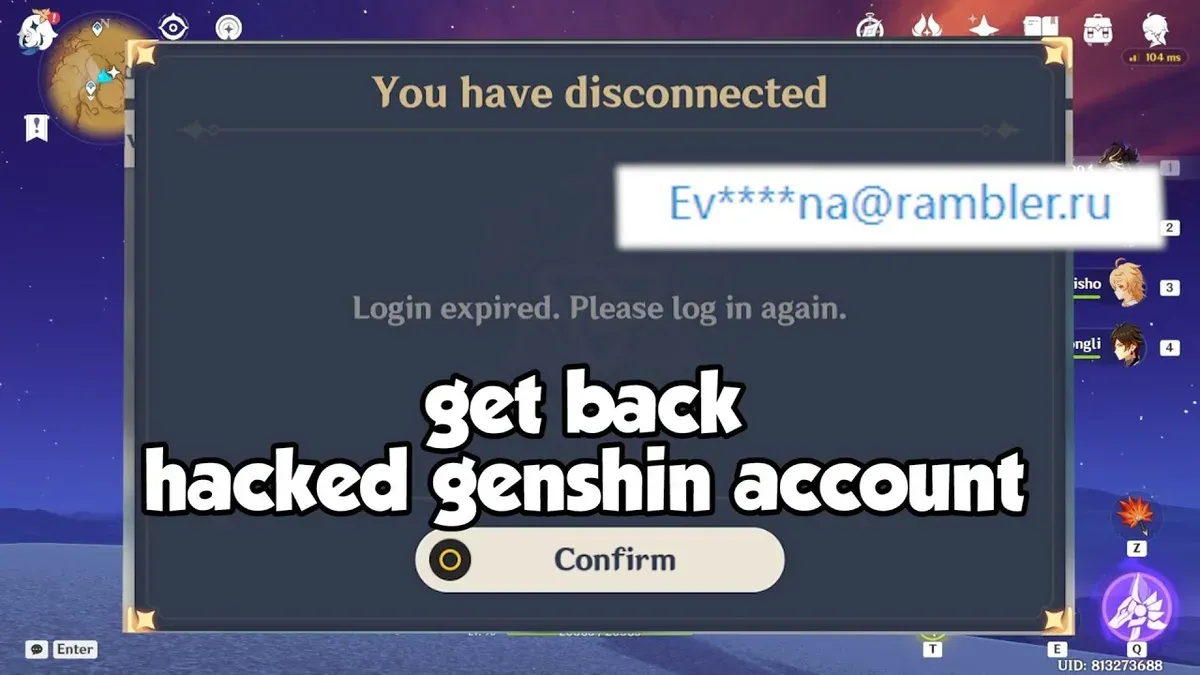
If direct access is lost, contact miHoYo customer support via their official website or in-game support portal. Submit a detailed request including the account UID, registered email, last transaction details, and any purchase receipts available. This helps verify ownership and speeds up recovery.
miHoYo typically responds within a few business days; prompt and accurate information reduces delays. For example, a player who lost access after a hack provided purchase timestamps and original registration email, enabling support to restore access within three days.
Once access is regained, immediately enable two-factor authentication (2FA) from the account security settings in the miHoYo user center. This adds an extra verification step during login and helps prevent future unauthorized access.
Tip: Keep screenshots or emails confirming purchases and account details in a secure location to facilitate identity verification if recovery is needed.
How to link accounts on Genshin Impact
Linking Genshin Impact accounts across platforms such as a miHoYo account, PlayStation Network, and mobile devices enhances security and convenience. Account linking enables cross-save functionality, allowing progress to be shared between PC, mobile, and PlayStation, while also providing additional recovery pathways if one platform is compromised.
To link accounts, start by logging into the Genshin Impact game client on the primary device. Navigate to Settings > Account > Account Linking. Here, users can connect their miHoYo account to PlayStation or mobile accounts by entering the relevant login credentials and verifying through email or SMS codes.
For example, after playing on PlayStation, linking the miHoYo account allows seamless continuation of the game on a mobile device. This process involves selecting Link Account, entering the miHoYo account information, and confirming the link via a verification code sent to the registered email.
Unlinking accounts is done through the same menu, but caution is advised as unlinking may restrict cross-save and complicate recovery if the account is hacked. Ensuring all linked accounts have strong, unique passwords and two-factor authentication activated significantly reduces the risk of unauthorized access.
Tip: Always verify linked accounts immediately after setup by logging into each platform to confirm access and synchronization.
How to delete Genshin Impact account
To permanently delete a Genshin Impact account, a formal request must be submitted to miHoYo through their official customer service channels, typically via the in-game support system or the official website's support page. The request should include verified account information such as the UID, registered email, and proof of ownership to prevent unauthorized deletions.
Once the deletion request is accepted, miHoYo initiates a process that removes personal data associated with the account, including character progress, inventory, purchase history, and linked payment information. However, some data may be retained for legal compliance or audit purposes as outlined in miHoYo's privacy policy.
Deletion is irreversible: all progress, purchases, and linked content are lost permanently, and recovery is not possible. For example, a player who deletes their account loses access to all acquired characters and in-game currency, even if they later regret the decision.
As an alternative, especially for compromised accounts, users can consider account recovery options or unlinking third-party services instead of deletion. These alternatives allow retention of progress while addressing security concerns.
Tip: Before requesting deletion, review the official miHoYo account deletion policy and prepare all necessary verification details to avoid delays.
Can you sell your Genshin Impact account and how to do it safely
miHoYo’s official policy strictly prohibits the sale or transfer of Genshin Impact accounts. Selling accounts violates the terms of service and can lead to permanent bans, both for the seller and buyer. Despite this, a secondary market exists where accounts are traded on platforms like Discord, forums, and third-party marketplaces.
These unofficial markets carry significant risks. Scams are common; sellers may disappear after payment, or buyers receive accounts that are quickly reclaimed by the original owner. Hackers exploit these platforms by selling stolen accounts or using phishing schemes to compromise buyers’ credentials. Enforcement actions by miHoYo target accounts involved in suspicious transactions, causing permanent loss of game progress and purchases.
For example, trading a high-level account with rare characters on a marketplace like a Discord server may seem convenient but often leads to disputes and account recovery issues. Buyers often find themselves locked out days later due to miHoYo’s active monitoring and account reclamation procedures.
Safer alternatives include monetizing game knowledge through content creation, coaching, or community services rather than selling accounts. This approach respects game policies and avoids the legal and security pitfalls of direct account sales.
Tip: Always consider the risks of account bans and scams before engaging in any account sale or purchase.
Common mistakes to avoid after a Genshin Impact account hack
After a Genshin Impact account hack, certain actions can exacerbate the problem or make recovery impossible. One frequent error is ignoring official miHoYo support and instead turning to third-party hacks or paid recovery services, which often lead to scams or further compromise. For example, some players have lost access permanently after using unauthorized tools that violate terms and trigger account bans.
Another critical mistake is sharing account credentials or recovery information with unverified individuals or websites promising quick fixes. This can result in additional breaches or identity theft. A typical scenario involves players posting their login details on forums or social media while seeking help, only to have accounts stolen again.
Delaying recovery efforts also increases risk. Accounts left unattended for days or weeks often face irreversible changes such as email or password resets by hackers, making restoration impossible. Prompt action contacting official support and securing related email accounts is essential.
Finally, attempting to buy replacement accounts instead of recovering the original can lead to financial loss and disappointment. Purchased accounts may be banned or reclaimed by original owners, and do not restore progress or purchases. Recovery efforts remain the safest path.
Tip: Always report hacks through official channels immediately and avoid shortcuts that compromise security.
Is Genshin Impact online and how does that affect account security
Genshin Impact requires a constant internet connection to play, as its gameplay depends on real-time communication with miHoYo's servers. This always-online architecture enables features such as synchronous world events, multiplayer co-op, and dynamic content updates but also means that player accounts are continuously interacting with external servers.
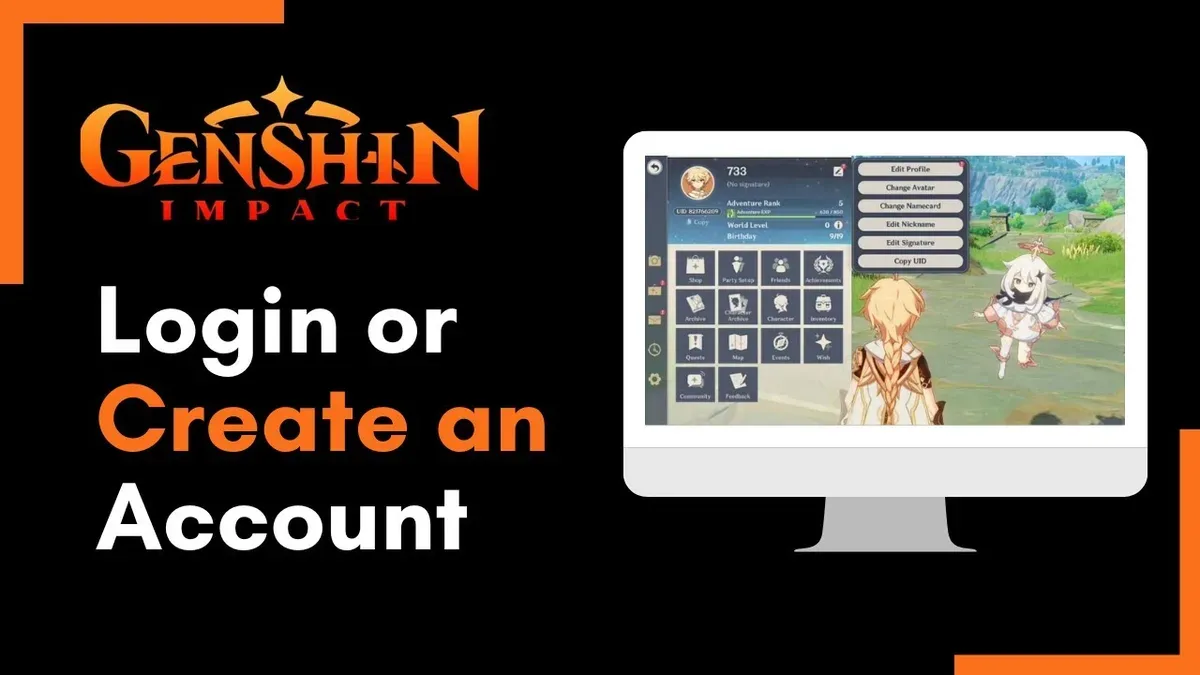
Because the game operates online, accounts are exposed to potential hacking attempts through various attack vectors like credential theft, session hijacking, or phishing. While miHoYo employs server-side security measures, including encrypted connections and anomaly detection systems to monitor suspicious activities, these protections cannot fully eliminate risks if personal account credentials are compromised.
For example, if a player logs in from a public or unsecured Wi-Fi network without proper safeguards, attackers could intercept login tokens or passwords, gaining unauthorized access. This scenario illustrates why safeguarding login information and using features like two-factor authentication are critical in an always-online environment.
Ultimately, the online nature of Genshin Impact shifts much of the security responsibility to the player, requiring vigilance in password management, account linking, and recognizing phishing attempts, as well as relying on miHoYo's backend systems to detect and prevent unauthorized access.
Further reading
- How to Recognize, Prevent, and Recover from a Fortnite Account Hack
- How to Recognize, Prevent, and Recover a Hacked Call of Duty Account
- How to Secure, Recover, and Manage a Twitch Account After Hacking
- How to Identify, Report, and Recover a Hacked TikTok Account
Frequently asked questions
How to sell genshin impact account?
Selling a Genshin Impact account typically involves transferring the login credentials and any linked accounts to the buyer. However, the game’s terms of service generally prohibit account trading, which can risk suspension or permanent bans. If choosing to sell, use a reputable platform or marketplace that offers some buyer and seller protection to reduce risks.
How to delete a genshin impact account?
To delete a Genshin Impact account, log into the account on the official website or game launcher, navigate to the account settings or user center, and find the option labeled "Account Deletion" or "Delete Account." Follow the prompts, which usually include verifying identity and confirming the deletion. Account deletion is permanent and removes all progress and purchases linked to that account.
How to delete Genshin Impact account
Deleting a Genshin Impact account involves accessing the miHoYo or HoYoverse user center online, selecting "Account Settings," then "Delete Account." Users must complete identity verification and acknowledge that deletion is irreversible. After submitting the request, the account will be deactivated and eventually removed from the servers.
How to sell Genshin Impact account safely
To sell a Genshin Impact account safely, use a trusted third-party marketplace that offers escrow services and identity verification. Avoid sharing login details via unsecured methods like email or messaging apps. Clearly communicate the account’s features and ensure the buyer understands that account trading violates the game’s terms, which carries inherent risks.
How to link accounts on Genshin Impact
Link accounts by logging into the Genshin Impact user center on the official website, then navigating to "Account Linking" under settings. Players can link platforms such as PSN, miHoYo account, or email for cross-platform access and enhanced security. Linking accounts helps prevent loss of progress and simplifies recovery if hacked.
Limits of this advice and when to seek further help
This article does not cover unauthorized third-party hacking tools or illegal account selling practices; following such advice can lead to account bans or legal consequences. Players facing sophisticated security breaches involving stolen personal data or financial fraud should contact official miHoYo customer support directly and consider consulting cybersecurity professionals.
The single most useful next step after suspecting a Genshin Impact account hack is to immediately secure the account by resetting the associated email and password through the official miHoYo account management page. Enabling two-factor authentication and reviewing all linked accounts from the "Account Security" section can prevent further unauthorized access.