How to Protect and Recover from a Kik Account Hack
This article explains how to protect and recover from a Kik account hack by detailing security risks and clear recovery steps.

This article explains how to protect and recover from a Kik account hack by detailing the platform's features, common security risks, and clear steps for recovery and prevention.
Kik is a messaging app popular for its anonymity and ease of use, allowing users to chat without sharing phone numbers. A Kik account is tied to a username and email, making security reliant on these credentials. When a Kik account hacked incident occurs, it often results from compromised login details or phishing attempts. Understanding how the app functions and the vulnerabilities users face helps in responding effectively to unauthorized access.
What is the Kik app and how does a Kik account work
Kik is an instant messaging app that allows users to send text, photos, videos, and other content primarily through mobile devices. Unlike many messaging platforms that require phone numbers for sign-up, Kik uses a unique username system. This means users create a distinct username at registration, which serves as their primary identifier within the app.
To create a Kik account, users download the app on Android or iOS devices, then provide a username, email address, and date of birth. The app does not require a phone number, which appeals to those seeking a simpler or more private registration process. Signing in involves entering the chosen username and password. Additionally, Kik supports sign-in through Google accounts for quicker access.
While Kik is primarily mobile-focused, users can access their accounts on a PC through Kik’s web version or Android emulators, although these methods are less straightforward than the app. The free-to-use nature of Kik, combined with features like group chats and bots, has contributed to its continued popularity. Despite fluctuations, Kik maintains a substantial user base, particularly among teenagers and young adults.
For example, a new user downloads Kik on their phone, picks a username like “ChatFan123,” sets a password, and then starts messaging friends without sharing a phone number. This username-based approach facilitates easy connection without revealing personal contact details.
Common reasons why Kik accounts get hacked
Kik accounts are frequently targeted through phishing attacks designed to steal login credentials. These scams often appear as messages or emails that mimic official Kik communications, prompting users to enter their username and password on fake websites. For example, a user might receive a message stating their account will be suspended unless they verify their information via a suspicious link, leading to credential theft.
Another major risk is the reuse of passwords across different platforms. If a password from a breached service is used for Kik, hackers can gain access through credential stuffing attacks. This vulnerability increases when users do not regularly update or diversify their passwords.
Malware and keyloggers installed on devices also present a serious threat. Such software can covertly record keystrokes or capture screen data, transmitting Kik login details to attackers without the user’s knowledge.
Social engineering tactics further compromise accounts by manipulating users or customer support. Attackers may impersonate users to reset passwords or bypass security checks, exploiting weaknesses in account recovery procedures.
Tip: Always verify the authenticity of messages requesting account information and avoid clicking on unsolicited links.
How to sign in to a Kik account on PC and without the app
Kik primarily operates as a mobile app, and there is no official desktop client or web-based platform provided by Kik for direct sign-in on a PC. Users seeking to access Kik on a computer often face limitations due to this design choice.
Some third-party programs and emulators claim to offer Kik access on PC by mimicking an Android environment or providing unofficial clients. However, these solutions carry security risks such as potential data breaches, malware, or account compromise since they are not authorized or supported by Kik. Using such tools may violate Kik’s terms of service and could lead to account suspension.
Signing in to Kik requires a username and password, and there is currently no integration that allows login through Google accounts or other social media platforms. This username-based system means users must remember their specific Kik credentials when attempting to log in.
For example, a user wanting to check messages on a laptop might try an Android emulator like BlueStacks to run the Kik mobile app. While this can work technically, it demands extra setup and comes with the risk that the emulator software may not be secure or fully compatible. Officially, the recommended method to use Kik remains through its mobile app on Android or iOS devices.
Tip: Avoid unofficial Kik PC clients and emulators that require storing login information outside the official app to reduce the risk of hacking.
Steps to recover a hacked Kik account
Signs of a hacked Kik account include unexpected messages sent from the account, inability to log in, or changes in account information such as username or profile details. Confirming these signs early helps initiate recovery promptly.
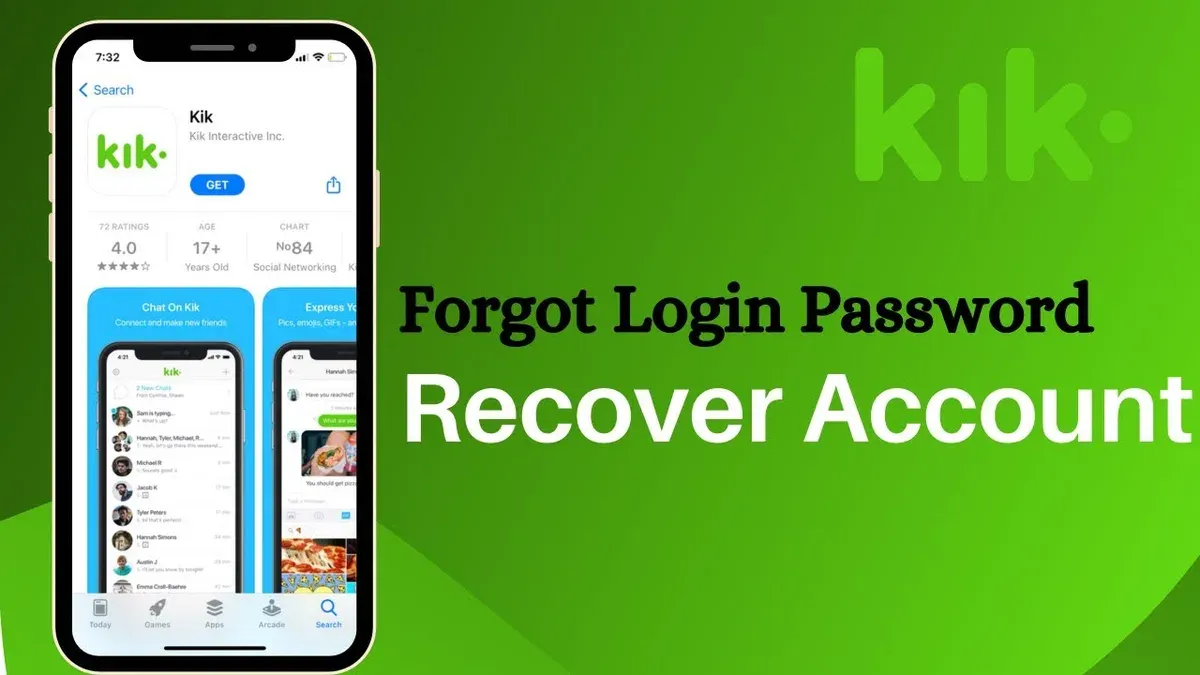
Start by visiting Kik's official support page and submitting a request through their contact form. Provide details including the username, email address linked to the account, and a clear explanation of the suspected hack. Kik’s support team typically responds within a few days, guiding users through identity verification and account recovery steps.
Once access is regained, immediately change the Kik password via the app’s Settings > Your Account > Password. If the email linked to the Kik account was compromised, secure it by changing its password and reviewing recovery options. This prevents hackers from regaining control.
Currently, Kik does not offer built-in two-factor authentication (2FA), so strengthening password complexity and avoiding reuse is essential. Users can also review connected apps and revoke any suspicious access if available.
For example, a user noticed strange messages sent from their Kik account without their knowledge. After submitting a detailed support ticket with username and email, Kik’s team verified ownership within a week and restored access. The user then reset passwords on both Kik and the linked email and monitored account activity closely.
How to delete a Kik account permanently
Deleting a Kik account permanently requires following a specific process that can be done through the Kik website, as the app itself does not offer a direct deletion option. To start, navigate to Kik's official account deletion page at https://ws.kik.com/delete. Enter the username and email address associated with the account, then confirm by clicking "Delete My Account." This triggers a confirmation email sent to the registered email address, which must be opened to finalize the deletion request.
After completing these steps, the account will be scheduled for permanent deletion. Kik states that account data, including messages and profile details, will no longer be visible to other users. However, some data may be retained for a limited time to comply with legal obligations or for technical reasons.
It is important to distinguish between permanent deletion and temporary deactivation. Kik does not support account deactivation; simply uninstalling the app or logging out does not remove the account or its data. Permanent deletion is irreversible and results in loss of all chat history and contacts.
For example, a user wanting to erase all traces of a compromised account should use the web deletion tool rather than just removing the app. They should also check their email inbox to confirm the deletion process, as missing the confirmation step can leave the account active.
Tip: Save any important conversations or contacts before deletion, as the process cannot be undone.
Precautions to avoid Kik account hacking
Using strong, unique passwords for Kik and all linked accounts is essential. Password reuse significantly increases hacking risk, as stolen credentials from one site can grant access elsewhere. Employing a reputable password manager helps generate and store complex passwords securely, eliminating the need to memorize them.
Recognizing phishing attempts protects against credential theft. Common indicators include messages urging immediate action, suspicious sender addresses, unexpected links, or poor grammar. For example, a message claiming "Your Kik account will be suspended unless you verify now" with a link to a non-Kik website is likely a phishing scam attempting to steal login details.
Regularly updating the Kik app and device software patches security vulnerabilities. Updates often include fixes for exploits that hackers might use to gain access, so enabling automatic updates or checking settings under device Settings > Software Update and app store pages reduces risk.
Avoiding third-party apps claiming to enhance Kik or provide PC access is crucial. Such apps may contain malware or act as phishing tools. Similarly, users should avoid clicking on suspicious links received through Kik chats or external sources, as these can lead to malware downloads or phishing sites.
Tip: Enable two-factor authentication on associated email accounts to add a layer of defense beyond passwords.
Mistakes to avoid when managing Kik account security
Ignoring suspicious messages or login alerts often leads to delayed responses to account breaches. For example, a user receiving an unexpected Kik notification about a new login from an unknown device ignored the alert, allowing hackers to maintain access and cause further damage before discovery.
Sharing passwords or verification codes, even with seemingly trusted contacts, drastically increases vulnerability. A common scenario involves someone sharing their Kik password with a friend, who then unintentionally exposes it through a compromised device or careless behavior, resulting in account misuse.
Using insecure public Wi-Fi networks without a VPN exposes users to interception of login credentials. A Kik user accessing their account on an open café Wi-Fi without protection had their session hijacked, leading to unauthorized messages sent from their profile.
Failing to update recovery information, such as email addresses or linked phone numbers, complicates account recovery after a hack. One reported case involved a user who changed their email but did not update it in Kik settings, which blocked verification emails needed to regain control of the account.
Tip: Regularly review and update all recovery details in Kik's settings under "Account Info" to ensure smooth recovery if needed.
How the Kik app has evolved and security improvements over time
Since its launch, Kik has experienced shifts in its user base, initially gaining popularity among teenagers seeking anonymous chat options. Over time, Kik expanded features such as group chats, bots, and multimedia sharing to enhance user engagement. These developments coincided with growing concerns about privacy and security on the platform.
Notably, Kik faced security challenges, including reported incidents of account takeovers and misuse by malicious actors exploiting weak passwords or phishing schemes. In response, Kik introduced measures like two-factor authentication (2FA) via email verification and implemented stricter policies around account recovery to limit social engineering risks.
One concrete example occurred when Kik updated its password reset process to require verification not only through email but also by confirming recent account activity, reducing unauthorized resets. Additionally, Kik enhanced encryption protocols for message data transmission to better protect user communications from interception.
Despite these improvements, Kik's reputation for security remains mixed due to its username-based login system and absence of phone number verification, which some users find less secure compared to other messaging apps. However, Kik continues to update its security infrastructure and educate users on best practices to mitigate potential vulnerabilities.
Further reading
- How to Identify, Respond to, and Recover from an Instagram Account Hack
- Types of Hackers Explained: Who They Are and What They Do
Frequently asked questions
What is a kik account?
A Kik account is a user profile on the Kik messaging app, which allows people to chat, share media, and connect with others through usernames rather than phone numbers. It stores basic information like username, chat history, and settings, enabling access across devices once logged in.
What happened to kik app?
The Kik app has undergone several updates and ownership changes over time, focusing on improving user experience and security. While its popularity has fluctuated, it remains functional with ongoing support and feature updates, though some users have expressed concerns about moderation and privacy.
How to delete kik account?
To delete a Kik account permanently, visit the Kik account deactivation webpage via a browser, enter the associated email or username, and follow the confirmation steps. Deletion removes all data and disables the username, but the process is irreversible and may take some time to complete fully.
How to get kik on pc?
Kik does not offer an official desktop app for PC, but users can access Kik on a computer by installing an Android emulator like BlueStacks and then downloading the Kik app through it. This method replicates the mobile experience but requires sufficient system resources and careful setup.
Is kik app free?
Kik is free to download and use for messaging, group chats, and sharing media. There are no mandatory fees or subscriptions, but additional features or promotional content may be offered within the app occasionally.
Limits of this advice and when to seek other help
This advice does not cover recovery if the linked email or phone number is also compromised, which significantly complicates account retrieval. Kik does not currently offer two-factor authentication, limiting some security options that could otherwise enhance account protection. Additionally, third-party PC applications claiming to provide Kik access often pose security risks and are not recommended.
The most useful next step after securing or recovering a Kik account is to regularly update the password to a strong, unique one and review the privacy settings under Settings > Privacy & Safety to restrict who can contact the account. This ongoing vigilance helps maintain account security and reduces the risk of future hacks.