Understanding and Responding to a Mastodon Account Hacked
This article guides you through responding to a Mastodon account hacked incident, focusing on security and recovery in its decentralized network.

This article explains what to do when a Mastodon account hacked incident occurs, focusing on the platform's unique decentralized nature and its implications for security and recovery. Mastodon is a social network composed of independently operated servers, called instances, rather than a single centralized service. This structure means that account management and security measures can vary depending on the instance hosting the account.
Understanding who controls an account's server is crucial, as it affects how password resets, data recovery, and abuse reports are handled. Unlike traditional social networks, Mastodon users may need to communicate directly with their instance administrators to regain access or secure their account after a hack.
What is Mastodon app and how does it differ from other social networks
Mastodon is an open-source, decentralized social network that operates through a federation of independently run servers called instances. Unlike centralized platforms such as Twitter or Facebook, where all user data and moderation are controlled by a single company, Mastodon’s structure allows multiple communities to manage their own servers with distinct rules and policies.
Each instance, like mastodon.online, hosts its own user base and enforces its own moderation standards. For example, mastodon.online is one of the larger instances, attracting tens of thousands of users with a focus on inclusive and community-driven moderation. Users can follow and interact across instances, creating a network of interconnected communities rather than a single centralized platform.
Mastodon’s interface offers familiar social media features such as timelines, hashtags, and user mentions, but its decentralized nature means that users choose their home instance based on preferred community guidelines and moderation approaches. This design appeals to those seeking more control over their data and social environment.
Who owns Mastodon social network and why ownership matters for security
Mastodon is an open-source project primarily developed by its founder Eugen Rochko along with a broader community of contributors. Unlike centralized social networks, Mastodon has no single owner controlling all user data; instead, it operates through numerous independently run servers called instances. Each instance is hosted and governed by different organizations or individuals, which directly affects users’ security and privacy.
Because each instance sets its own security policies, users’ account safety depends on the hosting server’s practices. For example, an instance may enforce two-factor authentication, regular security audits, and strong password requirements, while another might have minimal safeguards. This decentralized ownership means that if a user’s account is compromised, recovery procedures can vary significantly depending on the instance’s administration.
As Eugen Rochko has explained in Mastodon’s official governance documents, the model empowers users with control over where their data resides but also places responsibility on instance hosts to implement robust security measures. For instance, a user on a well-managed instance like mastodon.social might benefit from more rigorous security support than on a smaller, less-resourced server.
Tip: When choosing a Mastodon instance, reviewing its security policies and moderation practices helps assess how well it can protect and recover a hacked account.
Common reasons why Mastodon account hacked incidents happen
One frequent cause of Mastodon account compromises is weak or reused passwords combined with the absence of two-factor authentication (2FA). Many users employ simple passwords or recycle credentials across platforms, increasing risk if one service is breached. Lack of 2FA removes an additional security barrier, making unauthorized access easier.
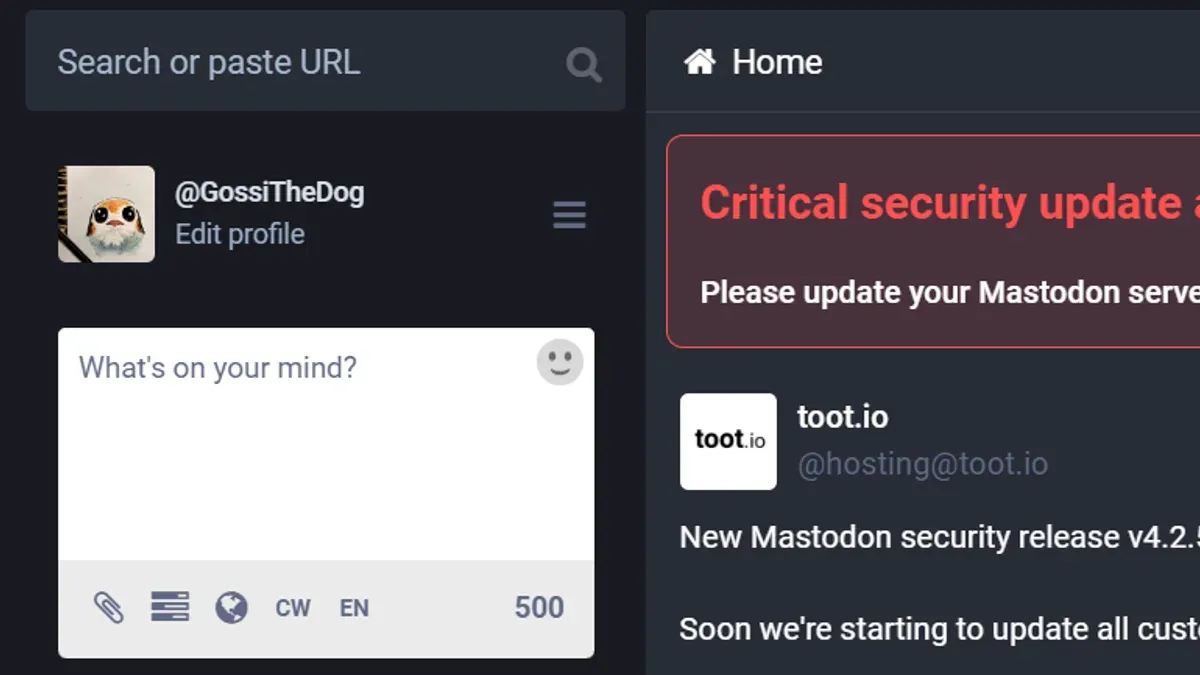
Phishing campaigns targeting Mastodon users have also been reported, often involving deceptive messages that mimic official communication from Mastodon instances. These attempts aim to steal login credentials by directing users to fake login pages. For example, a user might receive a direct message appearing to be from their instance administrator asking to confirm their password via a link, leading to credential theft.
Security weaknesses specific to individual Mastodon instances can lead to breaches affecting multiple accounts. Since instances are independently managed, their security posture varies widely, with some lacking timely software updates or robust server configurations.
Another technical vulnerability arises when email delivery fails, preventing password reset emails from reaching users. If a user cannot reset a compromised account’s password due to misconfigured email services or spam filtering, recovery becomes significantly more difficult.
How to secure a Mastodon account and recover it if hacked
Securing a Mastodon account begins with enabling two-factor authentication (2FA) on instances that support it, typically found under Settings > Security > Two-factor authentication. This adds a crucial layer beyond passwords. Use strong, unique passwords generated by password managers to reduce the risk of compromise.
If an account is suspected to be hacked, the first step is to reset the password. On major instances like mastodon.social, users navigate to the login page and select "Forgot your password?". However, email delivery issues can delay or block reset links. In such cases, contacting the instance administrators via the support or contact links is necessary for manual intervention.
Recognizing suspicious activity involves reviewing active sessions and authorized applications under Settings > Security > Active sessions and Settings > Security > Authorized applications. Immediately revoke any unfamiliar sessions or apps to prevent ongoing unauthorized access.
Example: On mastodon.social, after requesting a password reset, if no email arrives in several hours, the user can message the admin team via the instance’s support page to verify identity and request manual password reset. Other popular instances may have similar but varying procedures, emphasizing the importance of knowing the specific instance’s support channels.
Mistakes to avoid that put Mastodon accounts at risk
Ignoring instance-specific security settings is a frequent error that compromises Mastodon account safety. Many users overlook the Security or Privacy tabs within their instance’s settings, missing vital updates like mandatory password changes or new two-factor authentication (2FA) options. For example, a user on a popular instance failed to update their password after a security advisory, leaving their account vulnerable.
Using easily guessable usernames or passwords remains a common mistake. Simple passwords like “password123” or usernames matching public email handles make brute-force or phishing attacks easier. Sharing login credentials or session tokens across devices or with third parties further increases risk; session tokens found on shared browsers can allow unauthorized access without password input.
Failing to verify email reception can block password reset attempts. If instance notifications or password reset emails land in spam folders or are filtered out, users may be unable to regain account control. Lastly, assuming Mastodon’s decentralized design means immunity from hacking is misleading. Each instance operates independently; inadequate security on one can lead to a compromised account, regardless of the broader network’s structure.
How Mastodon’s decentralized design impacts account security and recovery
Mastodon’s decentralized model means there is no universal support system or centralized customer service for account-related issues. Instead, recovery and security measures depend entirely on the specific instance where the account is hosted. For example, a user on mastodon.social might have access to two-factor authentication and active admin support, whereas an account on a smaller or less maintained instance could face slower responses or fewer recovery options.
This variation creates a landscape where security policies, password reset procedures, and incident response differ widely. Users have reported that some instances promptly assist with account recovery after a suspected hack, while others require patience or additional verification steps, reflecting the autonomy each instance maintains.
Choosing a trustworthy instance with clear rules and responsive administration is crucial. Understanding the instance’s security features and support availability can prevent frustration during recovery processes. For instance, a user who lost access to their account on a niche instance struggled due to limited admin presence, highlighting the trade-off between community focus and support reliability.
Tip: Review an instance’s security settings and admin responsiveness before creating an account to ensure appropriate support if recovery becomes necessary.
Further reading
- How to Protect and Recover from a Kik Account Hack
- How to Identify, Respond to, and Recover from an Instagram Account Hack
- Types of Hackers Explained: Who They Are and What They Do
Frequently asked questions
What is mastodon.online and how is it different from other Mastodon instances?
mastodon.online is one of the largest and most popular Mastodon instances, operated by the original Mastodon project. Unlike smaller or independently run instances, mastodon.online has a broad user base and more resources for moderation and technical support. However, users on mastodon.online share the same decentralized network as other instances, meaning accounts are interoperable but governed by different instance policies and administrators.
Why is my Mastodon account not sending email for password reset?
Password reset emails may not arrive due to several reasons, including the server hosting the instance having issues with email delivery or the email being filtered as spam. Some Mastodon instances require users to verify their email address before enabling password recovery features. Checking the spam folder and confirming the registered email address in account settings can help resolve this.
Can a hacked Mastodon account be permanently deleted?
Yes, accounts on Mastodon instances can usually be deleted permanently by the account owner or instance administrators. However, deletion processes and policies vary between instances due to the decentralized nature of the platform. Users should contact their instance’s support or moderation team to request account removal if they cannot access it themselves.
What steps should I take if I suspect my Mastodon account has been compromised?
Immediately change the account password and revoke any authorized third-party applications through the account settings. If password reset is inaccessible, contact the instance administrators for assistance. Reviewing recent account activity and enabling two-factor authentication, if available, can help prevent further unauthorized access.
Limits of this advice and when to seek professional help
This guide does not cover advanced forensic recovery or legal recourse following a Mastodon account hack. Users facing severe breaches, targeted attacks, or complex security incidents should consult cybersecurity professionals for personalized assistance. Because Mastodon operates as a decentralized network of independent instances, recovery options and administrative controls vary significantly depending on the specific instance, limiting the availability of uniform solutions across the platform.
The most practical next step after suspecting a compromised Mastodon account is to immediately contact the administrators of the instance where the account is hosted. Instance administrators have the authority to suspend or lock accounts, reset passwords, and provide guidance tailored to their platform’s security settings. Prompt communication with the instance team can minimize damage and aid timely recovery.