How to Log Out of Quora on All Devices: Complete Step-by-Step Guide
This guide shows you how to log out of Quora on all devices to secure your account and manage active sessions remotely with ease.


This article provides a clear, step-by-step guide on how to log out of Quora on all devices, ensuring complete control over active sessions. Managing multiple device logins is essential for account security, especially when devices are lost, shared, or no longer in use. The guide covers the exact menu options and settings within Quora’s interface to terminate all logged-in sessions remotely.
Beyond logging out, the article addresses related concerns such as removing Quora from phones and computers, deleting or deactivating accounts, and navigating login issues like password recovery. It also outlines how Quora handles user data and privacy, helping users understand what happens behind the scenes and how to maintain a safe experience on the platform.
Tip: Knowing how to log out from all devices is a critical first step to prevent unauthorized access after password changes or suspicious activity.
Before you start: What is needed to log out of Quora on all devices
Logging out of Quora on all devices requires access to the Quora account credentials. This includes the email address or phone number linked to the account and the corresponding password. Alternatively, access to any linked login methods such as Google or Facebook authentication is necessary to complete logout actions.
A device with a stable internet connection is essential for managing sessions via the Quora website or the official mobile app. Logging out on one device alone will not sign out sessions on other devices unless the user specifically initiates a device-wide logout through Quora’s session management feature.
Quora provides a device session management option accessible on both web and mobile platforms. This feature lists all active sessions, allowing users to remotely log out of individual devices or all devices simultaneously. Familiarity with basic navigation of the account settings menu will facilitate smooth access to this feature.
- Prepare the primary device with internet access and open the Quora app or website. The login screen or the account homepage should be visible.
- Ensure possession of the correct login credentials or linked login method details for authentication. The account dashboard should become accessible after successful login.
- Locate the settings menu to find the device session management section. This section must display active sessions for remote management.
Tip: Having the correct password or linked login method ready before starting avoids interruptions during the logout process.
How to log out of Quora on all devices
- Log into the Quora account through the website or mobile app. The homepage or feed should load upon successful login.
- Navigate to the profile icon or menu, then select Settings. This opens the account management page.
- Within Settings, click Privacy & Security or Account Security depending on the interface version. Look for a section labeled Manage Sessions or Active Sessions.
- Review the list of active sessions. It typically shows device types, locations, and last active times. This overview confirms where the account is currently logged in.
- Select the option Log Out of All Devices or End All Sessions. A confirmation prompt appears to prevent accidental logout.
- Confirm the logout action. The system will invalidate all active sessions except the current one, logging out the account remotely on all other devices.
- Verify by attempting to access Quora on a previously logged-in device. It should require re-login, confirming the sessions ended.
Tip: Immediately changing the account password after logging out of all devices enhances security, ensuring no unauthorized access.
How to remove Quora from my phone and computer
Uninstalling the Quora app on Android and iOS
- On Android, open the Settings app and go to Apps or Applications, then find and tap Quora. Tap Uninstall and confirm. The app disappears from the device and is no longer accessible.
- On iOS, press and hold the Quora app icon on the home screen until it wiggles. Tap the small “x” or choose Remove App, then confirm deletion. This removes the app and its local data.
- After uninstalling, verify no Quora app icon remains and no background processes are running.
Clearing browser cache and saved login data on desktop browsers
- In Chrome, click the three dots menu > Settings > Privacy and security > Cookies and other site data. Select See all cookies and site data, search for “quora.com,” then remove all related entries. This deletes saved cookies and site preferences.
- In Firefox, open Options > Privacy & Security > Cookies and Site Data > Manage Data. Search for Quora, select the entries, and remove them. This clears saved cookies and cached content.
- In Edge, navigate to Settings > Privacy, search, and services > Clear browsing data > Choose what to clear. Select Cookies and other site data and Cached images and files, then clear data. This removes Quora-related stored information.
Disabling auto-login and removing Quora from password managers
- In browser password managers, go to the saved passwords section (e.g., Chrome: Settings > Autofill > Passwords). Find and delete any saved Quora credentials to prevent automatic login.
- For third-party password managers, open the app, search for Quora entries, and delete stored usernames and passwords.
- Check browser autofill settings and disable any auto-login or form-filling options related to Quora to avoid unintended sign-ins.
Tip: Removing saved login data and disabling auto-login ensures that even if the app or website is accessed, previous credentials won’t grant access without re-entering them.
How to delete or deactivate Quora account permanently or temporarily
Quora offers two main options for account management beyond logging out: deactivation and deletion. Deactivation temporarily suspends the account, hiding the profile and content but preserving data for potential reactivation. Permanent deletion removes the account and associated data, subject to Quora’s data retention policies.
Deactivating or canceling Quora account temporarily
- Log into the Quora account and click the profile icon in the top-right corner.
- Select Settings from the dropdown menu.
- Navigate to the Privacy & Settings tab.
- Scroll down to the Account section and click Deactivate Account.
- Follow the prompts to confirm deactivation; the account becomes inactive immediately, and profile visibility is removed.
Deactivated accounts can be reactivated by logging back in, restoring profile and content.
Deleting Quora account permanently
- Access Settings from the profile icon.
- Go to the Privacy & Settings tab.
- In the Account section, select Delete Account.
- Read the information about data removal and consequences of deletion, then confirm by entering the account password.
- Submit the deletion request; the account is deactivated immediately and scheduled for permanent deletion.
Quora’s policy states that account data removal can take several days to weeks. During this time, data remains inaccessible but is retained for compliance and backup purposes. User content (questions, answers) may remain visible for some time due to caching or policy exceptions.
Tip: Back up any important content before deleting, as this process is irreversible and deletes all user data.
How does Quora work and how to use Quora safely
Quora operates as a question-and-answer platform where users ask questions and receive answers from the community. Content is moderated to enforce policies against spam, misinformation, and inappropriate material, ensuring quality and relevance. Users can follow topics, questions, and other users to customize their feed and engage with content that matches their interests.
Privacy settings in Quora allow control over who can see user activity, including question history, answers, and profile details. These settings are accessible under Settings > Privacy, where options include limiting visibility to followers or making content public. Managing these settings reduces unwanted exposure and helps maintain personal boundaries.
Quora’s privacy policy details data collection and sharing practices, emphasizing that user information is used primarily to improve service and personalize content. Users should be aware of permissions granted, especially when linking accounts or enabling login via phone number.
Security risks on Quora include phishing attempts and login scams, often targeting users through fake login pages or unsolicited messages requesting credentials. To avoid these, always access Quora through official apps or the verified website URL, avoid clicking suspicious links, and never share passwords. Enabling two-factor authentication adds an extra layer of protection.
Tip: Regularly review authorized devices and active sessions in account settings to detect and terminate any suspicious access promptly.
What to do if Quora login page is not working or you forgot your password
Login issues on Quora often stem from browser or app glitches, incorrect settings, or forgotten credentials. Common error messages include "Incorrect password," "Unable to connect," or "Session expired." Troubleshooting these usually involves refreshing the page, clearing browser cache and cookies, or updating the app to the latest version. Disabling browser extensions that block scripts or cookies can also resolve loading problems.
If the login page still fails to load, switching to a different browser or device helps identify if the issue is local. Network problems can cause loading failures; testing connection stability or switching between Wi-Fi and mobile data may restore access.
How to reset password or recover account when password is forgotten
- Go to the Quora login page and click "Forgot Password?" This opens the password reset form.
- Enter the email address associated with the Quora account and submit. A password reset email should arrive within minutes.
- Open the email and follow the provided link to a secure page to create a new password. The new password must meet Quora’s requirements (minimum 8 characters, mix of letters and numbers).
- After resetting, return to the login page and enter the new password to confirm access.
If the reset email does not arrive, check spam folders and ensure the correct email was entered. Using the phone number linked to the account offers an alternative recovery method, but it requires that phone number to be verified in Quora settings beforehand. This method sends a verification code via SMS for login.
Tip: Regularly update recovery email and phone number in account settings to avoid recovery obstacles.
Does Quora sell user data? Understanding privacy concerns
Quora’s privacy policy explicitly states that it does not sell personal data to third parties for their own marketing purposes. However, the platform collects various types of user information, including account details, content interactions, device information, and usage data. This data supports personalized content delivery, advertising, and platform improvement.
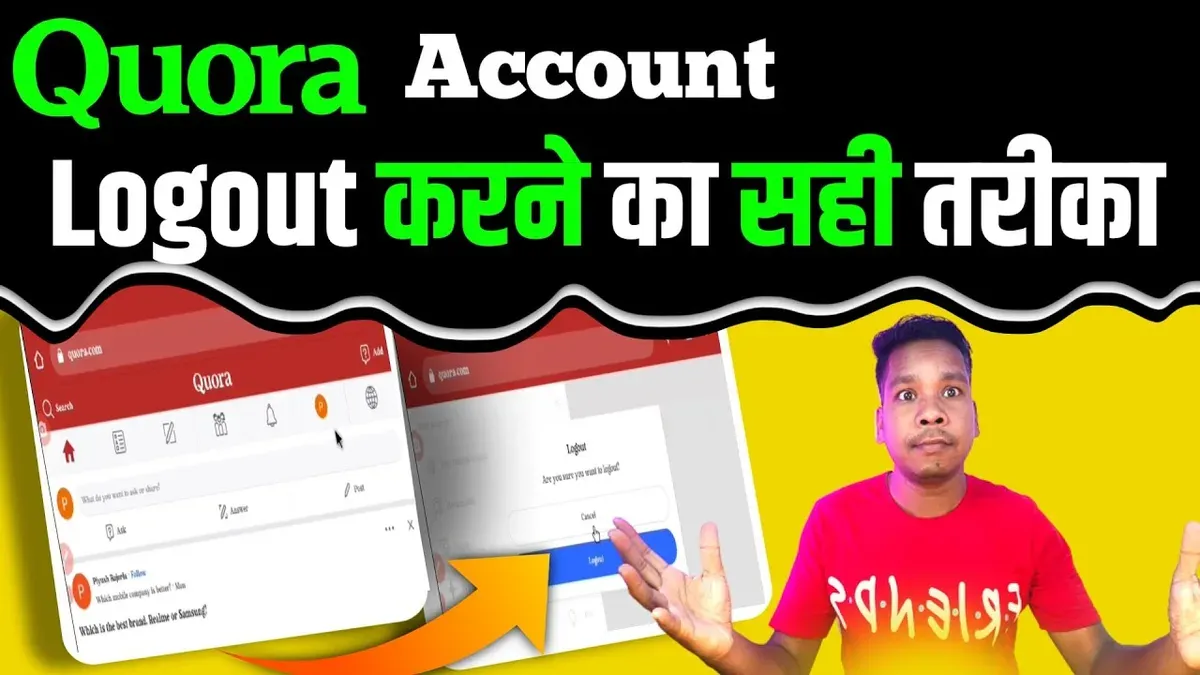
Quora partners with third-party service providers and advertisers who may receive limited access to user data under strict confidentiality agreements. These partnerships enable targeted advertising and analytics but do not involve unrestricted data sales. Users should be aware that data sharing is governed by privacy policies and applicable laws, similar to other Q&A and social platforms.
To protect personal data on Quora, users should regularly review privacy settings accessible via the Settings & Privacy menu. Limiting profile visibility, disabling certain personalization features, and managing ad preferences can reduce data exposure. Additionally, being cautious about the information shared in posts and answers helps maintain privacy.
Tip: Regularly update the privacy settings and review connected apps to ensure no unauthorized data access.
Frequently asked questions
How to delete quora account permanently?
To delete a Quora account permanently, go to Settings > Privacy > Delete Account. Confirm the action by entering the account password. Once deleted, the account and all associated content will be removed and cannot be recovered.
How to delete quora account?
Deleting a Quora account involves navigating to Settings, selecting Privacy, and choosing Delete Account. Follow the prompts to confirm the deletion. This process permanently removes the account and data.
How to cancel quora account?
Canceling a Quora account typically means deleting it. Use the Delete Account option in Settings under Privacy. There is no separate cancelation process aside from account deletion.
How to deactivate quora account?
Quora does not offer a deactivation option. The only way to stop using Quora without deleting the account is to log out and stop activity. For permanent removal, use the Delete Account feature.
How to cancel Quora account?
To cancel a Quora account, access Settings, go to Privacy, and select Delete Account. Confirm the deletion with your password. This permanently cancels the account and deletes all user data.
What this advice does not cover and when to seek further help
This guide does not cover issues related to account hacking or recovery when login credentials are lost without available recovery options. In such cases, direct contact with Quora support is necessary to regain access or secure the account. It also does not address advanced privacy settings beyond logging out, deleting, or deactivating the account. Users needing help with suspicious activity or unauthorized access should prioritize contacting Quora’s security team immediately.
For most users aiming to manage device sessions and account status, the next best step is to regularly review active sessions under Settings > Account > Manage Devices and log out from unfamiliar devices promptly. This maintains control over where the account is accessed and enhances security by limiting exposure. Consistent monitoring combined with understanding Quora’s account controls offers the most practical way to keep the account secure and manageable.
See also: How to Log Out of LinkedIn on All Devices: Clear Step-by-Step Instructions · How to Log Out of Instagram on All Devices: Complete Step-by-Step Guide · How to Log Out of Discord on All Devices: Clear Step-by-Step Guide