Is Adobe Safe? A Clear Guide to Using Adobe Software Securely
Discover how to safely download, install, and use Adobe software while avoiding common security risks and ensuring data protection.

This article provides a clear overview addressing the question, is Adobe safe to download, install, and use. Adobe software is widely used across personal and professional environments, making security and usability key concerns for many users.
Adobe maintains a strong focus on security with regular updates and patches to protect against vulnerabilities. However, users should be aware of potential risks such as phishing attacks mimicking Adobe notifications, and the importance of downloading software only from official Adobe websites.
From a usability standpoint, features like autosave and safe mode vary across Adobe products and can impact data preservation and troubleshooting. Understanding these nuances helps users make informed decisions about using Adobe tools safely and effectively.
Is Adobe Safe to Download and Use?
Adobe software is generally safe to download and use when obtained from official sources such as Adobe's website or authorized app stores. As a major software company, Adobe implements industry-standard security practices, regularly releasing security updates and patches to protect users against vulnerabilities.
Downloading Adobe products from third-party websites poses significant risks, including exposure to malware and phishing attacks. Fake Adobe installers are commonly used by cybercriminals to distribute malicious software, leading to infections that can compromise personal and business data.
Reports indicate that malware incidents linked to counterfeit Adobe downloads are considerably higher compared to downloads from official channels, underscoring the importance of verifying the source before installation. Adobe's update frequency contributes to maintaining a secure environment by addressing newly discovered threats promptly.
Tip: Always verify the URL before downloading Adobe software and enable automatic updates to ensure the latest security patches are installed.
Is Adobe Acrobat Safe to Use and Online?
Adobe Acrobat is generally safe to use both as a desktop application and through its online PDF tools when users follow basic security practices. The desktop version is regularly updated by Adobe to address vulnerabilities; for example, past updates have patched critical flaws that could allow malicious code execution via crafted PDF files.
Using Adobe Acrobat Online involves uploading documents to Adobe's servers, where files are encrypted during transfer and processing. However, users should review Adobe's privacy policies to understand how data is handled and retained, especially for sensitive documents. Local processing with the desktop app typically offers greater control over document privacy.
One common risk when using Acrobat, whether desktop or online, is opening PDFs from unknown or untrusted sources. Malicious PDFs can contain scripts or embedded content designed to exploit software vulnerabilities or perform phishing attacks. Users should verify the source and scan files with antivirus software before opening.
Tip: Enable Acrobat’s Protected Mode (found under Edit > Preferences > Security (Enhanced)) to add an extra layer of security against malicious PDF content.
Is Adobe Flash Safe and What Happened to It?
Adobe Flash is no longer safe to use and is officially unsupported. Due to numerous security vulnerabilities, Adobe ended support for Flash Player on December 31, 2020, and strongly recommends uninstalling it.
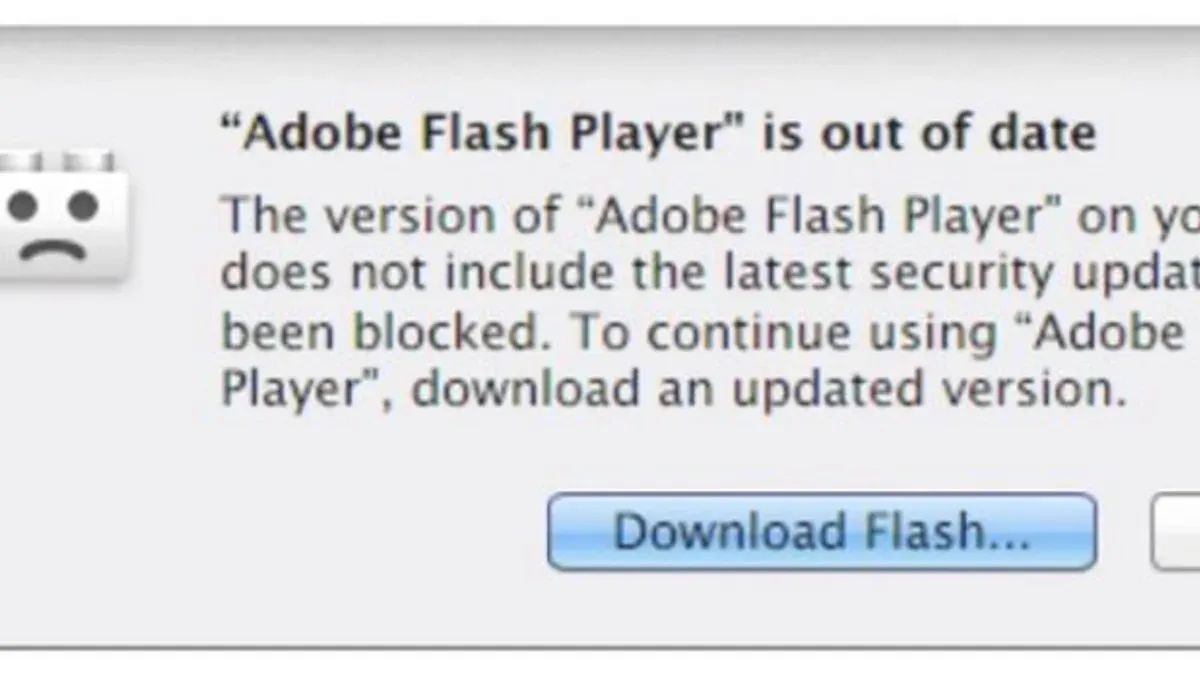
Historically, Flash was plagued by frequent security flaws that allowed attackers to exploit systems through malicious Flash content. These issues led to a high rate of exploits and made Flash a common target for cyberattacks. In response, major web browsers gradually disabled or removed Flash support starting years before its official end of life.
Modern websites and applications have transitioned to safer, more efficient technologies such as HTML5, WebGL, and WebAssembly, which do not carry the same risks. Continuing to use Flash today exposes users to potential malware infections, data breaches, and other security threats.
Tip: If Flash Player is still installed, uninstall it through the system's control panel or Adobe's official uninstaller to reduce security risks.
Common Adobe Usage Issues: Safe Mode, Saving Problems, and Settings
Users often face issues like needing to open Adobe Acrobat in safe mode, encountering greyed-out save options, and dealing with save settings that impact file security and recovery. Opening Adobe Acrobat in safe mode helps diagnose and fix problems caused by corrupted preferences or plug-ins. To do this on Windows, hold the Ctrl key while launching Acrobat; on Mac, hold the Shift key during startup. This disables third-party extensions and restores default settings temporarily.
When 'Save to computer' or 'Save for web' options are greyed out, it typically results from permissions restrictions, file protection settings, or working with files opened in read-only mode. For example, a PDF opened from an email attachment might restrict saving. Checking file properties and ensuring the document is not secured or digitally signed can resolve this.
Adobe’s save settings influence both file security and recovery options. Enabling auto-save and versioning within Preferences > Documents enhances recovery after crashes but may slightly increase disk usage. Conversely, strict security settings can limit saving capabilities to protect sensitive content but might cause confusion when saving options are disabled.
Tip: Regularly updating Adobe software and reviewing document security settings can prevent many common saving and usability issues.
Is Adobe Express and Adobe AIR Safe to Use?
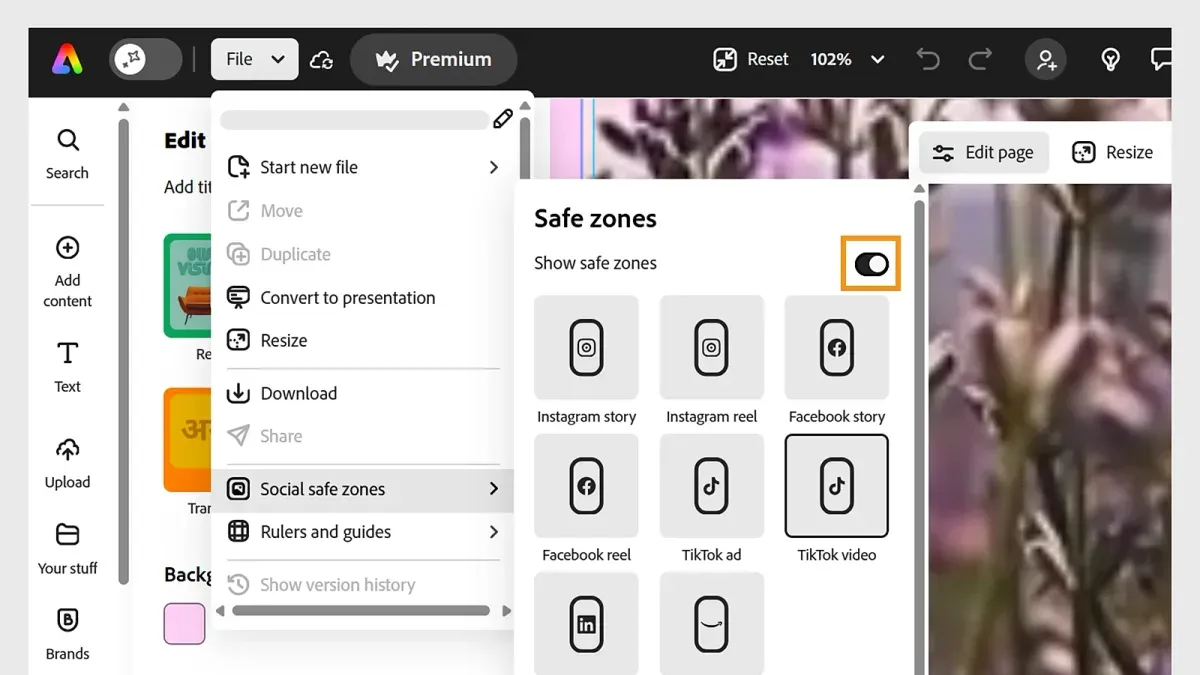
Adobe Express and Adobe AIR are generally safe to use when obtained from official sources and kept up to date. Adobe Express, a cloud-based design platform, follows standard cloud security protocols such as encryption of data in transit and at rest, and regular security updates, aligning with common industry practices for protecting user data and privacy.
Adobe AIR, an application runtime used for building desktop and mobile apps, has some legacy security concerns due to its older architecture. However, it remains safe if users maintain the latest version, as Adobe periodically releases security patches to address vulnerabilities. Users should be cautious about the source of AIR applications, as third-party apps can vary in security.
Both products require attention to updates and official download channels to ensure security. Avoiding unofficial downloads and regularly checking Adobe’s update logs can help users minimize risks associated with outdated or compromised software.
Tip: Enable automatic updates in Adobe AIR settings and use Adobe Express through the official website to ensure the most secure experience.
Further reading
- How to Check If a Website Is Legit: A Step-by-Step Guide
- How to Check If an Email Sender Is Legit: Step-by-Step Guide
- How to Recover and Secure a Facebook Account After a Hack
- How to Secure and Manage a Bumble Account After a Hack
Frequently asked questions
Is adobe safe to use?
Adobe software is generally safe to use when downloaded from official sources like Adobe's website or authorized distributors. Adobe regularly updates its products to fix security vulnerabilities, but users should keep software up to date to minimize risks. Like any software, Adobe products can be targeted by malware if obtained from unverified sources.
Is adobe express safe?
Adobe Express is a cloud-based design tool that operates within a secure online environment managed by Adobe. It uses HTTPS encryption to protect user data during transmission, making it safe for general use. Users should ensure their account credentials are strong and enable two-factor authentication for added security.
Is adobe air safe?
Adobe AIR is a runtime environment that allows developers to deploy applications across platforms. It is safe to use if the AIR applications come from trusted developers and sources. However, because AIR apps can access system resources, users should be cautious about installing AIR apps from unknown or suspicious origins.
Is adobe acrobat online safe?
Adobe Acrobat Online provides PDF creation and editing tools through a secure web interface with encrypted connections. It is safe to use for uploading and processing documents, but users should avoid uploading sensitive information unless they trust the platform and understand the privacy terms. Adobe maintains strict data protection standards for its online services.
Is adobe safe to delete?
Uninstalling Adobe software is safe and can be done via the operating system’s control panel or Adobe’s dedicated uninstallers. Deleting Adobe products will remove associated files and settings, but users should back up important documents created with Adobe apps before removal. Some Adobe products may leave residual files, which can be cleaned manually if desired.
What this advice does not cover
This article does not cover enterprise-level Adobe security configurations or vulnerabilities that may affect specific industries. Users with high-security requirements, such as those handling sensitive financial data or government information, should consult specialized IT security professionals to assess risks and implement tailored protections.
For general users and small business owners, the single most useful next step is to ensure Adobe software is always updated through the official Creative Cloud desktop app or Adobe’s website. Regular updates include critical security patches and usability improvements that reduce risks and enhance stability. Additionally, reviewing and adjusting settings like file autosave intervals and enabling Protected Mode in Acrobat can prevent data loss and improve safety during use.