What to Do If Your Charles Schwab Account Is Hacked
Discover how to respond swiftly and protect your assets if your Charles Schwab account is hacked, with clear recovery and prevention tips.

You log in to your Charles Schwab account only to find unfamiliar transactions or changes you didn’t make. Discovering your Charles Schwab account hacked can be stressful and confusing, but swift action is crucial to limit damage and regain control.
This guide explains what happens when your account is compromised, how to securely access and manage your accounts, and the specific steps Schwab provides for recovery. It also covers common technical issues, security tips to prevent scams, and mistakes to avoid to keep your investments safe.
Key takeaways
- Immediately contact Charles Schwab’s customer service if you notice suspicious activity.
- Use Schwab’s two-factor authentication and regularly update your password via the Profile & Settings menu.
- Monitor account statements and alert Schwab of any unauthorized transactions within 60 days.
- Understand how to securely manage multiple accounts through Schwab’s online dashboard.
- Be aware of common phishing scams targeting Schwab users and how to recognize them.
What happens if my Charles Schwab account is hacked
If your Charles Schwab account is hacked, unauthorized activities can include trades you did not approve, transfers of funds to unknown accounts, or access to your personal data. For example, a hacker could sell your securities or transfer cash to an external bank account, potentially causing financial loss.
Beyond financial risks, personal information stored in the account, such as Social Security numbers and contact details, may be exposed, increasing the risk of identity theft. Charles Schwab has systems that monitor unusual activity patterns, such as logins from unfamiliar devices or rapid trading inconsistent with your history. When such activity is detected, Schwab typically locks the account and contacts you to confirm transactions.
Charles Schwab offers protections including zero liability for unauthorized transactions reported promptly and a dedicated fraud resolution team. Their policies require prompt reporting of suspicious activity to qualify for these protections. While publicly available data on the frequency of Schwab account breaches is limited, financial institutions like Schwab emphasize robust fraud detection and customer safeguards to minimize risks.
Imagine you log in and see a large withdrawal or a trade you never made. Schwab’s immediate response tools and customer support aim to freeze the account quickly, limiting damage while guiding you through recovery steps. Knowing these potential consequences prepares you to act swiftly if your account security is compromised.
How to access your Charles Schwab account securely
To log in securely to your Charles Schwab account, start by navigating to the official Schwab website at schwab.com or by opening the Schwab mobile app. Enter your username and password carefully to avoid typos, then complete the two-factor authentication (2FA) process, typically involving a code sent to your registered mobile device or email. If you have not set up 2FA, Schwab strongly recommends enabling it under Settings > Security to add an extra layer of protection.
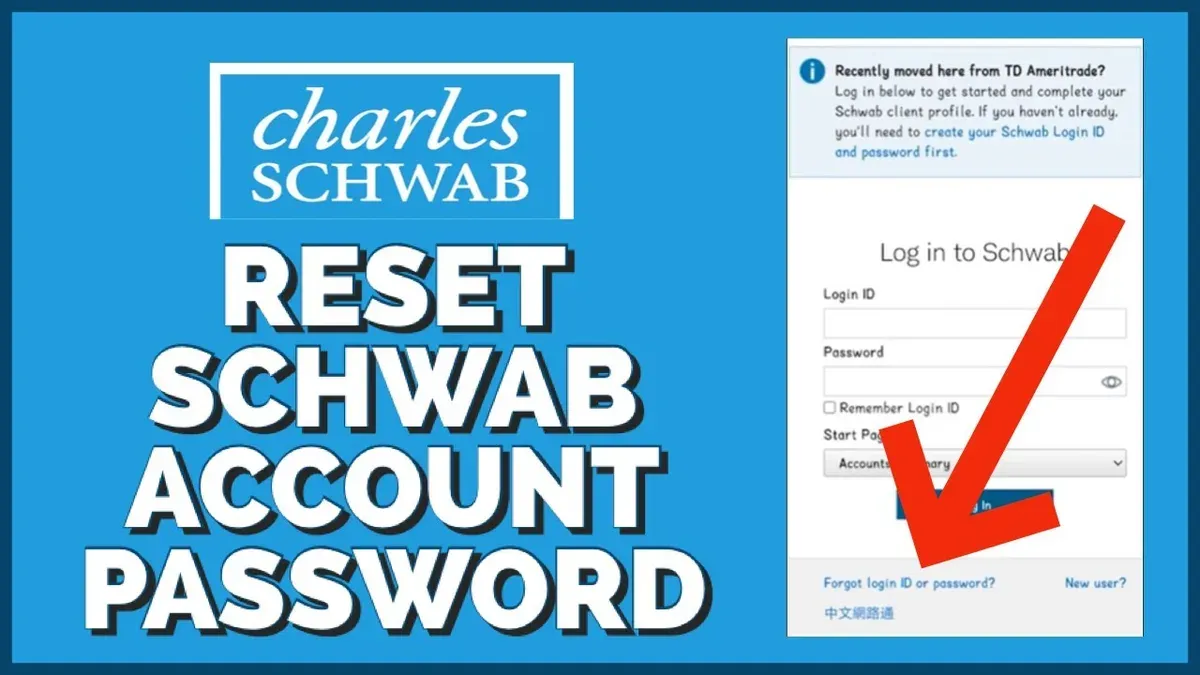
Common login issues include account lockouts after multiple failed attempts. If this happens, use the Forgot Password or Unlock Account links on the login page to reset your credentials or regain access. Schwab’s customer service is also available to assist if automated options do not resolve the problem.
Be cautious of phishing attempts that mimic Schwab’s login page or send unsolicited emails asking for credentials. Signs of scams include poor grammar, urgent language demanding immediate action, or links with suspicious URLs. Always access your account by typing the official URL directly or using the verified mobile app.
For example, after entering your username and password on schwab.com, you might receive a one-time passcode on your phone. Enter this code promptly to access your account. If you do not receive the code, check your phone number under your profile settings or contact Schwab support.
By following these steps and using Schwab’s security features like 2FA and secure password management, you reduce the risk of unauthorized access and make your login process safer.
How to get a Charles Schwab account and manage multiple accounts
Opening a Charles Schwab account starts with visiting the official Schwab website and selecting the "Open an Account" option. You will be prompted to choose from several account types, such as brokerage accounts for investing, or Schwab Bank checking accounts designed for everyday banking with features linked to your investment accounts. The application process requires personal information, Social Security number, and funding details, which can be completed online in one session.
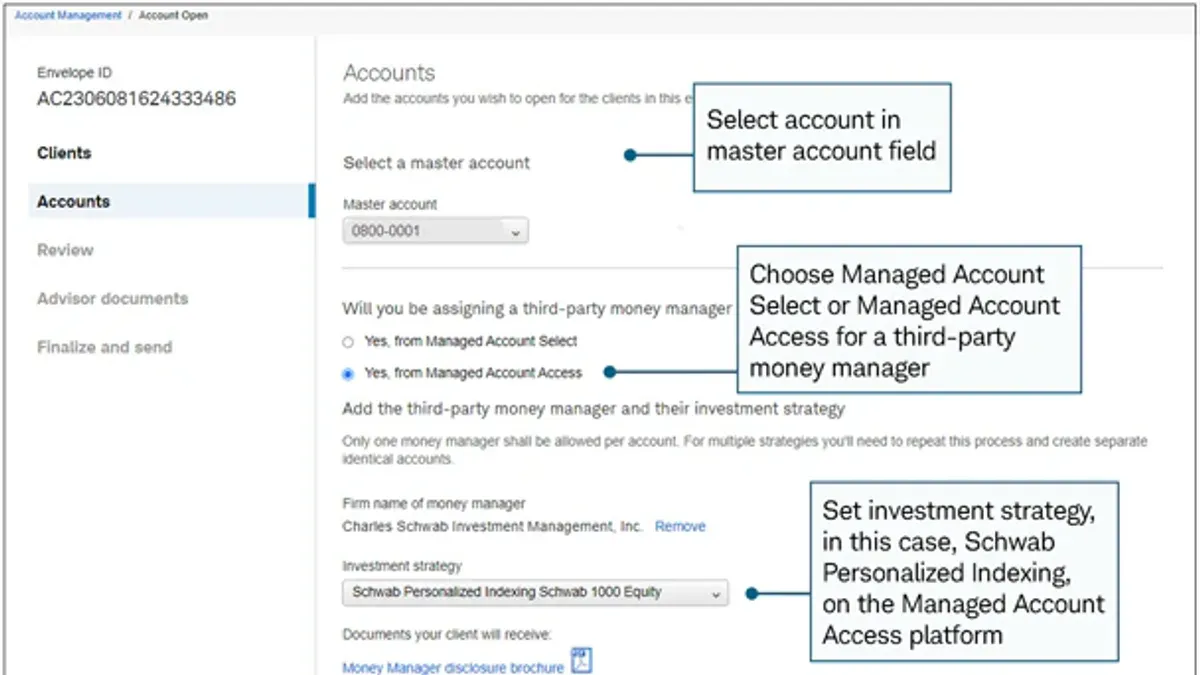
Charles Schwab offers different account types with distinct purposes. Brokerage accounts allow trading stocks, ETFs, and mutual funds, while checking accounts provide no-fee ATM access, debit cards, and optional direct deposit. You can link a Schwab checking account to your brokerage account for seamless transfers and consolidated management.
It is possible and common to hold multiple Schwab accounts under your name. For example, you might have a taxable brokerage account for trading, an IRA for retirement, and a checking account for daily expenses. The Schwab website and mobile app provide options to view and manage all your accounts from a single login, with clear tabs and summaries. This setup helps you keep investments and banking separate but easily accessible.
| Account Type | Main Purpose | Key Features |
|---|---|---|
| Brokerage Account | Investing in securities | Trade stocks, ETFs, mutual funds; no minimum deposit |
| Schwab Checking Account | Everyday banking | No monthly fees, unlimited ATM fee rebates, linked transfers |
| Retirement Account (IRA) | Tax-advantaged retirement saving | Tax benefits, investing options, contribution limits |
For instance, if you open a Schwab brokerage account and later want to manage your cash flow, applying for a Schwab checking account linked to your brokerage allows quick fund transfers without delays or fees. Managing multiple accounts through Schwab’s dashboard also helps you monitor balances and transactions efficiently.
How to delete your Charles Schwab account safely
To close your Charles Schwab account, start by logging into your account via the official Schwab website or mobile app. Navigate to the “Account Settings” section, then select “Close Account” or “Account Closure Request.” You may be prompted to call Schwab’s customer service to verify your identity and confirm the closure request.
Before closing, ensure all your investments are sold or transferred. Any remaining funds should be withdrawn or moved to another account; otherwise, Schwab will send you a check for the balance after processing the closure. Keep in mind that selling investments may trigger taxes or fees depending on your holdings.
Charles Schwab does not typically charge fees for account closure, but you might face costs related to selling assets or transferring funds. Additionally, some accounts with pending transactions or margin loans cannot be closed until those obligations are settled.
Users have reported delays when closing accounts if there are unresolved issues, such as unsettled trades or outstanding documents. To avoid complications, double-check that your account has no active orders, pending deposits, or linked services like recurring transfers. Schwab also recommends downloading statements and tax documents before closing, as access may be limited afterward.
For example, if you hold mutual funds in your Schwab brokerage account, you must sell or transfer these before requesting closure. After confirming liquidation and withdrawing the proceeds, you can complete the closure request by phone or online. Schwab customer service typically confirms the closure within a few business days, but delays can occur if the account isn’t fully settled.
Why Charles Schwab website or login might be down or have problems
Charles Schwab’s website and login services may experience outages or access issues due to routine maintenance, unexpected technical glitches, or increased traffic during volatile market periods. For example, a sudden surge in trading activity during a market downturn can overload servers, causing delays or temporary unavailability.
To verify if Schwab’s services are down, check their official status page or Twitter support account, where they post updates on outages and estimated restoration times. If these channels confirm a problem, using alternative contact methods like phone support or the Schwab mobile app may provide temporary access.
Sometimes, connection issues stem from your own device or network. Clear your browser cache, ensure your internet connection is stable, try a different browser, or restart your device to rule out local issues. Distinguishing between Schwab’s platform problems and personal device errors helps avoid unnecessary frustration.
Historically, like many financial platforms, Schwab has faced occasional outages during high-impact events such as market crashes or system upgrades. These incidents highlight the importance of patience and using official channels for updates rather than repeatedly attempting to log in, which could trigger security locks.
How to protect your Charles Schwab account from scams and hacks
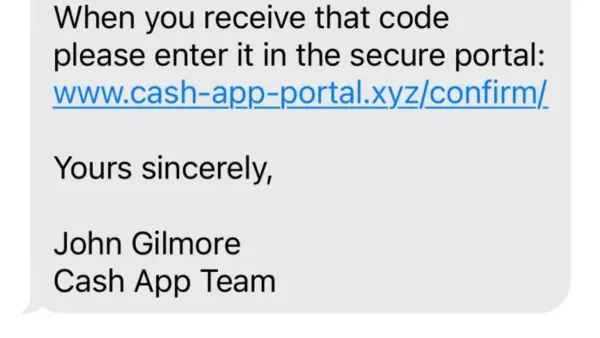
Scammers often impersonate Charles Schwab through emails or texts claiming urgent account issues or unusual activity. These messages might ask you to click a link or provide login details, but Schwab never requests sensitive information this way. A common scam message might say, “Your Schwab account has been locked due to suspicious activity. Click here to verify your identity.” Always verify such communications by logging in directly via the official Schwab website or app.
Use strong, unique passwords and enable two-factor authentication (2FA) through Schwab’s Security Settings under Profile & Preferences. This adds a second verification step using an authenticator app or SMS code, greatly reducing unauthorized access risks.
Keep your devices secure by regularly updating software and using antivirus tools. Avoid logging in on public or shared computers to prevent credential theft.
Charles Schwab offers security alerts that notify you of unusual login attempts and large transactions. Activate these alerts via the Notifications section in your account settings to stay informed in real time.
If you detect suspicious activity or receive a scam message, report it immediately to Schwab’s Security Center through their website or by calling their customer service. You can also notify authorities such as the FTC or your local consumer protection agency.
Example: You receive a text saying your Schwab account was accessed from an unknown device and must verify now. Instead of clicking the link, you log in directly to Schwab’s site, find no alerts, and report the text as a scam. Your quick action helps prevent a potential hack.
How to recover your Charles Schwab account after a hack
If you suspect your Charles Schwab account has been hacked, act immediately to limit damage. Start by logging out of all devices and changing your password through the Schwab website under Settings > Security Preferences > Password. Next, contact Charles Schwab Customer Service at their dedicated fraud line: 1-800-984-8082. Schwab requires you to verify your identity by confirming personal details and recent account activity to prevent further unauthorized access.
Once identity verification is complete, request that Schwab place a temporary hold or freeze on your account to block any pending transactions. Schwab’s fraud team will investigate suspicious trades or transfers and work to reverse unauthorized activity when possible.
After regaining control, enhance your account security by enabling two-factor authentication via Settings > Security Preferences > Two-Factor Authentication. Monitor your account daily for any unusual activity during recovery. For example, if an investor notices an unfamiliar trade at 9 a.m., calling Schwab’s fraud line immediately and following these steps can secure the account by noon, minimizing potential losses.
Schwab’s customer support protocols focus on prompt verification and account freezing, which many users find effective for recovery, though success depends on swift action and clear communication.
Common mistakes to avoid with your Charles Schwab account security
Many Schwab account breaches stem from simple user errors that increase vulnerability. One frequent mistake is ignoring suspicious emails or texts that claim to be from Schwab. For example, a user received a message prompting password reset via a link; clicking it led to credential theft. Always verify communications by logging into your account directly rather than using embedded links.
Using weak or repeated passwords is another common error. Passwords like "123456" or reusing the same password across multiple sites make it easier for hackers to gain access. Schwab’s platform allows you to update your password under Profile > Security Settings. Choose a strong, unique password that combines letters, numbers, and symbols.
Delaying account updates and ignoring alerts also put your account at risk. Schwab sends notifications for suspicious activities or required updates. Ignoring these can allow unauthorized actions to continue unnoticed. Regularly check your Alerts > Notification Preferences and act promptly on any warnings.
Sharing account details or accessing your Schwab account on unsecured public Wi-Fi networks can expose your information. For instance, logging in at a café without a VPN risks interception of your credentials. Use trusted devices and secure connections to minimize this risk.
Expert recommendations emphasize maintaining account hygiene by promptly updating credentials, enabling two-factor authentication, and scrutinizing any unexpected communication. Avoiding these common mistakes significantly reduces the chance of your Schwab account being compromised.
- How to Protect and Recover Your Cash App Account from Hacks
- How to Protect Your Binance Account from Hacks and Login Issues
- How to Protect Yourself if Your Apple Pay Account Is Hacked
- How to Understand and Secure Your Box Account After a Hack
Frequently asked questions
How to access charles schwab account?
To access your Charles Schwab account, go to the official Schwab website and click on the "Log In" button. Enter your username and password, then complete any two-factor authentication if prompted. If you forget your login credentials, use the "Forgot Username/Password" link to reset them securely.
Does charles schwab have a checking account?
Yes, Charles Schwab offers a checking account called the Schwab Bank High Yield Investor Checking® Account. It features no monthly fees, unlimited ATM fee rebates worldwide, and is linked to a Schwab brokerage account for easy transfers.
How to delete charles schwab account?
To delete your Charles Schwab account, you must first contact Schwab customer service directly by phone or secure message. Ensure all outstanding transactions are settled and your account balances are withdrawn or transferred. Schwab does not provide an online account deletion option for security reasons.
Why is charles schwab website down?
The Charles Schwab website may be down due to scheduled maintenance, unexpected technical issues, or high traffic volumes. Check Schwab’s official social media channels or status pages for announcements. If the problem persists, contacting customer support can provide additional information.
Is charles schwab having login problems?
Login problems with Charles Schwab often stem from incorrect credentials, browser compatibility issues, or temporary server outages. Clearing your browser cache, trying a different browser, or resetting your password usually resolves these issues. Persistent problems should be reported to Schwab support.
What this advice does not cover
This article does not cover complex legal disputes or identity theft recovery that requires professional legal or financial advice. If your situation involves fraudulent activity beyond unauthorized account access, such as identity theft or criminal investigation, you should contact legal counsel and law enforcement immediately. Additionally, for issues related to tax implications or detailed asset recovery, consulting a certified financial advisor is recommended.
The single most useful next step after securing your account is to set up two-factor authentication (2FA) through Schwab’s security settings. Navigate to your Profile & Settings, select Security Preferences, and enable 2FA using an authenticator app or SMS verification. This adds a critical layer of protection beyond just your password and helps prevent unauthorized access in the future.