Blackboard Rollout Plan for Small Rural Schools: A Practical Guide
Learn how to tailor a Blackboard rollout plan to fit the unique needs and constraints of small rural schools for smooth, effective implementation.

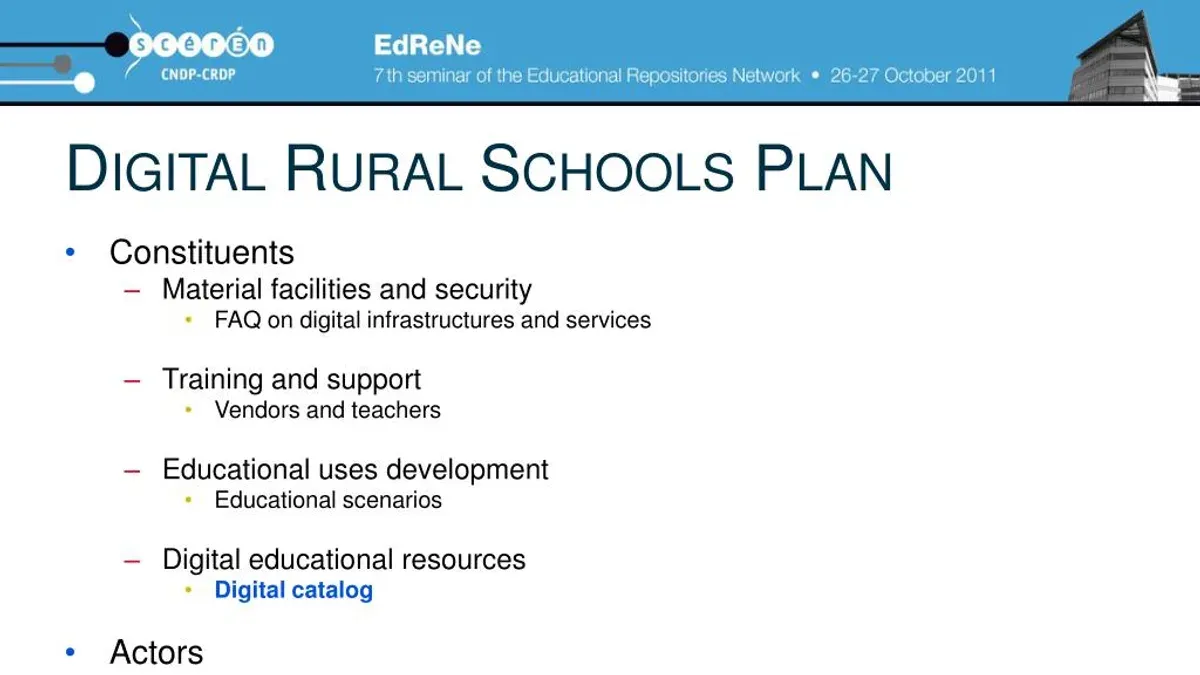
Short answer: A successful Blackboard rollout plan for small rural schools requires adapting strategies to fit limited infrastructure, smaller staff, and unique community dynamics. Focus on assessing your technology readiness, providing targeted training, and engaging local stakeholders to ensure smooth implementation despite resource constraints.
This article guides you through tailoring your Blackboard rollout plan specifically for small rural schools. You will learn how to evaluate your school's current technology setup, develop training that fits your staff’s capacity, involve the community early, and phase your implementation with achievable milestones. The goal is to help you avoid common pitfalls and make the most of Blackboard’s capabilities within your unique rural context.
Understand What Blackboard Offers and Why It Matters for Rural Schools
Blackboard is a comprehensive learning management system (LMS) designed to centralize course materials, assessments, and communication into a single digital platform. Its key features include assignment submission portals, discussion boards, grade tracking, and integrated video conferencing tools. For small rural schools, these capabilities help bridge the geographic isolation that often limits access to diverse resources and specialized instruction.
Rural schools typically face challenges such as limited broadband access and smaller IT teams, making a tailored Blackboard rollout essential. A well-planned implementation ensures that staff can manage the system efficiently without overwhelming their existing workload. For example, a rural school with 150 students might use Blackboard’s mobile app to enable students with intermittent internet access to download lessons offline, maintaining engagement even when connectivity is unstable.
Research shows that rural students benefit from LMS platforms by gaining access to wider course offerings and flexible learning schedules, which can improve retention and performance compared to traditional methods. However, rural schools often see lower digital access rates than urban counterparts, underscoring the need for customized training and infrastructure support to realize Blackboard’s full potential.
Assess Your Rural School’s Infrastructure and Readiness
Begin by evaluating your current internet connectivity and bandwidth. Many rural schools face limited or inconsistent service. For example, a small school in a farming community found its upload speed capped at 3 Mbps, which constrained real-time video use on Blackboard. Testing speeds during peak hours highlights actual performance instead of advertised rates.
Next, inventory existing hardware. Identify devices that meet Blackboard’s requirements, such as computers with at least 4GB RAM and updated browsers. A middle school in a remote area discovered half its desktops ran outdated operating systems incompatible with Blackboard’s latest features. Prioritize upgrading those machines or consider a phased device refresh.
Assess digital literacy among staff and students. Conduct surveys or informal interviews to gauge comfort with learning management systems and basic troubleshooting. A small rural school found that while teachers were eager, many had minimal LMS experience, prompting a need for foundational training before rollout.
After gathering this data, map out gaps and rank upgrades by impact and cost. For example, improving bandwidth might be costly but critical, while upgrading outdated peripherals can be scheduled later.
Checklist for your infrastructure audit:
- Measure actual internet speed during school hours
- List all hardware and check compatibility with Blackboard’s requirements
- Survey staff and students on digital skills and LMS familiarity
- Identify critical infrastructure gaps and prioritize upgrades
- Create a timeline and budget for addressing these gaps
Plan Training and Support Tailored to Your Small Rural Staff
Design training that fits your small, diverse team by focusing on hands-on sessions with real Blackboard tasks. For example, schedule workshops where staff practice creating courses, managing assignments, and using the Grade Center directly on their devices. This practical approach builds confidence and skill faster than lectures.
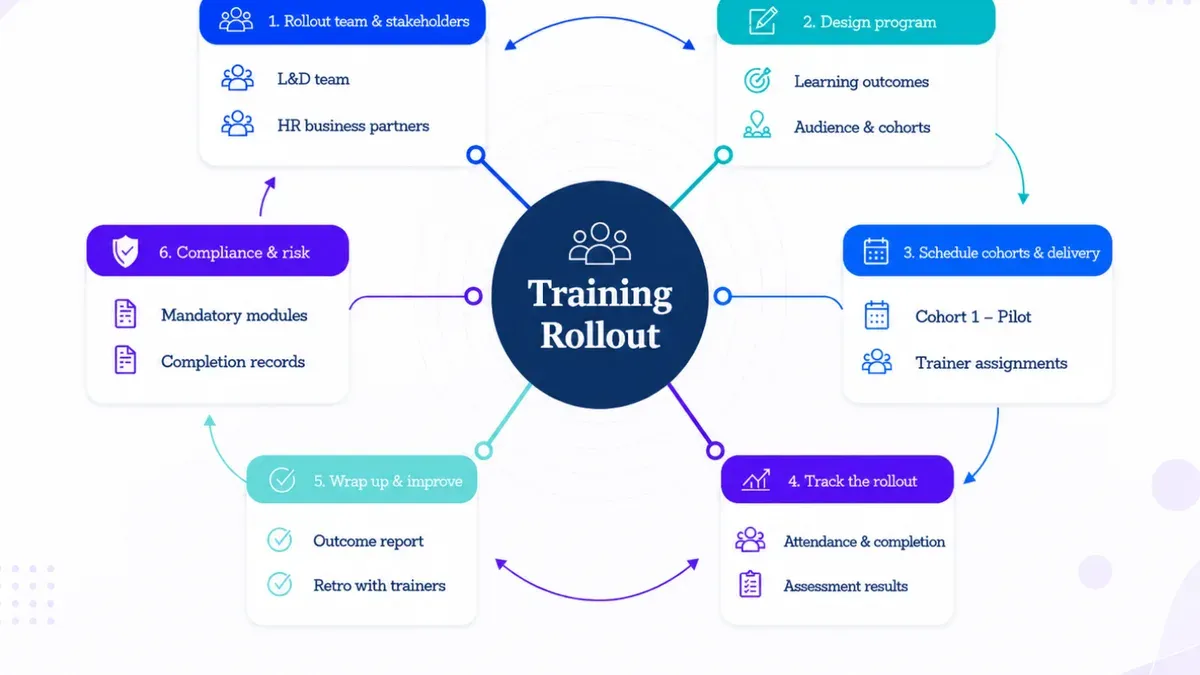
Leverage peer mentoring by identifying tech-savvy teachers or staff as local champions. One rural school appointed two teachers as Blackboard mentors, who then provided one-on-one support and shared tips during weekly staff meetings. This minimized the need for outside trainers and ensured help was accessible whenever issues arose.
Plan training times around your school’s busiest periods to avoid conflicts with teaching duties. Short, frequent sessions work better than long, infrequent ones, especially when resources and substitute coverage are limited.
Maintain adoption with ongoing support through a small help team or an internal support channel, such as a dedicated email or chat group. This keeps troubleshooting quick and encourages continuous use.
- Schedule hands-on training sessions focusing on key Blackboard features
- Identify and empower local tech champions for peer mentoring
- Use short, frequent training to fit school schedules
- Establish an ongoing internal support system for troubleshooting
Engage Your Community and Build Buy-In Early
For a smooth Blackboard rollout, actively involving teachers, parents, and local stakeholders is essential. Start by clearly communicating the benefits Blackboard brings, such as streamlined communication and access to resources, while openly addressing concerns like technology anxiety or connectivity issues. Hosting community meetings or virtual town halls where you demonstrate Blackboard’s features can demystify the platform and build trust.
Leverage partnerships with local libraries, businesses, or community centers to supplement limited school resources. For example, a rural school partnered with the local library to provide after-school access to computers and internet, helping families without home connectivity engage with Blackboard assignments.
Create formal feedback loops by distributing surveys or holding focus groups with teachers and parents during early phases. This input allows you to adjust training schedules, address unforeseen challenges, and improve communication channels. Over time, these efforts foster a culture that embraces technology as a valuable educational tool rather than an imposed burden.
- Host demonstrations and Q&A sessions for stakeholders
- Partner with community organizations to expand access
- Establish regular feedback channels to adapt rollout plans
- Promote ongoing dialogue to build technology acceptance
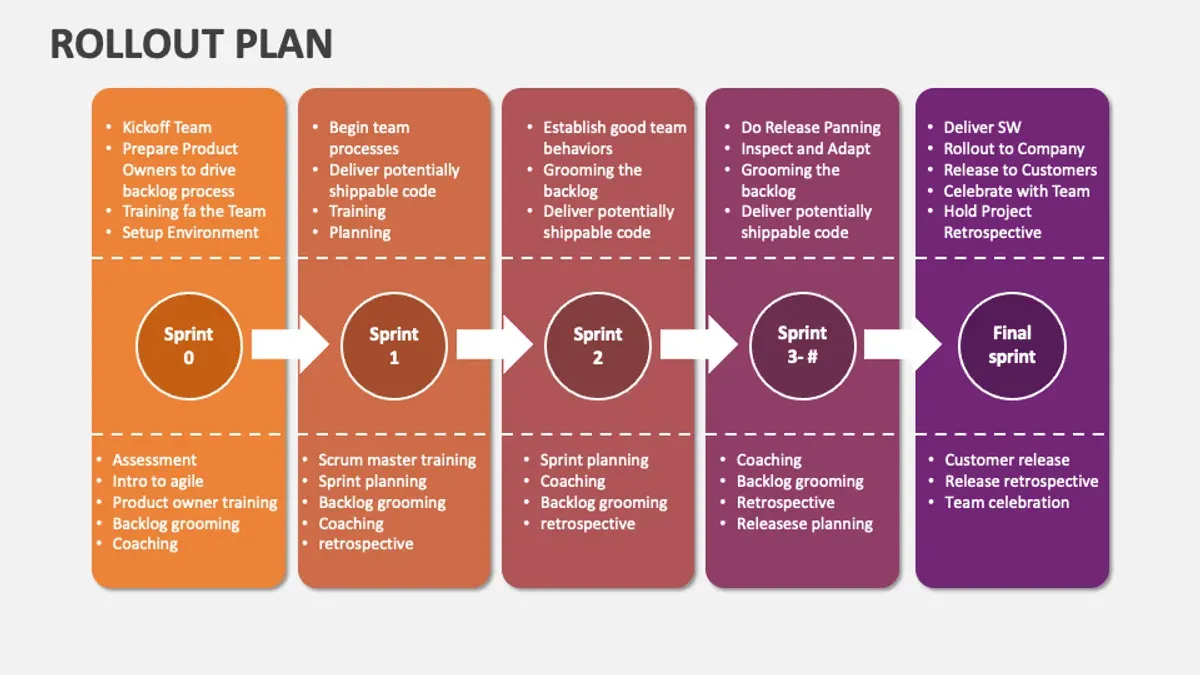
Implement Your Blackboard Rollout in Phases with Clear Milestones
Begin your Blackboard rollout by selecting a pilot group—such as one grade level or a department—to test core features like course creation, assignment submission, and grading. This controlled start limits risks and provides focused feedback. Set measurable milestones, for example: pilot launch, first completed assignment submission, full grading cycle, and user satisfaction survey results.
Establish success criteria before each milestone, such as at least 80% active use among pilot participants or positive feedback on ease of navigation. Collect usage data through Blackboard’s built-in reports and gather qualitative feedback via brief surveys or staff meetings. Use this information to adjust training or technical support before expanding to additional groups.
Balance ambition with realistic pacing by spacing phases roughly 4 to 6 weeks apart. For instance, after a 4-week pilot, roll out to additional grades over the next 8 weeks, allowing time to resolve technical issues and refine support materials. This iterative approach ensures steady progress without overwhelming your limited staff or infrastructure.
- Choose a manageable pilot group to start
- Define clear, measurable milestones and success criteria
- Gather and analyze data to inform adjustments
- Space rollout phases 4–6 weeks apart to maintain momentum and manage resources
- Expand gradually based on pilot outcomes and readiness
Avoid Common Pitfalls Specific to Rural Blackboard Rollouts
Neglecting infrastructure limitations can stall your Blackboard implementation before it begins. For example, attempting to launch without ensuring stable internet or sufficient device access often leads to frustration and low adoption rates. A rural school that ignored slow broadband speeds faced frequent login failures, causing teachers and students to abandon the platform.
Underestimating training needs is another common error. Limited staff may struggle without tailored, ongoing instruction, especially if training is condensed into a single session. Contrast this with a successful rural school that scheduled multiple hands-on workshops and peer mentoring, resulting in confident use and fewer support requests.
Failing to engage the community undermines support and resource sharing. Without early communication and involvement, parents and local partners may resist or remain unaware of Blackboard’s benefits, diminishing enthusiasm and participation.
Overloading staff with unrealistic timelines is a frequent misstep. Small rural teams juggle multiple roles, so setting phased goals without flexibility can cause burnout and missed deadlines. A school that extended its rollout deadlines and adjusted workloads maintained momentum and morale.
- Verify infrastructure capacity before rollout
- Plan repeated, practical training sessions
- Communicate early and broadly with community
- Set realistic, flexible timelines respecting staff limits
Read next
- Screencastify Rollout Plan for Remote Teams: A Practical Guide
- Google Sites Rollout Plan for Teachers with Low Tech Confidence
Frequently asked questions
How do I improve internet access to support Blackboard in a rural school?
Start by assessing your current internet speed and stability using tools like Speedtest.net. Explore partnerships with local internet providers for upgraded service or subsidies. Consider installing Wi-Fi extenders or mesh networks to increase coverage within school buildings. If wired internet is limited, mobile hotspots with LTE or 5G can serve as temporary or backup solutions.
What are cost-effective ways to train staff with limited tech experience?
Use short, focused training sessions that cover practical Blackboard tasks relevant to daily teaching. Leverage free online tutorials from Blackboard’s official resources and schedule peer-led workshops where more tech-savvy staff mentor others. Recording training sessions allows staff to revisit content at their own pace. Emphasize hands-on practice rather than lengthy theory.
Can Blackboard function well on older hardware common in rural schools?
Blackboard’s web platform generally supports older computers if browsers like Chrome or Firefox are updated to recent versions. Ensure systems have at least 4GB RAM and a dual-core processor to handle basic tasks smoothly. Disable unnecessary background applications to free up resources. For very old hardware, consider using Blackboard Mobile apps which can be less demanding.
How do I measure success during a Blackboard rollout?
Track user engagement metrics such as the number of active courses and student logins via Blackboard’s reporting tools. Collect qualitative feedback from teachers and students on usability and support satisfaction. Set clear milestones like completing staff training or uploading course materials. Monitor technical issues reported and resolution times to identify areas needing improvement.
Quick checklist
- Evaluate your current internet bandwidth and hardware capabilities to ensure they meet Blackboard’s minimum requirements.
- Identify staff members who will lead the Blackboard initiative and schedule hands-on training sessions using Blackboard’s Instructor Help resources.
- Communicate early with parents and community leaders about the benefits and timelines of the rollout to foster support.
- Break down the rollout into phases—start with core courses and expand gradually while monitoring user feedback.
- Prepare contingency plans for connectivity issues, such as offline access options and alternative communication channels.
Understand the scope and limits of this guide
This guide does not cover Blackboard customizations or integrations requiring advanced IT teams, which may be beyond the scope of most small rural schools. If your school plans to implement complex third-party integrations or custom development, engaging specialized IT consultants or Blackboard support is essential. This resource focuses on practical steps for standard Blackboard deployment tailored to small rural environments.
To move forward effectively, start by conducting a thorough infrastructure assessment using your network settings panel and hardware inventory. Confirm your current setup supports Blackboard’s recommended configurations before scheduling training. This foundational step prevents common delays and ensures your rollout begins on solid ground.