What to Do If Your Fidelity Account Is Hacked: A Clear Recovery Guide
This guide offers clear steps to help you recover and secure your Fidelity account after a hack or access issues.

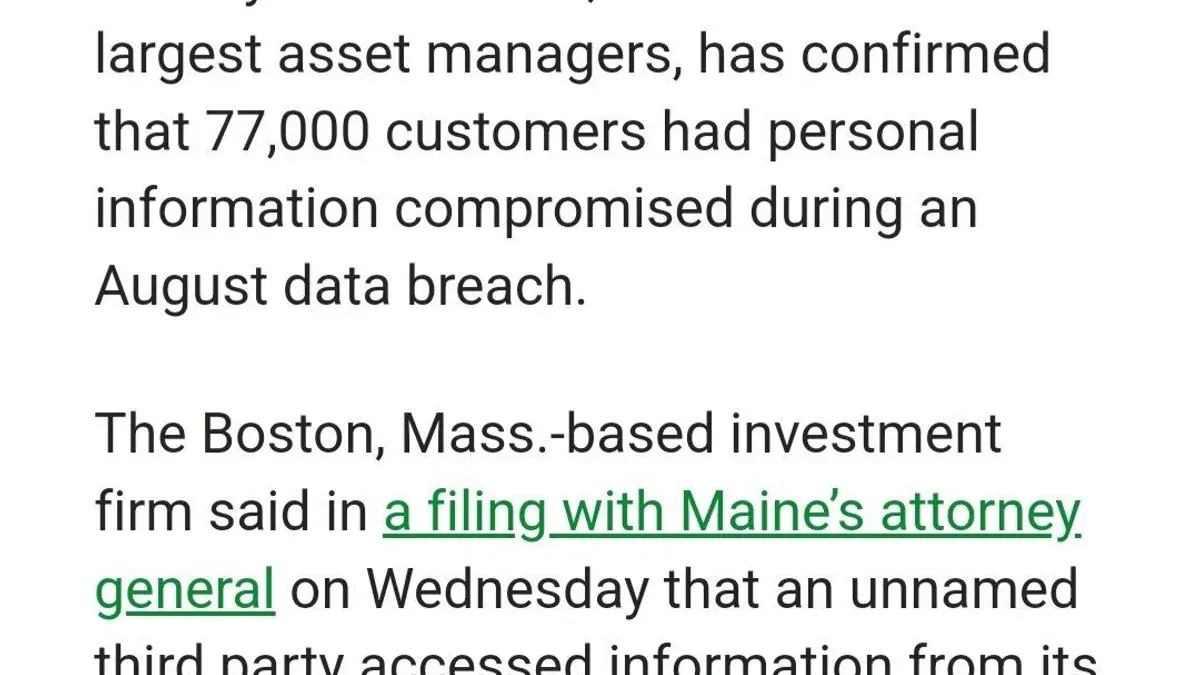
This article provides clear, actionable steps for Fidelity account holders dealing with a Fidelity account hacked scenario or related access problems. Unauthorized access can lead to account locking, suspicious activity alerts, or login failures. Understanding the reasons behind these issues and the specific recovery actions within Fidelity’s platform is crucial for regaining control swiftly.
It also addresses why accounts may be blocked for security reasons, how to secure an account after detecting suspicious activity, and the nuances of FDIC insurance on Fidelity cash accounts. Readers will learn how to navigate Fidelity’s security features, including account hiding options for enhanced privacy. This guide equips users with precise knowledge to diagnose problems and restore account security without unnecessary delays.
Why can't I access my Fidelity account?
Several factors can cause login failures or access denials on Fidelity accounts. Temporary technical issues, such as scheduled maintenance or unexpected outages, occasionally affect the Fidelity website and mobile app. These disruptions can prevent login attempts or cause slow responses. Fidelity typically notifies users about planned maintenance via their status page or customer communications, but unplanned outages may still occur.
Security measures also lead to account blocks. Multiple failed login attempts trigger automatic locks to prevent unauthorized access. Similarly, suspicious activity detected by Fidelity's security systems can result in temporary blocking to protect the account. For example, repeated incorrect password entries or login attempts from unrecognized devices often initiate these restrictions.
Another common cause is an unverified account status. Certain Fidelity account features require identity verification steps, such as confirming email addresses or submitting additional documentation. Without completing these, the system may restrict full login or access to sensitive functions.
Device and browser compatibility issues also interfere with login. Older browsers, disabled cookies, or blocked JavaScript can prevent the authentication process from completing successfully. Users who switch devices or clear browser data may face unexpected login problems if settings or saved credentials are lost.
For instance, a user trying to log in from an outdated browser might see repeated error messages or be redirected unexpectedly. Addressing these issues involves updating the browser, enabling necessary site permissions, or switching to a supported device.
What is wrong with the Fidelity website?
Fidelity’s platform occasionally experiences slowdowns or outages due to server overloads, scheduled maintenance, or unexpected technical glitches. These issues can cause delayed page loads, failed login attempts, or interrupted transactions. For instance, during peak market hours, the website may respond sluggishly as user traffic spikes.
To verify if the problem originates from Fidelity’s side, users should check the Fidelity System Status page, accessible via the footer link labeled "System Status" on Fidelity’s homepage. This page provides real-time updates on ongoing service disruptions or maintenance windows. Additionally, Fidelity posts alerts on its official Twitter account (@Fidelity) and sends email notifications to affected users.
Users sometimes mistake phishing or scam websites for Fidelity’s platform. These fraudulent sites often mimic the Fidelity login page but have subtle URL differences or lack proper security certificates. Always confirm the website address starts with https://www.fidelity.com and look for the padlock icon in the browser address bar before entering credentials.
For example, a recent user report on a financial forum described encountering a "Fidelity login page" that failed to load security images and requested unusual personal information. This was later identified as a phishing attempt, not a Fidelity website outage. Being alert to such distinctions protects account security.
Tip: Bookmark the official Fidelity login page and avoid clicking links in unsolicited emails or messages to reduce phishing risks.
Why is my Fidelity account blocked or locked for security reasons?
Fidelity employs strict security protocols that can automatically block or lock accounts when suspicious activity is detected. This includes unusual login patterns such as multiple failed password attempts, access from unfamiliar devices, or sudden changes in geographic location. For example, logging in from a foreign country without prior travel notification may trigger an immediate security block to prevent unauthorized access.
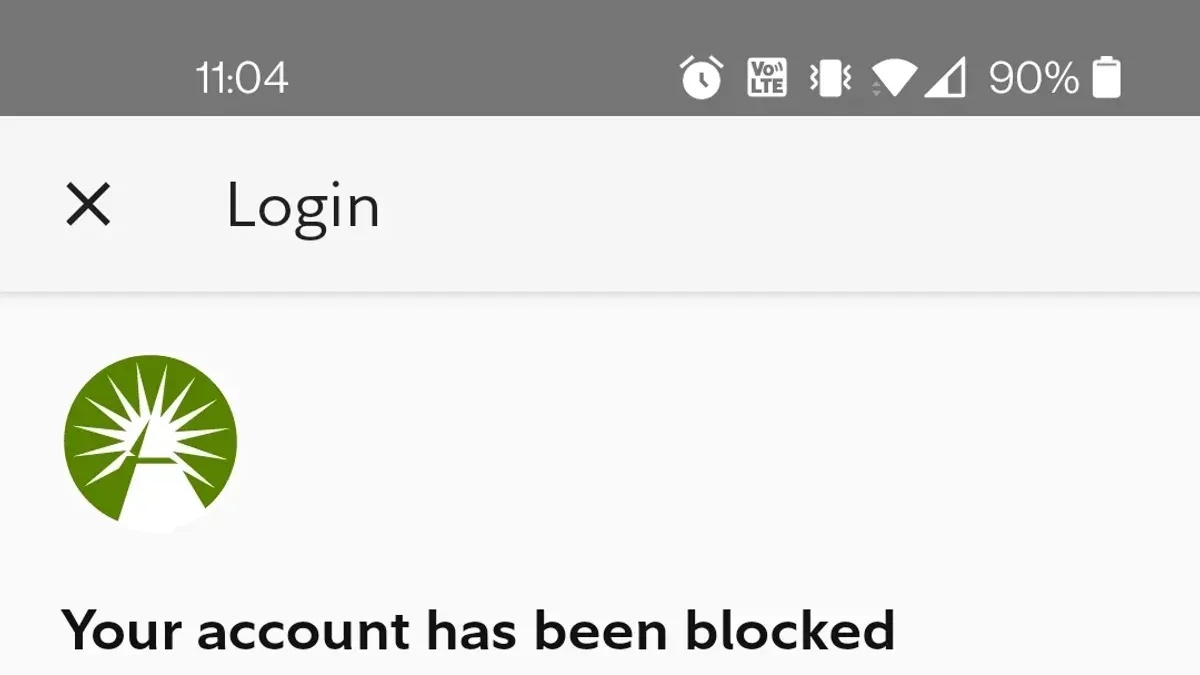
Such measures are designed to protect account holders from fraud and unauthorized transactions. Fidelity’s security policy states that accounts may be locked temporarily to investigate potential breaches or irregular activity. During this period, access to account functions is restricted until the user verifies their identity through multi-factor authentication or customer service verification processes.
Before restoring access, Fidelity typically requires confirmation via a registered phone number or email and may ask security questions to confirm the account owner’s identity. This step prevents attackers who might have obtained partial login credentials from gaining full control. For instance, a user who triggers multiple failed login attempts will receive a prompt to reset their password and verify their identity before regaining access.
Tip: Notifying Fidelity of upcoming travel or using trusted devices can reduce the chance of account locking due to location anomalies.
What happens if my Fidelity account is hacked?
If a Fidelity account is hacked, unauthorized users can execute trades, transfer funds, or access sensitive personal information. These actions may drain account balances, cause unintended investment positions, or expose Social Security numbers and linked banking details. The speed of such damage depends on how quickly the hacker gains full access and the account holder notices the breach.
For example, consider an account hacked late on a Friday evening. The intruder places several high-value stock sales and immediately initiates a wire transfer to an external bank. By Monday morning, the account holder discovers missing funds and unauthorized transactions. The recovery process begins with contacting Fidelity’s 24/7 customer support to lock the account and freeze all transactions. Fidelity then initiates an investigation, reverses fraudulent trades where possible, and works with the member to reset login credentials and enhance security settings.
Fidelity’s response includes temporarily disabling account functions to prevent further unauthorized activity. The account holder must verify their identity through multi-factor authentication and update passwords. While Fidelity provides safeguards and dispute resolution support, the user bears responsibility for promptly reporting suspicious activity to minimize losses and speed recovery.
Tip: Immediately use the “Report a Problem” option in the account’s Security Center after noticing unusual activity to trigger Fidelity’s protective protocols without delay.
How to lock or secure a Fidelity account after suspicious activity?
If suspicious activity is detected or suspected, immediately lock the account by contacting Fidelity’s customer service at their dedicated security line. This action places a hold on transactions and prevents further unauthorized access until identity verification is completed. Alternatively, users can navigate to the "Security" tab within the Fidelity account settings and select "Temporarily Lock Account" to halt activity instantly.
Next, change the account password to a strong, unique passphrase. This is done under "Password & Security" in the profile settings. Avoid reusing previous passwords and ensure the new password combines upper and lowercase letters, numbers, and symbols. Enabling two-factor authentication (2FA) adds an extra layer of protection. Fidelity offers 2FA via SMS codes or an authenticator app, selectable under "Two-Step Verification" in the security settings.
Monitoring account activity is critical after a security incident. Fidelity’s interface allows setting up real-time alerts for large transactions, login attempts from new devices, or profile changes. These alerts can be customized under "Notifications" in account preferences. For example, if an unknown device attempts to access the account, an immediate email or text alert is sent, prompting swift action.
Following these steps—locking the account, updating credentials, enabling 2FA, and activating alerts—minimizes risk and helps regain control after a suspected breach. Missing the alert setup step is a common oversight but vital for ongoing protection.
Are Fidelity cash accounts FDIC insured?
Fidelity cash management accounts are FDIC insured through Fidelity's network of partner banks. This insurance protects the cash portion of the account held at these banks, not the securities or investments. FDIC coverage applies up to the standard limit of $250,000 per depositor, per insured bank, for each account ownership category.
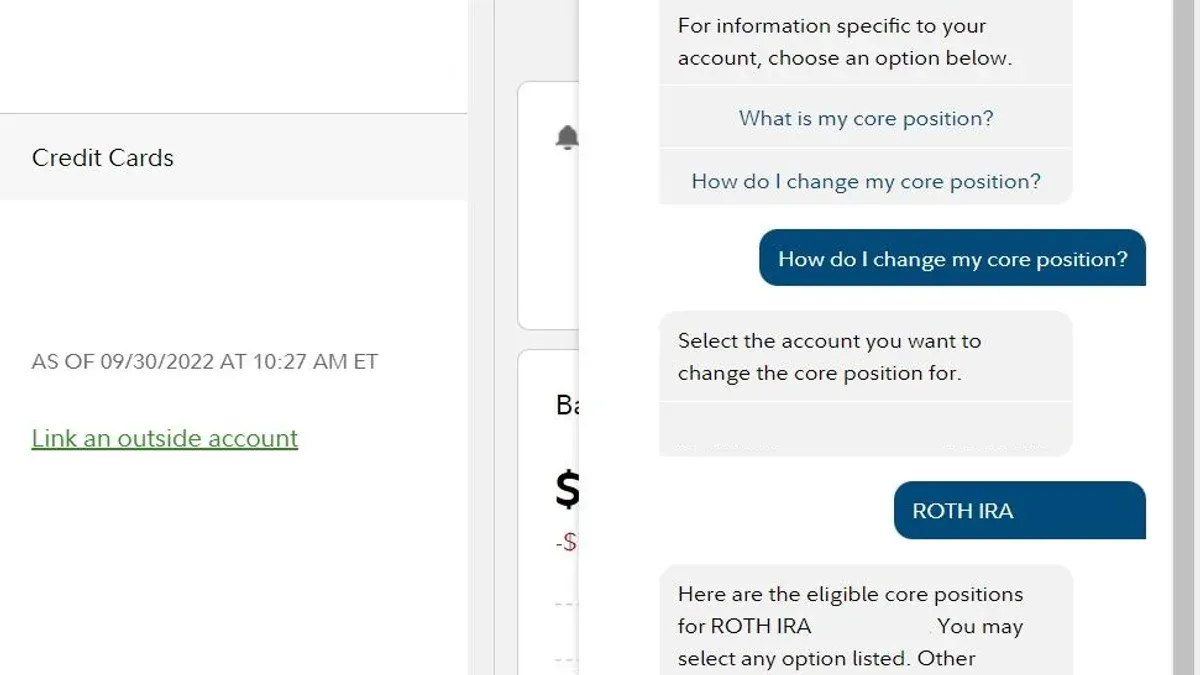
When cash is swept into partner banks, it is deposited and insured by those banks, meaning if one bank fails, the FDIC coverage protects the deposited funds up to the limit. Fidelity typically spreads cash across multiple banks to increase total FDIC insurance coverage, allowing customers to have more than $250,000 insured through this arrangement.
It is important to distinguish between FDIC insurance and Securities Investor Protection Corporation (SIPC) protection. While FDIC insurance covers cash deposits, SIPC protects brokerage securities and cash in the event of a brokerage firm failure, but does not insure against investment losses from market fluctuations.
For example, if a Fidelity cash management account holds $500,000 in cash, Fidelity may allocate $250,000 to one partner bank and $250,000 to another. Each portion is separately insured by the FDIC. However, investments like stocks or bonds held in the account do not have FDIC insurance but are protected by SIPC up to applicable limits.
Tip: Review Fidelity’s "Cash Management Account Sweep Program" disclosure for the most current details on bank partners and insurance coverage.
How to hide accounts on Fidelity for privacy or security?
Fidelity does not offer a direct "hide account" feature within its platform. However, users can manage account visibility primarily through linked account settings and display options in the online dashboard. For example, within the "Accounts & Trade" menu, selecting "Account Summary" allows customization of which accounts appear by using the "Edit View" or "Settings" gear icon, where accounts can be grouped or reordered to limit immediate visibility.
Privacy controls extend to session management and device recognition. Users can remove linked external accounts or unlink certain assets from the consolidated view by navigating to "Profile" > "Linked Accounts." This reduces exposure on shared or public devices. Additionally, Fidelity’s platform permits setting up personalized alerts and notifications to monitor account activity discreetly.
Limitations exist as all accounts remain accessible once logged in; no method fully hides accounts from the account holder’s interface. For instance, if a spouse accesses a shared login, they will see all linked accounts unless separate user permissions or individual logins are established. The platform’s security model prioritizes protection over selective account concealment.
Tip: Use separate Fidelity logins for different users or account groups to maintain privacy rather than relying on hiding accounts within one login.
Frequently asked questions
Why my account not verified on fidelity?
An account may not be verified on Fidelity if the personal information provided does not match official records or if required identity documents have not been submitted. Verification issues can also arise from incomplete application steps or delays in processing. Checking the account status under the "Profile" or "Account Settings" section can provide specific guidance on missing verification elements.
Is fidelity having login issues?
Login problems with Fidelity can result from scheduled maintenance, server outages, or technical glitches affecting the website or app. Users might experience error messages, slow responses, or inability to access accounts during these times. Fidelity typically posts updates on system status on their official site or social media channels.
How to lock fidelity account?
To lock a Fidelity account after suspicious activity, contacting Fidelity’s customer service immediately is essential. Representatives can temporarily freeze the account to prevent unauthorized transactions. Additionally, changing the account password and enabling two-factor authentication through the "Security Settings" can enhance protection.
What's wrong with fidelity?
Issues with Fidelity can stem from technical outages, security lockdowns due to unusual activity, or user errors such as incorrect login credentials. Occasionally, updates to the platform may cause temporary disruptions. Checking Fidelity’s status page or contacting support clarifies the nature of the problem.
Is Fidelity having login issues right now?
Current login issues can be verified by visiting Fidelity’s official status page or trusted third-party outage monitoring websites. If widespread problems exist, Fidelity usually acknowledges them and provides estimated resolution times. Individual login failures may still require troubleshooting steps like clearing browser cache or resetting passwords.
What this guide does not cover and when to seek professional help
This article does not cover legal recourse or dispute resolution beyond Fidelity’s internal processes. Users who have experienced significant financial losses or suspect fraud involving large sums should consult financial or legal advisors promptly. The advice provided here is tailored to typical retail Fidelity accounts and may not apply to institutional, retirement, or other specialized account types, which often have different protocols and protections.
For any issues beyond account access, security settings, or basic recovery steps, contacting Fidelity’s customer support directly remains the most effective first move. Ensuring multifactor authentication is enabled is a critical step often overlooked but essential for ongoing protection.
Tip: Regularly review account activity under the “Account Activity” tab to spot any unauthorized transactions early.
Start by logging into the Fidelity website or app and immediately changing the account password following any suspicious activity. This straightforward action will often contain potential damage and is the single most useful next step in recovering control and securing the account.
See also: How to Identify, Recover, and Secure a Hacked E*TRADE Account · What to Do If Your Chase Account Is Hacked: A Clear Recovery Guide · What to Do If Your Citi Account Is Hacked: Clear Steps to Recover and Secure · What to Do If Your Capital One Account Is Hacked: A Clear Recovery Guide