What to Do If Your Zelle Account Is Hacked
Discover how to respond quickly if your Zelle account is hacked to protect your funds and regain secure access.

Delaying action can leave you fully liable.
Checked in November 2026 against Fortified Finance, wikiHow, Rentaba (full list at the end); details like these change, so the date matters.
How can my Zelle account be hacked
Your Zelle account can be compromised through several common methods that target your authentication and device security. One major risk is SIM swapping, where a scammer tricks your mobile carrier into transferring your phone number to a new SIM card. This gives them access to SMS codes sent for authentication, including those for Zelle transactions, enabling unauthorized access to your account.
Malware and keyloggers installed on your device can also capture your login credentials and authentication codes as you enter them. These malicious programs run silently in the background, collecting sensitive information without your knowledge.
Relying on SMS text codes for two-factor authentication leaves you vulnerable to SIM swapping attacks. Authenticator apps like Google Authenticator or Authy generate codes on your device and do not depend on your mobile network, making them a more secure option.
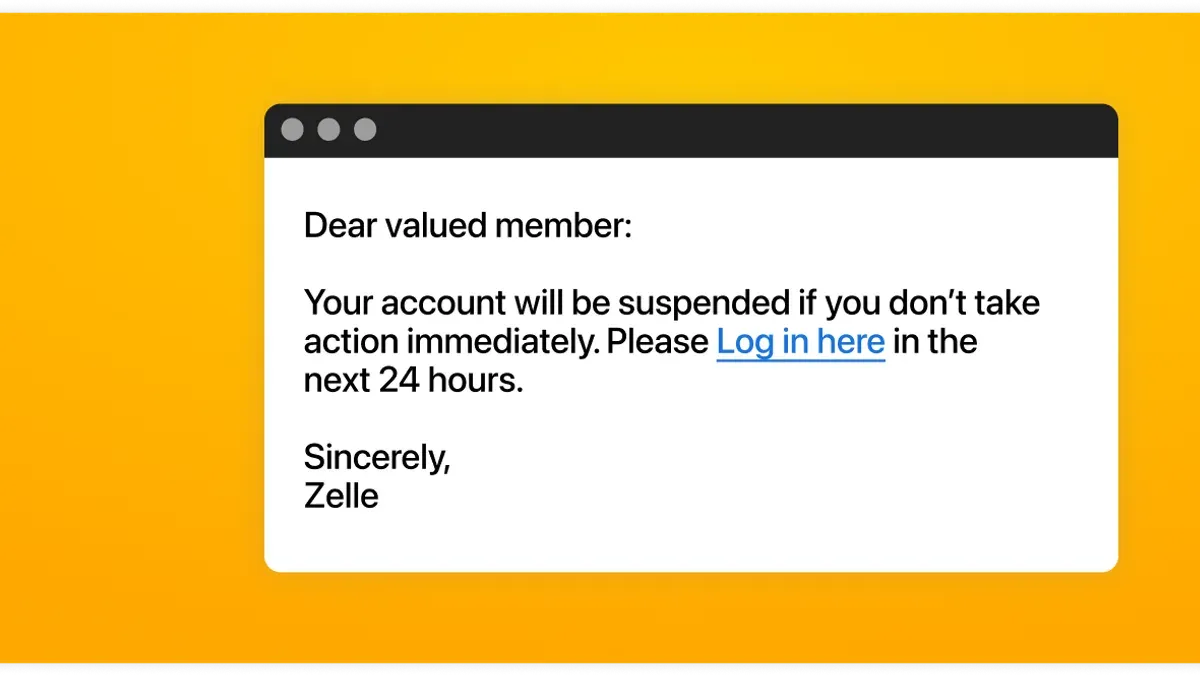
Phishing schemes and social engineering are other methods hackers use to deceive you into revealing your login details. For instance, a scam email or text might direct you to a fake login page designed to steal your credentials.
Using Zelle to send money to strangers or unknown parties also increases your exposure to scams and fraud. Zelle is intended for transactions between trusted contacts, so sending funds outside your trusted network carries significant risk.
Tip: Protect your phone account with a secret password or PIN at your carrier to reduce the risk of SIM swapping.
Learn more about SIM swapping risks.
How to unlock a Zelle account if it is locked
If your Zelle access is locked due to suspicious activity or security concerns, start by visiting your bank’s official website or mobile app. Locate the login page and select the "Forgot password" option. You will be prompted to verify your identity, usually through email or phone verification.
Keep in mind that if your email or phone accounts are compromised, this verification step is vulnerable and may not restore secure access. If you cannot regain access this way or suspect your account was hacked, call your bank directly by phone. Phone contact bypasses the vulnerabilities of automated methods and improves your chances of recovering stolen funds.
| Symptom or Message | Cause | Fix |
|---|---|---|
| "Account locked due to suspicious activity" | Bank detected unusual transactions or login attempts | Contact bank by phone immediately to verify identity and restore access |
| "Password reset link not accepted" | Email or phone verification compromised or out of date | Call bank directly; update contact details once access regained |
| "Verification code not received" | Phone number or email hacked or changed | Reach out to bank support by phone to confirm identity |
Once you regain access, reset your passwords for both your bank account and linked Zelle profile. Review any devices authorized to access your account and remove unknown ones. This limits further unauthorized activity after unlocking.
Tip: Phone carrier secret passwords can prevent unauthorized SIM swapping, a common cause of account lockouts.
Automated recovery fails here. Calling your bank directly in this case is essential to prove your identity and regain control.
Contacting your bank immediately by phone remains the most effective step when automated tools stall or your account is suspected of compromise.
How to make a Zelle account and what type of account is Zelle
Zelle is not a standalone bank account but a digital payment service that links directly to your existing U.S.-based bank account. You can access Zelle either through your bank’s online platform—if your bank participates in the Zelle network—or via the Zelle app, which requires connecting a valid bank account.
To create a Zelle account, start by enrolling your email address or mobile phone number. If you use your bank’s website, log in and find the Zelle enrollment section. If you choose the Zelle app, download it, then enter your phone number or email to begin. Next, verify the contact method by entering a code sent to that email or phone.
After verification, link your bank account by securely providing your bank login credentials. This process often involves authenticating through your bank’s own system. Once linked, you can send and receive money, with transfers typically completing instantly and treated like wire transfers, making them almost impossible to reverse once sent.
For example, if you open the Zelle app and register your mobile number, you will receive a verification code via SMS. After entering this code, you will enter your bank details for linking. From that point, payments you send move directly between bank accounts, using Zelle as the payment pathway rather than holding funds itself.
Tip: Ensure your email and phone number linked to Zelle are secured, as these are used for verification and can be exploited if compromised.
How to access your Zelle account securely
Use only your bank’s official app or website, or the official Zelle app to access your Zelle account. Avoid logging in through third-party sites or apps that claim to offer Zelle access, as these can expose your credentials to hackers. Never use public Wi-Fi or shared devices when handling Zelle transactions, since unsecured networks can be intercepted by attackers.
Create a strong, unique password for your bank or Zelle login, and keep it in a dedicated password manager such as Bitwarden, 1Password, or KeePass.
Activate two-factor authentication with an authenticator app like Google Authenticator or Authy instead of relying on SMS codes. SMS-based authentication is vulnerable to SIM swapping attacks, where hackers take control of your phone number and intercept codes. Authenticator apps generate time-based codes locally, which cannot be intercepted remotely, providing a stronger security layer.
For example, if you log in to your bank’s app on your home device, use a password manager to fill in a complex password and then complete login with a code from your authenticator app. This approach stops attackers from accessing your account even if they steal your password, as they would also need physical access to your authenticator device.
Tip: Regularly update your apps and devices to patch security vulnerabilities that hackers might exploit to bypass these protections.
How many times has Zelle been hacked and has Zelle itself been hacked
Zelle's platform itself has not suffered any large-scale security breaches. Most incidents arise from attacks on individual users, such as compromised login credentials or SIM swapping, rather than vulnerabilities in Zelle’s system. This distinction is important: Zelle transfers are almost immediate and processed like wire transfers, so once money moves out, it is nearly impossible to reverse the transaction without the receiving bank's cooperation.
Because of this, attackers focus on exploiting user weaknesses, not the Zelle network. For example, a hacker who gains control of your phone number through SIM swapping can intercept SMS verification codes and initiate transfers swiftly. Once the transfer completes, recovering funds depends heavily on how quickly you report the unauthorized activity to your bank.
Banks typically limit their liability for unauthorized transfers to $50 if you notify them within two business days and up to $500 if reported within 60 days. After that, you may bear full losses. This creates a narrow window where acting fast can reduce your financial damage.
Tip: If you suspect unauthorized transfers, call your bank immediately by phone rather than using email or app messages to improve your chances of recovery.
In summary, Zelle’s security issues stem mainly from user-targeted scams, not from direct hacks of its systems. Understanding this helps you focus on protecting your credentials and acting quickly if your account is compromised.
What to do right after you notice unauthorized Zelle transfers
First, call your bank immediately using the phone number printed on your debit card or your bank statement. Do not rely on email or app messaging to report unauthorized transfers, as phone contact is essential for prompt action.
Report the unauthorized transfer within two business days to limit your liability to $50. If you miss this window but report within 60 days, your liability may increase to $500. Reporting after 60 days can result in full liability, depending on your bank's policies.
Change your bank and email passwords without delay and carefully review recent account activity to detect any further suspicious transactions. This reduces the risk of additional unauthorized access.
If you receive an unexpected Zelle payment or are asked to send money back, do not comply. Instead, contact Zelle directly at 1-844-428-8542 and inform your bank. These situations often indicate scams.
| Your situation | Action to take | Key fact |
|---|---|---|
| Unauthorized Zelle transfers noticed | Call your bank immediately using the phone number on your debit card or statement to report and seek recovery | Phone contact improves recovery chances |
| Unexpected Zelle payment or overpayment | Do not send money back; contact Zelle and your bank | Scams exploit fake payments |
Example: If you spot a Zelle transfer you did not authorize, immediately call the number on your debit card to report it. Waiting to change passwords or send emails can cost you valuable time and increase your financial responsibility.
Tip: Keep your bank’s customer service number saved separately to access it quickly in emergencies.
Common pitfalls and scams involving Zelle business accounts
Zelle does not provide seller or buyer protection. This means that scams involving overpayments, fake transactions, or requests to return money often result in permanent losses. For businesses, this risk is heightened as scammers exploit trust and urgency to trick recipients.
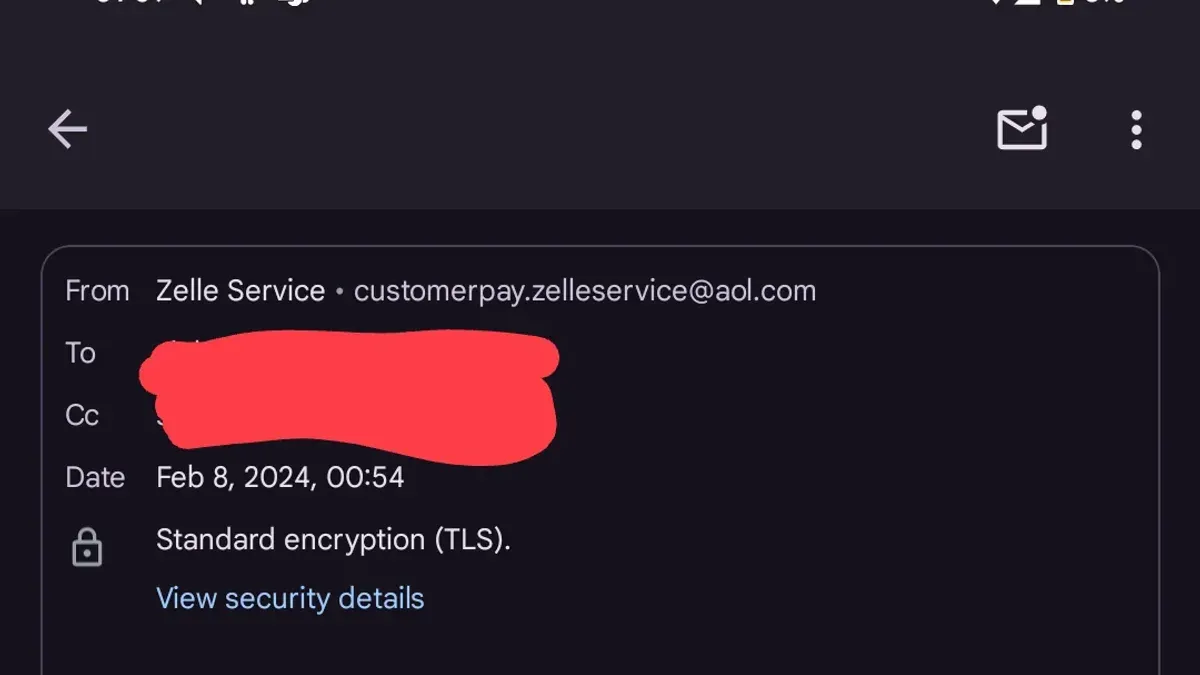
A common scam targets business accounts by impersonating banks or Zelle representatives. Scammers may claim you need to upgrade your account or verify details, then ask for payments to accounts controlled by them. Such requests often come with pressure to act quickly.
Imagine receiving an unexpected payment that exceeds the owed amount. The scammer then asks you to refund the difference. Sending money back without verification almost always results in losing both the original funds and the refund.
If you get an unexpected overpayment or suspicious instruction, do not send money back. Instead, immediately contact Zelle directly at 1-844-428-8542 and your bank to confirm the transaction’s legitimacy and report potential fraud.
Using Zelle for business requires extra vigilance. Always verify payment requests with known contacts, avoid transactions with strangers, and be wary of unsolicited account upgrade offers. These precautions reduce the risk of falling victim to scams that Zelle’s system does not protect against.
Tip: Set a secret password with your mobile carrier to prevent SIM swapping and avoid SMS-based verification methods for better security.
Zelle does not offer seller protection, so businesses must treat all unexpected or unusual activity with suspicion.
Topics excluded from this article and guidance on when to get expert assistance
It does not address legal actions or recovery efforts beyond these services.
Attempting to fix such infections without expertise can worsen the problem or lead to further data breaches.
For instance, if you’re a merchant dealing with repeated overpayment scams or impersonation attempts, consulting an attorney experienced in financial fraud can help protect your interests beyond what Zelle or your bank can offer.
Professional help can guide you through these challenges when the situation exceeds typical account recovery measures.
- What to Do If Your Venmo Account Is Hacked
- How to Recover and Protect Your Walmart Account After a Hack
- How to Change Your Zelle Password and Account Information Safely
- What to Do If Your SoFi Account Is Hacked: Clear Steps and Recovery
Frequently asked questions
How to make zelle account?
You create a Zelle account through your bank's mobile app or website if it supports Zelle. If your bank does not offer Zelle directly, you can download the Zelle app and register using a U.S. mobile number and a linked eligible bank account. The process involves verifying your email or phone number and connecting your bank account for transfers.
Do i have a zelle account?
If you have registered with Zelle via your bank or the Zelle app using your email or U.S. phone number, you have a Zelle account. Check your bank’s payment or transfer settings or try logging in to the Zelle app to confirm your registration status.
Can zelle be hacked?
Zelle itself has not been hacked as a system, but accounts linked to it can be compromised through methods like SIM swapping, phishing, or unauthorized access to your email or bank credentials. Protecting your phone carrier account and bank login is essential to prevent unauthorized access.
Can zelle account be hacked?
Yes, your Zelle account can be hacked if someone gains access to the email, phone number, or bank account linked to it. Common attack methods include SIM swapping and phishing scams that steal your login credentials or verification codes.
Do I have a Zelle account if I never signed up?
You do not have a Zelle account if you never registered with the Zelle app or through your bank’s platform. However, some banks may pre-enroll customers for Zelle services, so verify with your bank if you are unsure.
Can Zelle be hacked through my email or phone?
Compromise of your email or phone can lead to unauthorized access to your Zelle account because these are used to verify your identity. Protecting your email with strong passwords and securing your phone service against SIM swapping with carrier-level passwords helps reduce this risk.
Choosing the right steps based on your situation
Contacting Zelle promptly after your bank report helps secure your account but does not reverse transfers. If your account is locked, follow the specific failure fixes before attempting further recovery actions, as skipping this can delay regaining control.
For scams involving transfers to unknown recipients, recognize that Zelle offers no buyer or seller protection, so recovering funds depends largely on your bank’s policies and how quickly you act.
References
- How Zelle Accounts Get Hacked and What Actually Protects Yours — Fortified Finance
- Can Someone Hack Your Zelle? Watch Out for These Scams — wikiHow
- Can Zelle accounts be hacked | Rentaba — Rentaba
- How Zelle Accounts Get Hacked and What You Can Do About It — Fortified Finance