How to Recover and Secure a Hacked Spotify Account
Discover effective steps to recover and secure a hacked Spotify account to protect your music and personal information from unauthorized access.

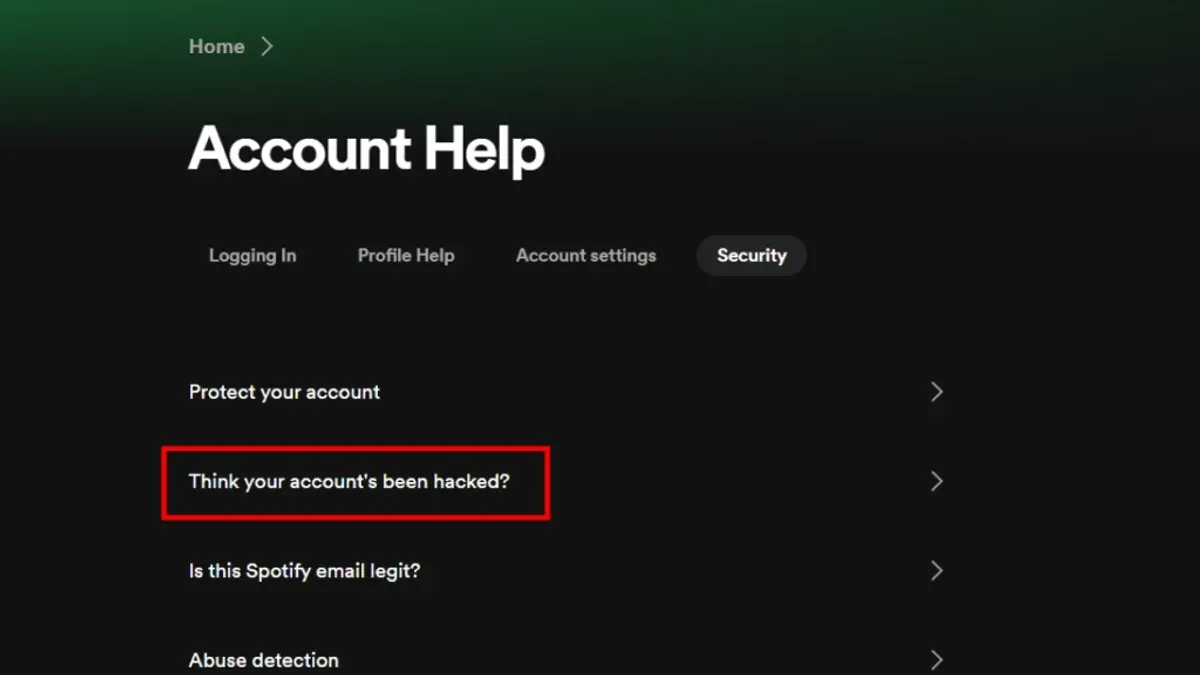
The real risk rarely comes from Spotify’s own security but from breaches on other linked services.
Start by changing the Spotify password and all associated services like email and social media accounts. Signing out everywhere on Spotify can take up to one hour to log out all devices, so initiate this step early. Monitor subscription plan changes closely; any unauthorized modification signals a breach.
Security alert emails from Spotify can help detect unauthorized logins.
Last verified November 2026 against Spotify, Spotify Community, F-Secure.
Can your Spotify account be hacked?
Attackers reuse these stolen credentials to access Spotify accounts, a method known as credential stuffing. This risk increases sharply because Spotify does not offer two-factor authentication, leaving passwords as the main defense.
Fake emails or messages pretending to be from Spotify often contain links that lead users to counterfeit login pages. Entering credentials there gives hackers direct access. Additionally, installing Spotify apps from unofficial sources can introduce malware designed to capture login details.
Without a second verification step, the attacker gains immediate access. This scenario highlights why relying on strong, unique passwords for Spotify is critical since the service itself has no extra login verification layers.
Why would someone hack a Spotify account?
Attackers target Spotify accounts primarily to gain access to premium subscriptions without paying. They can save money by using hacked accounts or resell access to others. For example, an attacker might change the subscription plan to a premium tier using the compromised account, effectively bypassing payment. Since Spotify does not change subscription plans without user consent, any unexpected plan changes indicate unauthorized access.
Hacked accounts also serve as gateways to personal data stored in connected services or linked apps. Accessing this information can facilitate identity theft or further cyberattacks. Beyond financial motives, some hackers disrupt user experience by altering or deleting playlists. These unauthorized changes can be attempts to cover their tracks or simply to annoy the account owner.
Compromised Spotify accounts may also be used to spread phishing links or malware. Attackers exploit the trust built into social connections, distributing harmful content through shared playlists or messages. Such misuse can extend the reach of an infection or scam beyond the initial victim.
Recognizing signs such as unexpected subscription changes helps identify when an account has been compromised and underscores the urgency of regaining control.
How was my Spotify account hacked?
When a password used on a different service is leaked, hackers apply credential stuffing techniques to access Spotify accounts sharing that same password. This reuse of credentials remains the primary vulnerability, allowing unauthorized entry without directly attacking Spotify's systems.
These often include links to counterfeit login pages designed to capture login credentials. Clicking such a link results in immediate credential theft and account compromise.
Malware distributed through fake or outdated Spotify applications, commonly found on unofficial sources, can install keyloggers or data-stealing software. Once active, this malware harvests login information silently, granting hackers remote access to user accounts.
Connected services, especially Facebook or email accounts linked to Spotify, pose additional risks. If these connected accounts are compromised and their passwords remain unchanged after a Spotify hack, attackers can regain access easily. Neglecting to secure these linked accounts undermines recovery efforts and allows persistent unauthorized entry.
The email redirects to a fake login page that captures credentials. Meanwhile, an outdated third-party Spotify app installed on the device silently extracts saved passwords. The combination of reused passwords and unprotected linked accounts then allows hackers to control the Spotify profile, change subscription plans, and disrupt playlists.
Why did my Spotify account get hacked?
Using the same password for Spotify and other platforms multiplies risk. Once one service is compromised, hackers can try the identical credentials elsewhere, including Spotify. Failing to act on these emails allows unauthorized users to maintain access unnoticed for long periods.
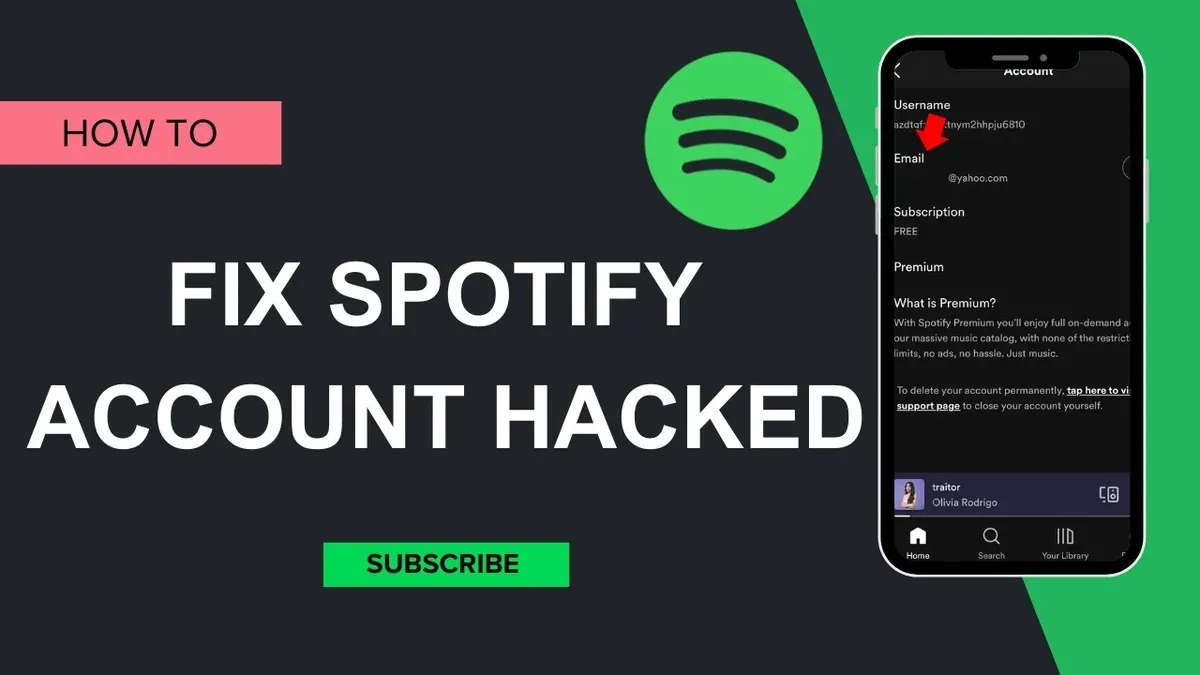
Another common pitfall is neglecting to review or disconnect third-party apps linked to the Spotify account. These apps can have extensive permissions and serve as entry points if compromised. Regularly checking the "Manage apps" section and removing unfamiliar or unused connections limits exposure. Additionally, not securing connected accounts such as email, Facebook, or Apple IDs after a hack creates a cycle of vulnerability. If an attacker controls these linked accounts, they can regain Spotify access even after the password is changed.
Consider a user who receives a login alert email but dismisses it as a glitch. Meanwhile, the attacker explores connected apps and linked services that share credentials. Without changing passwords across all related accounts and revoking suspicious app permissions, the intruder remains inside the account. This scenario highlights why proactive response to security emails and comprehensive credential changes are essential to stop ongoing unauthorized access.
What to do immediately if your Spotify account was hacked
First, reset the Spotify password on the account page to stop ongoing unauthorized access. Without this, hackers can maintain control despite other efforts. Then, use the 'Sign out everywhere' feature found by scrolling down on the account page; this logs out all devices but can take up to one hour to complete. Acting immediately to log out devices prevents continued misuse from already logged-in sessions.
Next, remove all third-party app access. Navigate to 'Manage apps' on the account page and revoke permissions from all connected apps. Such apps often serve as backdoors for hackers to regain entry even after password changes.
Finally, change the passwords of all linked services such as email, Facebook, or Apple accounts. These connected accounts often provide indirect access to Spotify or are used for account recovery. Failing to secure them leaves the door open for future breaches. After completing these steps in order, log back into Spotify with the new password and verify account details to confirm control has been restored.
Resetting the password first stops further changes. Signing out everywhere forces the hacker offline, though it may take an hour to fully log out all devices. Removing third-party apps closes any hidden access points, while disconnecting Facebook blocks one common linked service. Finally, securing all linked accounts prevents re-entry through compromised credentials elsewhere.
This ordered approach is essential; skipping or rearranging steps can leave vulnerabilities open or allow ongoing unauthorized access. Each step builds on the last to fully reclaim and secure the account. More details.
How to recover deleted playlists after a hack
If playlists have been deleted following unauthorized access, Spotify provides a way to restore them, but only if the account remains accessible. Recovery requires logging into the Spotify account on the official website. Without login access, playlist restoration through this method is impossible.
Once logged in, navigate to the Account page, then select the "Recover playlists" option. This path is: Account page → Recover playlists. The page will display a list of deleted playlists available for recovery. Select the desired playlists and confirm restoration to have them reappear in the library.
For example, if a user notices playlists missing after regaining control, they should immediately visit the Spotify website, sign in, and go through Account page → Recover playlists. This action reinstates lost playlists swiftly without needing additional support.
In such scenarios, regaining account access is the priority before attempting playlist restoration.
Restoring playlists via the account page is the fastest and most reliable method to recover content deleted during a hack. It avoids permanent loss and returns the account to its previous state once access is secured.[source]
Why is Spotify bad or what is wrong with Spotify security?
Without this layer, account protection depends entirely on strong, unique passwords and user vigilance. This gap leaves accounts vulnerable to breaches through password reuse or phishing attacks.
Unauthorized access can come via compromised external apps with granted permissions, making it crucial to regularly review and revoke app access from the Spotify account settings.
If a subscription plan suddenly changes or playlists are altered without user input, it is a clear sign of unauthorized access. For example, a premium plan downgraded or switched unexpectedly means someone else controls the account, not Spotify.
This reliance increases the chance of unnoticed breaches and extended unauthorized use.
| Feature | Web | iOS | Android | Premium Plan | Free Plan |
|---|---|---|---|---|---|
| Two-factor authentication | Not supported on any platform or plan | ||||
| Subscription change control | User-controlled only; unexpected changes indicate unauthorized access | ||||
| Third-party app access management | Available via Account page | Available via Settings | Available via Settings | Same on all plans | |
How to prevent your Spotify account from getting hacked again
Using distinct passwords prevents a breach in one account from cascading to others. Avoid reusing passwords across multiple platforms, as attackers exploit this common vulnerability to regain access.
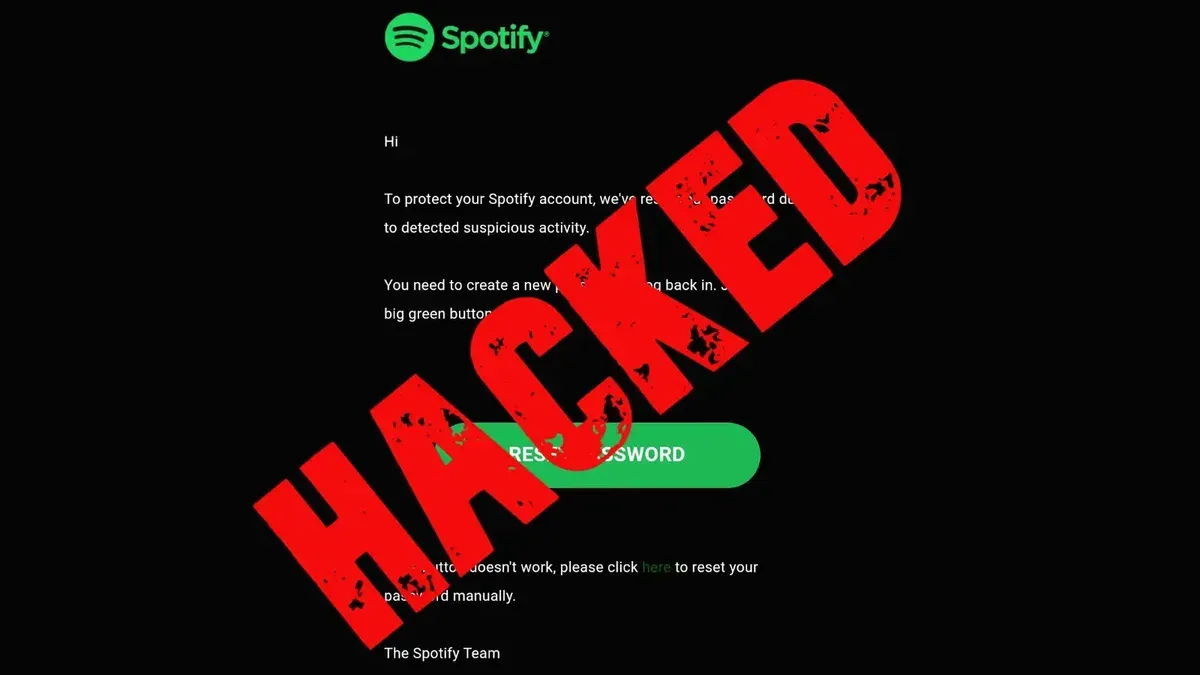
Phishing attempts remain a persistent threat. Verify the authenticity of emails and links before interacting with them. Never enter login credentials on suspicious or unfamiliar websites. These precautions stop attackers from stealing credentials via fake login pages or deceptive messages.
Keeping the Spotify app and device operating system updated is crucial. Updates patch security vulnerabilities and reduce the risk of malware infections that can compromise account information. Regularly check for and install updates to maintain a secure environment.
Regularly review all third-party applications connected to the Spotify account through the “Apps” section of the account settings. Remove any apps that are no longer needed or appear suspicious. Unused or unknown apps present a backdoor for attackers to access the account.
Disconnect Facebook integration if it is not necessary. Removing this connection shrinks the attack surface, limiting potential entry points for unauthorized users. After making these changes, recheck password strength and app connections after a few days to ensure no unauthorized changes occurred.
For example, if an account owner uses the same password for Spotify and their email, an attacker who steals the email password can breach Spotify despite a password reset. Changing both passwords and auditing connected apps prevents this common pitfall. This layered approach is essential to block repeat hacks. a few words.
What to do if you cannot access your hacked Spotify account
When login access is lost due to hacking, immediate recovery depends on contacting Spotify support directly. Prepare proof of ownership such as payment receipts or bank statements showing Spotify charges. Avoid sharing full credit card details; partial information suffices and protects financial security.
Submit a recovery request through Spotify’s official support channels and include the prepared documentation. The support team verifies account ownership based on this evidence before allowing password resets or account control restoration. This process can prevent hackers from locking users out permanently.
For example, if a hacked user cannot log in and notices unauthorized subscription changes or missing playlists, they should gather recent bank statements showing Spotify payments. After submitting these documents to Spotify support, the user must follow instructions carefully and respond promptly to any requests for additional information.
This recovery path is the only option when password resets or email access fail. Patience is necessary, as verification and restoration may take time. Maintaining copies of payment proof beforehand can speed up this process and improve chances of regaining full account control.
More details and recovery steps are available at Spotify’s hacked account help page.
Frequently asked questions
How has my spotify account been hacked?
Spotify accounts are commonly hacked through compromised passwords obtained from data breaches on other platforms, phishing scams targeting login credentials, or malware that captures keystrokes. Weak or reused passwords increase vulnerability. Additionally, unauthorized access may result from linked third-party apps with insufficient security controls.
Why was my spotify account deleted?
Account deletion usually occurs as a result of a hack where attackers intentionally remove the account or violate Spotify's terms via unauthorized actions. It can also happen if the account remains inactive for a prolonged period or through errors in automated security systems reacting to suspicious activity.
What's wrong with spotify?
Spotify lacks multi-step login protection, which many services provide, making accounts more susceptible to unauthorized access. The time delay—up to one hour—to sign out everywhere allows attackers a window to maintain control even after password changes.
Pages this guide relies on
- Think your account’s been hacked? - Spotify — Spotify
- My account got hacked - Spotify Community — Spotify Community
- Spotify hacked? How to spot the signs and protect your account | F‑Secure — F-Secure
See also: How to Recover and Secure a Hacked Skrill Account · How to Recover and Secure a Hacked Robinhood Account · How to Identify, Recover, and Secure a Hacked Netflix Account · How to Recover and Secure a Hacked Disney+ Account