What to Do When Your BeReal Account Is Hacked
This guide explains how to recover, protect, and manage your BeReal account hacked to keep your personal information safe.

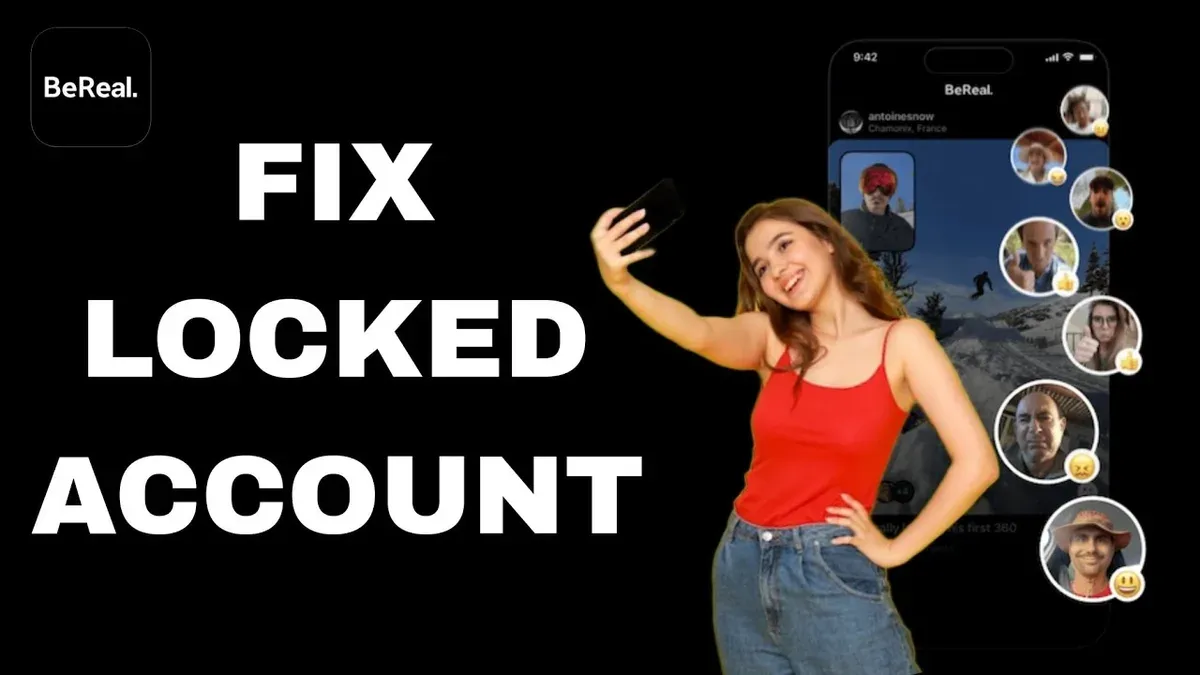
This article explains what steps to take when a BeReal account hacked situation occurs, covering recovery, protection, and account management options.
BeReal, a social media app focused on authentic sharing, requires users to secure their accounts to prevent unauthorized access. If a BeReal account hacked event happens, it may lead to privacy breaches, unwanted posts, or loss of control over personal information. Knowing how to respond quickly can minimize damage and restore account security.
Beyond recovery, the guide also addresses how to delete a BeReal account safely and how to use BeReal on a PC, highlighting the security implications of each choice. This provides a comprehensive resource for users concerned about account safety and management.
Understanding BeReal and Why Account Security Matters
BeReal is a social media app centered on authentic, spontaneous photo sharing. It prompts users once a day at a random time to capture and share a dual-camera photo within a short window, encouraging genuine moments rather than curated content. This design fosters a unique social experience but also introduces privacy and security challenges.
The app’s emphasis on real-time sharing means personal moments, locations, and surroundings are frequently exposed. If a BeReal account is hacked, attackers can access these private images and potentially impersonate the user, damaging trust among friends and contacts. Unlike platforms optimized for controlled content sharing, BeReal’s immediacy can amplify the impact of unauthorized access.
With millions of users worldwide, growth in BeReal’s popularity has been accompanied by reports of hacks and security breaches in similar photo-focused apps. For example, unauthorized access can lead to misuse of personal images or identity theft. Protecting BeReal accounts is crucial not only to safeguard privacy but also to maintain the integrity and spontaneity that define the app’s appeal.
Tip: Regularly review connected devices and enable any available security features within BeReal to reduce risk.
What Happens If a BeReal Account Is Hacked
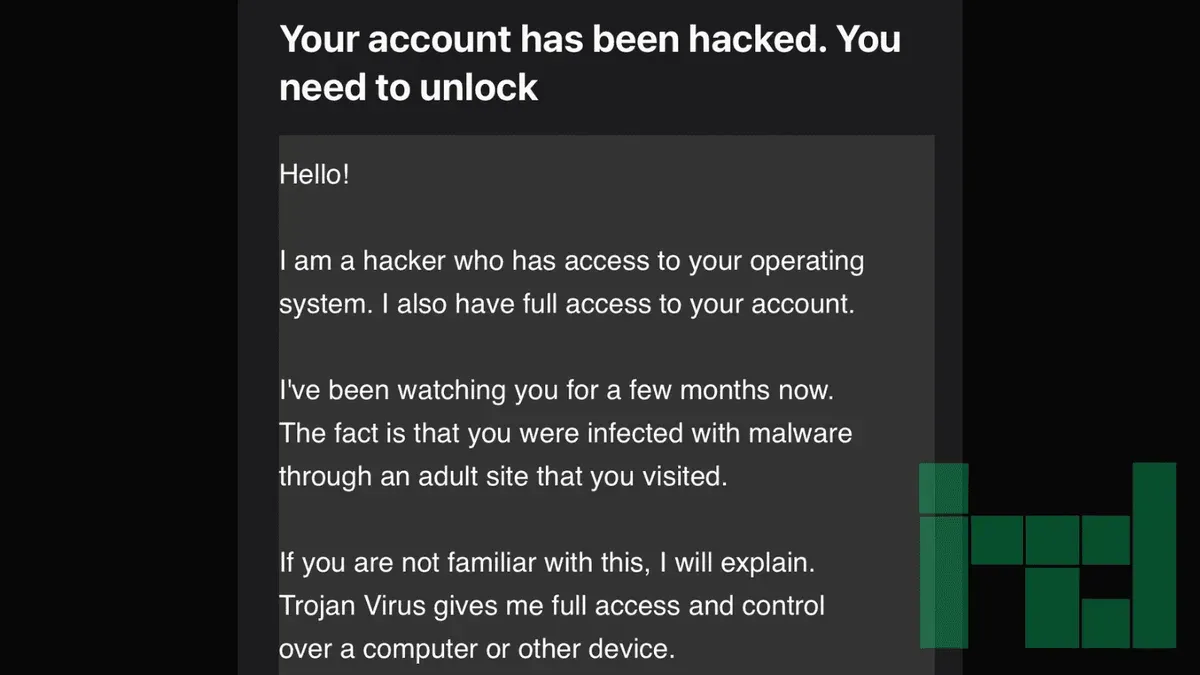
When a BeReal account is hacked, the original owner loses control over their profile and posted content. Hackers can post unauthorized photos or send messages that misrepresent the user, potentially damaging personal reputation and trust among friends. For example, a compromised account might share inappropriate or misleading images, causing confusion or harm to social connections.
There is also a risk that hackers gain access to personal information linked to the account, such as contacts or profile details. This can lead to privacy breaches or attempts to scam people within the user's social circle. A common scenario on social media platforms involves cybercriminals impersonating victims to solicit money or sensitive information from their contacts.
The impact extends beyond the immediate account, affecting social relationships and the user's online presence. Recovery may be complicated by the spread of false content or misinformation posted during the breach, highlighting the importance of prompt action.
What to Do If Your BeReal Account Has Been Hacked
Upon suspecting a BeReal account has been hacked, immediate action minimizes damage. First, change the account password through BeReal’s app settings under Profile > Account > Change Password. Then, log out of all active sessions by selecting Security > Log Out of All Devices if available. This prevents further unauthorized access.
Next, contact BeReal’s official support via the app or their website’s help center to report the breach and seek account recovery assistance. Provide any requested information to verify ownership.
Review connected apps and permissions in Settings > Connected Apps for unusual links or third-party access, and revoke any suspicious connections. If offered, enable two-factor authentication through Security > Two-Factor Authentication to add an extra security layer.
After recovery, monitor account activity closely for unusual posts or logins. For example, a user who noticed unexpected posts promptly changed their password, logged out all devices, reported the issue to BeReal support, revoked a suspicious third-party app, and enabled two-factor authentication, successfully regaining control.
How to Delete a BeReal Account Safely
After a BeReal account is hacked, some users may choose to delete their account to fully cut ties with compromised data and regain control over their digital footprint. Before deletion, it is crucial to save any photos or memories, as deleting the account permanently removes access to all content stored within the app.
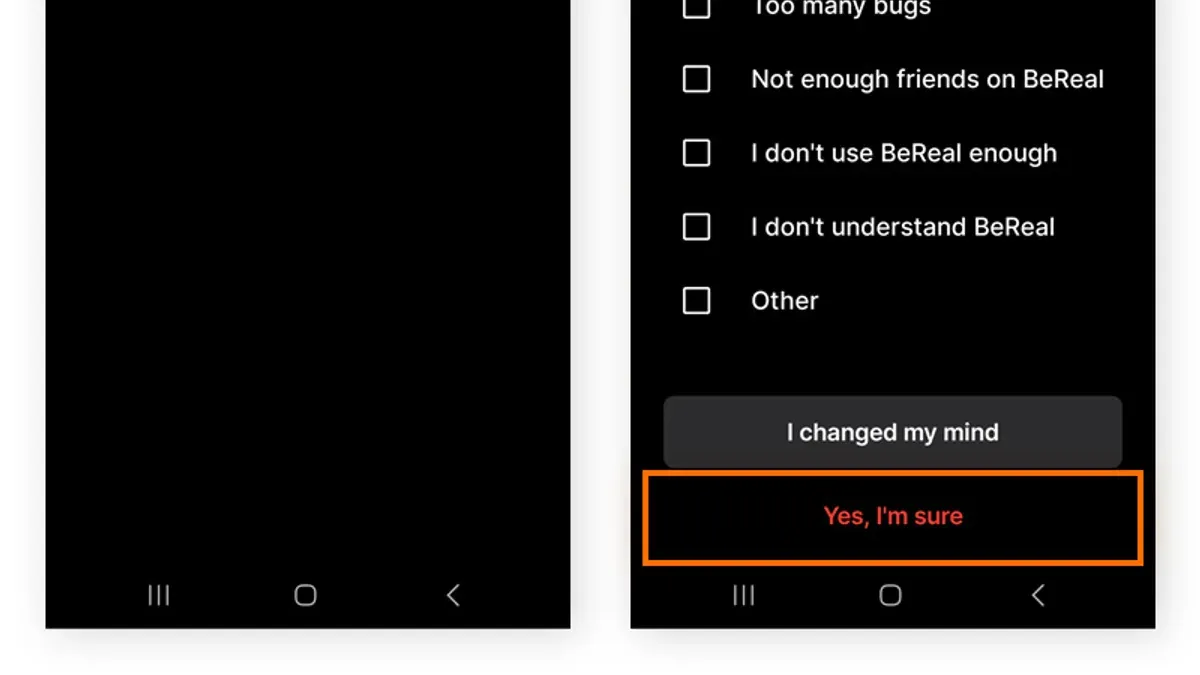
To delete the BeReal account, open the app and navigate to Settings by tapping the profile icon, then the gear symbol. Scroll down to find Delete my account. After selecting this option, the app will ask for confirmation and may prompt for your password to verify identity. Confirming this action initiates permanent deletion.
Deleting the account removes all photos, profile information, and personal data from BeReal’s servers. However, some data, such as logs or backups, might remain temporarily due to retention policies. Also, any content shared by others that includes the user’s interactions may persist.
For example, a user who suspects unauthorized access might save favorite BeReal photos to their device, then follow the steps above to delete the account, ensuring no lingering access remains.
Tip: Back up important photos and data before deleting, as recovery after deletion is not possible.
How to Use BeReal on PC and Its Security Implications
BeReal primarily functions as a mobile app, and there is no official desktop version available. Users wanting to access BeReal on PC typically rely on Android emulators like BlueStacks or third-party web clients, though these options come with notable risks.
Android emulators replicate the mobile environment but require granting extensive permissions and access to personal data, which can expose the account to potential vulnerabilities if the emulator is compromised or poorly maintained. Third-party web clients often ask for login credentials and may not have the same security standards as the official app, increasing the risk of account theft or data misuse.
For example, using an emulator to post BeReal photos can be convenient but may bypass built-in app security features such as device verification or two-factor authentication prompts, potentially making it easier for unauthorized access to occur.
Best practices for PC use include avoiding unofficial apps when possible, ensuring strong, unique passwords, enabling two-factor authentication on BeReal accounts, and regularly reviewing connected devices and sessions via the app’s settings. Users should also be aware that BeReal’s PC options often lack full functionality, such as real-time notifications or camera integration, limiting the experience compared to mobile use.
What to Do If All Your Accounts Have Been Hacked
When multiple accounts are compromised simultaneously, immediate action is crucial to limit damage. Begin by changing passwords on all affected platforms and any accounts sharing those credentials. Use strong, unique passwords generated by a trusted password manager to prevent easy guessing or reuse. Review linked accounts and connected apps—for instance, social media linked to email or third-party services—and revoke access where necessary.
Enable multi-factor authentication (MFA) wherever possible to add an extra layer of security. Experts recommend MFA as one of the most effective defenses against account compromise, even if passwords are leaked. If the breach impacts financial or sensitive personal information, consider contacting your bank and relevant authorities promptly.
For example, imagine a user whose email, social media, and cloud storage accounts are hacked due to a single reused password. Attackers could reset other accounts, access private files, or impersonate the user. Immediate password changes, MFA activation, and reviewing account recovery settings can prevent further exploitation.
Tip: After securing accounts, monitor activity logs and set up alerts for suspicious sign-ins to catch unauthorized access early.
Common Mistakes to Avoid After a BeReal Account Is Hacked
Ignoring a hack or delaying response can allow attackers to deepen access or misuse accounts further. Cybersecurity reports often highlight cases where users waited days to act, resulting in stolen personal data or unauthorized messages sent to contacts. For example, a user who delayed changing their password found their BeReal account used to send fake posts promoting scams.
Using weak or reused passwords remains a frequent error that facilitates repeated breaches across multiple platforms. Attackers exploit password reuse to access other personal accounts once they compromise BeReal credentials.
Falling for phishing attempts during account recovery is another common pitfall. Fake emails or messages claiming to be from BeReal support can trick users into sharing login details or verification codes, worsening the situation.
Not reviewing account permissions and connected apps after regaining access leaves potential backdoors open. Users often overlook revoking access for suspicious third-party apps linked via account settings.
Sharing sensitive information publicly, such as posting about the hack on social media with personal details, can expose users to further scams or identity theft.
Tip: Act promptly, use strong unique passwords, verify communications, audit app permissions, and keep sensitive information private to avoid common recovery mistakes.
Further reading
- Step-by-Step Guide for What to Do When a WooCommerce Site Is Hacked
- Magento Site Hacked: Essential Steps to Diagnose and Recover Securely
- Joomla Site Hacked: Clear Steps to Diagnose and Recover Securely
- How to Scan a Website for Malware: A Clear Step-by-Step Guide
Frequently asked questions
How to delete bereal account?
To delete a BeReal account, open the app and go to your profile by tapping your avatar. Select the settings gear icon, scroll down to the bottom, and tap "Delete my account." Follow the on-screen prompts to confirm the deletion. Note that deleting the account is permanent and removes all your content.
What do i do if my accounts have been hacked?
If multiple accounts have been hacked, immediately change passwords on all affected services, prioritizing those using the same credentials. Enable two-factor authentication where available and review connected apps or devices for unauthorized access. Contact the support teams of each platform to report the breaches and follow their recovery procedures.
What happens if my account is hacked?
A hacked BeReal account may be used to post unauthorized content or access personal information tied to the profile. The attacker can impersonate the user, potentially misleading friends or contacts. It also risks privacy violations and may lead to further security breaches if linked to other accounts.
how to delete bereal account
Deleting a BeReal account requires navigating to the profile settings within the app. After tapping the gear icon, scroll to "Delete my account" and confirm. This action cannot be undone and will erase all data associated with the account.
how to use bereal on pc
BeReal does not offer an official desktop app, but users can access it on PC through an Android emulator or by using the web version if available. Using an emulator involves downloading software like BlueStacks and installing BeReal within it. These methods may have security implications, so it is advisable to use them cautiously and ensure the emulator comes from a reputable source.
Limitations of this advice
This advice focuses on user-level recovery and security; it does not cover scenarios involving advanced targeted attacks, such as sophisticated phishing campaigns or malware infections, nor does it address legal actions related to account breaches. Users facing such complex situations should seek professional cybersecurity assistance or legal counsel to ensure appropriate measures are taken.
The single most effective next step after suspecting a BeReal account has been compromised is to immediately change the account password using the BeReal app’s settings under Profile > Account > Password. This action helps prevent further unauthorized access and provides a foundation for additional recovery and security measures, such as enabling two-factor authentication and reviewing connected devices.